سطح عند الغروب
شخصية بأسلوب anime على سطح مدرسة في الساعة الذهبية، الشعر والرباط يتحركان في الريح، سماء برتقالية دافئة، تظليل cel نظيف ودفع بطيء.
تعديل الأمر النصي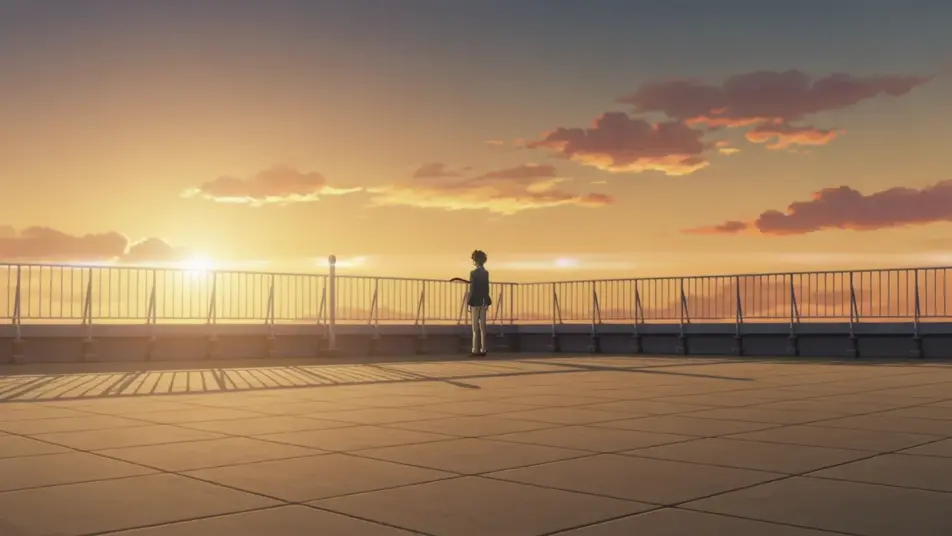
أخرج أسلوب anime داخل متصفحك مع مولّد فيديو anime بالذكاء الاصطناعي من Morphic. ولّد بطلًا على سطح عند الغروب، أو فناء مدرسة بأزهار الكرز، أو شارع مدينة مبللًا بالمطر ليلًا. أسند الصوت والموسيقى بأداتي Speech وMusic، ثم جمّع التسلسلات في فيلم قصير على Canvas.
شخصية بأسلوب anime على سطح مدرسة في الساعة الذهبية، الشعر والرباط يتحركان في الريح، سماء برتقالية دافئة، تظليل cel نظيف ودفع بطيء.
تعديل الأمر النصيفناء مدرسة بأسلوب anime تحت أزهار كرز متساقطة، بتلات وردية ناعمة تنجرف، طلاب يمرّون، تظليل cel لطيف وحركة بانورامية بطيئة.
تعديل الأمر النصي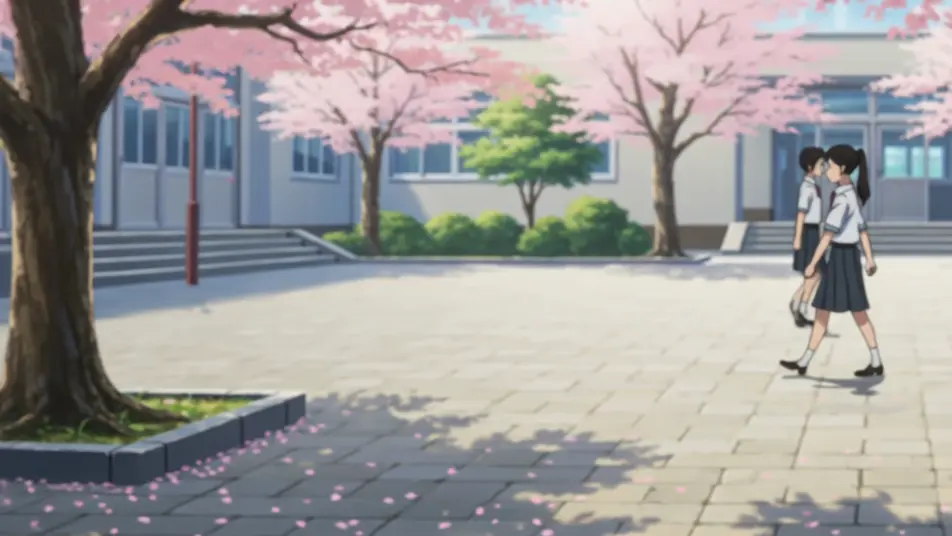
شارع مدينة بأسلوب anime يتوهّج بلافتات النيون وانعكاسات المطر، شخصية تمشي عبر الحشد، خطوط صافية وألوان باردة.
تعديل الأمر النصي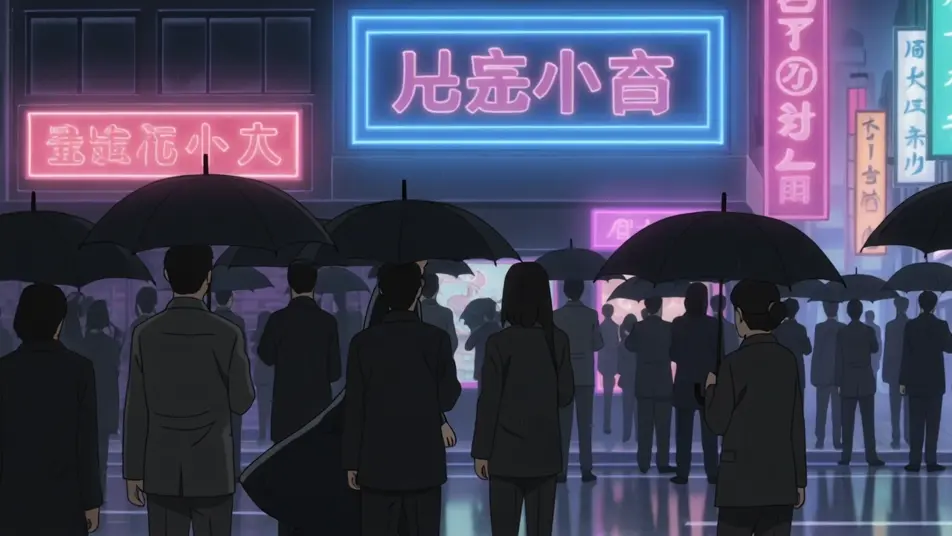
مقاتلان بأسلوب anime يتصادمان في الجوّ مع خطوط سرعة وإطار اصطدام ساطع، حطام يتطاير، تظليل cel عالي التباين وكاميرا سريعة.
تعديل الأمر النصي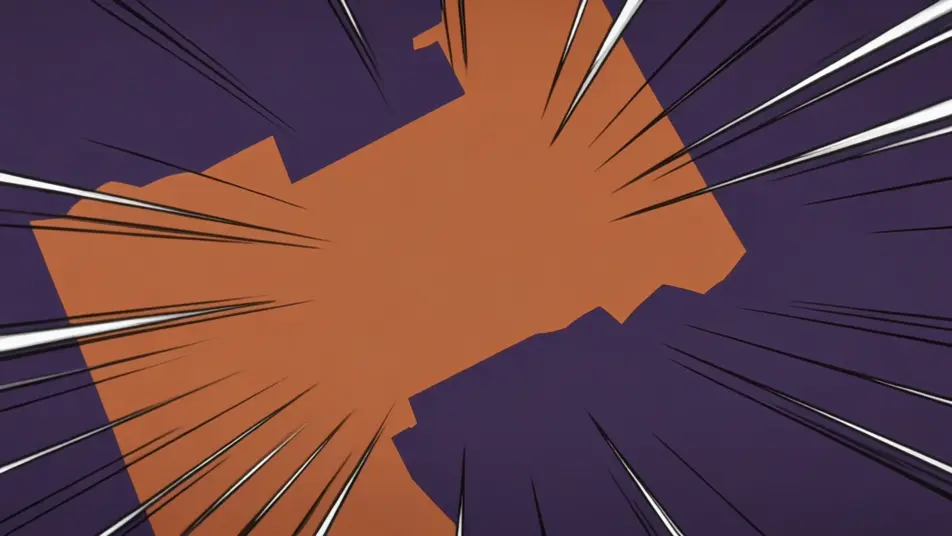
اكتب مشهد Anime الذي تريده، بكلمات بسيطة.
ينشئ Morphic مقطعا سينمائيا جاهزا للإطارات على لوحتك خلال ثوانٍ.
عدّل الأمر النصي، وأعد إنشاء التنويعات، ثم نزّل اللقطة أو شاركها.

Pick any anime illustration as your style guide. Apply its look to any image.

Turn any sketch or drawing into a finished render.

Take any character image and generate 6 distinct facial expressions on a single reference sheet.

All your characters on a single lineup image, side by side with height comparison.

Turn any photo or description into an animated chibi sprite. Dance, jump, wave, attack, and more.
Reimagine any anime character as a photorealistic, high-fashion live-action portrait.
فيديوهات رسوم المانغا المتحركة بالذكاء الاصطناعي
أنشئ فيديوهات رسوم المانغا المتحركة على Morphic: حبر أبيض وأسود، وتظليل شبكي، وخطوط سرعة، ولقطات درامية من وصف عربي بسيط.
فيديوهات أنمي شونين بالذكاء الاصطناعي
أنشئ فيديوهات أنمي شونين بالذكاء الاصطناعي على Morphic. هالات قوى وتحديات ومعارك بطولة بأسلوب أنمي احترافي، من وصف نصي بسيط.
فيديوهات anime بالذكاء الاصطناعي
أنشئ فيديوهات anime مع Morphic. مشاهد من الحياة اليومية، ولقطات Mecha، وتحوّلات الفتاة السحرية، وحلقات anime كاملة تُولَّد من موجّه واحد.
فيديوهات كرتون بالذكاء الاصطناعي
أنشئ فيديوهات كرتون مع Morphic. أساليب ثنائية وثلاثية الأبعاد وكتاب قصص وضغط ومطّ، اتساق كامل للشخصيات، ومشاهد موجّهة يمكنك تشغيلها في متصفحك.
ابدأ مجاناً اليوم، مع إمكانية الترقية أو الإلغاء في أي وقت.
Basic
2400 شهرياً أرصدة
1 مستخدم فقط
جميع النماذج
Workflows
Standard
3625 شهرياً أرصدة
1 مستخدم فقط
جميع النماذج
Workflows
Pro
6350 مشترك شهرياً أرصدة
1 مستخدم
جميع النماذج
Workflows
Max
24650 مشترك شهرياً أرصدة
1 مستخدم
جميع النماذج
Workflows
Enterprise
لحدود أعلى
مخصص
شروط الأسعار والفوترة

Free
للتجربة والاستكشاف
$0
مجاني إلى الأبد