صورة شخصية تُبنى من لوحة فارغة
لقطة علوية ثابتة للوحة رقمية فارغة تتشكّل فيها صورة شخصية بينما تضع الضربات المسرَّعة الطبقة التأسيسية والملامح والإضاءات. إضاءة متساوية، بلا حركة كاميرا، والوجه المكتمل يستقر عند الإيقاع الأخير.
تعديل الأمر النصي
وجّه لحظات إبداع مسرَّعة في متصفحك مع مولّد فيديو التسريع الزمني للفن الرقمي بالذكاء الاصطناعي من Morphic. أنشئ لوحة فارغة تمتلئ بصورة شخصية متوهجة أو مدينة تتشكّل طبقة فوق طبقة. زامن كل ضربة فرشاة مع إيقاع متصاعد بأداة Music، ثم اجمع العملية على Canvas.
لقطة علوية ثابتة للوحة رقمية فارغة تتشكّل فيها صورة شخصية بينما تضع الضربات المسرَّعة الطبقة التأسيسية والملامح والإضاءات. إضاءة متساوية، بلا حركة كاميرا، والوجه المكتمل يستقر عند الإيقاع الأخير.
تعديل الأمر النصيلقطة أمامية ثابتة لمشهد يرسم نفسه، الأفق ثم الجبال ثم السماء ثم الماء، مع تعمّق الأجواء في كل مرور. إضاءة محيطة ناعمة، ودخول لطيف نحو المشهد بينما يتّضح المنظر بألوانه الكاملة.
تعديل الأمر النصي
لقطة مسطّحة قريبة للوحة شبكية تمتلئ بمربع ملوّن واحد في كل مرة حتى يظهر مشهد كلاسيكي صغير. إضاءة واضحة، إطار ثابت، وبناء إيقاعي يُقرأ بوضوح كتسريع زمني آلي.
تعديل الأمر النصي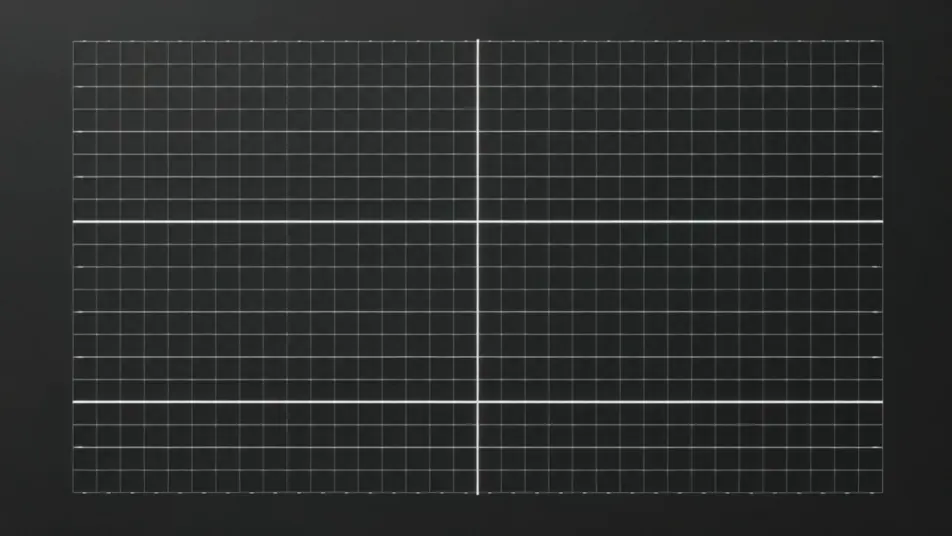
لقطة متمركزة لرسم أولي خشن ينضبط إلى خطوط نظيفة ثم يتحول إلى صورة نهائية مضاءة ومفصّلة. خلفية محايدة، كاميرا ثابتة، وواقعية ترتفع تدريجيًا عبر اللقطة.
تعديل الأمر النصي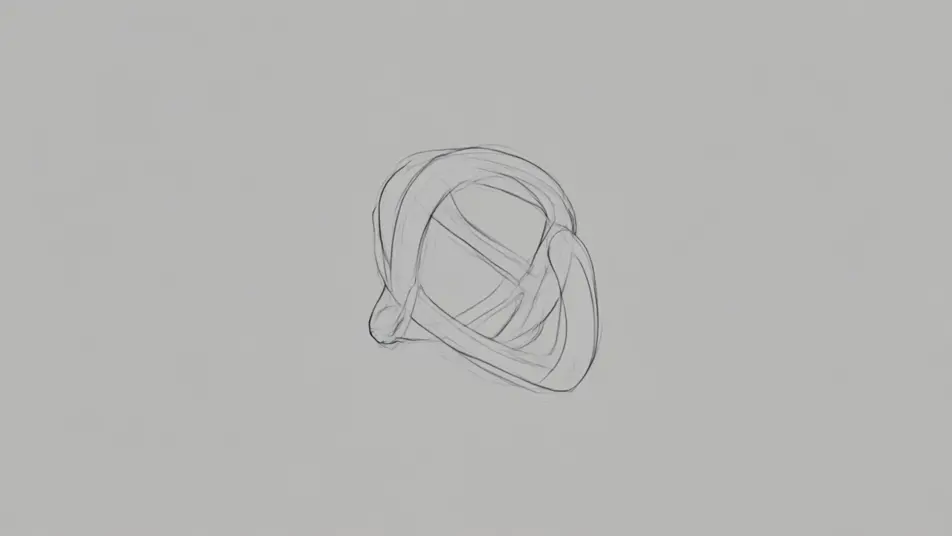
اكتب مشهد فيديو تسريع زمني للفن الرقمي الذي تريده، بكلمات بسيطة.
ينشئ Morphic مقطعا سينمائيا جاهزا للإطارات على لوحتك خلال ثوانٍ.
عدّل الأمر النصي، وأعد إنشاء التنويعات، ثم نزّل اللقطة أو شاركها.

Dramatize any text conversation into a cinematic multi-shot video.
Cinematic time-freeze short film for any scene

Generate a professional film title card from scratch, with optional cinematic animation.
Photo of any real-estate becomes a cinematic renovation timelapse video with construction SFX and music.
One image to a 9-scene cinematic video.
Drop in a photo of yourself. Get a 12-second cinematic movie with animation and a matched soundtrack.
فيديوهات شاشة التوقّف بالذكاء الاصطناعي
ولّد فيديوهات شاشة توقّف بالذكاء الاصطناعي مع Morphic. حلقات مجرّدة تنساب ببطء، تدرّجات هادئة، ومقاطع محيطية متكرّرة تعمل بلا توقّف.
فيديوهات الحلقة المحيطة بالذكاء الاصطناعي
ولّد فيديوهات حلقة محيطة بالذكاء الاصطناعي مع Morphic. خلفيات متكررة بلا قطع، ومشاهد بطيئة الحركة، ومرئيات دائمة هادئة للبثّ والشاشات والتركيز.
فيديوهات المورف بالذكاء الاصطناعي
اكتب التحوّل بالعربية واحصل على مقطع مورف جاهز: تبدّل وجوه، وتحوّل أجسام، وتقدّم في العمر، وقطعات على إيقاع الأغنية. للمقاطع الرأسية والريلز.
فيديوهات المؤثرات البصرية بالذكاء الاصطناعي
أنشئ فيديوهات مؤثرات بصرية بالذكاء الاصطناعي مع Morphic. انفجارات، طاقة، دمار مستقبلي، وجسيمات من موجّه واحد دون شاشة خضراء.
ابدأ مجاناً اليوم، مع إمكانية الترقية أو الإلغاء في أي وقت.
Basic
2400 شهرياً أرصدة
1 مستخدم فقط
جميع النماذج
Workflows
Standard
3625 شهرياً أرصدة
1 مستخدم فقط
جميع النماذج
Workflows
Pro
6350 مشترك شهرياً أرصدة
1 مستخدم
جميع النماذج
Workflows
Max
24650 مشترك شهرياً أرصدة
1 مستخدم
جميع النماذج
Workflows
Enterprise
لحدود أعلى
مخصص
شروط الأسعار والفوترة

Free
للتجربة والاستكشاف
$0
مجاني إلى الأبد