Render golden hour shots in your browser with Morphic's golden hour AI video generator. Generate a 4300K rim-lit silhouette on a dust road or halation bloom on a lake horizon, score the palette with Music, and cut them into a short on the Canvas.

Golden hour scenes you can direct

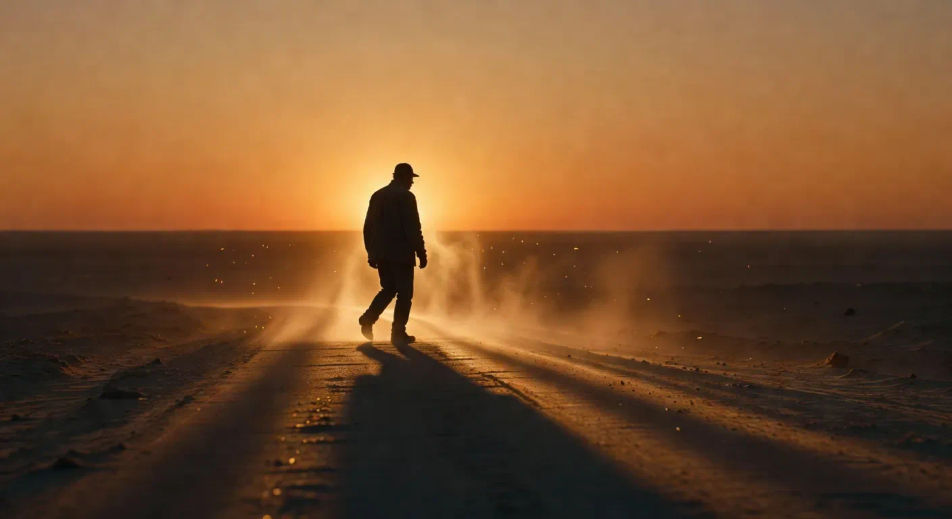
4300K rim-lit silhouette on a dust road

4300K low directional sun raking across a dust road at the moment ten minutes before sunset, single figure rim-lit horizon-line silhouette, halation bloom around the figure, slow tracking pan. Kodak Vision3 250D cast.

تعديل الأمر النصي
4300K rim-lit silhouette on a dust road

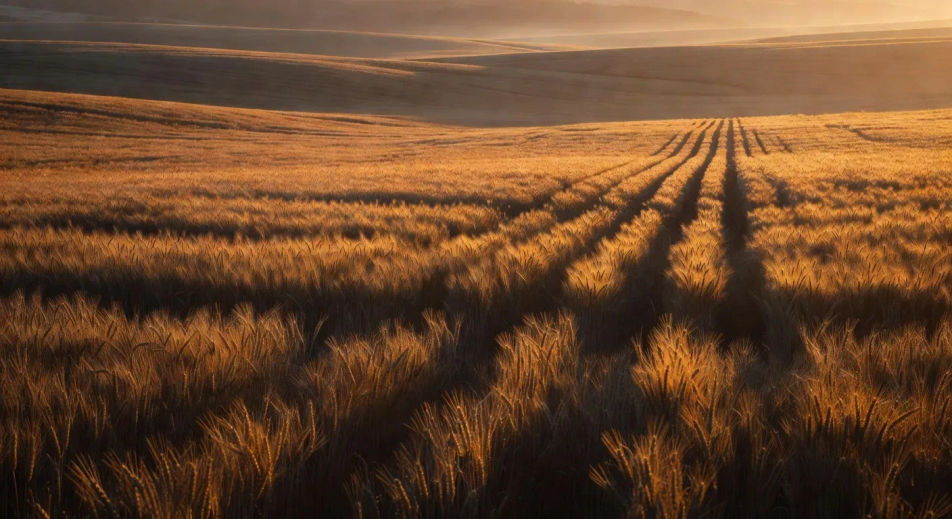
Low directional sun raking a Vision3 250D field

Wide grain field at golden hour, low directional sun raking horizontally across the heads of the wheat, long shadow geometry stretching toward camera, Kodak Vision3 250D warm tonality, atmospheric haze on the ridgeline.

تعديل الأمر النصي
Low directional sun raking a Vision3 250D field

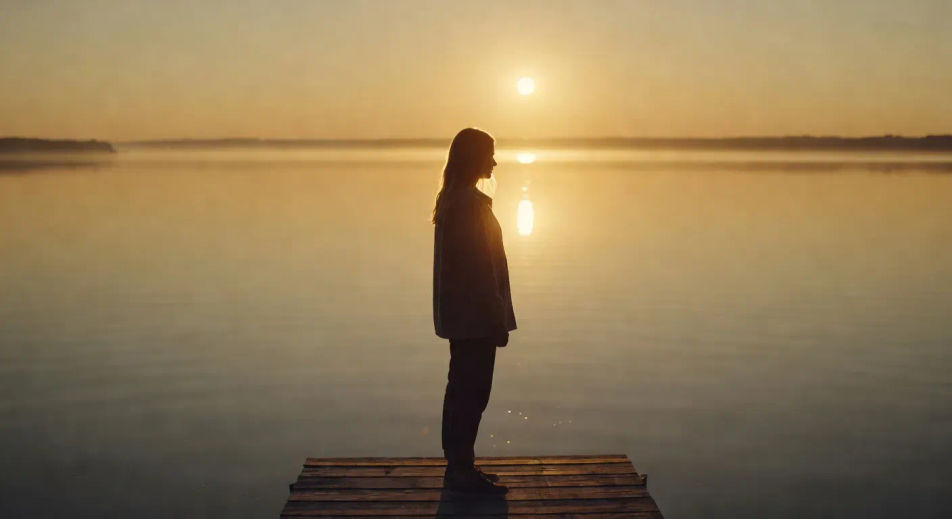
Halation bloom against a lake horizon

Lake-horizon shot at the last fifteen minutes of golden hour, single figure on a dock, halation bloom catching loose hair and the rim of the shoulder, water surface burnished gold, slow rack focus to the figure.

تعديل الأمر النصي
Halation bloom against a lake horizon

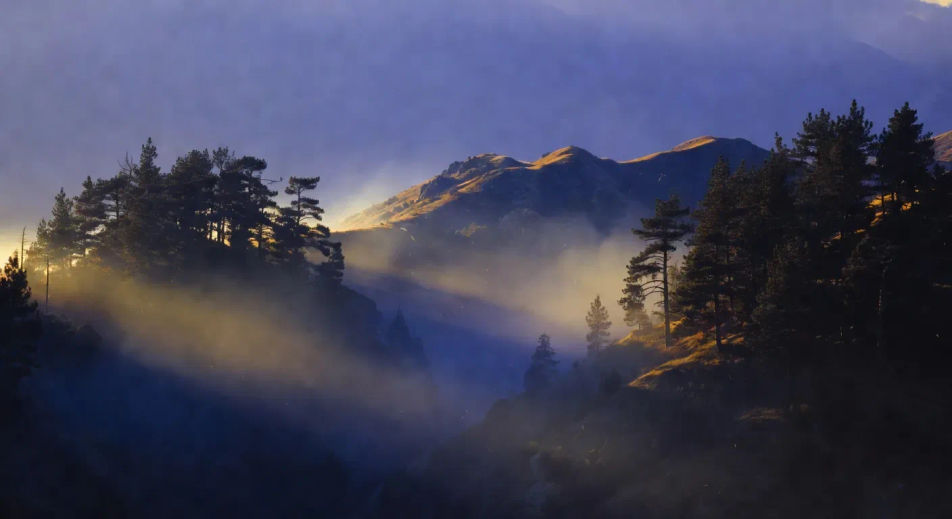
Atmospheric haze lifting from a ridgeline

Mountain ridgeline at last light, atmospheric haze lifting between two pine stands, low directional sun cutting through the haze in defined shafts, deep warm-cool contrast (warm sun, cool shadow), slow tracking pull-back.

تعديل الأمر النصي
Atmospheric haze lifting from a ridgeline

أنشئ فيديوهات golden hour في ثلاث خطوات

  1. 01

    صف مشهد golden hour الخاص بك

    اكتب مشهد golden hour الذي تريده، بكلمات بسيطة.

  2. 02

    أنشئ الفيديو

    ينشئ Morphic مقطعا سينمائيا جاهزا للإطارات على لوحتك خلال ثوانٍ.

  3. 03

    أعد صقل فيديو golden hour الخاص بك

    عدّل الأمر النصي، وأعد إنشاء التنويعات، ثم نزّل اللقطة أو شاركها.

Workflows ذات صلة

قد يعجبك أيضا

أسعار بسيطة

ابدأ مجاناً اليوم، مع إمكانية الترقية أو الإلغاء في أي وقت.

Basic

$9/ شهر
تُفوتر باعتبارها $0 سنوياً

900 شهرياً أرصدة

1 مستخدم فقط

جميع النماذج

Workflows

Standard

$24/ شهر
تُفوتر باعتبارها $0 سنوياً

3200 شهرياً أرصدة

1 مستخدم فقط

جميع النماذج

Workflows

Pro

$45/ شهر
تُفوتر باعتبارها $0 سنوياً

6200 مشترك شهرياً أرصدة

1 مستخدم

+ حتى 4 المزيد بتكلفة إضافية

جميع النماذج

Workflows

Pro Max

$170/ شهر
تُفوتر باعتبارها $0 سنوياً

24000 مشترك شهرياً أرصدة

1 مستخدم

+ حتى 9 المزيد بتكلفة إضافية

جميع النماذج

Workflows

Enterprise

لحدود أعلى

مخصص

شروط الأسعار والفوترة

أرصدة غير محدودة
حدود مقاعد مخصصة
جميع النماذج
Workflows
Pricing Gradient

Free

للتجربة والاستكشاف

$0

مجاني إلى الأبد

حتى 20 رصيد
مستخدم واحد فقط
نماذج محدودة
Workflows

الأسئلة الشائعة

Where can I make golden hour videos with AI?
You can create golden hour scenes directly in your browser on Morphic. Open the Text to Video tool, name the time of day, the light direction, the film-stock cast, and the atmospheric quality, and Morphic produces the clip. No installs and no specialist software needed.
When is golden hour and how do I prompt for it?
Golden hour is the thirty to sixty minute window after sunrise and before sunset, when the sun is low enough to rake horizontally across the scene. Prompt for it with the time anchor ("ten minutes before sunset", "dawn after"), the light direction ("low directional", "side rake", "backlit silhouette"), and the colour cast ("4300K cinematic rim", "Kodak Vision3 250D warm tonality"). Naming all three pulls the look out of generic sunset.
How do I prompt for halation bloom in a golden hour video?
Specify the bloom source and where it catches. For example: "halation bloom around the figure's rim, loose hair catching the gold edge, soft glow at the shoulders." Halation in real cinematography is light bleeding into the film stock around bright edges, so prompt it as a soft warm glow at the edge of high-luminance objects (rim of shoulder, hair, water surface).
Which film-stock reference should I use for a golden hour video?
Two references cover most stylistic intent. Kodak Vision3 250D (35mm daylight stock) for warm punchy contrast and rich amber tonality (Sicario, Once Upon a Time in Hollywood). Aaton 16mm grain for a more textured, slightly nostalgic register (Moonlight, indie golden-hour). Name one in the prompt to anchor the tonal feel and grain density.
Can I make golden hour videos at any time of day on Morphic?
Yes. Morphic generates the look from the prompt, not from a real-world clock, so you can create golden hour cinematography at 2am or any time you sit down to direct. Specify the time anchor (sunset, dawn, magic hour) in language and Morphic composes the lighting for the moment, regardless of when you press generate.
How do I avoid the generic-sunset look in a golden hour video?
Three moves separate cinematic golden hour from generic sunset. First, specify the rake direction ("low directional sun raking horizontally" beats "warm sunset"). Second, name halation bloom and atmospheric haze on the figure. Third, anchor with film-stock vocabulary (Vision3 250D, Aaton 16mm) rather than colour-temperature alone. Together they cue Morphic to compose for cinematography rather than a stock-photo cast.