صورة عقارية إلى حركة كاميرا بطيئة عبر الغرفة
صورة إعلان ثابتة لغرفة معيشة مشمسة تعود إلى الحياة كحركة كاميرا بطيئة إلى الأمام، والضوء يتجمّع على الأرض، والستائر الشفّافة تتمايل، والمطبخ ينفتح في خلفية الإطار.
تعديل الأمر النصي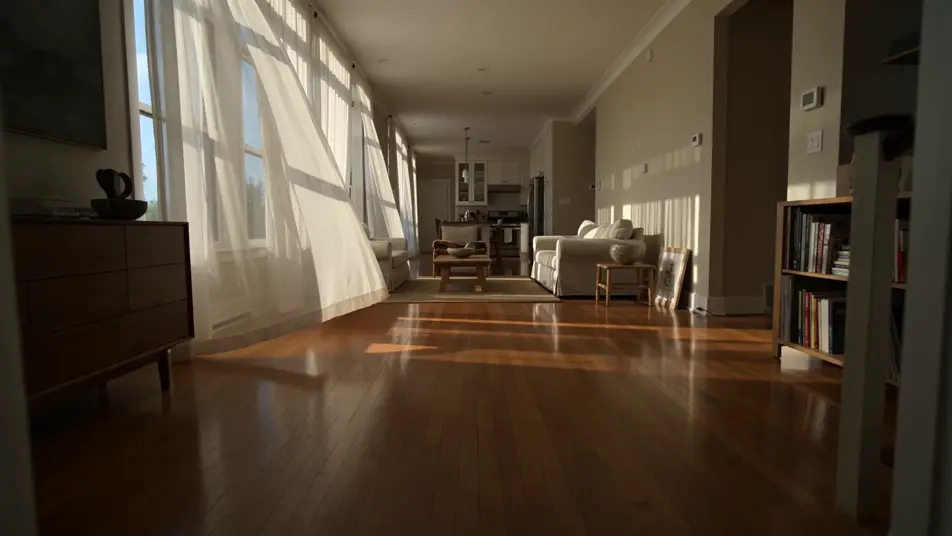
حوّل صورك الحقيقية إلى مقاطع متحرّكة من متصفحك مع مولّد تحويل الصور إلى فيديو بالذكاء الاصطناعي من Morphic. ولّد صورة زفاف تسير في الممشى، أو لقطة إجازة بأمواج متحرّكة، وأضف تعليقًا صوتيًا بأداة Speech، ثم أنهِ التسلسل على Canvas.
صورة إعلان ثابتة لغرفة معيشة مشمسة تعود إلى الحياة كحركة كاميرا بطيئة إلى الأمام، والضوء يتجمّع على الأرض، والستائر الشفّافة تتمايل، والمطبخ ينفتح في خلفية الإطار.
تعديل الأمر النصيلقطة منتج استوديو نظيفة تصبح لقطة إعلانية بارزة، والزجاجة تدور ببطء تحت ضوء مفتاحي ناعم، والقطرات تلتقط لمعة، والخلفية البيضاء المنسابة تبقى نظيفة خلفها.
تعديل الأمر النصي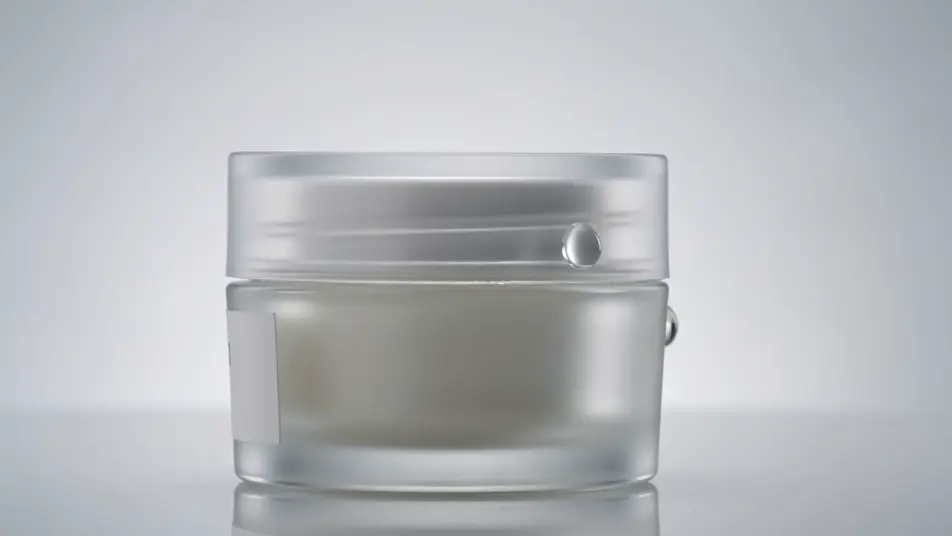
صورة حركة متجمّدة لمهاجم في منتصف الركلة تُستأنف، والكرة تنطلق عن القدم، والمدافعون يتفاعلون بعد لحظة، وضبابية الجمهور تحتدّ بينما تتتبّع الكاميرا التسديدة.
تعديل الأمر النصي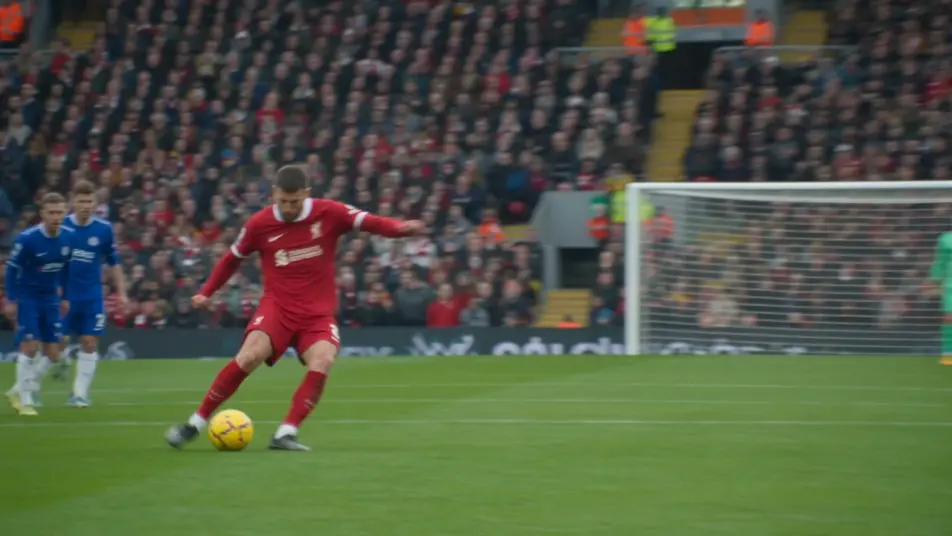
صورة سفر عريضة لوادٍ جبلي تنفتح إلى دفعٍ بطيء للأمام، والغيوم المنخفضة تنجرف عبر القمّة، والعشب يتحرّك في المقدّمة، والضوء يتبدّل بينما تطلّ الشمس.
تعديل الأمر النصي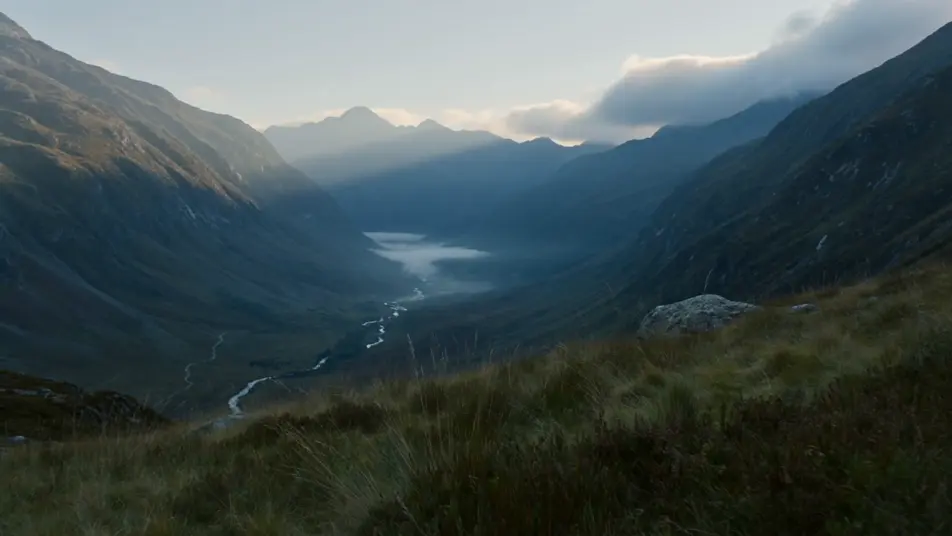
اكتب مشهد تحويل الصور إلى فيديو الذي تريده، بكلمات بسيطة.
ينشئ Morphic مقطعا سينمائيا جاهزا للإطارات على لوحتك خلال ثوانٍ.
عدّل الأمر النصي، وأعد إنشاء التنويعات، ثم نزّل اللقطة أو شاركها.

Dramatize any text conversation into a cinematic multi-shot video.
Cinematic time-freeze short film for any scene

Generate a professional film title card from scratch, with optional cinematic animation.
Photo of any real-estate becomes a cinematic renovation timelapse video with construction SFX and music.
One image to a 9-scene cinematic video.
Drop in a photo of yourself. Get a 12-second cinematic movie with animation and a matched soundtrack.
تحويل الصور إلى فيديو بالذكاء الاصطناعي
حرّك لوحاتك المفاهيمية وملصقاتك ومجسّماتك ولقطات شاشتك مع Morphic. صورة واحدة تصير لقطة متحرّكة بمقاس 9:16 جاهزة لتيك توك وسناب شات وريلز.
تحريك الصور بالذكاء الاصطناعي
حرّك صورك القديمة بالذكاء الاصطناعي مع Morphic. أعِد الغبار المتطاير ورفّة الشمعة وتمايل الستائر إلى أي صورة، مع بقاء الأشخاص في وضعيتهم.
فيديوهات وقت الحكاية بالذكاء الاصطناعي
أنشئ فيديوهات وقت الحكاية بالذكاء الاصطناعي مع Morphic. سرد فوق صور مطابقة، وصيغة بلا وجه، وتعليق صوتي، وموجّهات مشاهد جاهزة للتشغيل.
فيديوهات كلمات الأغاني بالذكاء الاصطناعي
اصنع فيديوهات كلمات الأغاني مع Morphic. كتابة حركية، وخط يد فوق لقطات ممطرة، ونصوص نيونية، وخلفيات تركّب فوقها كلماتك وتضبطها على إيقاع أغنيتك.
ابدأ مجاناً اليوم، مع إمكانية الترقية أو الإلغاء في أي وقت.
Basic
2400 شهرياً أرصدة
1 مستخدم فقط
جميع النماذج
Workflows
Standard
3625 شهرياً أرصدة
1 مستخدم فقط
جميع النماذج
Workflows
Pro
6350 مشترك شهرياً أرصدة
1 مستخدم
جميع النماذج
Workflows
Max
24650 مشترك شهرياً أرصدة
1 مستخدم
جميع النماذج
Workflows
Enterprise
لحدود أعلى
مخصص
شروط الأسعار والفوترة

Free
للتجربة والاستكشاف
$0
مجاني إلى الأبد