رايجين فوق سحب العاصفة
يقف رايجين على سحابة رعدية، والطبول مرتّبة كهالة حول كتفيه، والمطرقتان مرفوعتان. أول برق يشقّ الأرض تحت قدميه.
تعديل الأمر النصي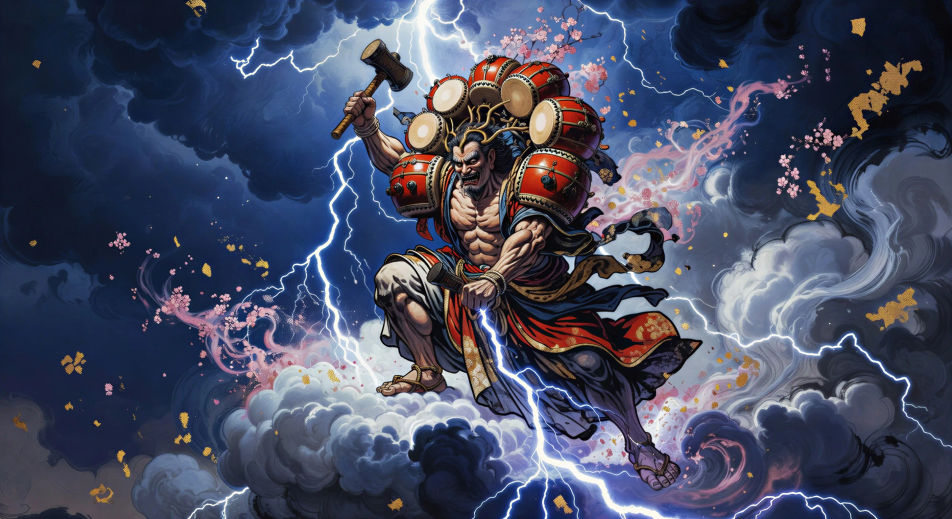
أخرج إله الرعد مباشرة من متصفحك مع مولّد فيديوهات رايجين بالذكاء الاصطناعي من Morphic. أنشئ رايجين محاطًا بهالة من طبول التايكو أو وحش رايجو يقفز من سحابة إلى سحابة، ورتّل التعويذات مع Speech وMusic، واجمع العاصفة في حلقة عن الميثولوجيا اليابانية.
يقف رايجين على سحابة رعدية، والطبول مرتّبة كهالة حول كتفيه، والمطرقتان مرفوعتان. أول برق يشقّ الأرض تحت قدميه.
تعديل الأمر النصيعلى طرفَي السماء، ينحني رايجين بطبوله وفوجين بكيس رياحه كلاهما نحو الآخر، والعاصفة تتّسع بينهما.
تعديل الأمر النصي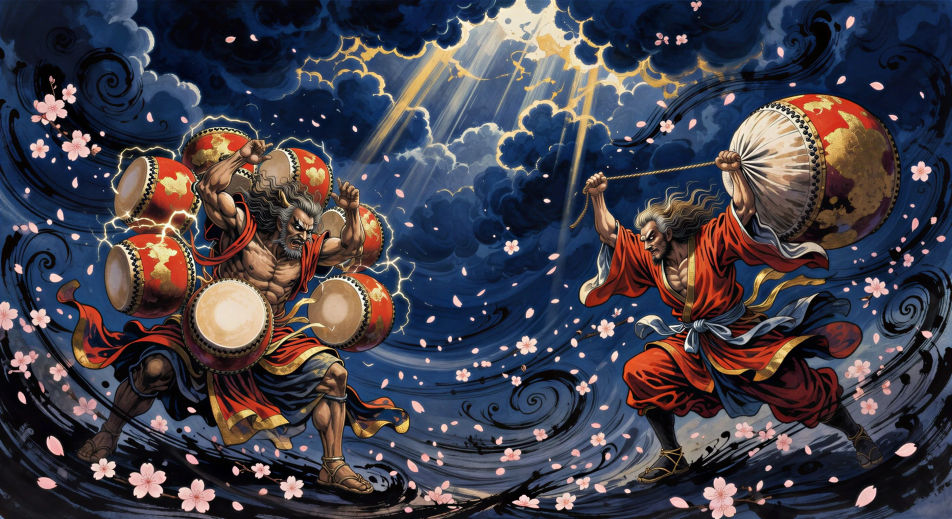
وحش البرق رايجو يقفز من سحابة إلى سحابة، جسده يطقطق بشرر أبيض، وهالة طبول رايجين تبدو بعيدة في أعلى الإطار.
تعديل الأمر النصي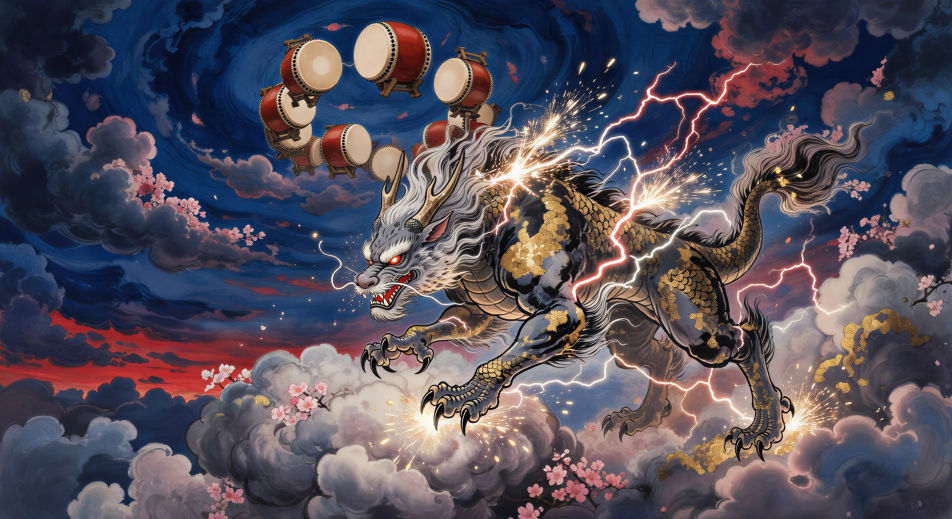
لقطة قريبة على يد رايجين وهي تهوي بالمطرقة. وجه الطبل يتوهّج بالأبيض، والبرق يزحف من الحافة نحو السحابة أدناه.
تعديل الأمر النصي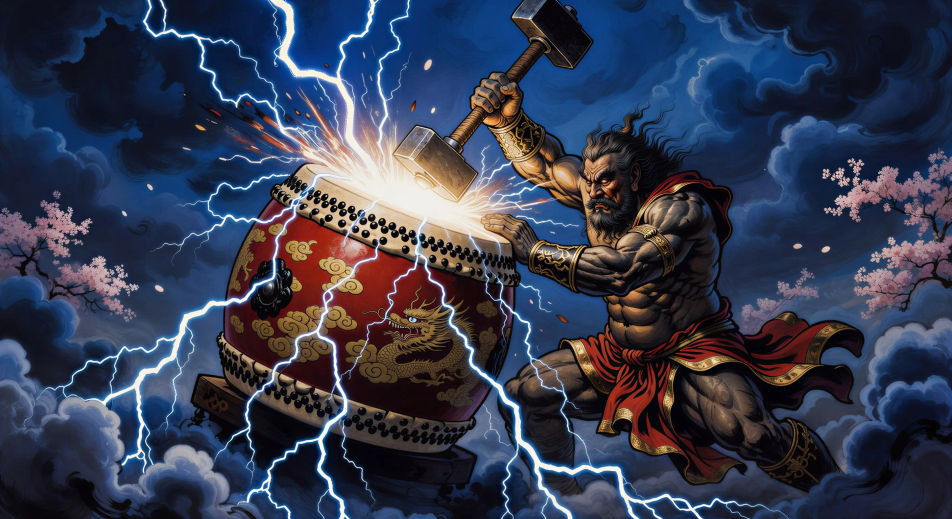
اكتب مشهد رايجين الذي تريده، بكلمات بسيطة.
ينشئ Morphic مقطعا سينمائيا جاهزا للإطارات على لوحتك خلال ثوانٍ.
عدّل الأمر النصي، وأعد إنشاء التنويعات، ثم نزّل اللقطة أو شاركها.

Share a scene description with character references. Get a full storyboard with shot angles and mood.

Feed in a single image. Get 9 cinematic beats laid out as a 3x3 storyboard grid.
One image to a 9-scene cinematic video.

Take any character image and generate 6 distinct facial expressions on a single reference sheet.
Cinematic time-freeze short film for any scene
Drop in a photo of yourself. Get a 12-second cinematic movie with animation and a matched soundtrack.
Japanese mythology AI Videos
Create Japanese mythology scenes, Shinto deity portraits, and yokai shorts with Morphic. Generate, narrate, and score full episodes from a single prompt.
فيديوهات سوسانوو بالذكاء الاصطناعي
أنشئ مشاهد سوسانوو إله العاصفة، معركة ياماتا نو أوروتشي، وحلقات شينتو كاملة مع Morphic. ولّد ورافق موسيقياً فيديوهات سوسانوو من موجّه واحد.
فيديوهات Amaterasu بالذكاء الاصطناعي
أنشئ مشاهد آلهة الشمس Amaterasu، وأسطورة الانسحاب إلى الكهف، وحلقات شنتوية كاملة مع Morphic. ولّد وارْوِ وضع موسيقى لفيديوهات Amaterasu من طلب واحد.
فيديوهات ريوجين بالذكاء الاصطناعي
أنشئ مشاهد ريوجين ملك التنانين وقصر ريوغو-جو وحلقات إله البحر الشنتوي مع Morphic. ولّد وأضِف السرد والموسيقى من موجّه واحد بالذكاء الاصطناعي.
ابدأ مجاناً اليوم، مع إمكانية الترقية أو الإلغاء في أي وقت.
Basic
2400 شهرياً أرصدة
1 مستخدم فقط
جميع النماذج
Workflows
Standard
3625 شهرياً أرصدة
1 مستخدم فقط
جميع النماذج
Workflows
Pro
6350 مشترك شهرياً أرصدة
1 مستخدم
جميع النماذج
Workflows
Max
24650 مشترك شهرياً أرصدة
1 مستخدم
جميع النماذج
Workflows
Enterprise
لحدود أعلى
مخصص
شروط الأسعار والفوترة

Free
للتجربة والاستكشاف
$0
مجاني إلى الأبد