ساحل ينتقل إلى دقة عالية
يُكبَّر مقطع ساحلي صخري بدقة عادية إلى نسخة نهائية واضحة، وتُشحَذ حواف الرذاذ والصخور والأفق إطارًا بإطار، مع الحفاظ على ضوء النهار الطبيعي بينما ترتفع التفاصيل خلال حركة بانورامية بطيئة.
تعديل الأمر النصي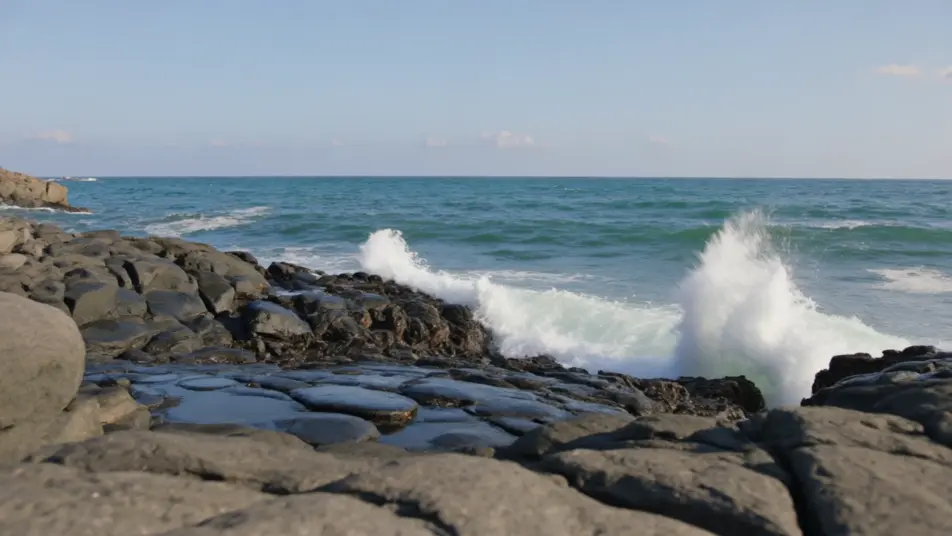
اشحذ وكبّر مقطعك داخل متصفحك مع مولّد رفع دقة الفيديو بالذكاء الاصطناعي من Morphic. أنشئ نسخاً حادة وعالية الدقة من لقطات أرشيفية ضبابية أو مقاطع اجتماعية منخفضة الدقة، مسترجعاً تفاصيل الوجوه والملمس. لحّن النتيجة بأداة Music، ثم اجمع التسلسل على Canvas.
يُكبَّر مقطع ساحلي صخري بدقة عادية إلى نسخة نهائية واضحة، وتُشحَذ حواف الرذاذ والصخور والأفق إطارًا بإطار، مع الحفاظ على ضوء النهار الطبيعي بينما ترتفع التفاصيل خلال حركة بانورامية بطيئة.
تعديل الأمر النصيتُرفَّع دقة لقطة متوسطة ضبابية لوجه مع أولوية للعينين والبشرة، وتظهر الرموش والمسام بوضوح دون مظهر بلاستيكي، مع ثبات ضوء النافذة الناعم خلال استرجاع التفاصيل.
تعديل الأمر النصي
تُنظَّف لقطات حبيبية قديمة لمحطة مزدحمة وتُكبَّر معًا، ويقل الضبابية والتشويش مع ارتفاع الدقة، ويبقى تحبب الحقبة سليمًا فيظهر المقطع كنقل عالي الدقة أمين.
تعديل الأمر النصي
يُصلَح مقطع شارع شديد الضغط إلى خطوط حادة ونظيفة، وتتحول الكتل إلى ملمس حقيقي، بينما تبقى حركة المرور المار ثابتة وواضحة تحت ضوء بعد الظهر المسطح.
تعديل الأمر النصي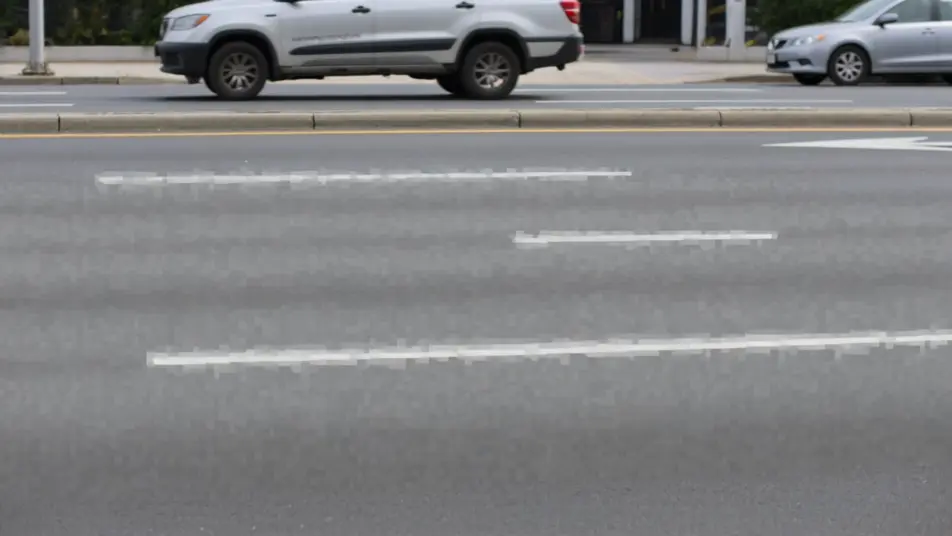
اكتب مشهد رفع دقة الفيديو الذي تريده، بكلمات بسيطة.
ينشئ Morphic مقطعا سينمائيا جاهزا للإطارات على لوحتك خلال ثوانٍ.
عدّل الأمر النصي، وأعد إنشاء التنويعات، ثم نزّل اللقطة أو شاركها.

Dramatize any text conversation into a cinematic multi-shot video.
Cinematic time-freeze short film for any scene

Generate a professional film title card from scratch, with optional cinematic animation.
Photo of any real-estate becomes a cinematic renovation timelapse video with construction SFX and music.
One image to a 9-scene cinematic video.
Drop in a photo of yourself. Get a 12-second cinematic movie with animation and a matched soundtrack.
فيديوهات ترميم الفيديو بالذكاء الاصطناعي
رمِّم مقاطع الفيديو التالفة بالذكاء الاصطناعي عبر Morphic. أزل الخدوش والتشويش والوميض، وثبّت اللقطات المهتزة، بجودة أصلية.
فيديوهات تلوين الفيديو بالذكاء الاصطناعي
لوّن مقاطع الفيديو الأبيض والأسود بالذكاء الاصطناعي عبر Morphic. حافظ على ألوان طبيعية للبشرة والسماء والأقمشة في كل مشهد.
فيديوهات المؤثرات البصرية بالذكاء الاصطناعي
أنشئ فيديوهات مؤثرات بصرية بالذكاء الاصطناعي مع Morphic. انفجارات، طاقة، دمار مستقبلي، وجسيمات من موجّه واحد دون شاشة خضراء.
فيديوهات المورف بالذكاء الاصطناعي
اكتب التحوّل بالعربية واحصل على مقطع مورف جاهز: تبدّل وجوه، وتحوّل أجسام، وتقدّم في العمر، وقطعات على إيقاع الأغنية. للمقاطع الرأسية والريلز.
ابدأ مجاناً اليوم، مع إمكانية الترقية أو الإلغاء في أي وقت.
Basic
2400 شهرياً أرصدة
1 مستخدم فقط
جميع النماذج
Workflows
Standard
3625 شهرياً أرصدة
1 مستخدم فقط
جميع النماذج
Workflows
Pro
6350 مشترك شهرياً أرصدة
1 مستخدم
جميع النماذج
Workflows
Max
24650 مشترك شهرياً أرصدة
1 مستخدم
جميع النماذج
Workflows
Enterprise
لحدود أعلى
مخصص
شروط الأسعار والفوترة

Free
للتجربة والاستكشاف
$0
مجاني إلى الأبد