شارع مدينة مجتاح عند الغسق
شارع مدينة تناثرت فيه الأنقاض عند الغسق، سيارات مهجورة بأبواب مفتوحة، واجهات محلات محطّمة، وأشباح تتهادى في الضباب البعيد.
تعديل الأمر النصي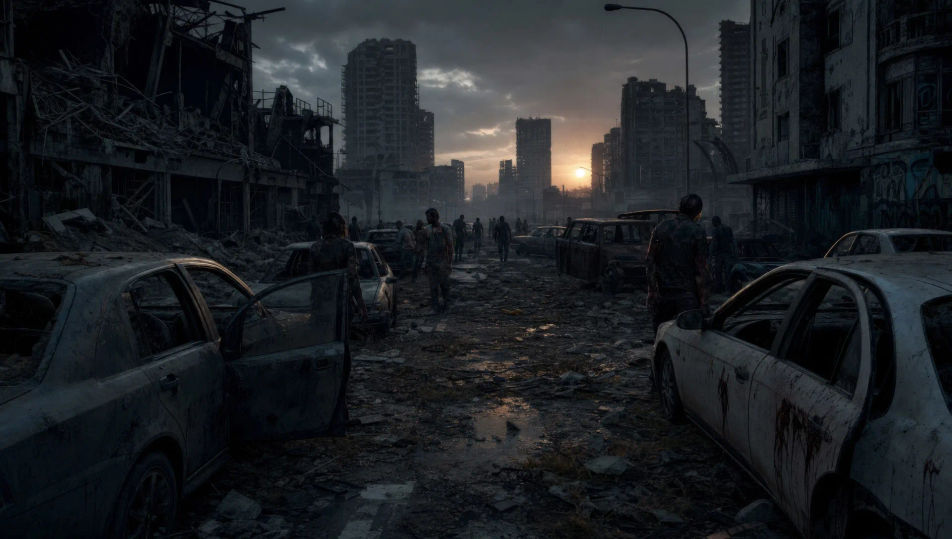
This page covers mature themes for adult audiences making film, games and other creative work.
أخرج التفشّي في متصفحك مع مولّد فيديو الزومبي بالذكاء الاصطناعي من Morphic. أنشئ ناجيًا يتسلّل في شارع مجتاح، أو ملجأ محصّنًا في الليل، أو حشدًا ينضغط على سياج سلكي. لحّن التوتّر بأداتَي Speech وMusic، ثم اجمع فيلم الزومبي القصير الكامل على Canvas.
شارع مدينة تناثرت فيه الأنقاض عند الغسق، سيارات مهجورة بأبواب مفتوحة، واجهات محلات محطّمة، وأشباح تتهادى في الضباب البعيد.
تعديل الأمر النصيغرفة نوافذها مغلقة بألواح خشبية غير متجانسة، فانوس واحد، ناجون مستندون إلى الجدران، وظلال تتحرّك خلف الفجوات.
تعديل الأمر النصي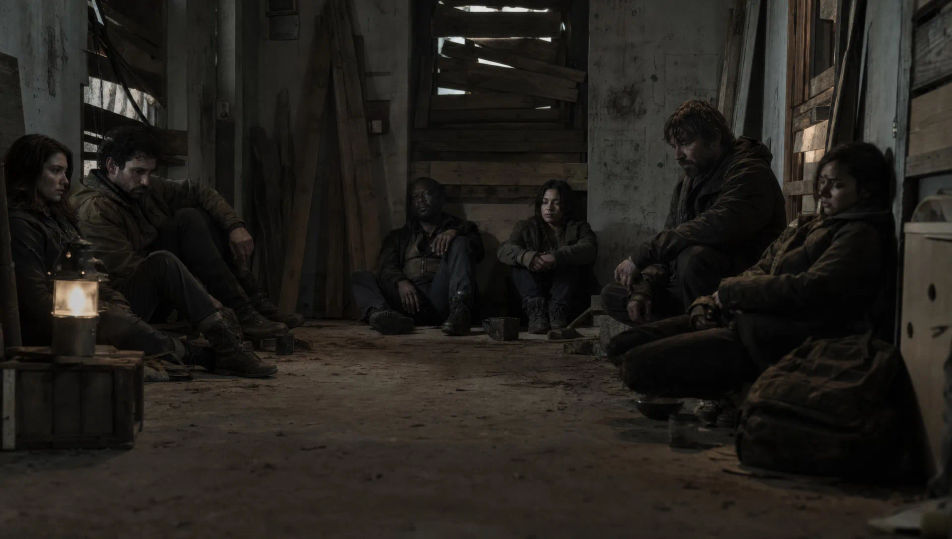
طريق سريع مزدحم يمتدّ إلى الأفق، كل سيارة فارغة يغطّيها الغبار، الأبواب مواربة، وشخص وحيد يمشي على الخط الأوسط.
تعديل الأمر النصي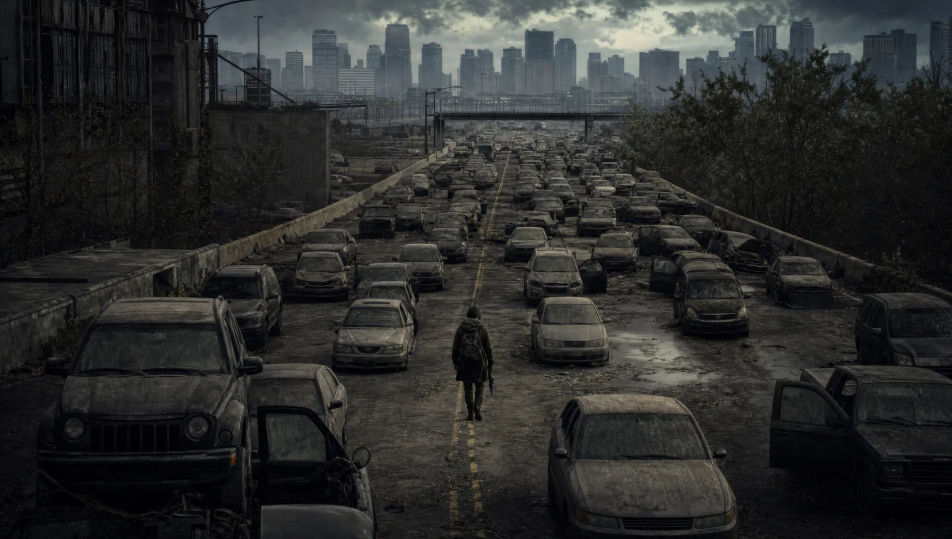
كتلة من الأشخاص المتحلّلين تنضغط على سياج سلكي متهدّل، أذرع تخرج من الفجوات، والسلك ينحني، وضوء كاشف يبهر من خلفهم.
تعديل الأمر النصي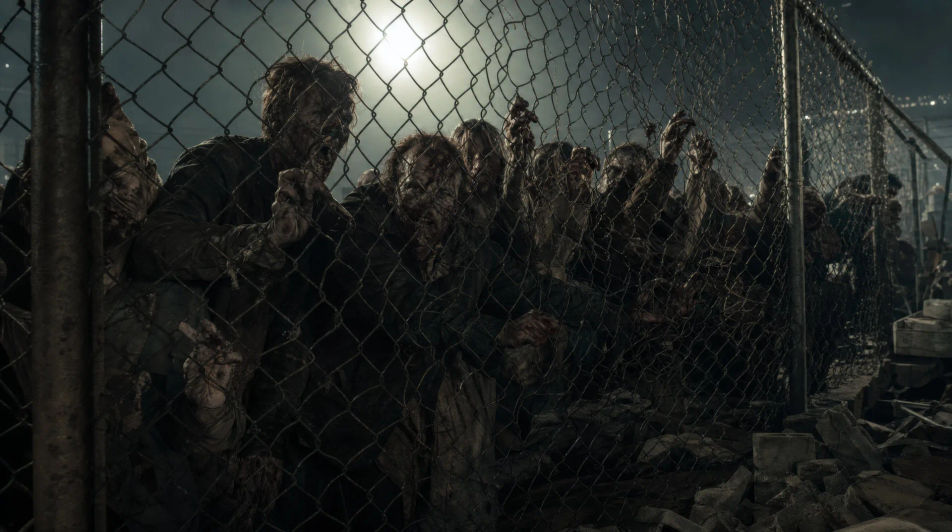
اكتب مشهد الزومبي الذي تريده، بكلمات بسيطة.
ينشئ Morphic مقطعا سينمائيا جاهزا للإطارات على لوحتك خلال ثوانٍ.
عدّل الأمر النصي، وأعد إنشاء التنويعات، ثم نزّل اللقطة أو شاركها.
Cinematic time-freeze short film for any scene

Dramatize any text conversation into a cinematic multi-shot video.
One image to a 9-scene cinematic video.
Drop in a photo of yourself. Get a 12-second cinematic movie with animation and a matched soundtrack.

Share a scene description with character references. Get a full storyboard with shot angles and mood.

Feed in a single image. Get 9 cinematic beats laid out as a 3x3 storyboard grid.
فيديوهات الرعب بالذكاء الاصطناعي
أنشئ فيديوهات رعب بالذكاء الاصطناعي على Morphic: بيوت مهجورة، وغابات يبتلعها الضباب، وممرات يرتجف ضوؤها، ومشاهد ترقّب بطيئة من وصف نصي بسيط.
مقاطع الوحوش بالذكاء الاصطناعي
أنشئ مقاطع وحوش على Morphic. مخلوقات أصلية، وحوش في الضباب، كائنات المياه السوداء، ومشاهد التهديد الخفي من وصف بلغة بسيطة.
فيديوهات الخيال العلمي بالذكاء الاصطناعي
ولّد فيديوهات خيال علمي على Morphic بالذكاء الاصطناعي. سفن فضاء وعوالم غريبة ومحطات فضائية ومشاهد مستقبل بعيد من موجّهات بلغة بسيطة، دون أي برنامج.
مقاطع فيديو فرانكشتاين بالذكاء الاصطناعي
أنشئ مشاهد فرانكشتاين، مختبر إنغولشتات، أول أنفاس المخلوق، مون بلان، كوخ عائلة دو لاسي، والمطاردة القطبية مع Morphic. أنشئ مقاطع خيال علمي قوطية من موجّه واحد.
ابدأ مجاناً اليوم، مع إمكانية الترقية أو الإلغاء في أي وقت.
Basic
2400 شهرياً أرصدة
1 مستخدم فقط
جميع النماذج
Workflows
Standard
3625 شهرياً أرصدة
1 مستخدم فقط
جميع النماذج
Workflows
Pro
6350 مشترك شهرياً أرصدة
1 مستخدم
جميع النماذج
Workflows
Max
24650 مشترك شهرياً أرصدة
1 مستخدم
جميع النماذج
Workflows
Enterprise
لحدود أعلى
مخصص
شروط الأسعار والفوترة

Free
للتجربة والاستكشاف
$0
مجاني إلى الأبد
Everything on this page is fictional depiction for film, games and creative work. It does not depict real events, and does not place real, identifiable people in them.
Results vary by model. Some models apply stricter content policies than others, so a shot one model declines may generate on another.