Tight head crop
A black cat head filling most of the frame with a warm rim light along the edge, plain backdrop, readable at tiny size.
Editar prompt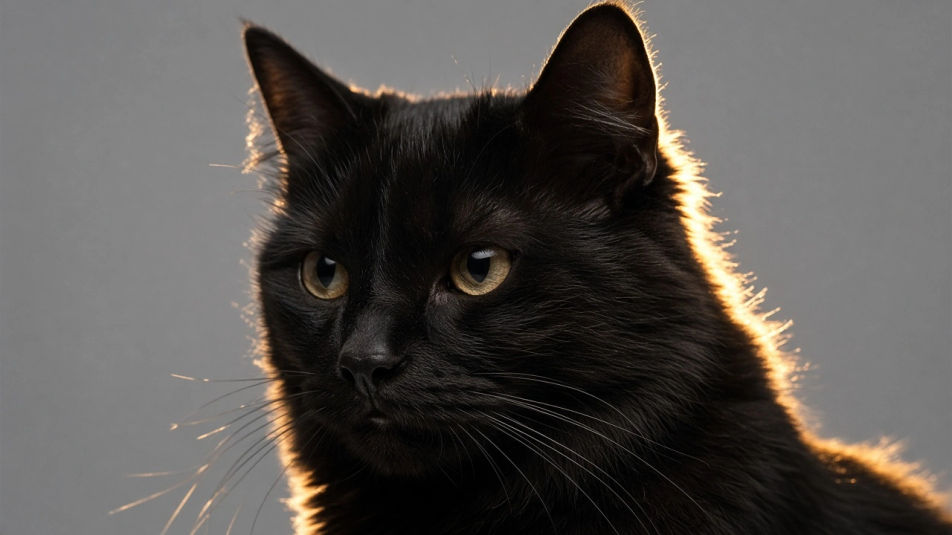
Make a black cat PFP in Morphic's Image tool by describing the pose, the art style and the light that lifts the fur off the background. Set the eye colour, the crop and the backdrop, then download an original avatar in HD that stays readable at a small profile size.
A black cat head filling most of the frame with a warm rim light along the edge, plain backdrop, readable at tiny size.
Editar promptA black cat turned three-quarters with the gaze off-frame, soft side light catching the whiskers, muted grey backdrop.
Editar prompt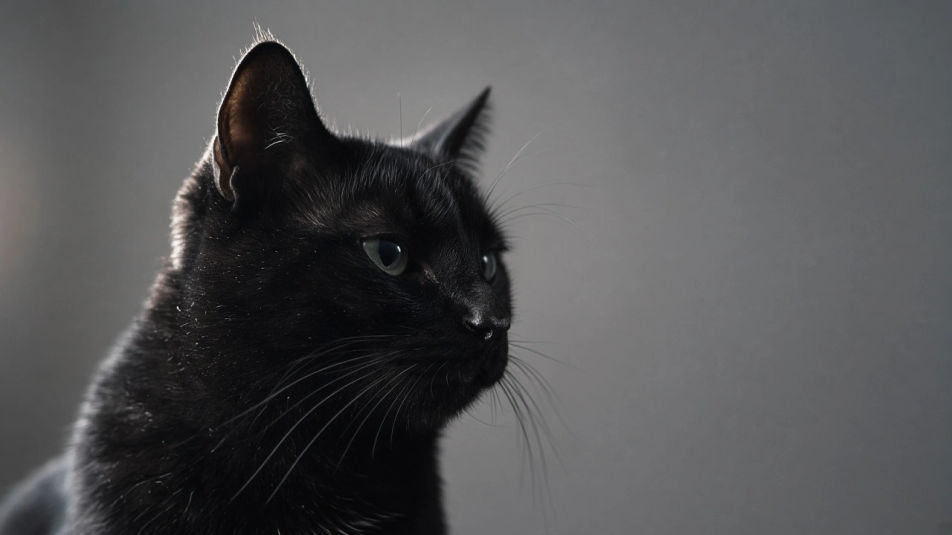
A small black cat sitting low and off-centre against a large flat field of colour, minimal, clean and gallery-like.
Editar prompt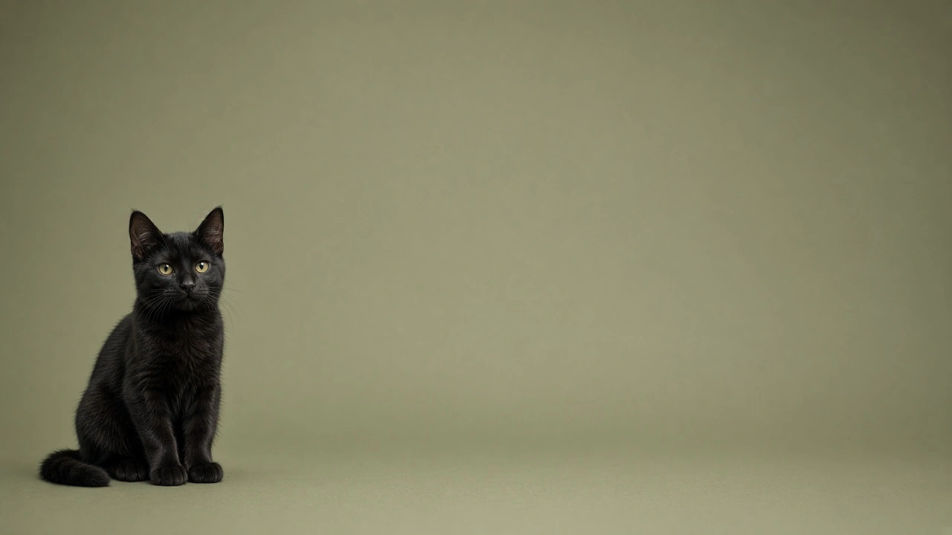
Two black cats designed as a set with the same light and palette, one facing left, one right, for a paired profile.
Editar prompt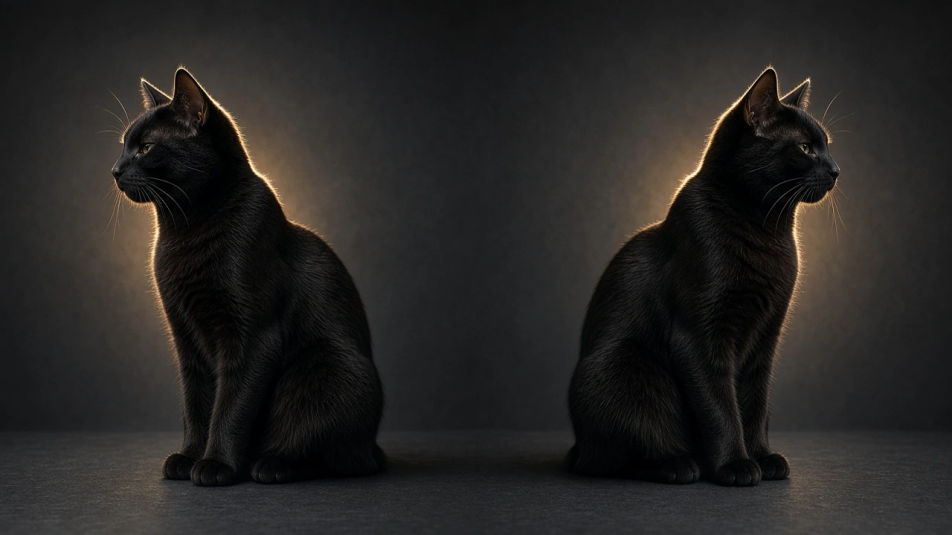
Descreva o Black Cat PFP que você quer, em poucas palavras.
A Morphic gera uma imagem limpa e pronta para publicar no seu Canvas em segundos.
Ajuste o prompt, gere novas variações e depois baixe ou compartilhe o quadro.
Bring back any damaged, blurry, or low-res image. Get a sharp, detailed 4K version with natural clarity restored.
Convert any image to a new aspect ratio. Smart crop or extend the edges to fit.
One selfie becomes a set of professional headshots. Studio-quality, multiple styles.

Generate a female AI influencer. Vertical output, ready for socials.
Full model photoshoot from one photo of you
Fix plastic-looking AI skin. Adds natural texture, pores, and imperfections for realism.
Cat PFP AI generator
cat pfp to download in HD. Browse unique AI-generated profile pictures for WhatsApp, Instagram, and Discord, or make your own with Morphic.
Black PFP AI generator
black pfp to download in HD. Browse unique AI-generated profile pictures for WhatsApp, Instagram, and Discord, or make your own with Morphic.
Cute pink PFP generator
Browse cute pink profile pictures and regenerate any in your own shade, palette, and crop. Make bubblegum chibi, soft-rose glam, and sparkly hot-pink avatars, then download original PFPs in HD, sweet and sharp at a small crop, all in Morphic.
Death tribute DP maker
Make a death DP image in Morphic. Describe the look you want on your profile, generate options to compare, then refine the prompt and download the picture.
Comece grátis hoje mesmo, com a opção de fazer upgrade ou cancelar quando quiser.
Basic
2400 mensal créditos
1 apenas usuário
Todos os modelos
Workflows
Standard
3625 mensal créditos
1 apenas usuário
Todos os modelos
Workflows
Pro
6350 compartilhado mensal créditos
1 usuário
Todos os modelos
Workflows
Max
24650 compartilhado mensal créditos
1 usuário
Todos os modelos
Workflows
Enterprise
Para limites maiores
Personalizado
termos de preços e cobrança

Free
Para experimentar
$0
grátis para sempre