Developer tool landing hero
Over shoulder view of a screen full of colorful code, hands on a mechanical keyboard.
Editar prompt
Compose coding images in your browser with Morphic's AI photo generator. Try a developer at a multi-monitor desk, a macro of code glowing on a screen, or a pair of programmers debugging together. Adjust the crop and color in the Canvas, then download each in HD with commercial rights.
Over shoulder view of a screen full of colorful code, hands on a mechanical keyboard.
Editar promptMultiple monitors showing code editors and a terminal in a dim focused workspace.
Editar prompt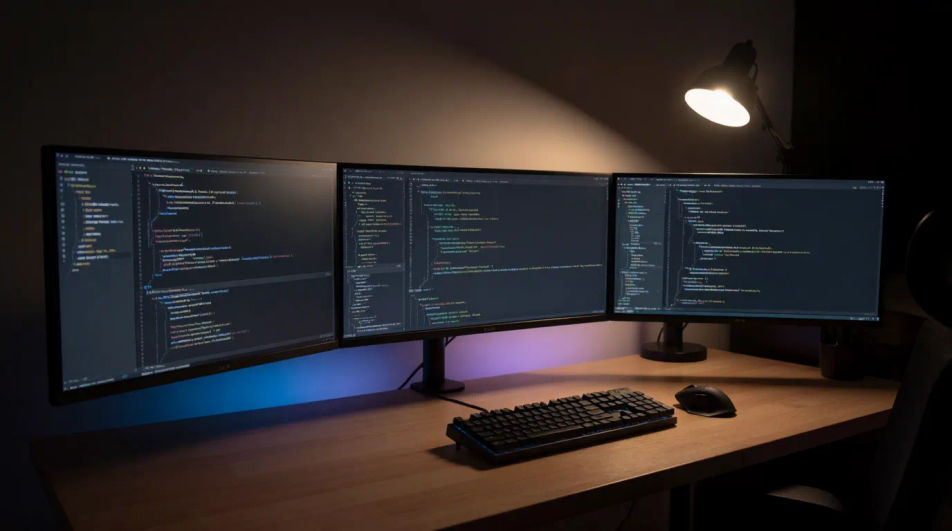
Focused developer typing at a desk with code reflected in glasses, warm square crop.
Editar prompt
Close up of syntax highlighted code on a laptop screen with a coffee cup beside it.
Editar prompt
Descreva o coding que você quer, em poucas palavras.
A Morphic gera uma imagem limpa e pronta para publicar no seu Canvas em segundos.
Ajuste o prompt, gere novas variações e depois baixe ou compartilhe o quadro.
Cinematic time-freeze short film for any scene

Share a scene description with character references. Get a full storyboard with shot angles and mood.
Upload a character image and make it dance in any style.

Dramatize any text conversation into a cinematic multi-shot video.
Drop in a photo of yourself. Get a 12-second cinematic movie with animation and a matched soundtrack.

Generate a professional film title card from scratch, with optional cinematic animation.
Accountant AI Images
Turn a brief into accountant images instantly. Specify the people, setting and mood instead of settling for the nearest stock photo. Yours to use commercially.
Architect AI Images
Generate architect images with AI in seconds. Generate the scene your brief describes, not the closest match in a library.
Bank Branch AI Images
Make bank branch images from a text prompt. Specify the people, setting and mood instead of settling for the nearest stock photo.
Server Room AI Images
Generate server room images with AI in seconds. Generate the scene your brief describes, not the closest match in a library. Commercial rights included.
Comece grátis hoje mesmo, com a opção de fazer upgrade ou cancelar quando quiser.
Basic
2400 mensal créditos
1 apenas usuário
Todos os modelos
Workflows
Standard
3625 mensal créditos
1 apenas usuário
Todos os modelos
Workflows
Pro
6350 compartilhado mensal créditos
1 usuário
Todos os modelos
Workflows
Max
24650 compartilhado mensal créditos
1 usuário
Todos os modelos
Workflows
Enterprise
Para limites maiores
Personalizado
termos de preços e cobrança

Free
Para experimentar
$0
grátis para sempre