Tirinha de 4 quadros
Uma tira horizontal de quatro quadros iguais com bordas limpas, uma preparação que se constrói ao longo de três quadros e a piada final no último, com espaço para balões de fala.
Editar prompt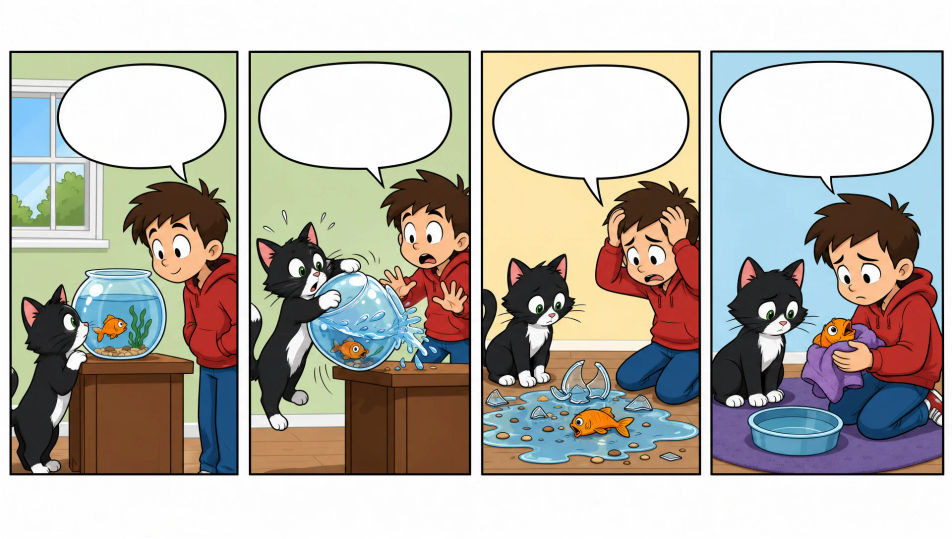
Desenhe tirinhas direto no navegador com o gerador de imagem com IA do Morphic. Crie uma piada de escritório em 4 quadros, uma tirinha de 3 quadros com piada final ou uma gag visual sem texto. Mantenha o elenco fiel ao modelo com o Character Lineup e depois monte os quadros e o lettering no Canvas.
Uma tira horizontal de quatro quadros iguais com bordas limpas, uma preparação que se constrói ao longo de três quadros e a piada final no último, com espaço para balões de fala.
Editar promptUma tira horizontal de três quadros iguais, dois de preparação e um de piada final, bordas limpas, cenário simples, espaço reservado para o lettering.
Editar prompt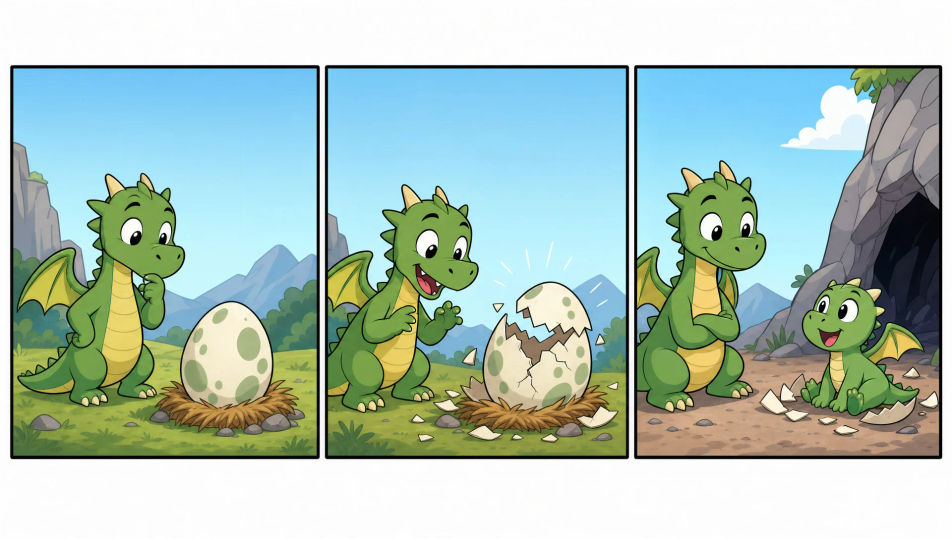
Um único quadro com borda contendo uma piada inteira em uma imagem, traço de cartoon limpo, uma ação central bem clara, com espaço para uma legenda abaixo.
Editar prompt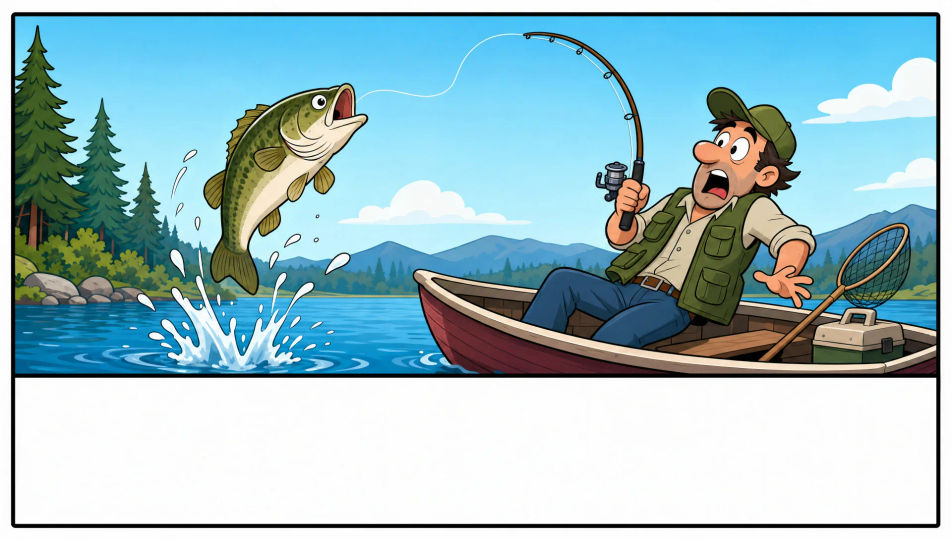
Uma tira maior com várias fileiras, um quadro de título e tamanhos de quadro variados, bordas limpas, cor mais viva, com espaço para balões e uma faixa de título.
Editar prompt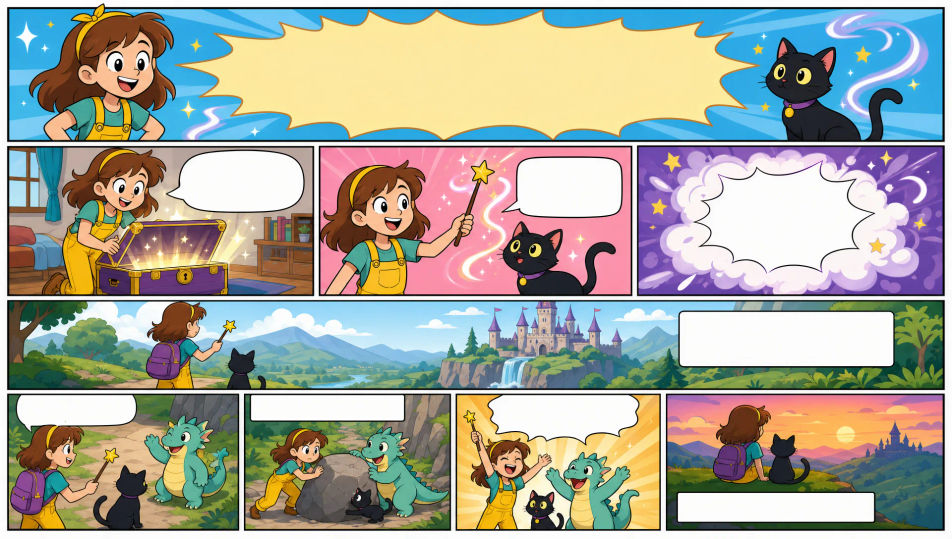
Descreva o Tirinha que você quer, em poucas palavras.
A Morphic gera uma imagem limpa e pronta para publicar no seu Canvas em segundos.
Ajuste o prompt, gere novas variações e depois baixe ou compartilhe o quadro.

Share a scene description with character references. Get a full storyboard with shot angles and mood.

Feed in a single image. Get 9 cinematic beats laid out as a 3x3 storyboard grid.
One image to a 9-scene cinematic video.

Take any character image and generate 6 distinct facial expressions on a single reference sheet.
Cinematic time-freeze short film for any scene
Drop in a photo of yourself. Get a 12-second cinematic movie with animation and a matched soundtrack.
Comic book AI Images
Create comic book panels, character designs, and full pages with Morphic. Splash pages, action sequences, decompressed beats, and indie-comic styles from a single prompt.
Graphic novel art AI generator
Create graphic novel art with Morphic. Painterly ink-and-colour panels, cinematic framing, moody palettes, and on-model characters from a single prompt.
Kawaii art AI generator
Create kawaii art with Morphic. Rounded pastel mascots, oversized-eye characters, sticker sheets, and super-cute illustrations from a single prompt.
Picture book character AI generator
Create picture book characters with Morphic. Original character designs, turnaround sheets, expression sets, and on-model art across every page.
Comece grátis hoje mesmo, com a opção de fazer upgrade ou cancelar quando quiser.
Basic
2400 mensal créditos
1 apenas usuário
Todos os modelos
Workflows
Standard
3625 mensal créditos
1 apenas usuário
Todos os modelos
Workflows
Pro
6350 compartilhado mensal créditos
1 usuário
Todos os modelos
Workflows
Max
24650 compartilhado mensal créditos
1 usuário
Todos os modelos
Workflows
Enterprise
Para limites maiores
Personalizado
termos de preços e cobrança

Free
Para experimentar
$0
grátis para sempre