Flat lay with ring
The invitation laid flat beside a ring box and a few loose petals, styled for a save-worthy photo of the finished design.
Editar prompt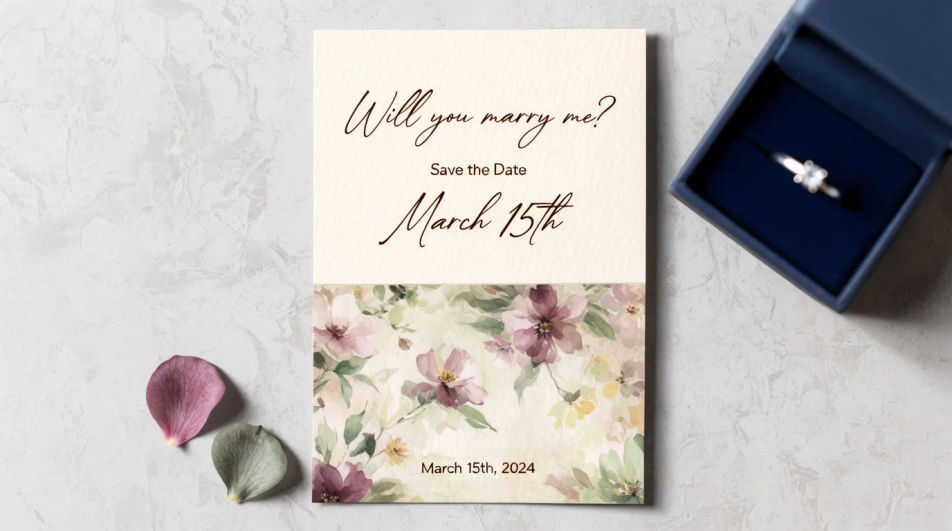
Design an engagement invitation in Morphic by describing the style, palette, and motif you want, from a floral border to a minimal modern layout. Add the couple's names, the date, and the venue, then download the card to share digitally or send to print.
The invitation laid flat beside a ring box and a few loose petals, styled for a save-worthy photo of the finished design.
Editar promptAn open invitation showing the cover and the interior details line together, a coordinated two-panel layout.
Editar prompt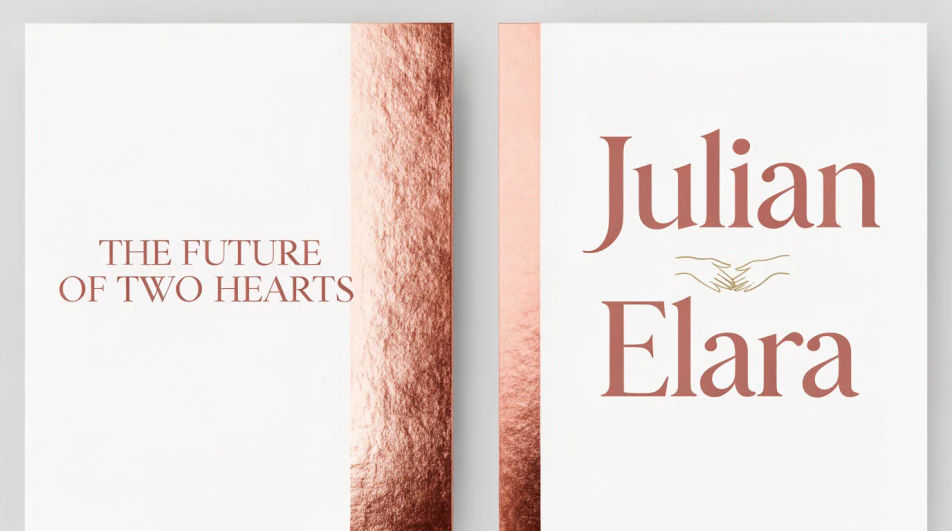
A square crop of the same design, built to read clearly as a thumbnail when shared in a chat or on a social story.
Editar prompt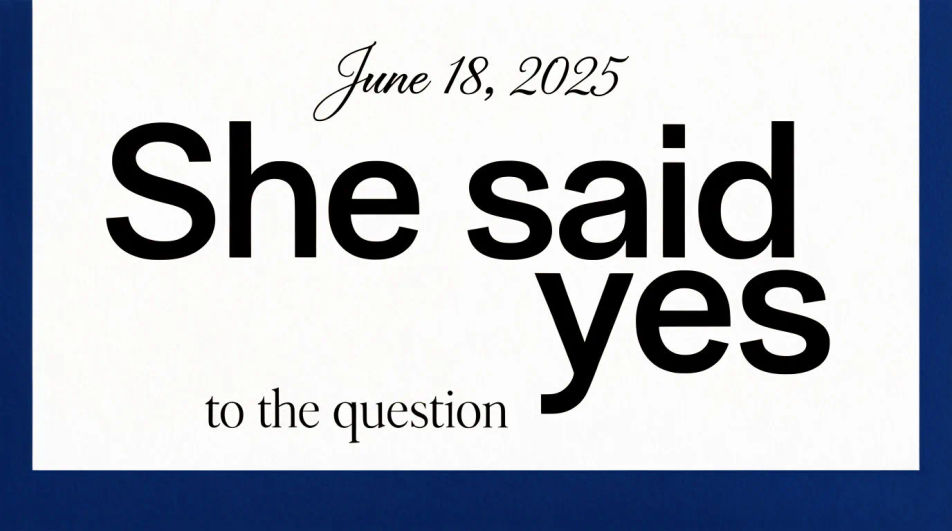
Several cards fanned to show the invitation design extended across a matching detail card and thank-you note.
Editar prompt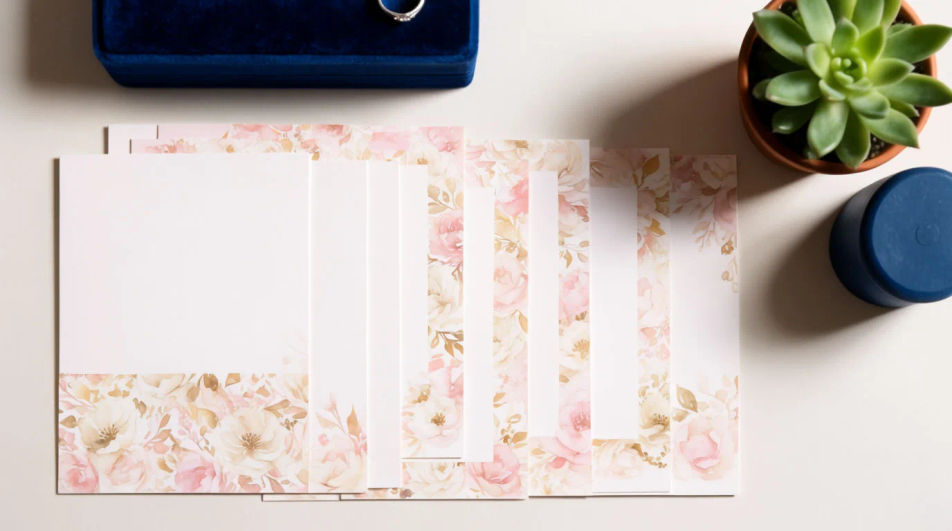
Descreva o Engagement invitation que você quer, em poucas palavras.
A Morphic gera uma imagem limpa e pronta para publicar no seu Canvas em segundos.
Ajuste o prompt, gere novas variações e depois baixe ou compartilhe o quadro.
Product photo plus a format. Get a realistic UGC-style ad with someone naturally using your product.
Multi-shot product pitch video from a still, a person, and a script.
Cinematic time-freeze short film for any scene
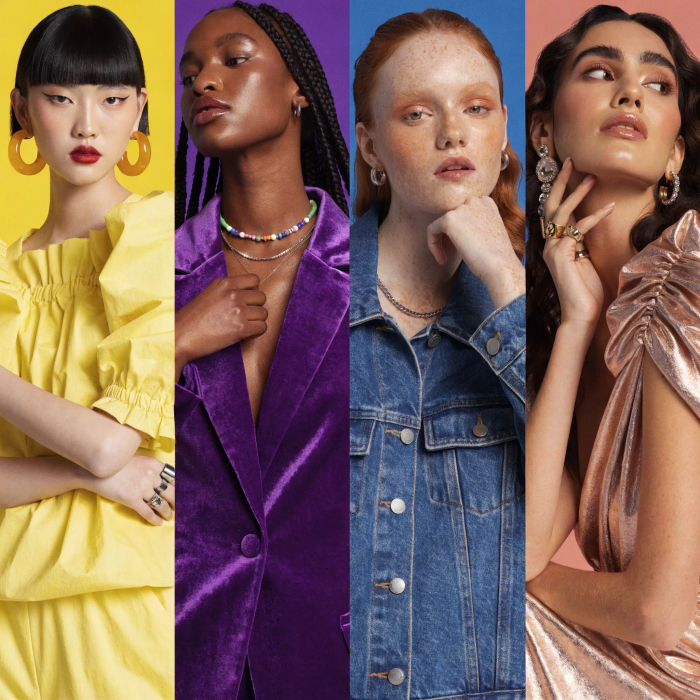
Generate a female AI influencer. Vertical output, ready for socials.
Stitch 2-10 frames into a perfectly looping video with smooth cinematic transitions between each one.
Convert any image to a new aspect ratio. Smart crop or extend the edges to fit.
Invitation card AI designs
Create invitation card designs with Morphic's AI invitation generator. Design wedding, party, formal, and themed invites in seconds. No design skills needed, describe the event, colors, and tone, then download HD cards to print or share with guests.
Wedding Invitation AI Designs
Generate wedding invitation design with AI in seconds. Generate variations until one lands, then refine it. Yours to use commercially.
Criar convite de casamento em vídeo com IA
Dos dados do casamento ao vídeo. Arte, movimento e música em um arquivo.
Google Display Ad Banner AI Images
Turn a brief into google display ad banner instantly. Test ten versions of the idea for the cost of briefing one. Commercial rights included.
Comece grátis hoje mesmo, com a opção de fazer upgrade ou cancelar quando quiser.
Basic
2400 mensal créditos
1 apenas usuário
Todos os modelos
Workflows
Standard
3625 mensal créditos
1 apenas usuário
Todos os modelos
Workflows
Pro
6350 compartilhado mensal créditos
1 usuário
Todos os modelos
Workflows
Max
24650 compartilhado mensal créditos
1 usuário
Todos os modelos
Workflows
Enterprise
Para limites maiores
Personalizado
termos de preços e cobrança

Free
Para experimentar
$0
grátis para sempre