Splash page hero entrance
Single full-page panel: hero stepping into frame under a broken sky, thick ink outline, dramatic screentone shadow behind, page-edge bleed.
Editar prompt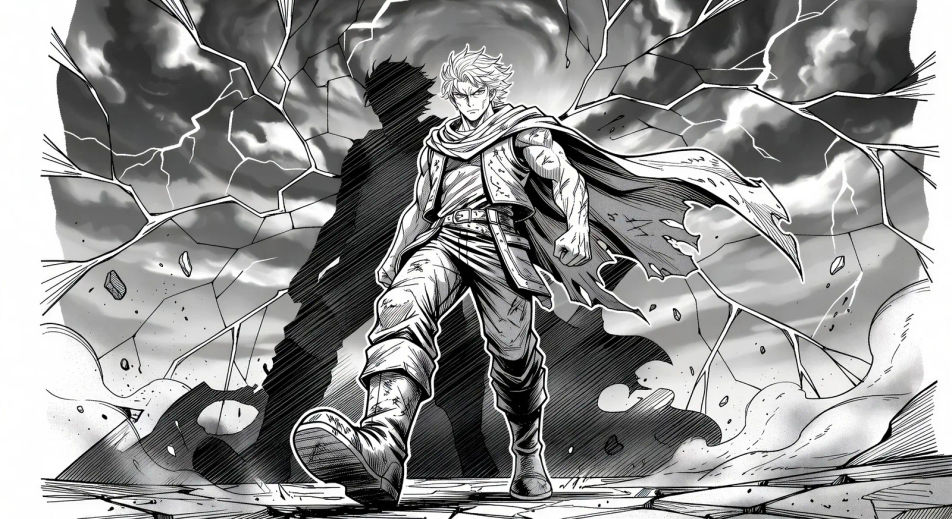
Render Japanese sequential art in your browser with Morphic's Manga AI image generator. Create a splash-page hero in thick ink and screentone or a one-eye cliffhanger close-up, lock faces with Character Lineup, then animate the spread with Image to Video.
Single full-page panel: hero stepping into frame under a broken sky, thick ink outline, dramatic screentone shadow behind, page-edge bleed.
Editar promptTop panel: hero glances over the shoulder, eyes lit. Bottom panel: villain mirrors the glance from across the city. Thin gutter for fast read.
Editar prompt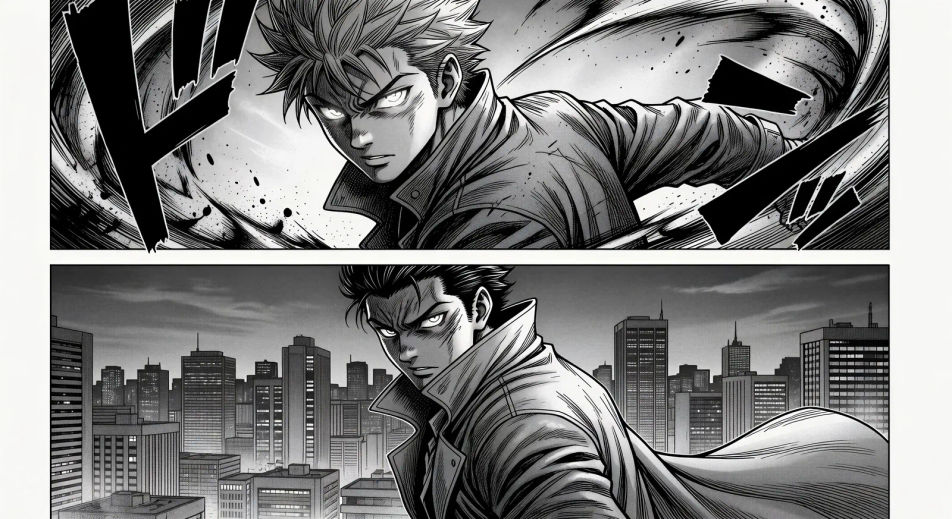
Tilted impact panel, silhouette explosion at the centre of frame, motion lines radiating, debris drifting, single onomatopoeia stamp at the corner.
Editar prompt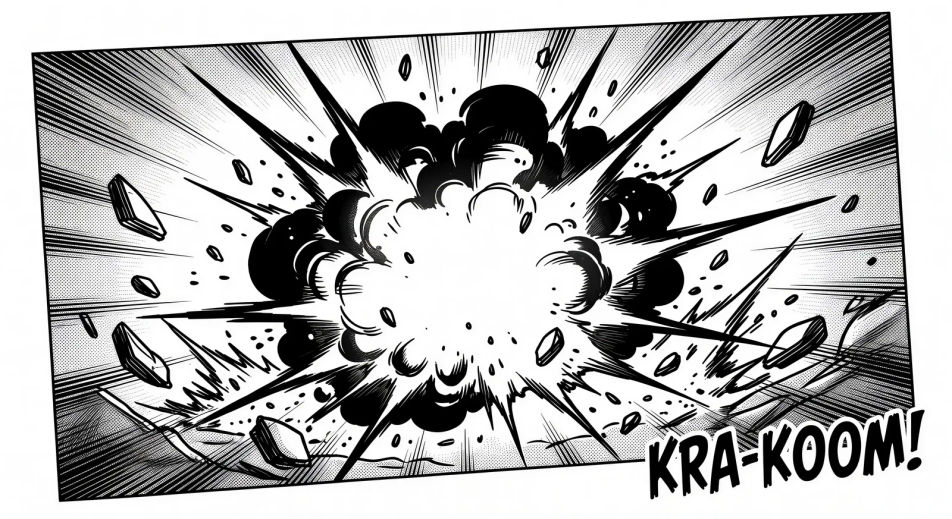
Two characters kneeling at a low table, single tea cup steaming between them, soft daylight through shoji panels, no dialogue.
Editar prompt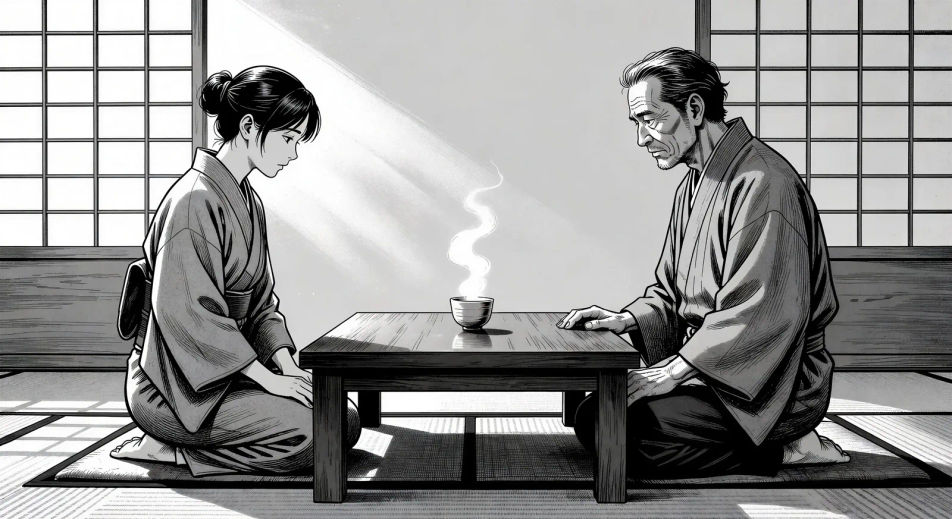
Descreva o Manga que você quer, em poucas palavras.
A Morphic gera uma imagem limpa e pronta para publicar no seu Canvas em segundos.
Ajuste o prompt, gere novas variações e depois baixe ou compartilhe o quadro.

Pick any anime illustration as your style guide. Apply its look to any image.

Turn any sketch or drawing into a finished render.

Take any character image and generate 6 distinct facial expressions on a single reference sheet.

All your characters on a single lineup image, side by side with height comparison.
Reimagine any anime character as a photorealistic, high-fashion live-action portrait.

Turn any photo or description into an animated chibi sprite. Dance, jump, wave, attack, and more.
Imagens de manhwa com IA
Crie painéis de manhwa, designs de personagens e episódios inteiros com o Morphic. Webtoons coreanos em rolagem vertical nos subgêneros regressão, hunter, chaebol e vilã a partir de um único prompt.
Comic book AI Images
Create comic book panels, character designs, and full pages with Morphic. Splash pages, action sequences, decompressed beats, and indie-comic styles from a single prompt.
Vídeos de anime com IA
Crie vídeos de anime com IA no Morphic. Cenas slice of life, planos mecha, transformação de magical girl e episódios completos a partir de um único prompt.
Vídeos de anime com IA
Crie cenas de luta de anime, duelos de espada, batalhas mágicas e confrontos de mechas com o Morphic. Gere, anime, narre e componha a trilha de cenas a partir de um único prompt.
Comece grátis hoje mesmo, com a opção de fazer upgrade ou cancelar quando quiser.
Basic
2400 mensal créditos
1 apenas usuário
Todos os modelos
Workflows
Standard
3625 mensal créditos
1 apenas usuário
Todos os modelos
Workflows
Pro
6350 compartilhado mensal créditos
1 usuário
Todos os modelos
Workflows
Max
24650 compartilhado mensal créditos
1 usuário
Todos os modelos
Workflows
Enterprise
Para limites maiores
Personalizado
termos de preços e cobrança

Free
Para experimentar
$0
grátis para sempre