Create pop art portraits in your browser with Morphic's AI image generator. Generate a woman in profile printed in saturated primaries, a four-panel repeated grid, or a bold comic-outline close-up. Drop the finished art into the Canvas to add a title or caption.

Pop art portrait subjects you can create

Pop art portraits you can compose

Single silkscreen portrait

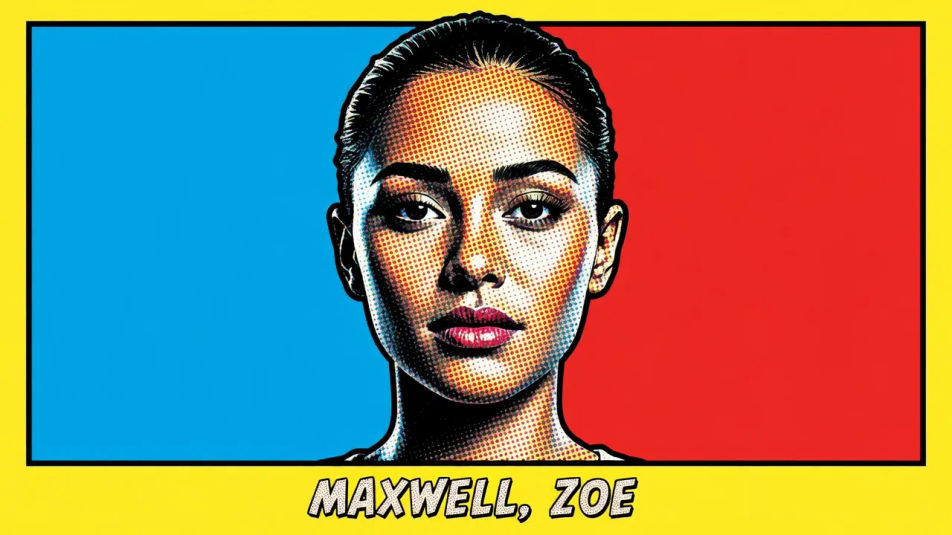
A head-and-shoulders portrait in flat colour blocks with halftone Ben-Day dots on the skin, a bold black comic outline and one saturated primary field behind the sitter, a band reserved at the base for a name.

Editar prompt
Single silkscreen portrait

Four-panel grid

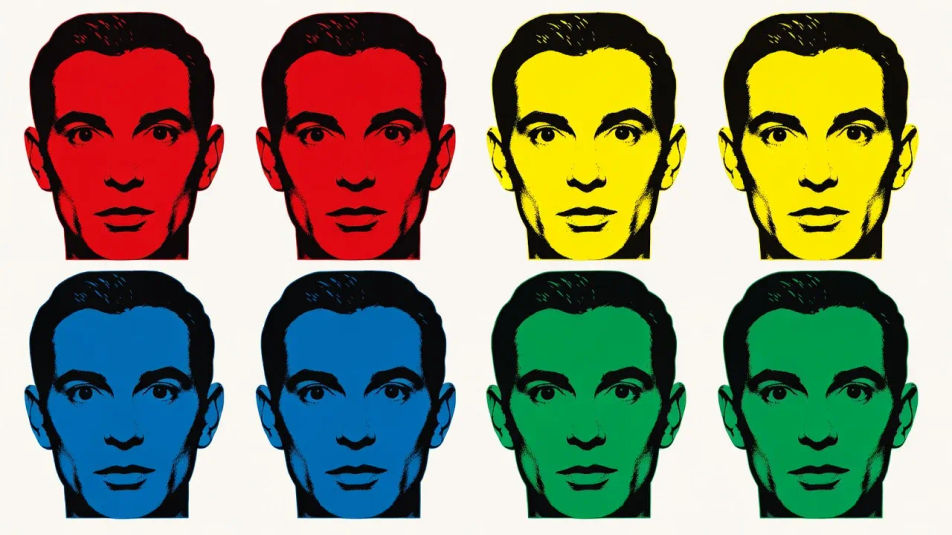
One face repeated across four panels, each recoloured in a different high-contrast primary, flat silkscreen inks and equal spacing giving the serial pop-art rhythm across the sheet.

Editar prompt
Four-panel grid

Split-complement close-up

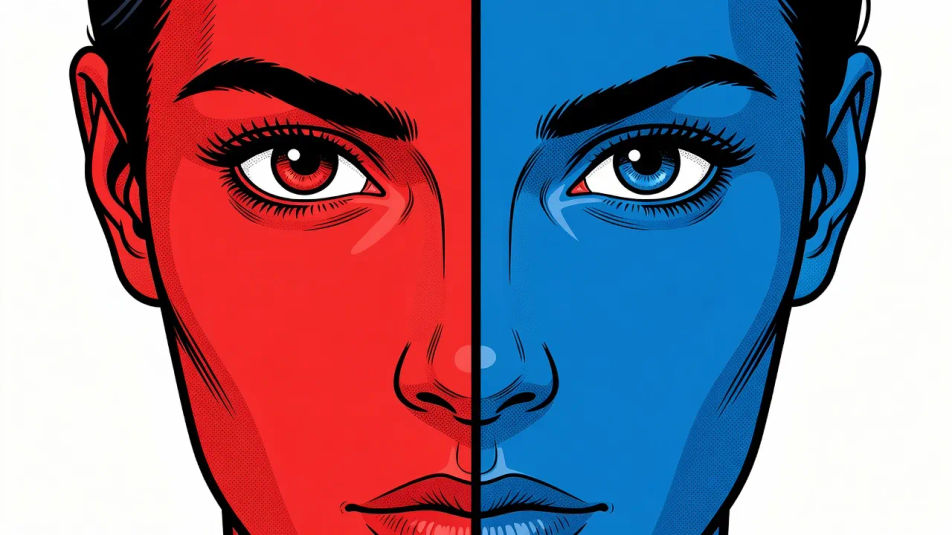
A tight close-up on the eyes with the face split down the middle into complementary primaries, heavy comic outline, halftone dot shading and a stark flat background for maximum contrast.

Editar prompt
Split-complement close-up

Poster portrait layout

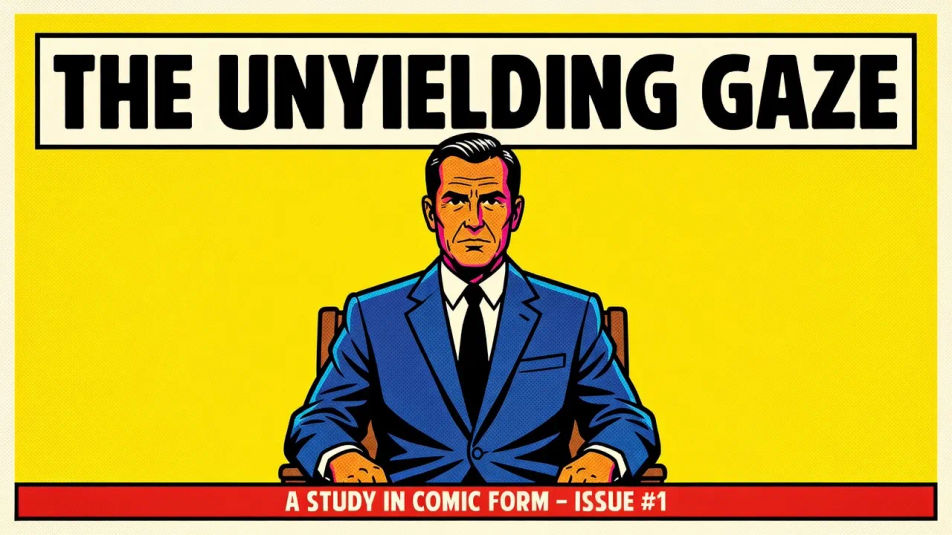
A full poster composition with the sitter in flat saturated colour, bold comic outline and halftone texture, generous headline space reserved at the top and a caption strip at the base.

Editar prompt
Poster portrait layout

Crie Pop art portrait em três passos

  1. 01

    Descreva seu Pop art portrait

    Descreva o Pop art portrait que você quer, em poucas palavras.

  2. 02

    Gere a imagem

    A Morphic gera uma imagem limpa e pronta para publicar no seu Canvas em segundos.

  3. 03

    Refine seu Pop art portrait

    Ajuste o prompt, gere novas variações e depois baixe ou compartilhe o quadro.

Workflows relacionados

Você também pode gostar

Preços simples

Comece grátis hoje mesmo, com a opção de fazer upgrade ou cancelar quando quiser.

Basic

$9/ mês
cobrado como $0 por ano

900 mensal créditos

1 apenas usuário

Todos os modelos

Workflows

Standard

$24/ mês
cobrado como $0 por ano

3200 mensal créditos

1 apenas usuário

Todos os modelos

Workflows

Pro

$45/ mês
cobrado como $0 por ano

6200 compartilhado mensal créditos

1 usuário

+ até 4 mais com custo adicional

Todos os modelos

Workflows

Pro Max

$170/ mês
cobrado como $0 por ano

24000 compartilhado mensal créditos

1 usuário

+ até 9 mais com custo adicional

Todos os modelos

Workflows

Enterprise

Para limites maiores

Personalizado

termos de preços e cobrança

Créditos ilimitados
Limites de vagas personalizados
Todos os modelos
Workflows
Pricing Gradient

Free

Para experimentar

$0

grátis para sempre

Até 20 créditos
apenas 1 usuário
Modelos limitados
Workflows

Perguntas frequentes

What defines the pop art portrait look?
A pop art portrait is defined by three signature traits: flat blocks of saturated colour, halftone Ben-Day dots, and a bold comic outline. Keep the palette to a few high-contrast primaries and the face reads instantly as a silkscreen pop-art portrait.
Where can I make pop art portraits with AI?
You can create pop art portraits with AI on Morphic, right in your browser. Open the Image tool, describe the sitter, the flat colour blocks, and the halftone dots, and Morphic generates the portrait. No installs and no design software are needed.
How do I get the flat silkscreen colour and halftone dots?
Name the cues directly in your prompt: "flat colour blocks, halftone Ben-Day dots, bold comic outline, saturated primaries, no gradients." Calling out the flat inks and the dot texture is what gives the portrait its hand-printed silkscreen character.
How do I keep a set of pop art portraits consistent?
Use Morphic's Style Transfer workflow to lock the primary palette and the dot-and-outline style from your first portrait, then reference that style card across the set. Each portrait carries a different sitter while the whole set keeps one palette and one flat style.
Can I add a title or caption to a pop art portrait on Morphic?
Yes. Generate the portrait with a band reserved at the top or base, then open the Canvas to place a title or caption. Keeping the type as a layer lets you adjust the wording without regenerating the artwork.
Do I need design skill to make pop art portraits?
No. Morphic runs in your browser and takes plain-language prompts, so anyone who can describe a sitter, a few flat primaries, and halftone dots can produce a finished pop-art portrait. Silkscreen equipment is not required.