Dramatic headshot
Portrait with a bright edge separating the subject from a dark background for bold impact.
Editar prompt
Light rim lighting portraits in your browser with Morphic's AI photo generator. Try a face traced by a bright edge against darkness, a profile glowing at the hairline, or a backlit silhouette with a warm halo. Dial in the lens, lighting, and grade until it matches your reference, then download each portrait in HD.
Portrait with a bright edge separating the subject from a dark background for bold impact.
Editar promptBacklit performer shot for a press kit or streaming profile with a moody cinematic glow.
Editar prompt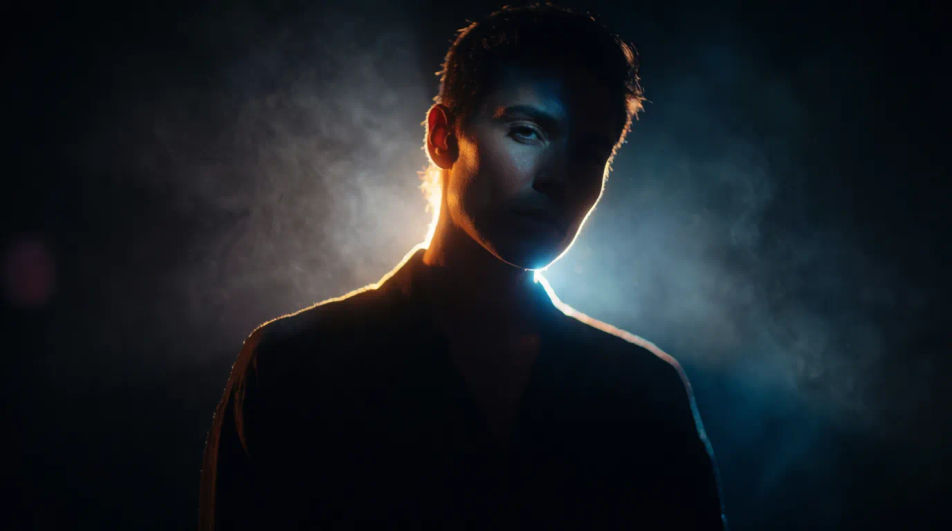
Rim lit figure emerging from shadow, framed with room for a name and title treatment.
Editar prompt
Edge lit face that reads sharply as a small circular avatar on a professional network.
Editar prompt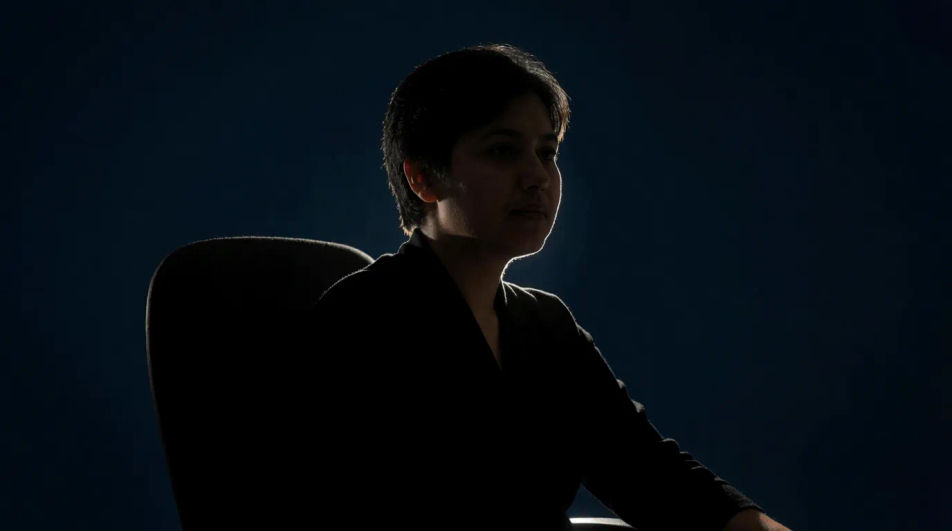
Descreva o rim lighting portrait que você quer, em poucas palavras.
A Morphic gera uma imagem limpa e pronta para publicar no seu Canvas em segundos.
Ajuste o prompt, gere novas variações e depois baixe ou compartilhe o quadro.
Fix plastic-looking AI skin. Adds natural texture, pores, and imperfections for realism.
One selfie becomes a set of professional headshots. Studio-quality, multiple styles.
Convert any image to a new aspect ratio. Smart crop or extend the edges to fit.
Full model photoshoot from one photo of you
Set the look with one reference image. Apply that exact grade to any scene or batch.
Choose your viewing angles and get precise perspective shifts of any image with full camera control.
Catalogue Photography AI Images
Create catalogue photography without a photoshoot. Control aperture, focal length and film look from the prompt. Commercial rights included.
Editorial Photography AI Images
Make editorial photography from a text prompt. Control aperture, focal length and film look from the prompt. Yours to use commercially.
Hero Shot Photography AI Images
Generate hero shot photography with AI in seconds. Match an existing shoot without reshooting it. Yours to use commercially.
Silhouette photography AI Images
Create AI Silhouette photography images with Morphic. Generate authentic Silhouette photography artwork, scenes, and visuals for any project in seconds.
Comece grátis hoje mesmo, com a opção de fazer upgrade ou cancelar quando quiser.
Basic
2400 mensal créditos
1 apenas usuário
Todos os modelos
Workflows
Standard
3625 mensal créditos
1 apenas usuário
Todos os modelos
Workflows
Pro
6350 compartilhado mensal créditos
1 usuário
Todos os modelos
Workflows
Max
24650 compartilhado mensal créditos
1 usuário
Todos os modelos
Workflows
Enterprise
Para limites maiores
Personalizado
termos de preços e cobrança

Free
Para experimentar
$0
grátis para sempre