Taco plate with lime and salsa
A wide drawing of three tacos on a plate with lime wedges and a small bowl of salsa, ink contour with light wash, the plate rim kept simple.
Editar prompt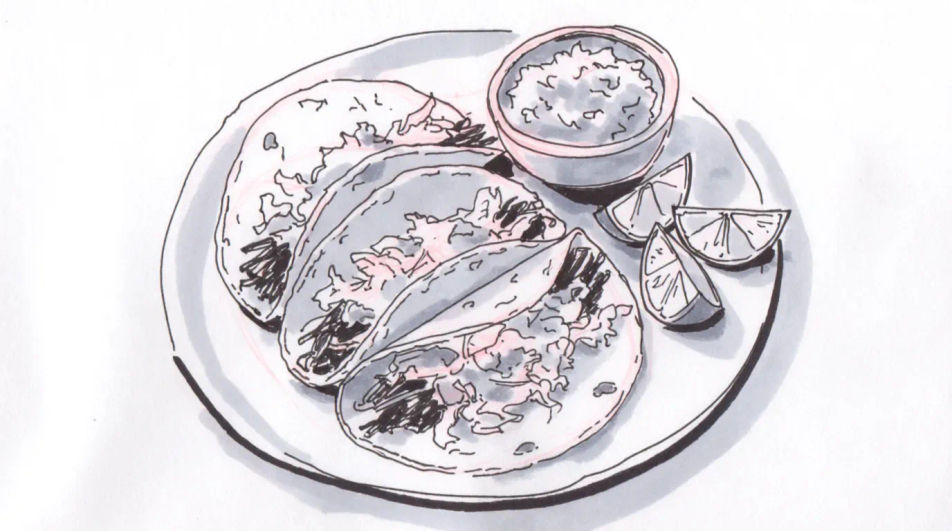
Describe the taco you want in Morphic's Image tool, from a quick ink menu sketch to a shaded study of a loaded shell. Set the fill, the shell type, the line weight and the paper, adjust the drawing on the Canvas, then download it in HD for a menu or a print.
A wide drawing of three tacos on a plate with lime wedges and a small bowl of salsa, ink contour with light wash, the plate rim kept simple.
Editar promptA charcoal composition of a small street food stand with a hanging light, a cook at the griddle and a queue suggested by a few loose figures.
Editar prompt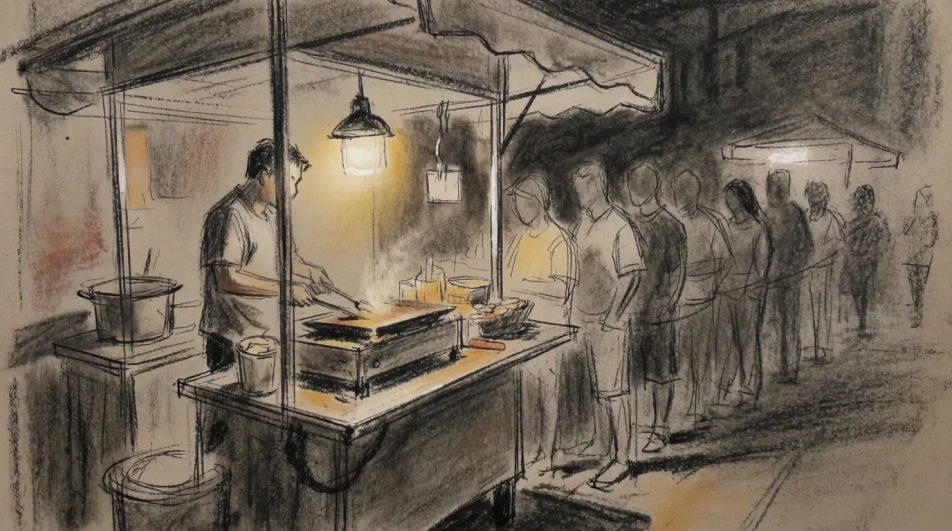
A flat line drawing of four tacos arranged in a row with space left beneath each for a name and a price, even stroke weight throughout.
Editar prompt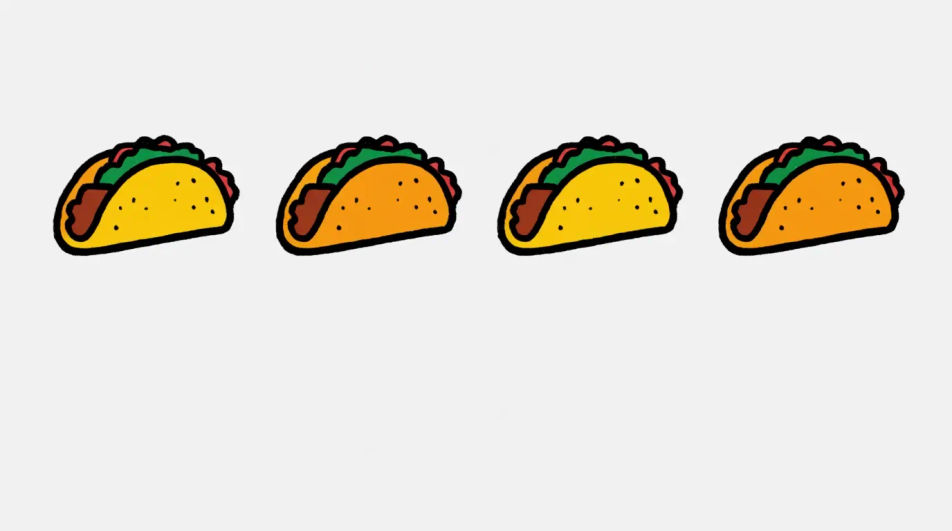
A close wide drawing of a taco held mid meal with one bite taken, filling visible at the cut edge, the background left as bare paper.
Editar prompt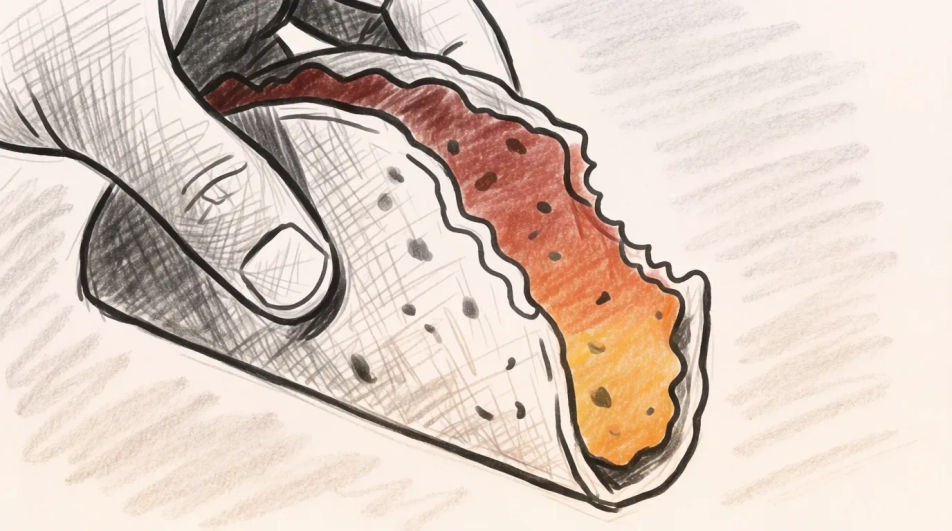
Descreva o Taco drawing que você quer, em poucas palavras.
A Morphic gera uma imagem limpa e pronta para publicar no seu Canvas em segundos.
Ajuste o prompt, gere novas variações e depois baixe ou compartilhe o quadro.
Pair a garment photo with a person photo. See them wearing it, identity stays intact.
Choose your viewing angles and get precise perspective shifts of any image with full camera control.
Multi-shot product pitch video from a still, a person, and a script.

Dramatic 5-second product reveal video with audio.

One product shot becomes a full campaign pack with hero shots, angles, and format variations.
Convert any image to a new aspect ratio. Smart crop or extend the edges to fit.
Tamales drawing generator
Turn a tamales drawing idea into a finished image in Morphic. Describe the line work and style, generate variations, then refine it on the canvas.
Food drawing generator
Turn a food drawing idea into a finished image in Morphic. Describe the line work and style, generate variations, then refine it on the canvas.
Burger drawing generator
Turn a burger drawing idea into a finished image in Morphic. Describe the line work and style, generate variations, then refine it on the canvas.
Lemon drawing for food and menu art
Turn a lemon drawing idea into a finished image in Morphic. Describe the line work and style, generate variations, then refine it on the canvas.
Comece grátis hoje mesmo, com a opção de fazer upgrade ou cancelar quando quiser.
Basic
2400 mensal créditos
1 apenas usuário
Todos os modelos
Workflows
Standard
3625 mensal créditos
1 apenas usuário
Todos os modelos
Workflows
Pro
6350 compartilhado mensal créditos
1 usuário
Todos os modelos
Workflows
Max
24650 compartilhado mensal créditos
1 usuário
Todos os modelos
Workflows
Enterprise
Para limites maiores
Personalizado
termos de preços e cobrança

Free
Para experimentar
$0
grátis para sempre