Todos os modelos de imagem
Feito com o Krea 2
Crie uma imagem em três passos
- 01
Abra o Morphic
Cadastre-se e comece a criar em uma Canvas visual infinita e fluida.
- 02
Descreva a imagem
Adicione referências ou um moodboard, depois ajuste o controle de criatividade para definir o quanto o Krea 2 se afasta do literal.
- 03
Gere e refine
Renderize em segundos, ajuste o visual e troque de modelo lado a lado na Canvas.
O que o Krea 2 gera
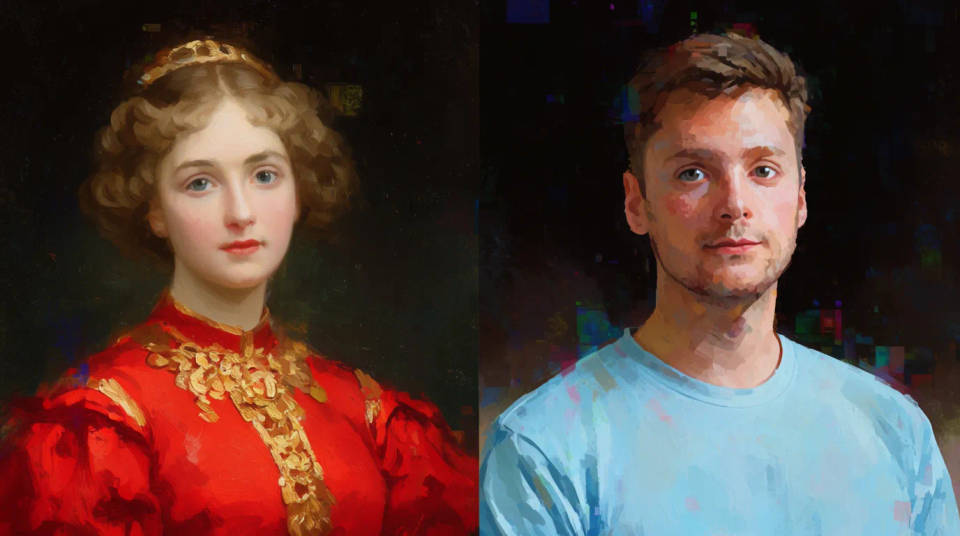
Transferência de estilo a partir de referências
Você envia imagens de referência e o Krea 2 lê o estilo delas, depois aplica ao resultado. Ajuste a intensidade ou combine várias referências para levar um visual específico para novas imagens, ideal para manter a identidade visual de uma campanha ou de um perfil.
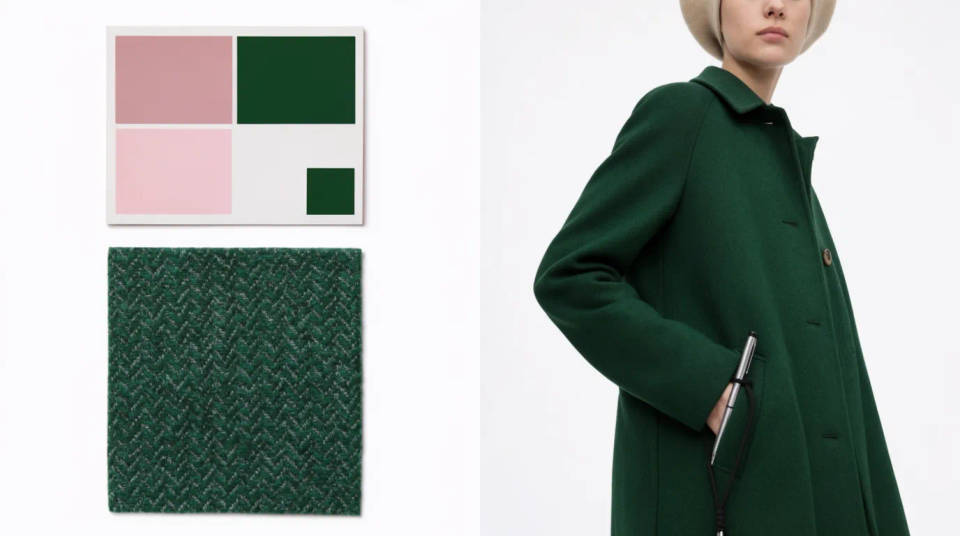
Direção visual guiada por moodboard
Agrupe imagens em um moodboard e o Krea 2 trabalha a partir das paletas, temas e motivos do conjunto. Feche uma direção visual rápido para uma campanha, um anúncio ou uma série de posts.
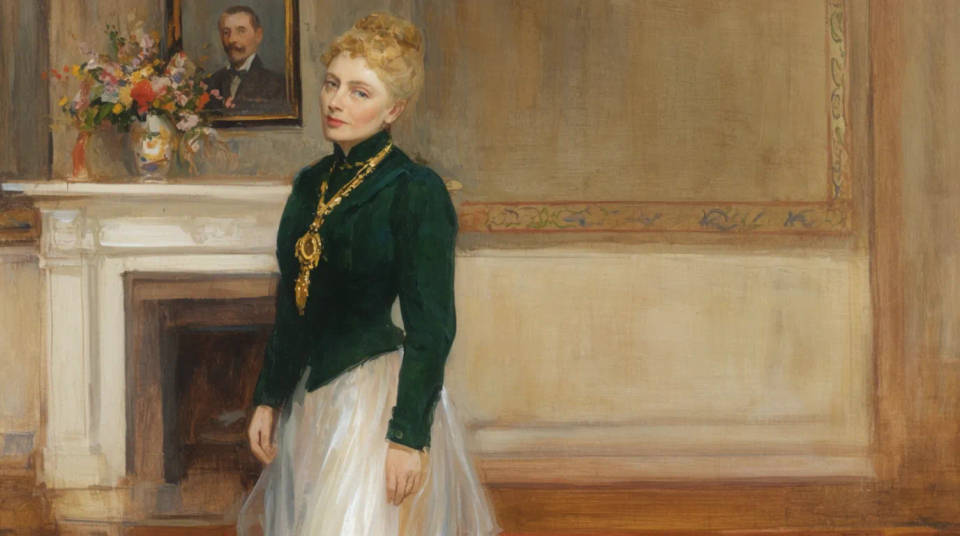
Controle de criatividade
Um controle que vai do fiel ao alto define o quanto o Krea 2 segue o prompt ao pé da letra ou o quanto ele adiciona profundidade e interpretação. Fiel em uma ponta, expressivo na outra.
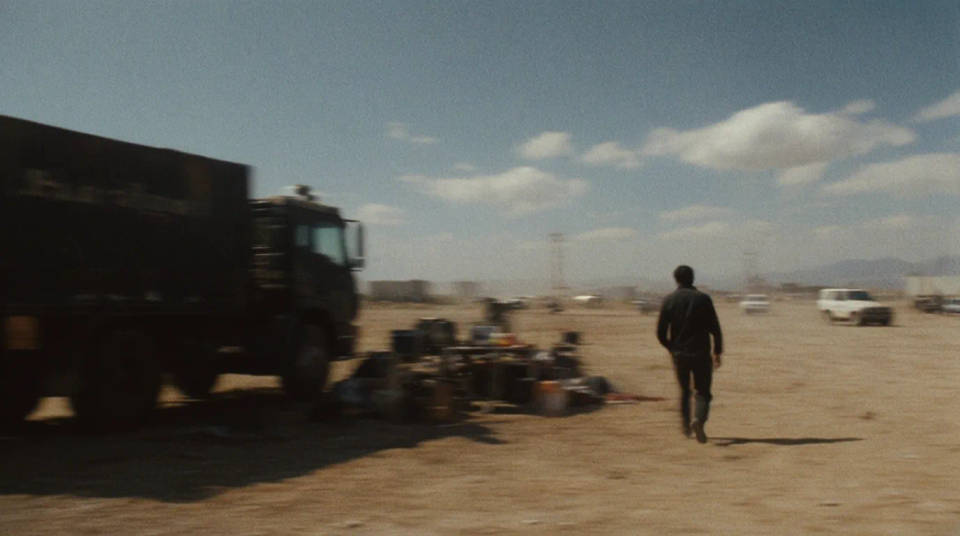
Realismo de foto capturada
O modelo maior aposta em fotorrealismo. Motion blur, granulado de filme e baixa faixa dinâmica parecem foto tirada, não imagem renderizada.
Exemplos de prompt
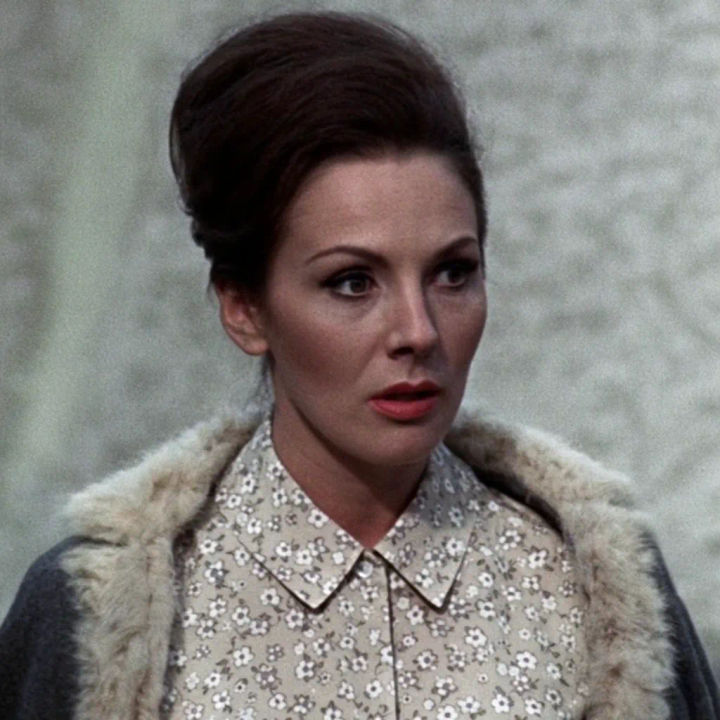
Transferência de estilo por referência
Retrato no estilo de três referências de filme, granulado quente, luz suave e baixo contraste
Edit prompt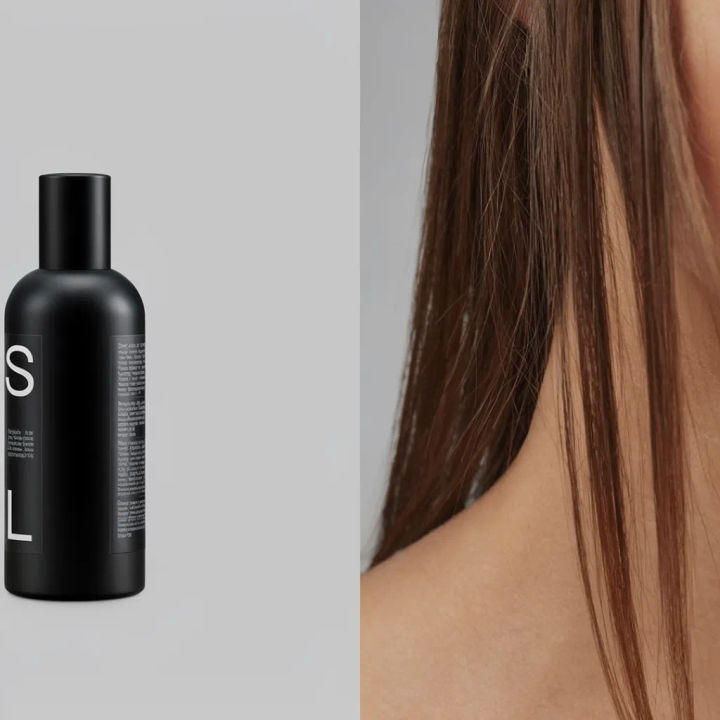
Moodboard editorial
Díptico editorial de moodboard, produto fosco ao lado de um modelo, paleta cinza neutra
Edit prompt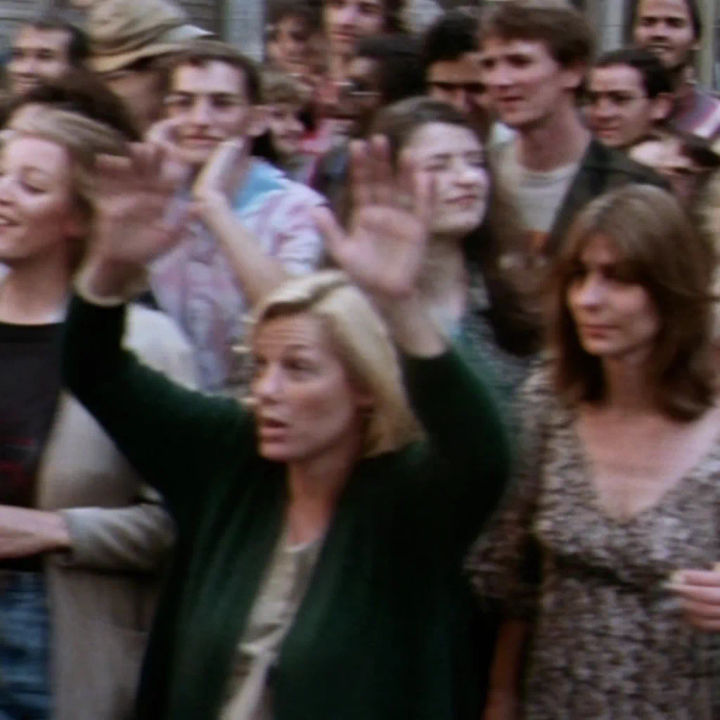
Quadro de filme granulado
Cena de rua como still de filme 35mm, motion blur, granulado, baixa faixa dinâmica
Edit prompt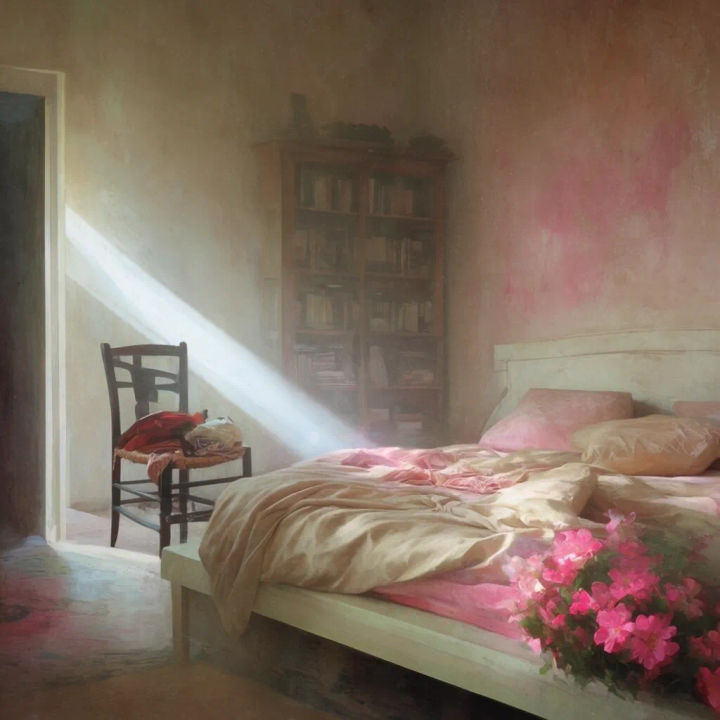
Criatividade no máximo
Interior onírico, criatividade alta, luz e profundidade inesperadas, clima pictórico
Edit prompt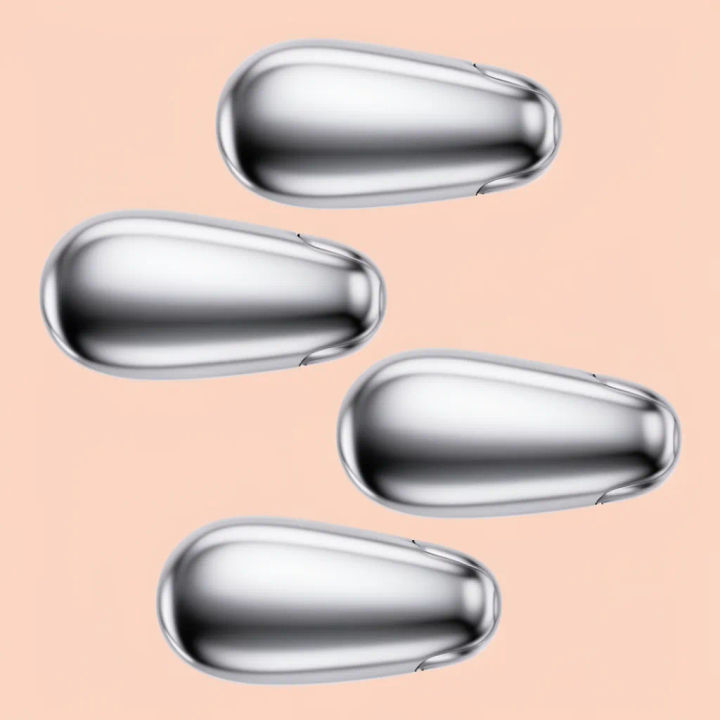
Série consistente
Quatro fotos de produto, mesmo visual e paleta, variação sutil entre elas
Edit prompt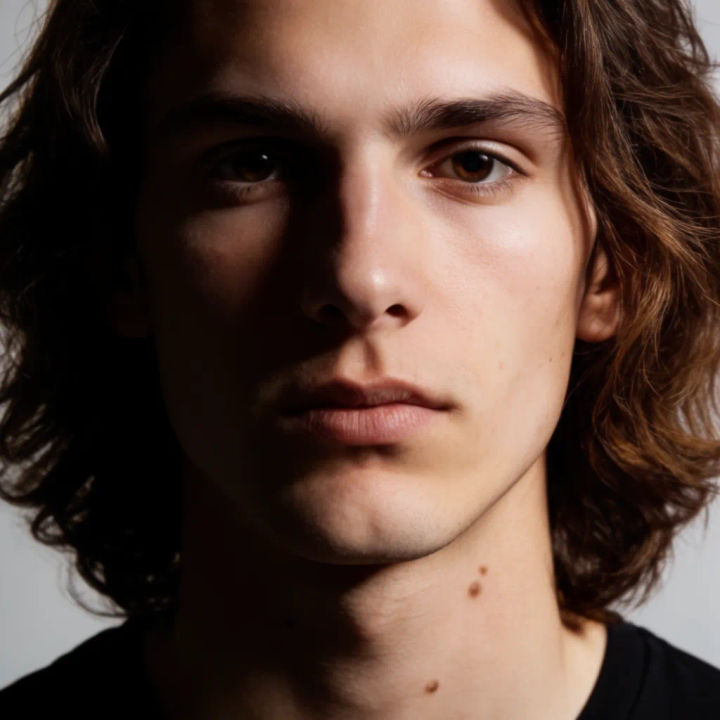
Foto de estúdio fotorrealista
Retrato de estúdio, luz principal nítida, pele natural, baixa profundidade de campo
Edit prompt
Messages to cinematic scene
Dramatize any text conversation into a cinematic multi-shot video.

Cinematic storyboard
Share a scene description with character references. Get a full storyboard with shot angles and mood.

Title sequence
Generate a professional film title card from scratch, with optional cinematic animation.

3x3 storyboard
Feed in a single image. Get 9 cinematic beats laid out as a 3x3 storyboard grid.

Chibi sprite animation
Turn any photo or description into an animated chibi sprite. Dance, jump, wave, attack, and more.

Expressions
Take any character image and generate 6 distinct facial expressions on a single reference sheet.
Tudo no Morphic
Modelos
Krea 2, Seedream 5.0, Flux 2 Pro, Nano Banana Pro e mais. Escolha o visual certo e troque no meio do projeto.
Referências de estilo
Envie referências ou um moodboard e o Krea 2 leva a paleta e o estilo para cada imagem.
Edição localizada
Selecione uma região e mude só ela. Reilumine, recolora ou reenquadre enquanto o resto do quadro fica intacto.
Workflows
Transforme uma imagem pronta em um Workflow de um clique. Rode de novo, compartilhe ou favorite para reusar rápido.
