Todos os modelos de imagem
Em um só workspaceFeito com o Nano Banana 2
Crie uma imagem em três passos
- 01
Abra o Morphic
Cadastre-se e comece a criar em uma tela visual infinita e fluida.
- 02
Descreva a imagem
Sujeito, texto, layout, estilo. Ative o grounding quando os detalhes precisarem bater com o mundo real.
- 03
Gere e refine
Renderize rápido, depois refine com edições de múltiplos turnos e compare modelos lado a lado na Canvas.
O que o Nano Banana 2 gera
Personagens consistentes em velocidade
Trave até 5 personagens e 14 objetos, depois gere um conjunto completo rápido. O mesmo rosto, figurino e acessórios se mantêm em todos os planos.

Precisão com grounding na web
O grounding opcional com a Busca Google traz lugares, produtos e eventos reais para o quadro, então visuais de temas atuais e fotos de produto ficam factualmente corretos.

Texto e tradução dentro da imagem
Títulos e legendas legíveis, com texto que pode ser traduzido ou adaptado dentro da própria imagem. Feito para sinalização multilíngue, embalagens e anúncios localizados.

Iteração rápida até 4K
A geração na velocidade do Flash deixa os loops de revisão rápidos, depois é só levar o vencedor para 4K em 14 proporções, para impressão e redes sociais a partir de um único arquivo.

Exemplos de prompt
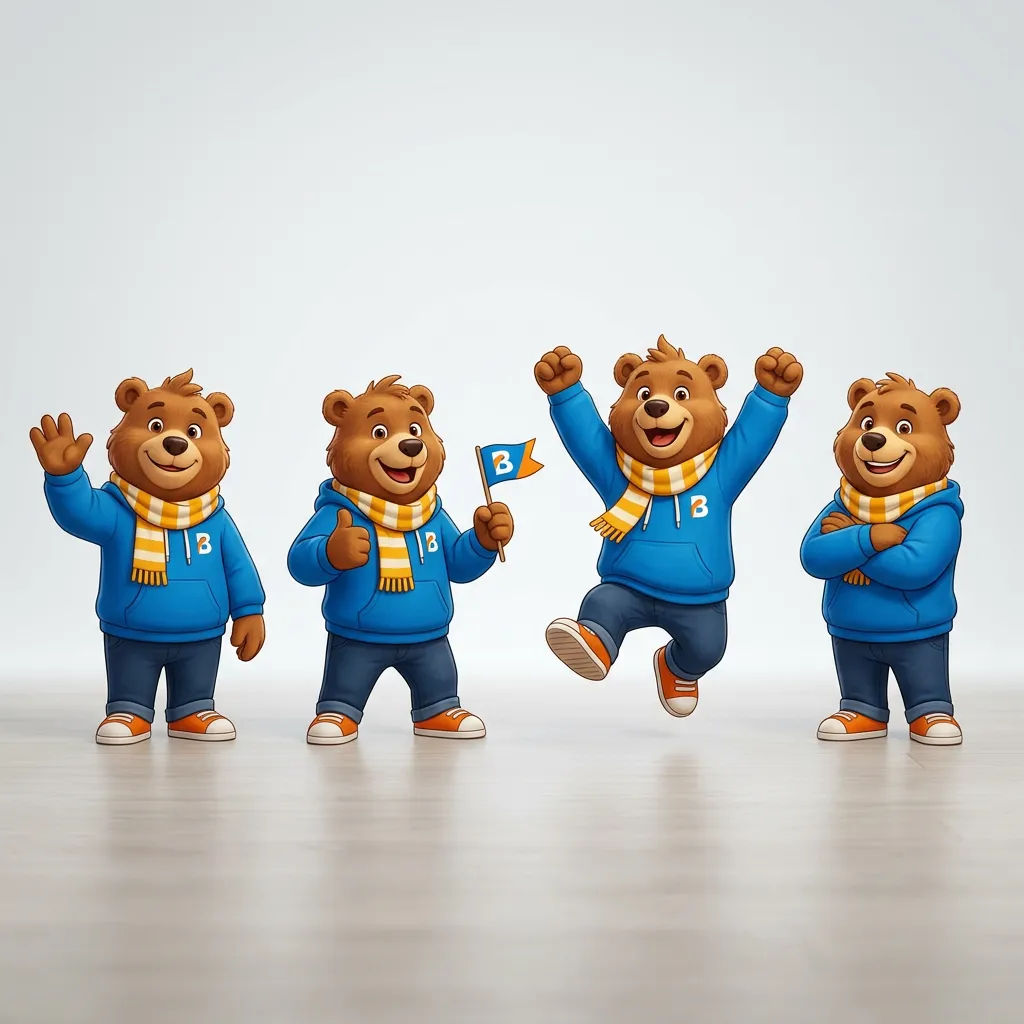
Conjunto de mascote consistente
Mascote de marca em quatro poses, mesmo personagem, cores consistentes, fundo de estúdio limpo
Edit prompt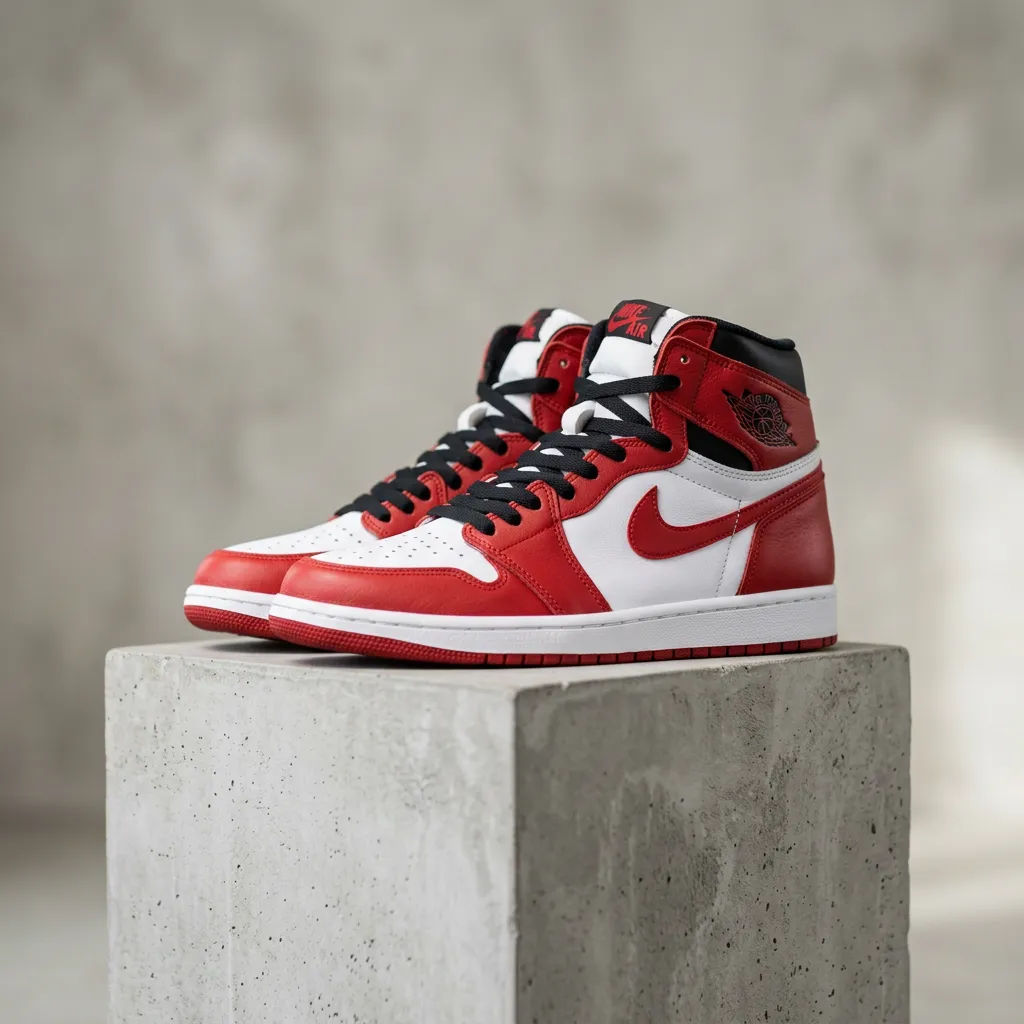
Foto de produto com grounding
Tênis real sobre um pedestal de estúdio, marca precisa, luz principal suave
Edit prompt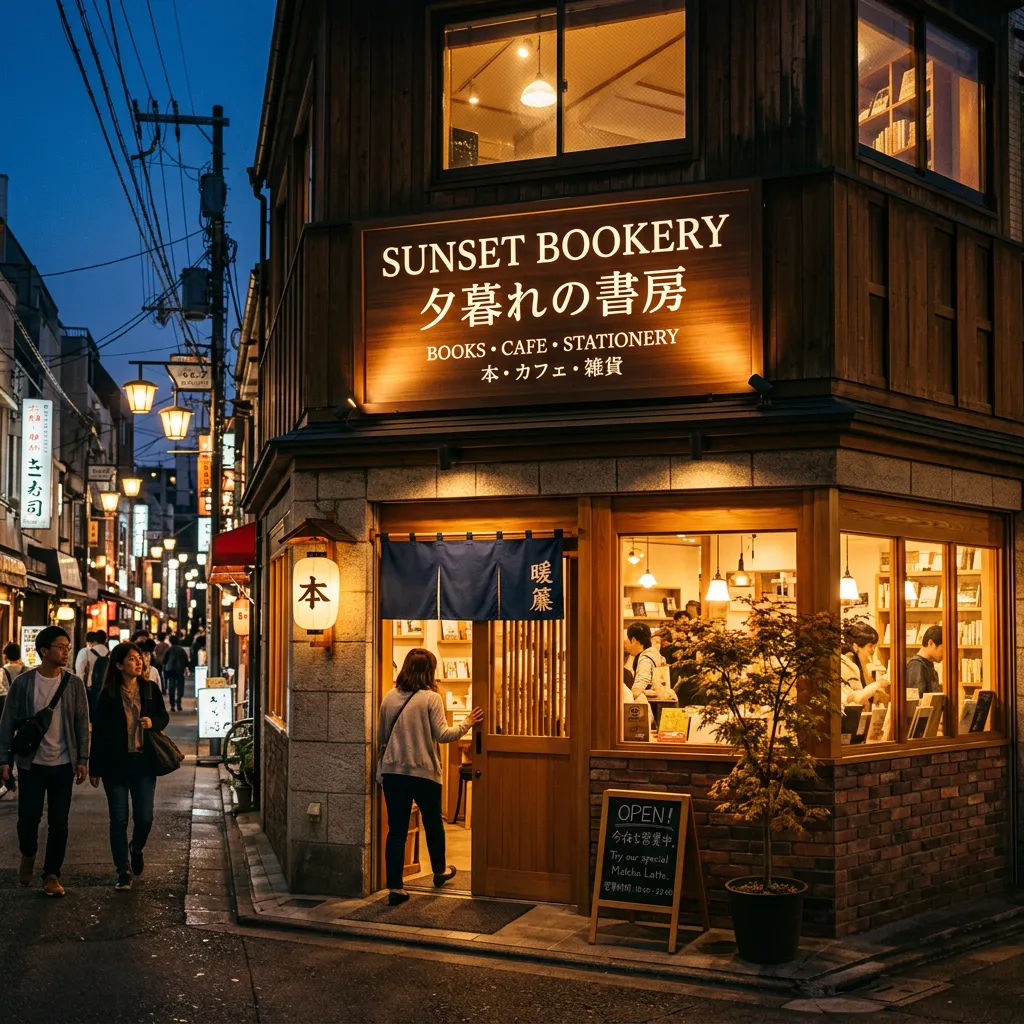
Sinalização multilíngue
Placa de loja com texto legível em português e japonês, luz quente de fim de tarde
Edit prompt
Anúncio localizado
Mesmo anúncio de produto em três idiomas, títulos trocados, layout e paleta iguais
Edit prompt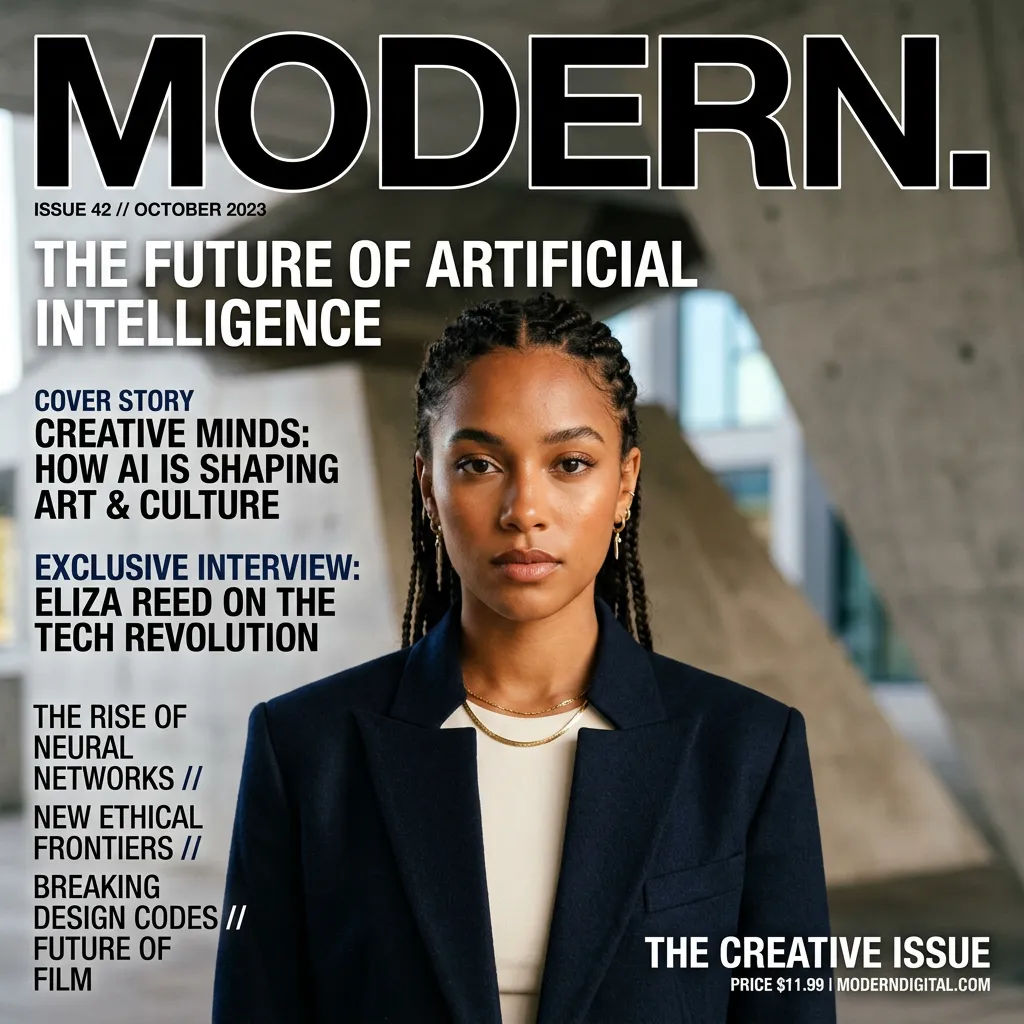
Capa editorial
Capa de revista, título em destaque, retrato único, layout preciso em 4:5 com tipografia limpa
Edit prompt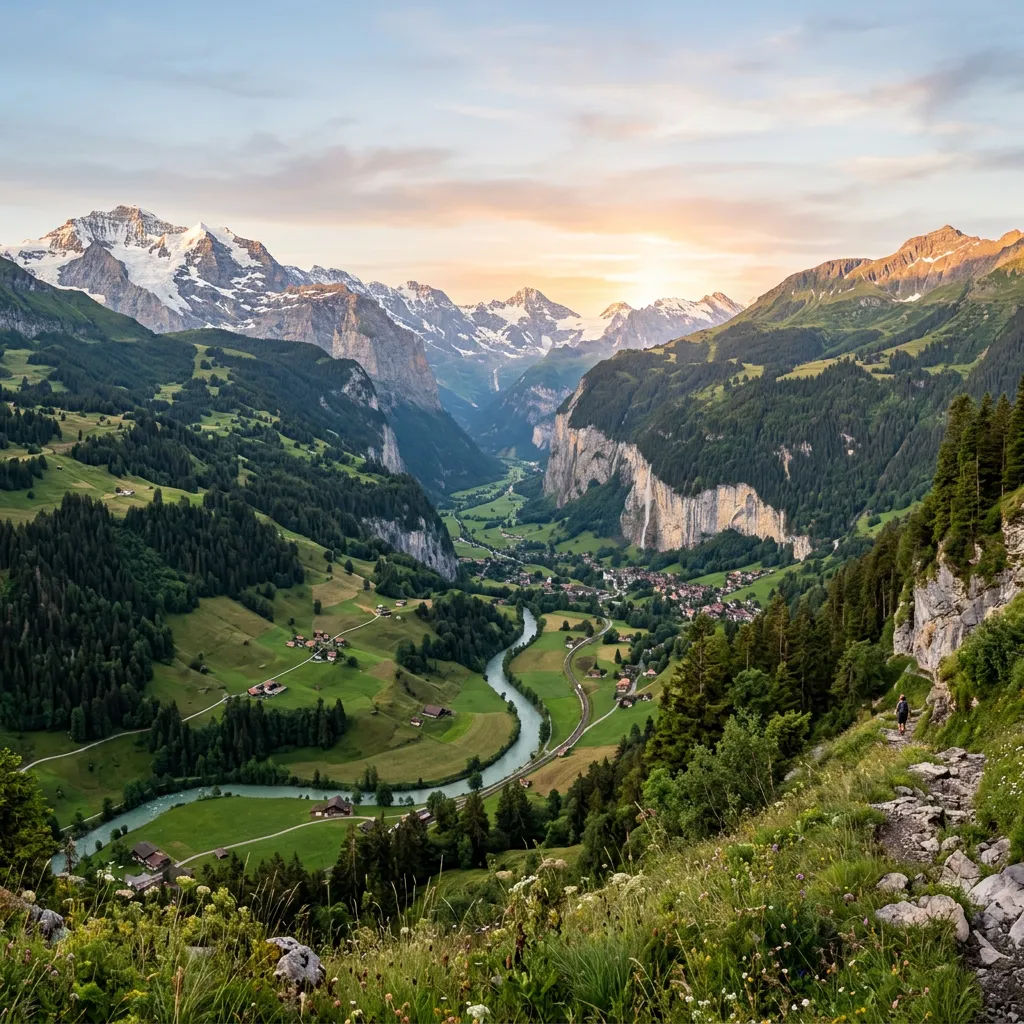
Paisagem em 4K
Vale de montanha amplo ao amanhecer, ultra-wide 21:9, detalhe nítido, cor natural
Edit prompt
Messages to cinematic scene
Dramatize any text conversation into a cinematic multi-shot video.

Cinematic storyboard
Share a scene description with character references. Get a full storyboard with shot angles and mood.

Title sequence
Generate a professional film title card from scratch, with optional cinematic animation.

3x3 storyboard
Feed in a single image. Get 9 cinematic beats laid out as a 3x3 storyboard grid.

Chibi sprite animation
Turn any photo or description into an animated chibi sprite. Dance, jump, wave, attack, and more.

Expressions
Take any character image and generate 6 distinct facial expressions on a single reference sheet.
Tudo no Morphic
Sua central completa de imagemModelos
Nano Banana 2, Nano Banana Pro, Seedream 5, Flux 2 Pro e mais. Escolha o visual e troque no meio do projeto.
Consistência de personagem
Trave até 5 personagens e 14 objetos, para que um elenco mantenha a mesma aparência em cada cena.
Edição localizada
Selecione uma região e altere só ela. Troque o texto, reilumine ou reenquadre enquanto o resto do quadro se mantém.
Workflows
Transforme uma imagem pronta em um Workflow de um clique. Rode de novo, compartilhe ou favorite para reusar rápido.
