Todos os modelos de imagem
Feito com o Seedream 5.0 Lite
Crie uma imagem em três passos
- 01
Abra o Morphic
Cadastre-se e comece a criar em uma tela visual infinita e fluida.
- 02
Descreva a imagem
Explique o briefing por completo. O Seedream raciocina sobre o pedido, então detalhe e restrições fazem diferença.
- 03
Gere e refine
Renderize, depois ajuste e troque de modelo lado a lado na Canvas.
O que o Seedream 5.0 Lite gera
Briefings com raciocínio
Ele planeja antes de pintar, então prompts complexos com vários sujeitos e restrições saem com os detalhes intactos, sem perder nada.
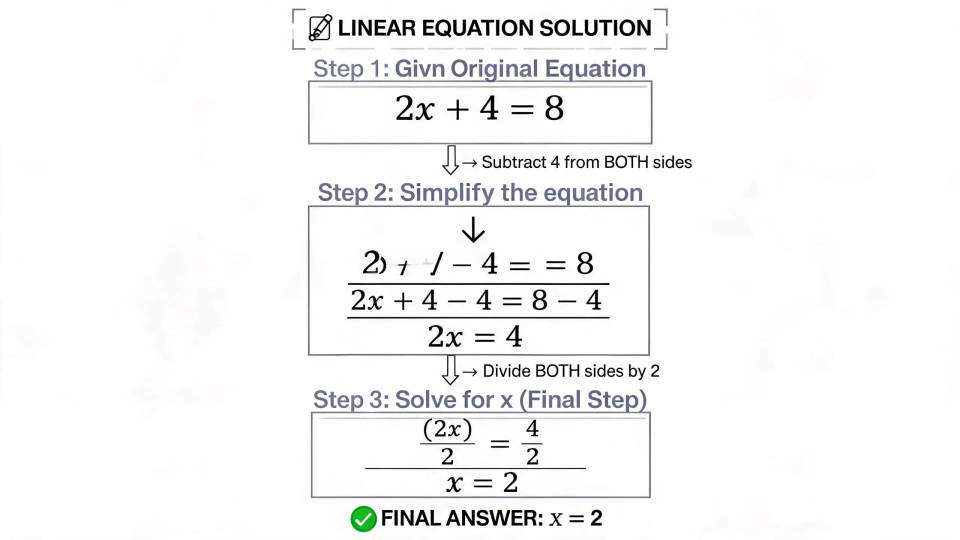
Busca online em tempo real
A busca integrada traz referências atuais no momento da geração. Notícias e assuntos em alta ganham imagem sem esbarrar em um corte de treinamento.

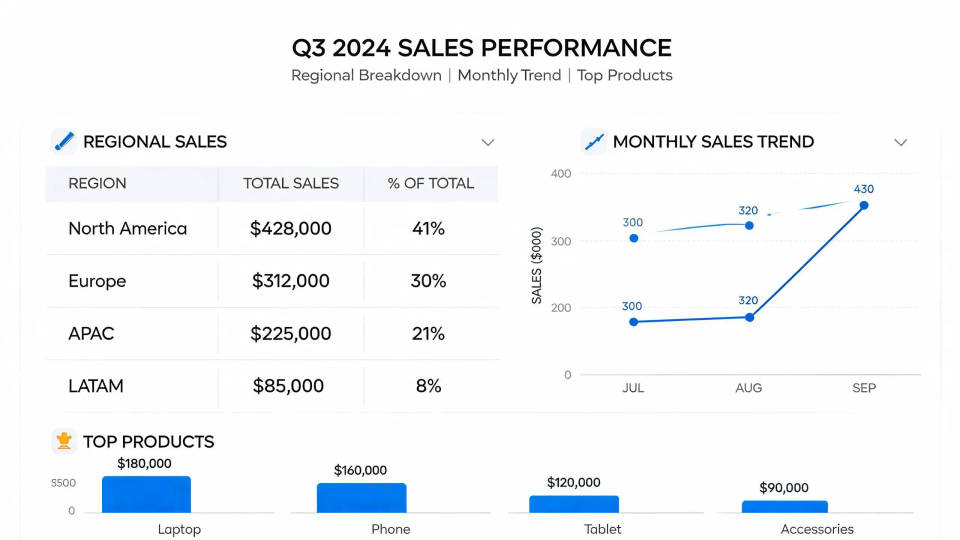
Tipografia e gráficos
Texto, UI e geração de gráficos como casos de uso de primeira linha. Títulos legíveis e layouts de dados limpos saem prontos para uso real.
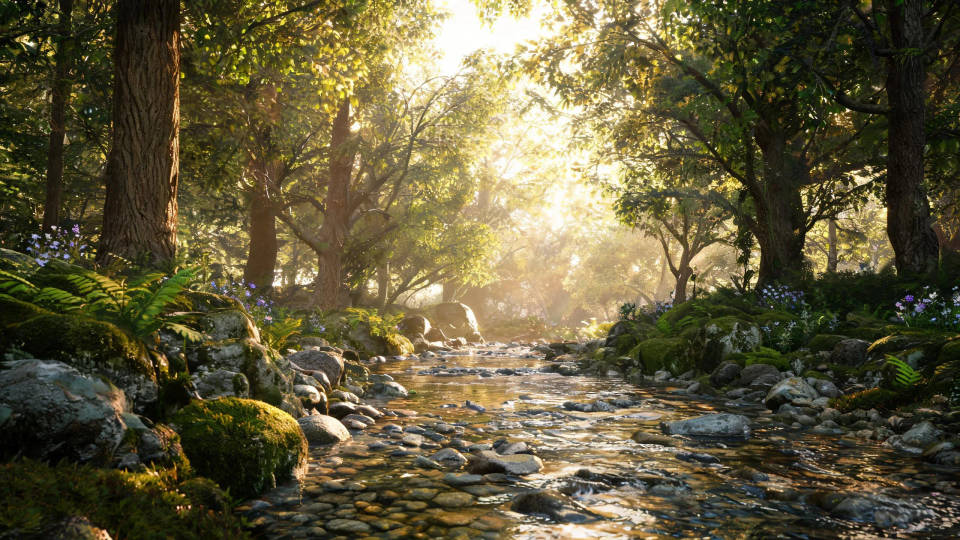
Fotografia e ilustração
A evolução completa também cobre os prompts padrão. Cenas fotorreais e ilustrações saem com forte entendimento e renderização.
Exemplos de prompt
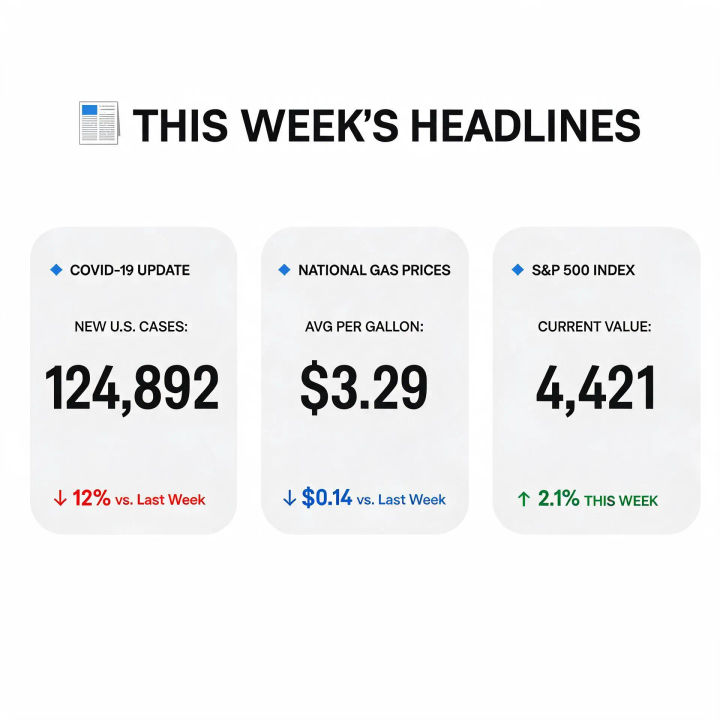
Infográfico atual
Infográfico sobre a manchete desta semana, seções com legenda, números atuais, tipografia limpa
Edit prompt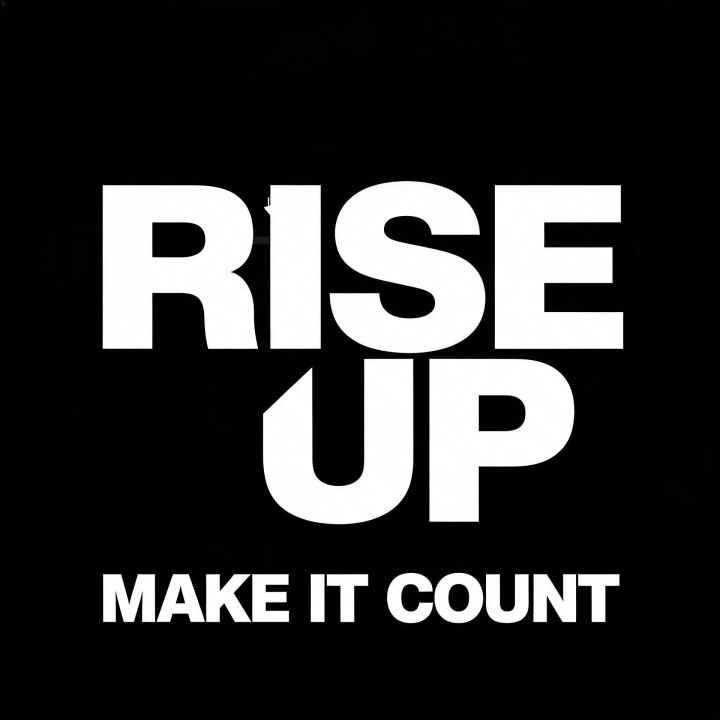
Pôster tipográfico
Pôster tipográfico marcante, título em camadas, kerning preciso, paleta de duas cores
Edit prompt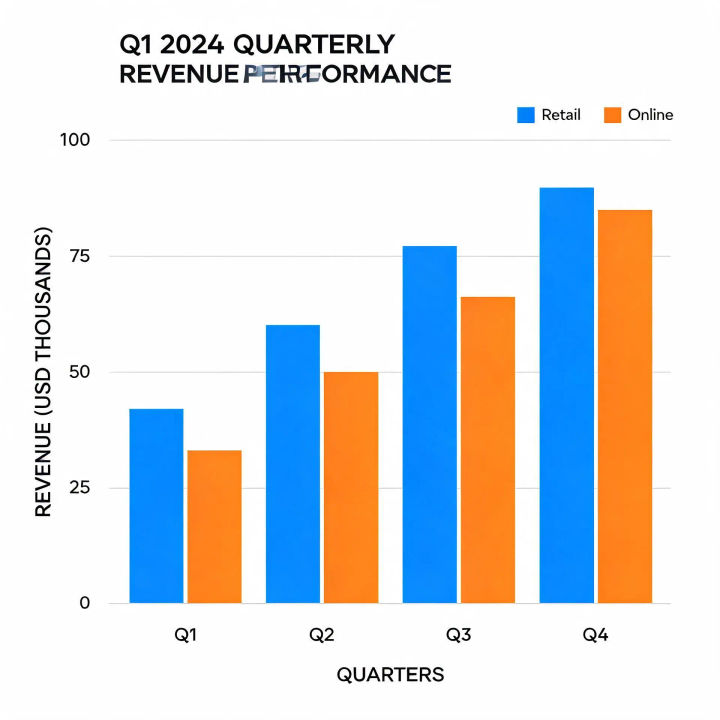
Gráfico de dados
Gráfico de barras trimestral com legenda e título, dados precisos, estilo editorial
Edit prompt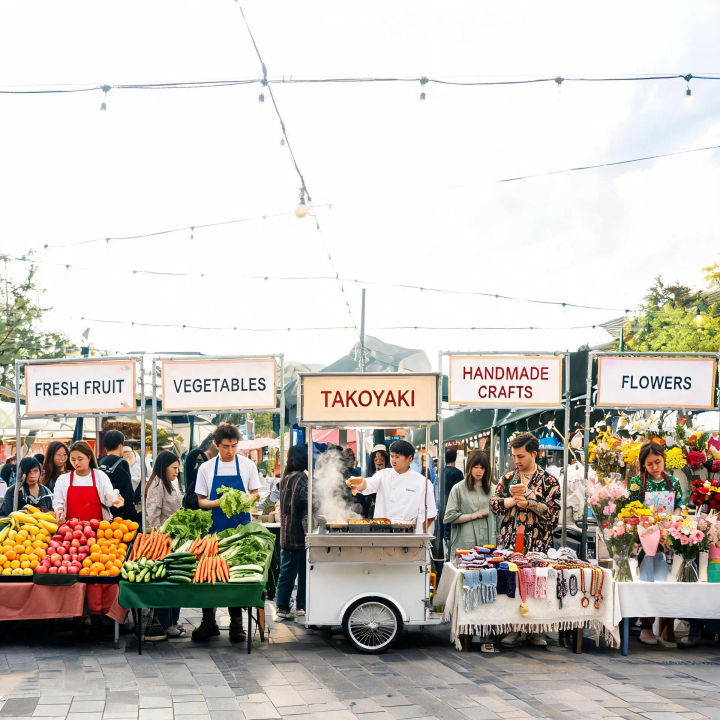
Cena com vários sujeitos
Cena de mercado movimentado, cinco vendedores, barracas distintas, relações espaciais corretas
Edit prompt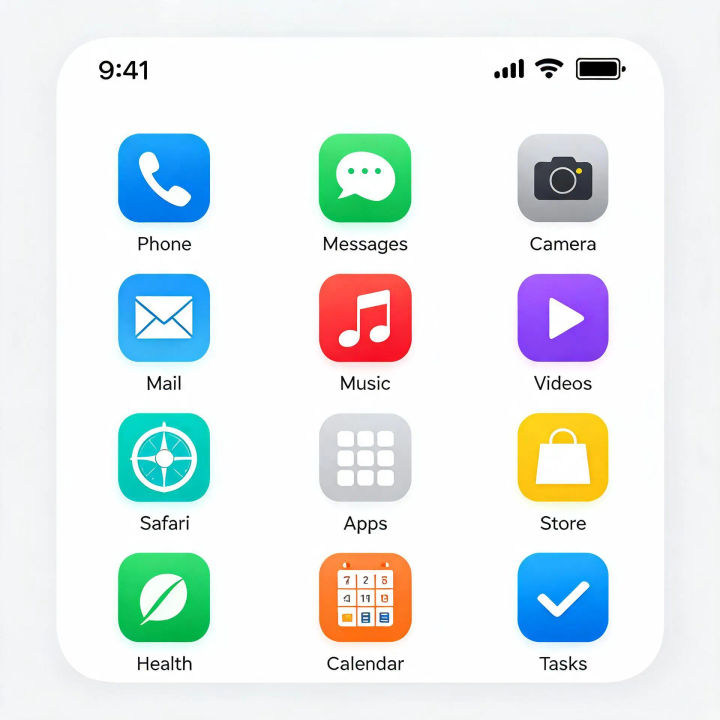
Conceito de UI
Tela inicial de app para celular, grade organizada, rótulos legíveis, design flat moderno
Edit prompt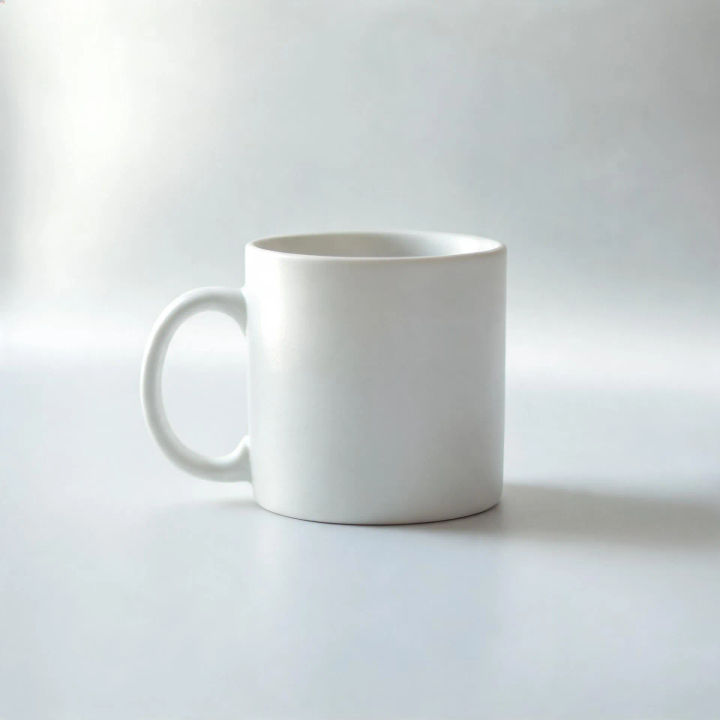
Produto fotorreal
Foto de produto em estúdio, luz principal suave, materiais precisos, profundidade de campo rasa
Edit prompt
Messages to cinematic scene
Dramatize any text conversation into a cinematic multi-shot video.

Cinematic storyboard
Share a scene description with character references. Get a full storyboard with shot angles and mood.

Title sequence
Generate a professional film title card from scratch, with optional cinematic animation.

3x3 storyboard
Feed in a single image. Get 9 cinematic beats laid out as a 3x3 storyboard grid.

Chibi sprite animation
Turn any photo or description into an animated chibi sprite. Dance, jump, wave, attack, and more.

Expressions
Take any character image and generate 6 distinct facial expressions on a single reference sheet.
Tudo no Morphic
Modelos
Seedream 5.0 Lite, Nano Banana Pro, Flux 2 Pro, Ideogram 4.0 e mais. Escolha o visual e troque no meio do projeto.
Edição localizada
Selecione uma região e altere só ela. Reilumine, recolora ou reenquadre sem mexer no resto do quadro.
Imagem para vídeo
Gere uma imagem-chave com contexto e depois anime com um modelo de vídeo Seedance no mesmo workspace.
Workflows
Transforme uma imagem pronta em um Workflow de um clique. Rode de novo, compartilhe ou favorite para reusar rápido.
