



Lesson segment
An instructor teaching to camera in a clean, bright set, the core lesson clip that carries the actual teaching.
Editar prompt
Whether you teach on your own site, Teachable, or Udemy, write your lesson or record a quick take and get back clean, on-brand course videos. No studio, no camera crew, no editor.

Paste a lesson script or upload a rough recording. A phone take at your desk is enough, and Morphic reads the words, the pacing, and the tone.
Say what you want in one plain sentence: the set, the framing, the mood. Tweak the words and run it again until it lands.
Get a set of clips at full resolution with captions, ready to upload straight to your course platform or social feed.
Every kind of video your course runs on, from a taught lesson to an animated explainer and a scroll-stopping social promo, all made from a short script or a single rough recording you shot on your phone.
An instructor teaching to camera in a clean, bright set, the core lesson clip that carries the actual teaching.
Editar promptA short animated clip that breaks down a tricky concept with simple motion, so the hard parts of your lesson finally click.
Editar prompt
A punchy trailer that sets up the whole course and its promise, the clip that turns a browsing visitor into an enrolled student.
Editar prompt
A short, scroll-stopping promo cut for a vertical feed, made to pull new learners toward your course from social.
Editar prompt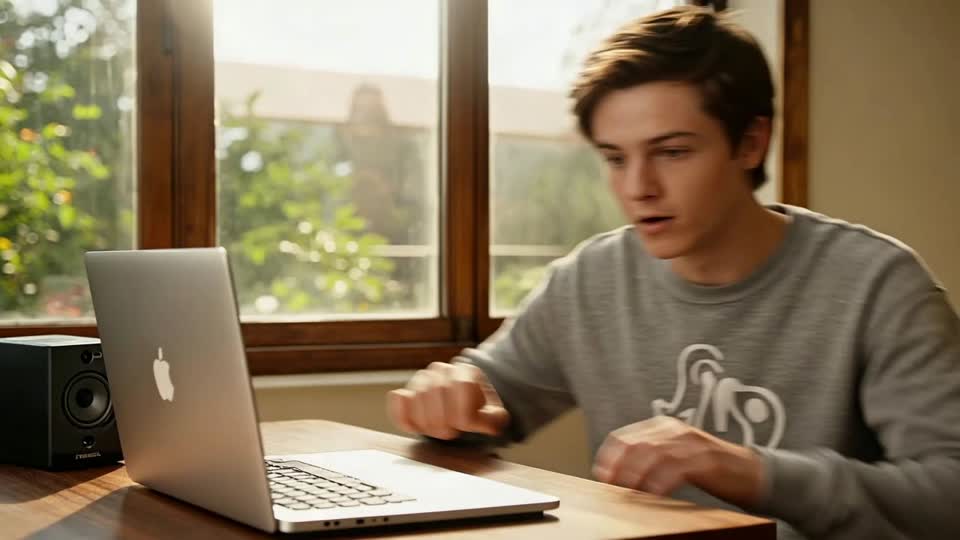
AI covers most of the production here. A few things still want your eye before you publish the lesson to your learners, so here is where each one sits and what is worth a quick check before it goes out.
One image to a 9-scene cinematic video.
Cinematic time-freeze short film for any scene

Share a scene description with character references. Get a full storyboard with shot angles and mood.
Drop in a photo of yourself. Get a 12-second cinematic movie with animation and a matched soundtrack.
Continues your scene sequence with perfect character consistency across frames.
Go from any idea to a finished short film with scenes, visuals, video, and music.
Comece grátis hoje mesmo, com a opção de fazer upgrade ou cancelar quando quiser.
Basic
2400 mensal créditos
1 apenas usuário
Todos os modelos
Workflows
Standard
3625 mensal créditos
1 apenas usuário
Todos os modelos
Workflows
Pro
6350 compartilhado mensal créditos
1 usuário
Todos os modelos
Workflows
Max
24650 compartilhado mensal créditos
1 usuário
Todos os modelos
Workflows
Enterprise
Para limites maiores
Personalizado
termos de preços e cobrança

Free
Para experimentar
$0
grátis para sempre