

CTV ad frame
A cinematic connected TV ad frame with a premium grade and real depth, the kind that holds attention in a streaming break instead of feeling like filler.
Editar prompt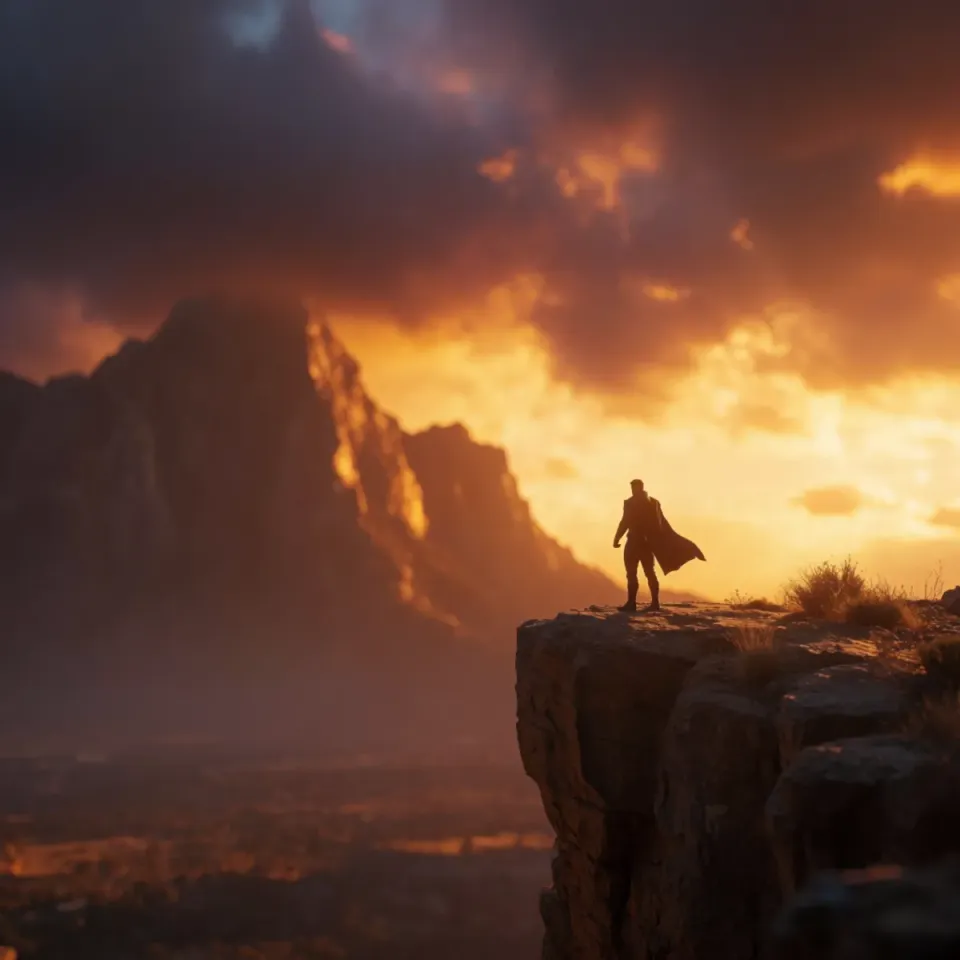
Connected TV buying wants a fresh cut for every audience, placement, and market, and your team ships the same hero spot to all of them because there is no time to version it. Describe the ad you need and get back cinematic streaming frames, trailer cutdowns, and regional variants, with voiceover and dubbing in the same place. No edit bay booking, no vendor round trip, no waiting on a cutdown.
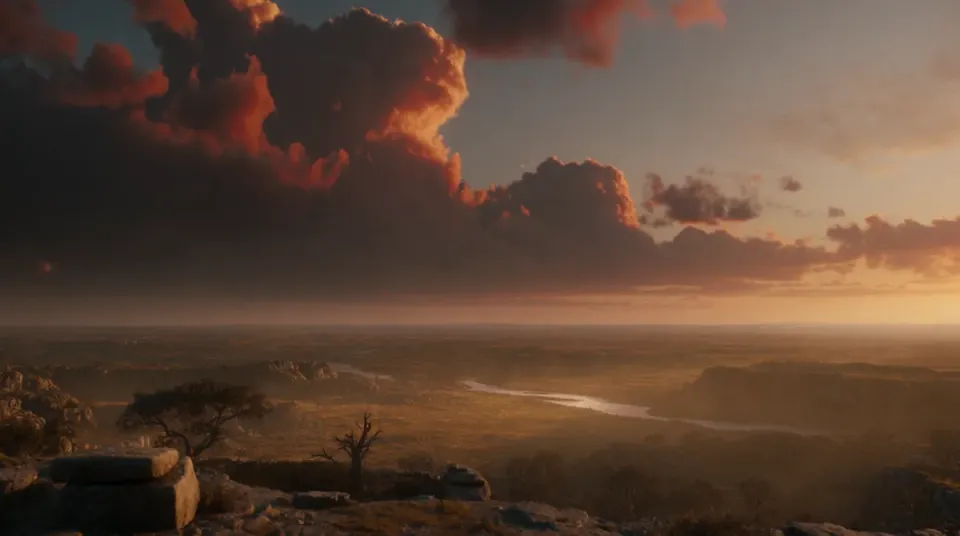
Say what you are making in one plain line: a CTV ad, a trailer cutdown, promo key art. Name the title, the mood, and the audience it runs to.
Add the grade, the pacing, and the read you want, then add a voiceover in the same place. Nudge the wording and run it again until it matches the campaign.
Get a set of cuts and regional variants at full resolution, dubbed where you need them and sized for every placement your media plan buys.
Every cut a connected TV campaign needs, from a full CTV ad to a trailer cutdown and a regional variant, made from a single plain-language brief so a whole flight of streaming creative looks like it came from one edit.
A cinematic connected TV ad frame with a premium grade and real depth, the kind that holds attention in a streaming break instead of feeling like filler.
Editar promptA punchy frame from a short trailer cutdown, paced to sell a title in a few seconds across pre-roll and mid-roll placements.
Editar prompt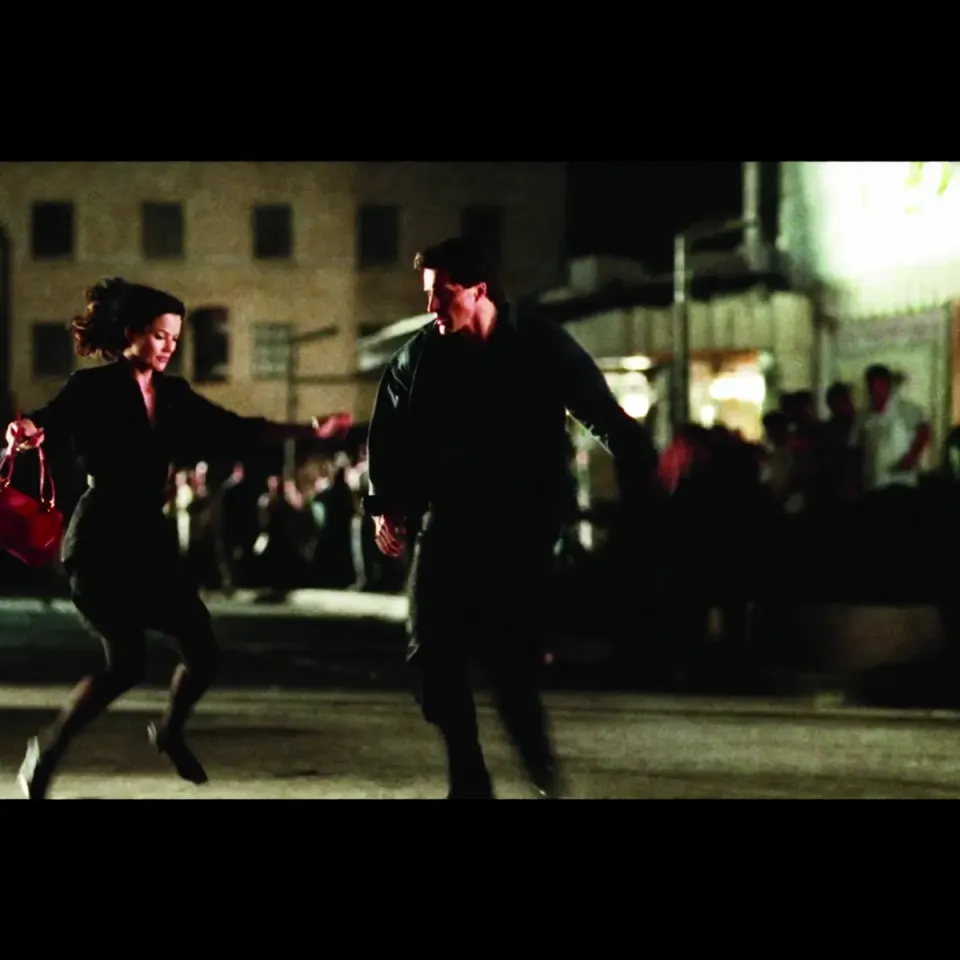
A polished promo key art visual for a title tile or a launch push, the kind that lifts a carousel and makes a new release feel like an event.
Editar prompt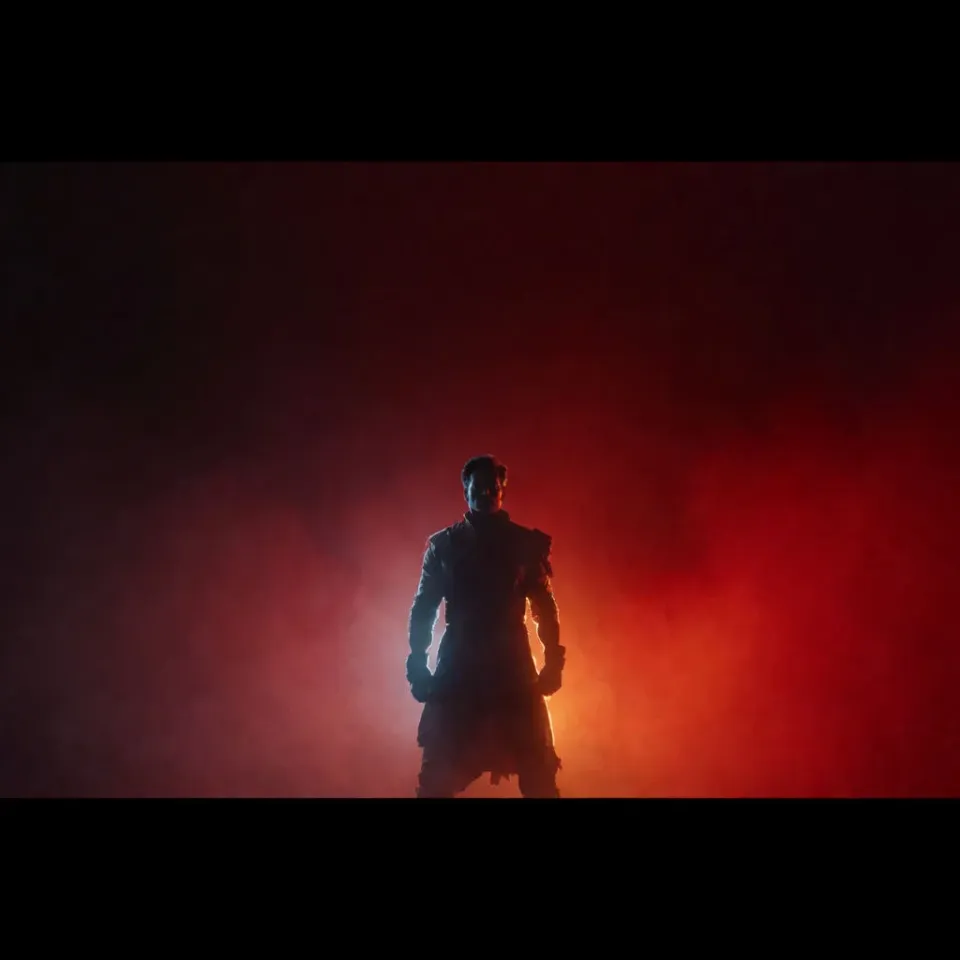
A market-specific cut of the same spot, staged so a regional audience sees an ad made for them rather than a translated afterthought.
Editar prompt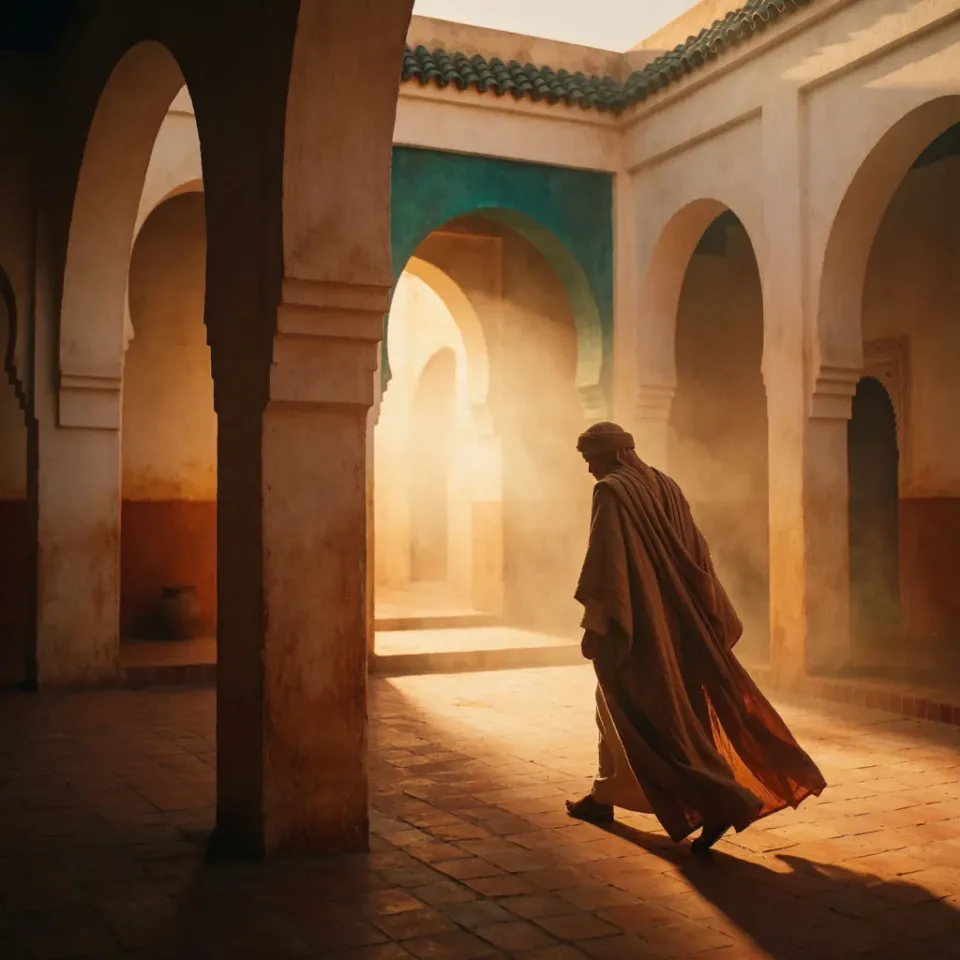
AI covers most of the production here. A few things still want your eye before a spot goes live in a paid placement, from exact brand and title treatment to any claim a frame implies, so here is where each one sits.

Dramatic 5-second product reveal video with audio.
Multi-shot product pitch video from a still, a person, and a script.

Dramatize any text conversation into a cinematic multi-shot video.

One product shot becomes a full campaign pack with hero shots, angles, and format variations.

Generate a female AI influencer. Vertical output, ready for socials.

Upload a product photo and get studio-quality shots on any surface with configurable lighting, angles, and aspect ratios.
Comece grátis hoje mesmo, com a opção de fazer upgrade ou cancelar quando quiser.
Basic
2400 mensal créditos
1 apenas usuário
Todos os modelos
Workflows
Standard
3625 mensal créditos
1 apenas usuário
Todos os modelos
Workflows
Pro
6350 compartilhado mensal créditos
1 usuário
Todos os modelos
Workflows
Max
24650 compartilhado mensal créditos
1 usuário
Todos os modelos
Workflows
Enterprise
Para limites maiores
Personalizado
termos de preços e cobrança

Free
Para experimentar
$0
grátis para sempre