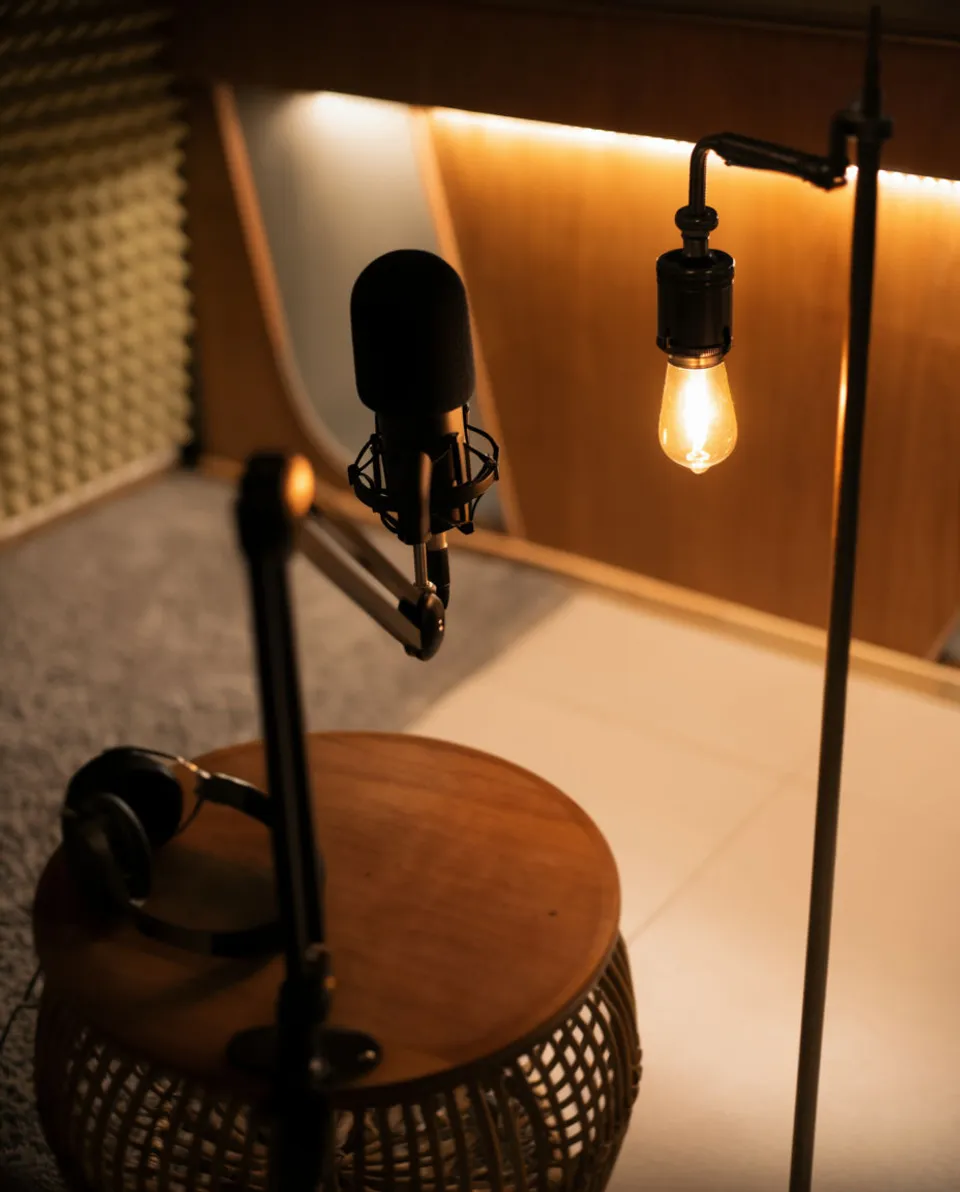


Sound effects for podcasts

Describe an atmosphere or a moment and Morphic generates it, so a storytelling episode has a room, a street, or a storm instead of a bare voice track. You get original beds and effects made for your show, cleared for the podcast feed. Voiceover, music, and SFX come from one workspace.

Example for Sound effects for podcasts

How it works

  1. 1
    describe it

    Describe the atmosphere and generate it

    Name the place and the feeling, like a distant storm heard from indoors or an extractor fan in a small kitchen, and Morphic generates it. Adjust how far away and how long it runs, then generate again until it sits right under your read.

  2. 2

    Lay it under the narration in your DAW

    Bring the file into Audacity, Adobe Audition, or Descript on its own track beneath the voice. Set it low so it colors the scene rather than competing with the words, and fade it in and out around the moment.

  3. 3

    Mix, level, and export the episode

    Keep beds well under your voice and check the effect does not spike the loudness. Export to your feed's spec so the atmosphere survives on earbuds and car speakers alike.

Sounds a show can build a scene from

Four atmospheres and moments a narrative episode leans on, each generated from a description.

Distant storm bed

For a tense or reflective passage in a narrative episode. A low rumble under the voice signals weather and mood without a weather report.

0:00
0:10

Editar prompt
Distant storm bed for Sound effects for podcasts

Room appliance hum

For a kitchen or workshop scene in a documentary-style show. The steady hum places the listener in a specific room instantly.

0:00
0:08
Editar prompt
Room appliance hum for Sound effects for podcasts

Footsteps for a moment

For an arrival, an exit, or a beat of movement in reenactment. Footsteps give a scene a body moving through it.

0:00
0:05
Editar prompt
Footsteps for a moment for Sound effects for podcasts

Weather from indoors

For an interior scene where a storm rages outside a window. It contrasts the calm room with the chaos beyond it.

0:00
0:12
Editar prompt
Weather from indoors for Sound effects for podcasts

What it handles, and what to check

Morphic supplies the sound; you protect the pacing and the mix under speech.

What Morphic handles well

  • Turning a described place into an original atmosphere for your scene
  • Adjusting distance, texture, and length so a bed sits under a read
  • Covering narrative staples, from weather beds to room hum to footsteps
  • Producing clean files that fit a podcast feed's format and loudness

Where you still want your own ear

  • Keeping the bed low enough that it never fights the spoken word
  • Fading in and out on the right beat so the scene breathes
  • Not scoring every line, which turns atmosphere into clutter
  • Matching the sound's era and place to the story you are telling

Preços simples

Comece grátis hoje mesmo, com a opção de fazer upgrade ou cancelar quando quiser.

Basic

$9/ mês
cobrado como $0 por ano

1100 mensal créditos

1 apenas usuário

Todos os modelos

Workflows

Standard

$24/ mês
cobrado como $0 por ano

3625 mensal créditos

1 apenas usuário

Todos os modelos

Workflows

Pro

$45/ mês
cobrado como $0 por ano

6350 compartilhado mensal créditos

1 usuário

+ até 4 mais com custo adicional

Todos os modelos

Workflows

Pro Max

$170/ mês
cobrado como $0 por ano

24650 compartilhado mensal créditos

1 usuário

+ até 9 mais com custo adicional

Todos os modelos

Workflows

Enterprise

Para limites maiores

Personalizado

termos de preços e cobrança

Créditos de alto volume
Limites de vagas personalizados
Todos os modelos
Workflows
Pricing Gradient

Free

Para experimentar

$0

grátis para sempre

Até 20 créditos
apenas 1 usuário
Modelos limitados
Workflows

Perguntas frequentes

Can I use these podcast sound effects on a monetized or sponsored show?
Effects generated on a paid plan are yours for ad-supported episodes, subscriptions, and branded series. Check the current terms for the exact commercial scope before you build them into the feed.
How do I keep an atmosphere from drowning out the host?
Put the bed on its own track well below the voice, often quiet enough that a listener feels it more than hears it. Fade it under dialogue and let it come up only in the gaps.
Are these safe to use given podcast rights and platform rules?
The effects are generated originals, not clips pulled from film or archive recordings, so there is no third-party audio to clear. Your episode stays clean as long as your music and any guests are also cleared.
Can I make a long bed that runs under a whole segment?
Yes. Describe a continuous atmosphere and set a longer length so it covers a passage of narration. Generate a single bed long enough to run under the whole section rather than repeating a short clip.
Will these work in Descript, Audition, or Audacity?
You download standard audio files that import into any of those on a dedicated track. Level and fade them like any other clip in your session.
Can I handle voiceover and music in the same place?
Yes. The same workspace generates sound effects, music, and voiceover, so an intro, a bed, and a narrator line can all come from one tool instead of three.