Uma caminhada de mão pela rua
Plano de mão em 16mm seguindo uma pessoa por uma rua ensolarada, grão orgânico, leve tremor de imagem e halo quente nas vitrines.
Editar prompt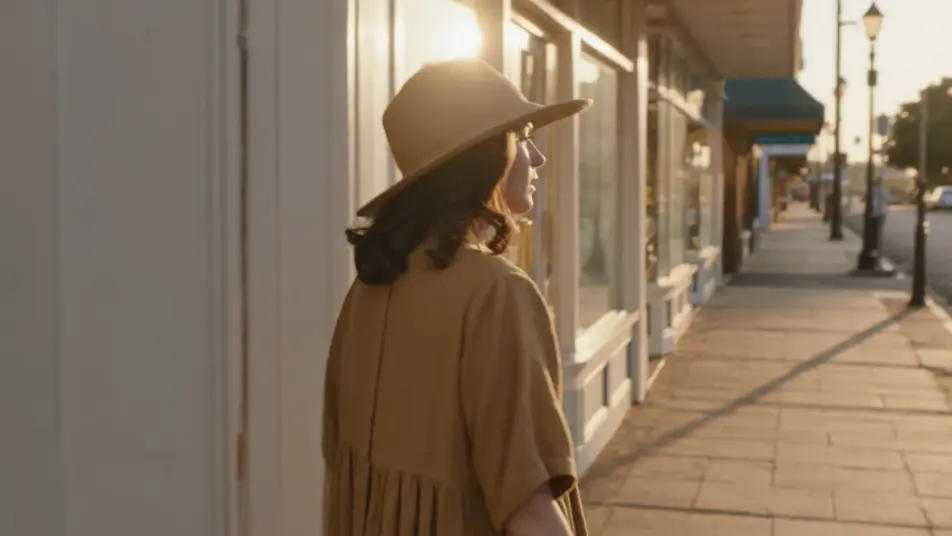
Filme direto no navegador com o gerador de vídeo com IA do Morphic no visual 16mm. Crie uma caminhada de mão por uma rua ensolarada, uma cena no sertão ao entardecer ou um retrato fechado numa janela com chuva. Grave voz e trilha com Speech e Music, depois monte o curta granulado no Canvas.
Plano de mão em 16mm seguindo uma pessoa por uma rua ensolarada, grão orgânico, leve tremor de imagem e halo quente nas vitrines.
Editar promptPlano aberto em 16mm de alguém numa praia brasileira ao entardecer, foco suave, areia dourada e cor quente de película com halo.
Editar prompt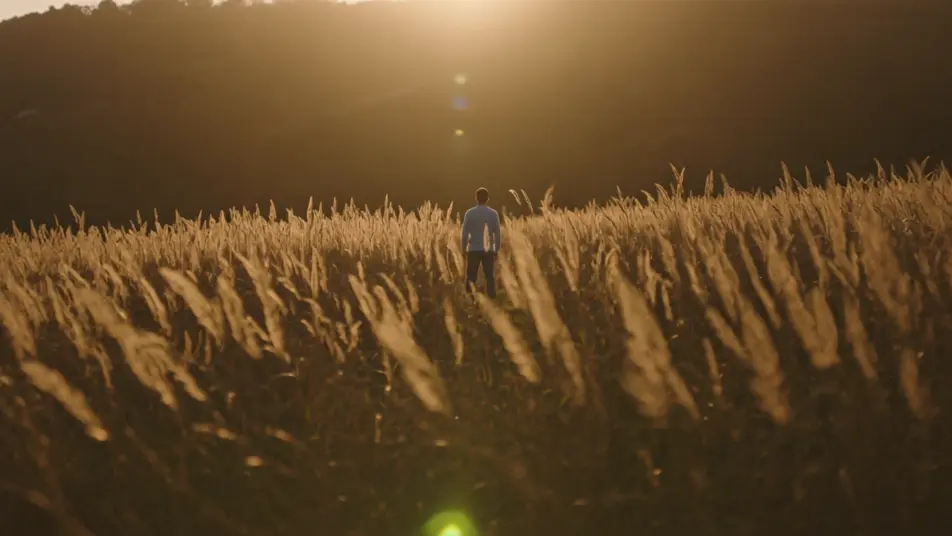
Interior aconchegante em 16mm, luminárias quentes de tungstênio, grão visível nas sombras e um zoom lento e suave.
Editar prompt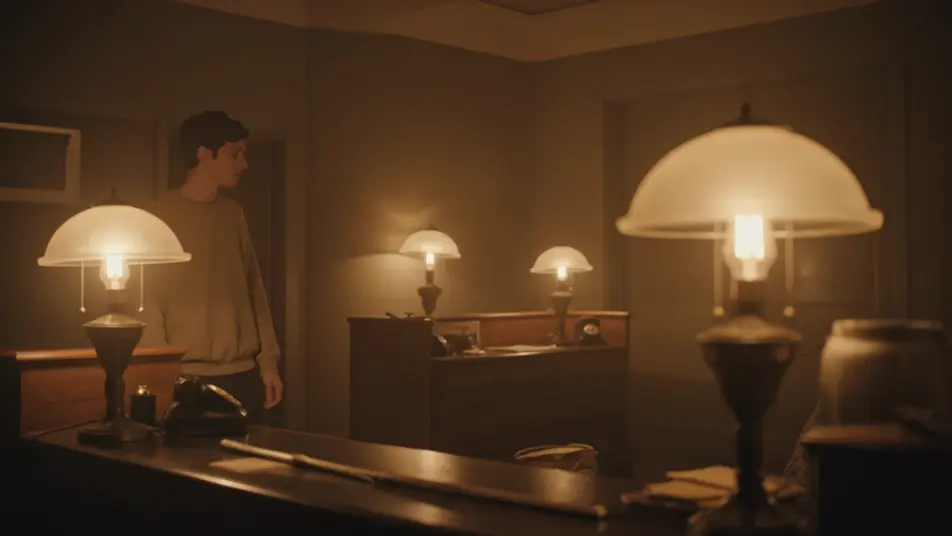
Close fechado em 16mm de um rosto numa janela com chuva, luz fria do dia, grão fino, foco raso e um momento silencioso.
Editar prompt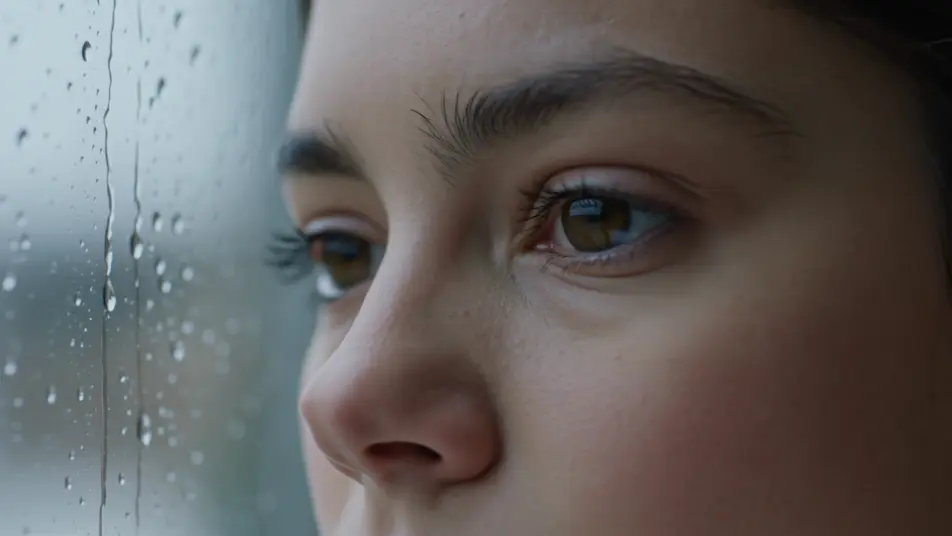
Escreva a cena de filme 16mm que você quer, em poucas palavras.
A Morphic gera um clipe cinematográfico e pronto para uso no seu Canvas em segundos.
Ajuste o prompt, gere novas variações e depois baixe ou compartilhe a cena.
Cinematic time-freeze short film for any scene

Dramatize any text conversation into a cinematic multi-shot video.
One image to a 9-scene cinematic video.
Drop in a photo of yourself. Get a 12-second cinematic movie with animation and a matched soundtrack.

Share a scene description with character references. Get a full storyboard with shot angles and mood.

Feed in a single image. Get 9 cinematic beats laid out as a 3x3 storyboard grid.
Vídeos de cinema mudo com IA
Gere vídeos de cinema mudo com IA no Morphic. Sombra de Caligari, câmera livre de Murnau, montagem de Eisenstein e tipografia de intertítulo.
Vídeos de cinema noir com IA
Crie vídeos de cinema noir com o gerador de IA do Morphic. Detetives, femme fatales e luz de veneziana em preto e branco, direto do navegador.
Vídeos retrô com IA
Crie vídeos retrô no Morphic. Grão de filme, cor desbotada, detalhes de época e nostalgia dos anos 70 a 90 a partir de um prompt em texto, sem instalar nada.
80s AI videos
Generate 80s videos on Morphic. Neon grids, synthwave horizons, malls, arcades, and VHS-textured scenes from plain-language prompts, no software needed.
Comece grátis hoje mesmo, com a opção de fazer upgrade ou cancelar quando quiser.
Basic
2400 mensal créditos
1 apenas usuário
Todos os modelos
Workflows
Standard
3625 mensal créditos
1 apenas usuário
Todos os modelos
Workflows
Pro
6350 compartilhado mensal créditos
1 usuário
Todos os modelos
Workflows
Max
24650 compartilhado mensal créditos
1 usuário
Todos os modelos
Workflows
Enterprise
Para limites maiores
Personalizado
termos de preços e cobrança

Free
Para experimentar
$0
grátis para sempre