Afternoon window, one cat, no cuts
A Maine Coon in a bay window, dust visible in the shaft of light, the cat shifting weight once and settling. Slow push-in over fifteen seconds.
Editar prompt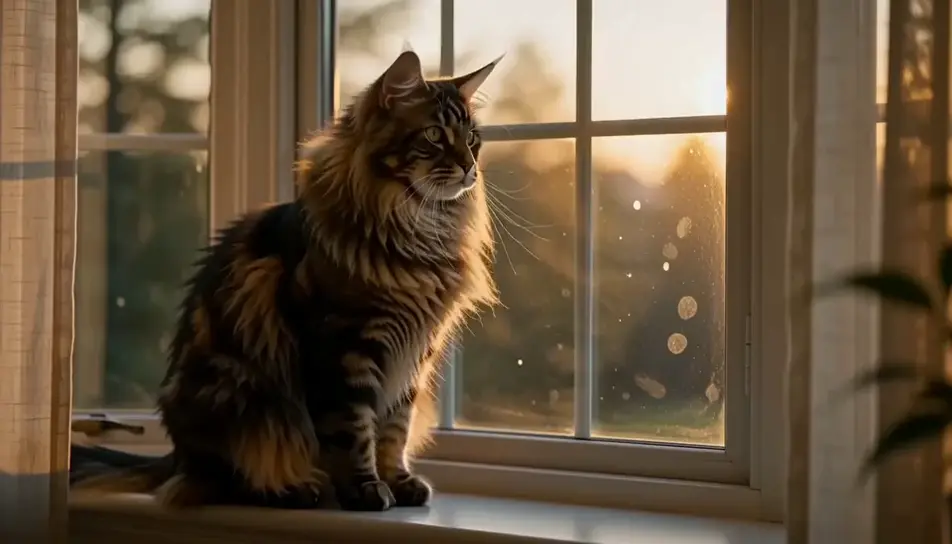
Direct a cat in your browser with Morphic's cat video AI generator. Generate a Maine Coon's ruff catching low window light, or a kitten asleep in a laundry basket, then score the sequence with the Music tool.
A Maine Coon in a bay window, dust visible in the shaft of light, the cat shifting weight once and settling. Slow push-in over fifteen seconds.
Editar promptLiving room at dusk, a Siamese on the back of a sofa following a moth along the ceiling. The camera stays on the cat, never on the moth.
Editar prompt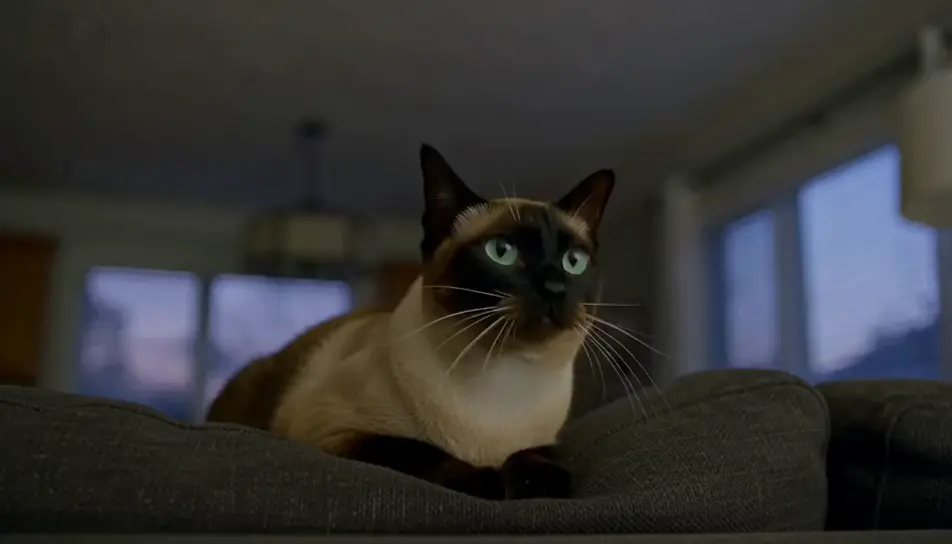
Close on a basket of folded washing with a black kitten asleep in the fold. Warm daylight, very shallow focus, only the breathing moves.
Editar prompt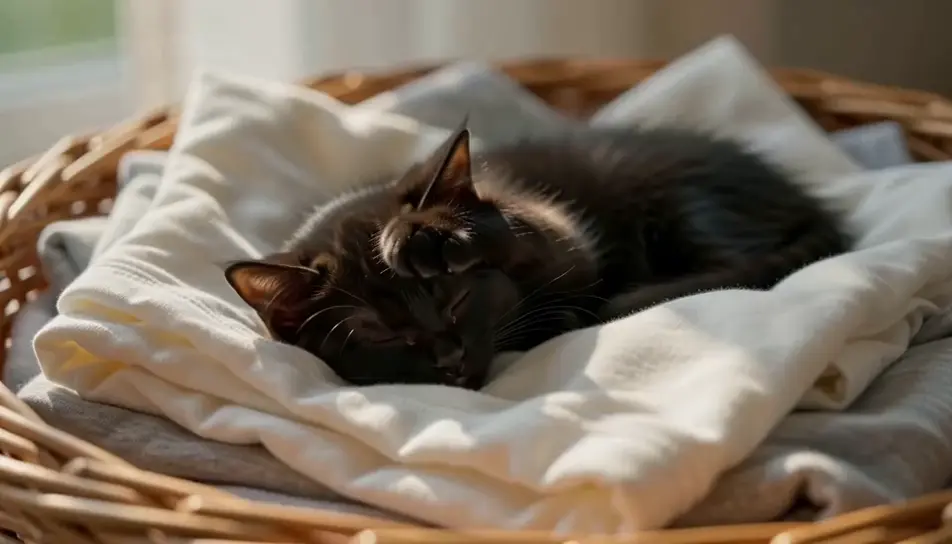
A grey cat silhouetted against a rain-streaked window in flat grey light, drops running down the pane in front of its face, reflections doubling the eyes.
Editar prompt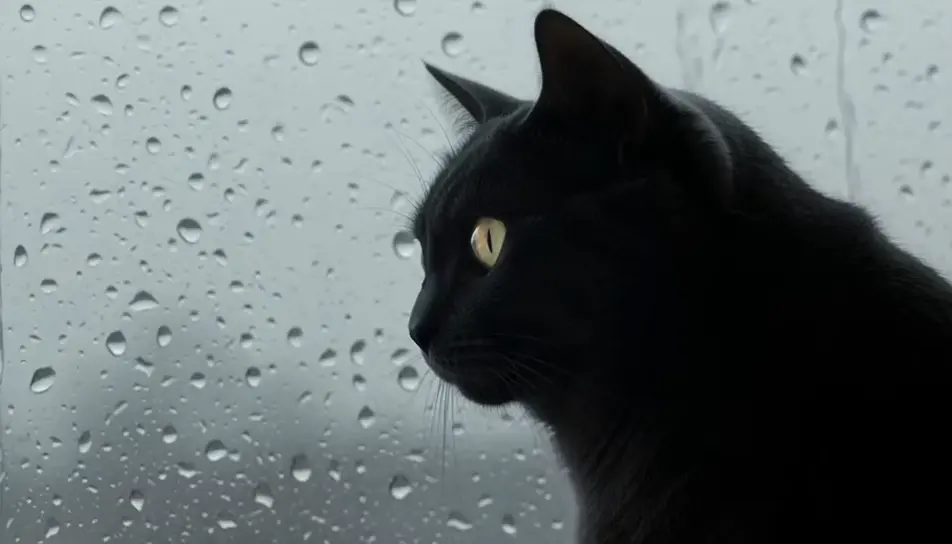
Escreva a cena de cat que você quer, em poucas palavras.
A Morphic gera um clipe cinematográfico e pronto para uso no seu Canvas em segundos.
Ajuste o prompt, gere novas variações e depois baixe ou compartilhe a cena.

Dramatize any text conversation into a cinematic multi-shot video.
Cinematic time-freeze short film for any scene

Generate a professional film title card from scratch, with optional cinematic animation.
Photo of any real-estate becomes a cinematic renovation timelapse video with construction SFX and music.
One image to a 9-scene cinematic video.
Drop in a photo of yourself. Get a 12-second cinematic movie with animation and a matched soundtrack.
AI funny cat videos
Browse funny cat videos and generate your own shots at the exact length, ratio and look the cut needs. Morphic makes video, image, voice and sound.
AI funny videos
Browse funny videos and generate your own shots at the length, ratio and look the cut needs. Morphic makes video, image, voice and sound in one workspace.
AI Nature Ambience videos
Generate AI nature ambience videos with Morphic. Sunlit forests, mountain streams, and calming nature loops for sleep, focus, and background screens.
Vídeos de ASMR com IA
Crie vídeos de ASMR com IA no Morphic. Loops de gatilho em close, paisagens sonoras, narração sussurrada e clipes prontos para Reels, TikTok e YouTube.
Comece grátis hoje mesmo, com a opção de fazer upgrade ou cancelar quando quiser.
Basic
2400 mensal créditos
1 apenas usuário
Todos os modelos
Workflows
Standard
3625 mensal créditos
1 apenas usuário
Todos os modelos
Workflows
Pro
6350 compartilhado mensal créditos
1 usuário
Todos os modelos
Workflows
Max
24650 compartilhado mensal créditos
1 usuário
Todos os modelos
Workflows
Enterprise
Para limites maiores
Personalizado
termos de preços e cobrança

Free
Para experimentar
$0
grátis para sempre