Silk rippling in the wind
A length of silk rippling and billowing in a steady wind, fine wavelike folds, soft sheen catching side light, realistic weightless flow.
Editar prompt
Direct realistic fabric in your browser with Morphic's cloth simulation AI video generator. Generate a silk banner rippling in the wind, heavy drapery falling into soft folds, or a flag snapping against the sky. Score and voice with Music and Speech, then stitch the short on the Canvas.
A length of silk rippling and billowing in a steady wind, fine wavelike folds, soft sheen catching side light, realistic weightless flow.
Editar promptA heavy velvet drape released and settling into deep soft folds, realistic weight and sag, rich shadowed creases, a slow gravity-led fall.
Editar prompt
A flag snapping and cracking against an open sky, sharp wind-driven ripples, taut then loose, a fast realistic flutter, a low angle.
Editar prompt
A wide sheet released and drifting down onto a surface, air catching underneath, soft rolling folds, a slow realistic collapse, a slow-motion feel.
Editar prompt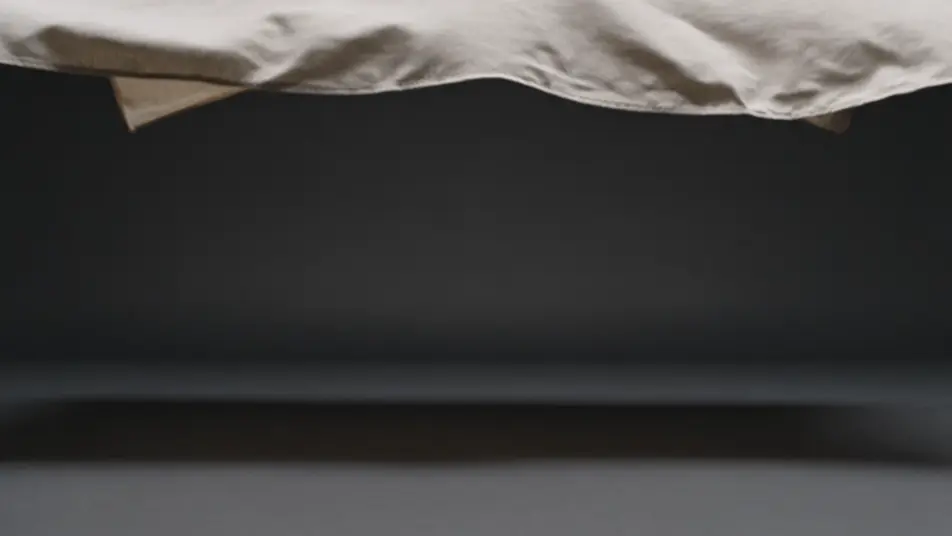
Escreva a cena de cloth simulation que você quer, em poucas palavras.
A Morphic gera um clipe cinematográfico e pronto para uso no seu Canvas em segundos.
Ajuste o prompt, gere novas variações e depois baixe ou compartilhe a cena.

Pick any anime illustration as your style guide. Apply its look to any image.

Turn any sketch or drawing into a finished render.

Take any character image and generate 6 distinct facial expressions on a single reference sheet.

All your characters on a single lineup image, side by side with height comparison.

Turn any photo or description into an animated chibi sprite. Dance, jump, wave, attack, and more.
Upload a character image and make it dance in any style.
Vídeos de simulação de fluidos com IA
Crie vídeos de simulação de fluidos com IA no Morphic. Tinta na água, fumaça e líquido viscoso em movimento realista, a partir de um prompt.
Vídeos de animação de partículas com IA
Crie vídeos de animação de partículas com IA no Morphic: enxames se formando e se dispersando, faíscas, poeira brilhante e formas emergentes. Comece agora.
Vídeos de animação geométrica com IA
Crie vídeos de animação geométrica com IA no Morphic, direto no celular. Geometria precisa, tesselação, simetria e formas de bordas duras a partir de um prompt.
Vídeos de animação em silhueta com IA
Crie vídeos de animação em silhueta com IA no Morphic. Figuras pretas recortadas, fundo iluminado por trás e perfis teatrais. Comece a criar.
Comece grátis hoje mesmo, com a opção de fazer upgrade ou cancelar quando quiser.
Basic
2400 mensal créditos
1 apenas usuário
Todos os modelos
Workflows
Standard
3625 mensal créditos
1 apenas usuário
Todos os modelos
Workflows
Pro
6350 compartilhado mensal créditos
1 usuário
Todos os modelos
Workflows
Max
24650 compartilhado mensal créditos
1 usuário
Todos os modelos
Workflows
Enterprise
Para limites maiores
Personalizado
termos de preços e cobrança

Free
Para experimentar
$0
grátis para sempre