Case fan spinning up
Macro through a glass side panel as a cooling fan spins up until the blades blur into one disc, warm glow from inside the case.
Editar prompt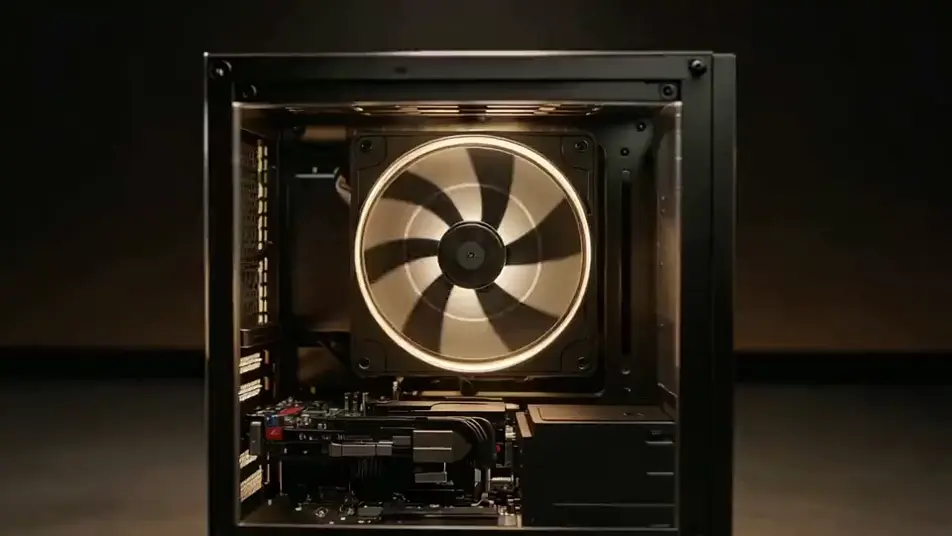
Generate computer stock footage in Morphic's AI video generator: a case fan spinning up behind glass, or blank keycaps lit from below in the dark. Animate a still with Image to Video.
Macro through a glass side panel as a cooling fan spins up until the blades blur into one disc, warm glow from inside the case.
Editar promptA keyboard lit from underneath in a dark room while fingers move across blank unlettered keycaps, the glow catching each edge.
Editar prompt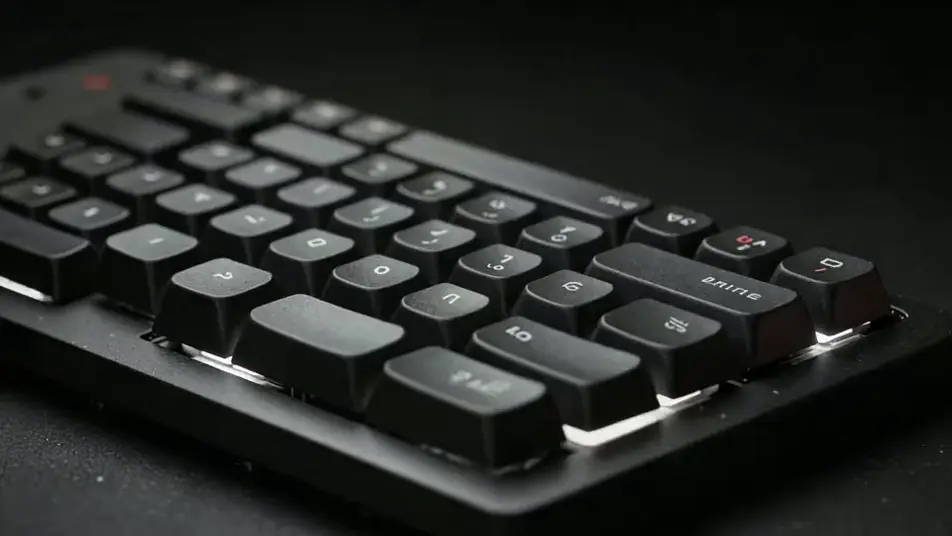
A slow drift along a dense field of aluminium heatsink fins, cool raking light sliding over the metal, focus falling off at both ends.
Editar prompt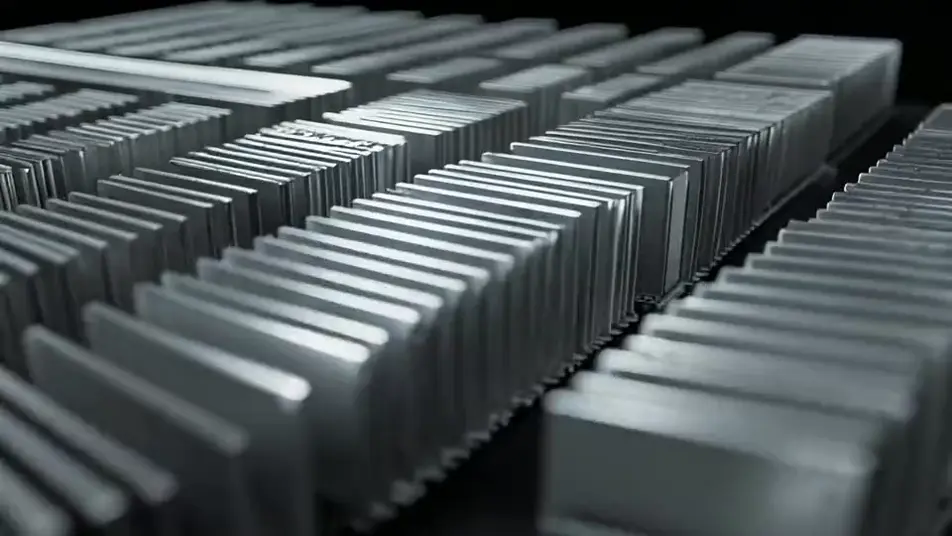
A wide static down a machine room aisle in cold blue-white light, ranks of small status lights blinking out of sync with each other.
Editar prompt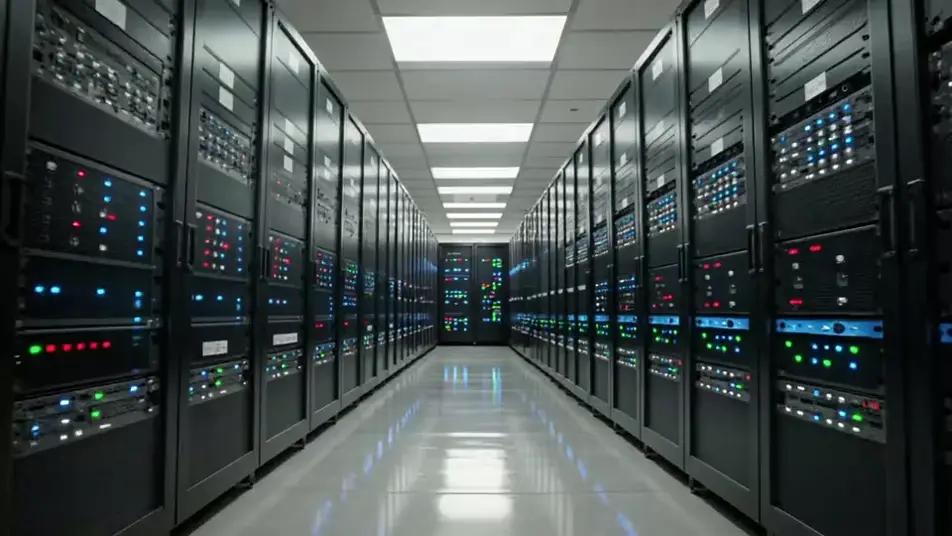
Escreva a cena de computer stock footage que você quer, em poucas palavras.
A Morphic gera um clipe cinematográfico e pronto para uso no seu Canvas em segundos.
Ajuste o prompt, gere novas variações e depois baixe ou compartilhe a cena.

Dramatize any text conversation into a cinematic multi-shot video.
Cinematic time-freeze short film for any scene

Generate a professional film title card from scratch, with optional cinematic animation.
Photo of any real-estate becomes a cinematic renovation timelapse video with construction SFX and music.
One image to a 9-scene cinematic video.
Drop in a photo of yourself. Get a 12-second cinematic movie with animation and a matched soundtrack.
AI network stock video
Browse network stock video and generate your own shots at the exact length, ratio and look the cut needs. Morphic makes video, image, voice and sound.
AI digital stock footage
Browse digital stock footage and generate your own shots at the exact length, ratio and look the cut needs. Morphic makes video, image, voice and sound.
AI social media stock video
Browse social media stock video and generate your own shots at the exact length, ratio and look the cut needs. Morphic makes video, image, voice and sound.
AI businessman stock footage
Browse businessman stock footage and generate your own shots at the length, ratio and look the cut needs. Morphic makes video, image, voice and sound.
Comece grátis hoje mesmo, com a opção de fazer upgrade ou cancelar quando quiser.
Basic
2400 mensal créditos
1 apenas usuário
Todos os modelos
Workflows
Standard
3625 mensal créditos
1 apenas usuário
Todos os modelos
Workflows
Pro
6350 compartilhado mensal créditos
1 usuário
Todos os modelos
Workflows
Max
24650 compartilhado mensal créditos
1 usuário
Todos os modelos
Workflows
Enterprise
Para limites maiores
Personalizado
termos de preços e cobrança

Free
Para experimentar
$0
grátis para sempre