Encosta cedendo na área serrana
Um plano amplo e baixo de uma rua na encosta de uma cidade serrana depois de uma chuva forte, terra e pedras descendo sobre a via, casas inclinadas, poeira e lama subindo da vala.
Editar prompt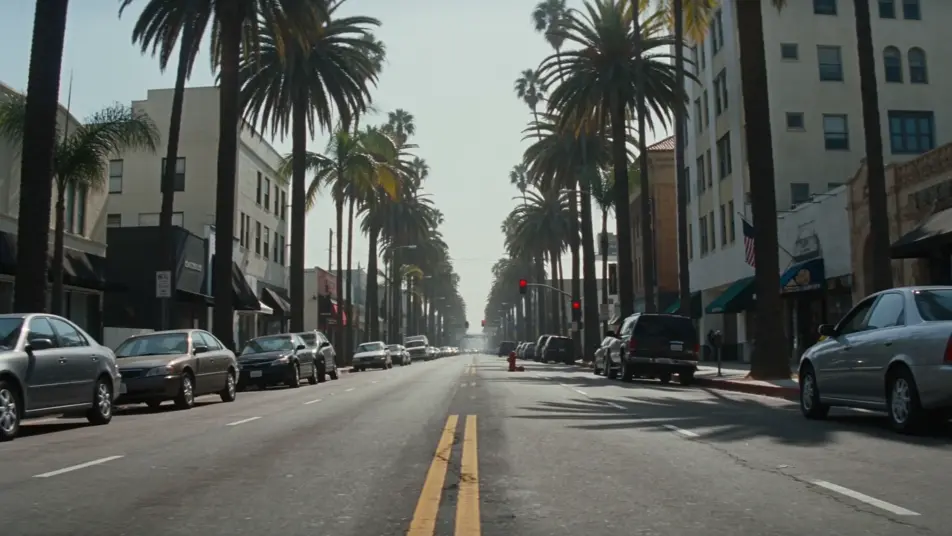
Dirija um filme de desastre direto no seu navegador com o gerador de vídeos de desastre com IA do Morphic. Crie uma encosta cedendo em uma área serrana ou uma frente de tsunami se aproximando, adicione narração e trilha com Speech e Music, e monte um curta de desastre completo no Canvas.
Um plano amplo e baixo de uma rua na encosta de uma cidade serrana depois de uma chuva forte, terra e pedras descendo sobre a via, casas inclinadas, poeira e lama subindo da vala.
Editar promptUm plano amplo aéreo de uma supercélula com parede de nuvem avançando devagar sobre uma lavoura plana no Rio Grande do Sul ao entardecer, uma fazenda e uma caminhonete surrada em primeiro plano, o céu roxo-esverdeado.
Editar prompt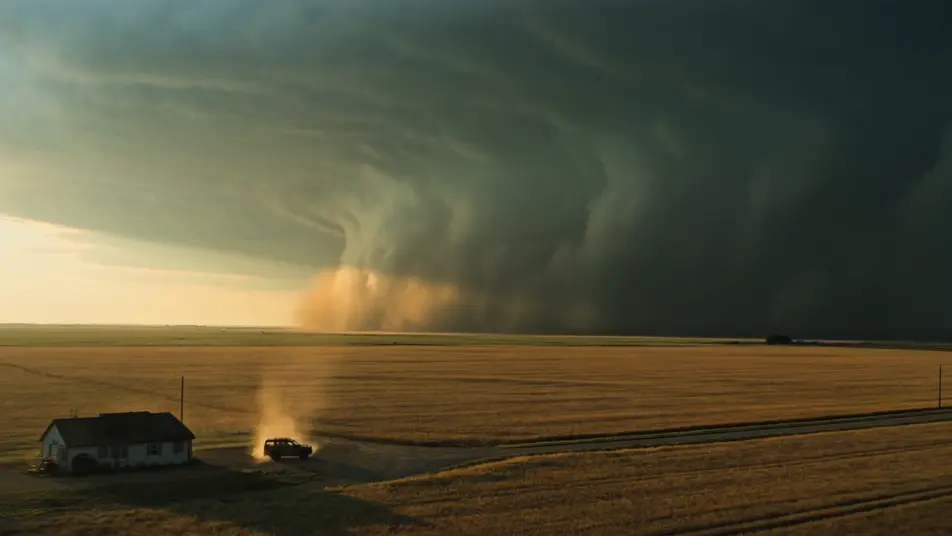
Um plano alto do penhasco costeiro sobre uma cidade pequena ao amanhecer, uma frente de tsunami vítrea se erguendo no horizonte, sirenes soando ao fundo, pessoas correndo da praia rumo ao alto.
Editar prompt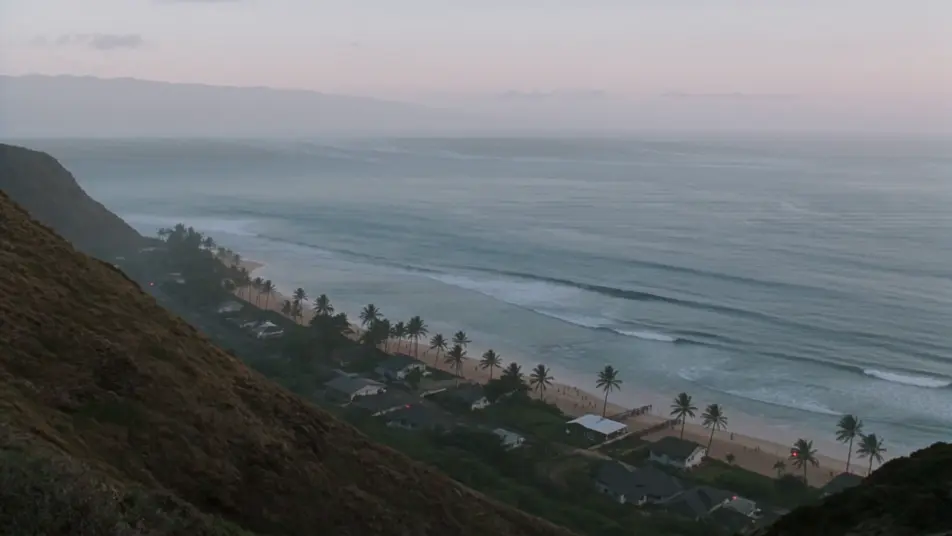
Um plano aéreo de uma marginal de oito faixas ao entardecer, todas as pistas engarrafadas com os faróis acesos, o horizonte da cidade atrás com um brilho laranja de incêndio, holofotes de helicóptero varrendo o trânsito parado.
Editar prompt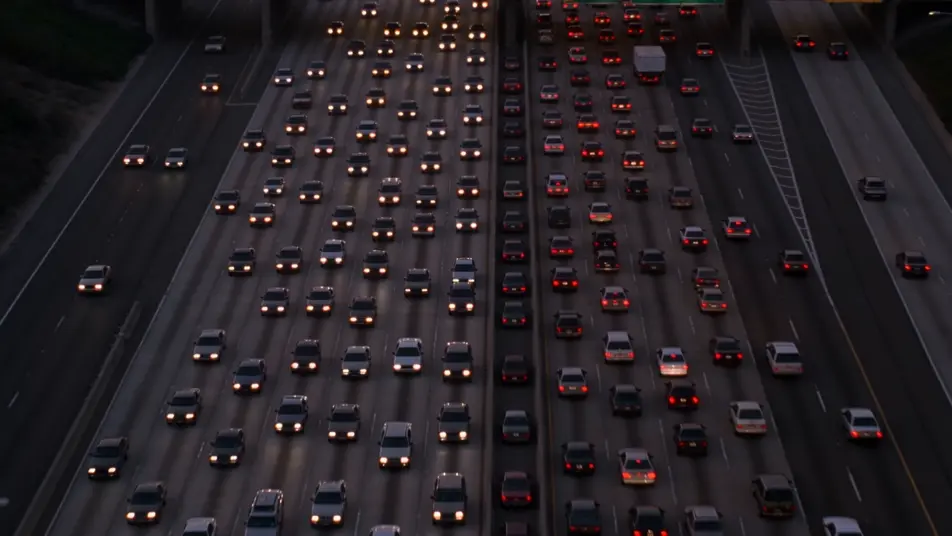
Escreva a cena de desastre que você quer, em poucas palavras.
A Morphic gera um clipe cinematográfico e pronto para uso no seu Canvas em segundos.
Ajuste o prompt, gere novas variações e depois baixe ou compartilhe a cena.
Cinematic time-freeze short film for any scene

Dramatize any text conversation into a cinematic multi-shot video.
One image to a 9-scene cinematic video.
Drop in a photo of yourself. Get a 12-second cinematic movie with animation and a matched soundtrack.

Share a scene description with character references. Get a full storyboard with shot angles and mood.

Feed in a single image. Get 9 cinematic beats laid out as a 3x3 storyboard grid.
Vídeos pós-apocalípticos com IA
Crie vídeos pós-apocalípticos com IA no Morphic: rodovias empoeiradas, bombas de gasolina enferrujadas e sobreviventes remendados, direto do navegador.
Alien Invasion AI Videos
Generate alien invasion videos with Morphic. Mothership silhouettes, evacuation gridlock, first-contact tarmacs, and city-fall scene prompts.
War of the Worlds AI Videos
Create War of the Worlds scenes, the cylinder at Horsell Common, the tripod fighting-machines, the heat-ray, the empty Thames, and the red weed of London with Morphic. Generate H.G. Wells videos from a single prompt.
Vídeos de kaiju com IA
Crie vídeos de kaiju com IA no Morphic. Monstros gigantes destruindo cidades, batalhas e cenas de escala a partir de prompts, sem instalar nada.
Comece grátis hoje mesmo, com a opção de fazer upgrade ou cancelar quando quiser.
Basic
2400 mensal créditos
1 apenas usuário
Todos os modelos
Workflows
Standard
3625 mensal créditos
1 apenas usuário
Todos os modelos
Workflows
Pro
6350 compartilhado mensal créditos
1 usuário
Todos os modelos
Workflows
Max
24650 compartilhado mensal créditos
1 usuário
Todos os modelos
Workflows
Enterprise
Para limites maiores
Personalizado
termos de preços e cobrança

Free
Para experimentar
$0
grátis para sempre