The camcorder stairwell descent
A shaky first-person camcorder POV descending a pitch-dark stairwell, a wobbling on-camera light, timecode and a battery icon in the corner, breath loud, harsh handheld realism.
Editar prompt
Direct in-camera suspense in your browser with Morphic's found footage thriller AI video generator. Generate a shaky camcorder POV down a stairwell, a night-vision corridor with a timecode burn, or a dashcam catching something it should not. Add dialogue with Speech, then stitch it.
A shaky first-person camcorder POV descending a pitch-dark stairwell, a wobbling on-camera light, timecode and a battery icon in the corner, breath loud, harsh handheld realism.
Editar promptGrainy green night-vision footage creeping down a black corridor, eyeshine glinting at the far end, a timecode burn ticking, the image tearing into digital dropout, jittery handheld.
Editar prompt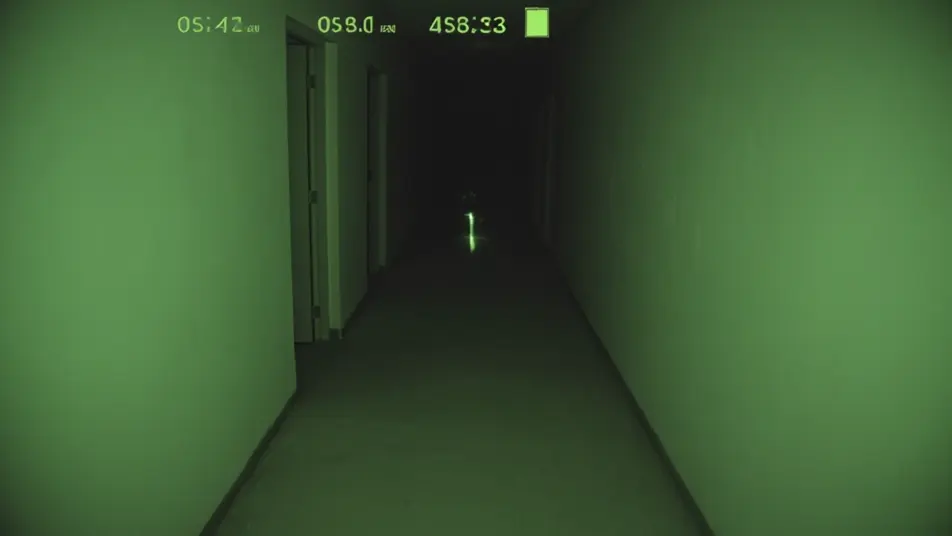
A car dashcam on a deserted night road, headlights and a timestamp overlay, something stepping into the beam ahead, the frame juddering and glitching, locked low dashboard angle.
Editar prompt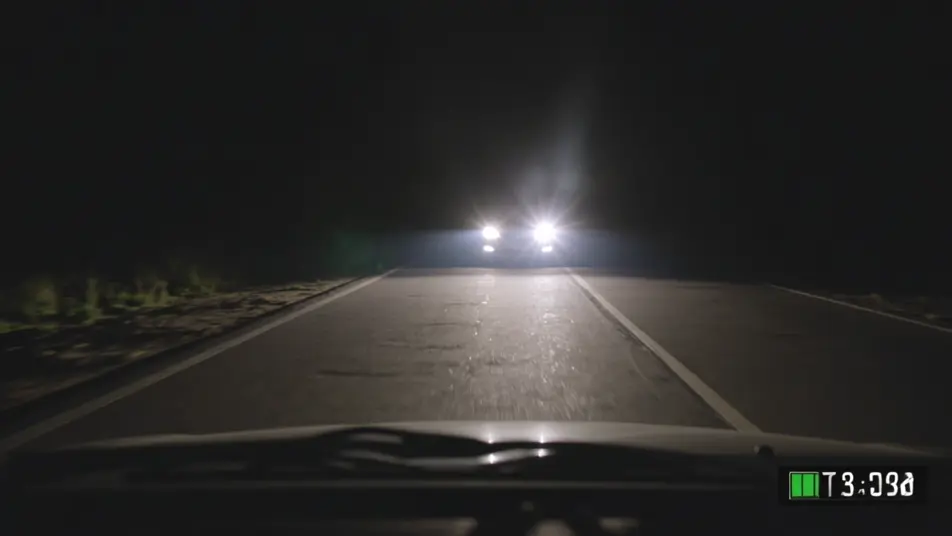
A monitor playing back recovered footage, an investigator pausing on a single frame and pushing in, scan lines and compression artifacts, the cursor hovering over a shape in the dark.
Editar prompt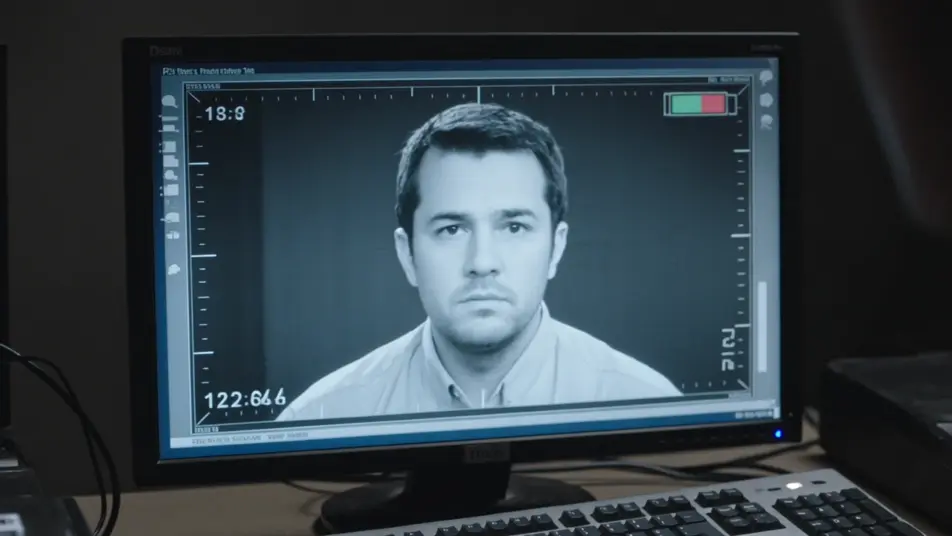
Escreva a cena de found footage thriller que você quer, em poucas palavras.
A Morphic gera um clipe cinematográfico e pronto para uso no seu Canvas em segundos.
Ajuste o prompt, gere novas variações e depois baixe ou compartilhe a cena.

Dramatize any text conversation into a cinematic multi-shot video.
Drop in a photo of yourself. Get a 12-second cinematic movie with animation and a matched soundtrack.
Cinematic time-freeze short film for any scene
One image to a 9-scene cinematic video.

Share a scene description with character references. Get a full storyboard with shot angles and mood.

Feed in a single image. Get 9 cinematic beats laid out as a 3x3 storyboard grid.
Vídeos de terror found footage com IA
Crie vídeos de terror found footage com IA no Morphic. Gere câmeras na mão, luz vermelha de bateria e timecode gravado para qualquer projeto em segundos.
Screen Life Film AI Videos
Generate screen life film AI videos with Morphic. Video calls, desktop windows, chat threads, and cursor-driven scene prompts you can direct in the browser.
Home Invasion Thriller AI Videos
Generate home invasion thriller AI videos with Morphic. Silhouettes at the glass, dark stairwells, and hiding-place scene prompts you can direct in the browser.
Supernatural Thriller AI Videos
Generate supernatural thriller AI videos with Morphic. Uncanny omens, creeping dread, and grounded-world scene prompts you can direct in the browser.
Comece grátis hoje mesmo, com a opção de fazer upgrade ou cancelar quando quiser.
Basic
2400 mensal créditos
1 apenas usuário
Todos os modelos
Workflows
Standard
3625 mensal créditos
1 apenas usuário
Todos os modelos
Workflows
Pro
6350 compartilhado mensal créditos
1 usuário
Todos os modelos
Workflows
Max
24650 compartilhado mensal créditos
1 usuário
Todos os modelos
Workflows
Enterprise
Para limites maiores
Personalizado
termos de preços e cobrança

Free
Para experimentar
$0
grátis para sempre