Ativação do círculo de invocação
Composição vista de cima, protagonista caindo por um círculo de invocação brilhante, runas acesas em anéis concêntricos, magos encapuzados entoando cânticos ao redor do perímetro.
Editar prompt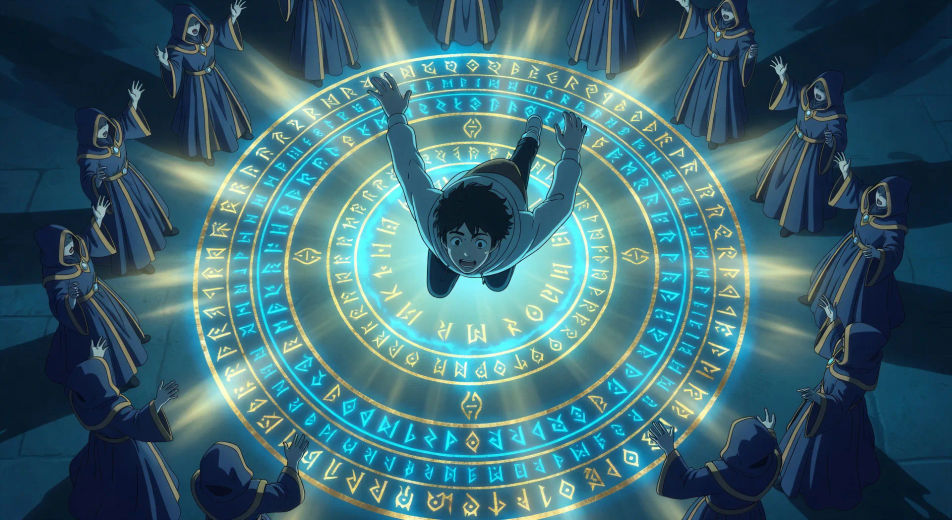
Dirija chegadas a outro mundo direto no navegador com o gerador de vídeo de isekai com IA do Morphic. Gere um círculo de invocação em anéis de runas ou uma luta final contra o chefão na sala do trono, adicione Speech e Music, e fixe a paleta medieval de RPG com Video Style Transfer.
Composição vista de cima, protagonista caindo por um círculo de invocação brilhante, runas acesas em anéis concêntricos, magos encapuzados entoando cânticos ao redor do perímetro.
Editar promptEnquadramento por trás do ombro, protagonista olhando para um painel de status semitransparente flutuante: nome, nível 1, árvore de habilidades se expandindo, barras de status pela metade.
Editar prompt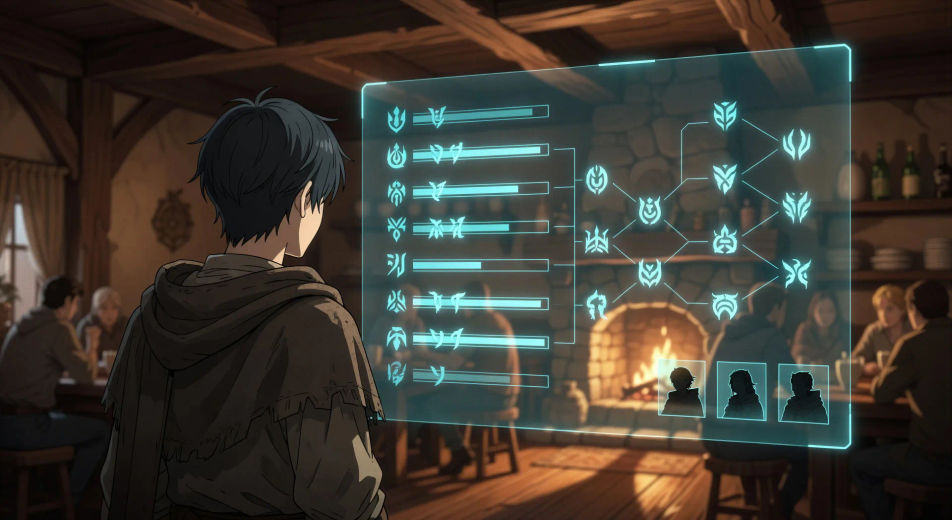
Plano herói em ângulo baixo, grupo de quatro parado na entrada ensolarada de uma taverna: cavaleiro, maga, curandeira, guerreira fera-gente, poeira flutuando na luz.
Editar prompt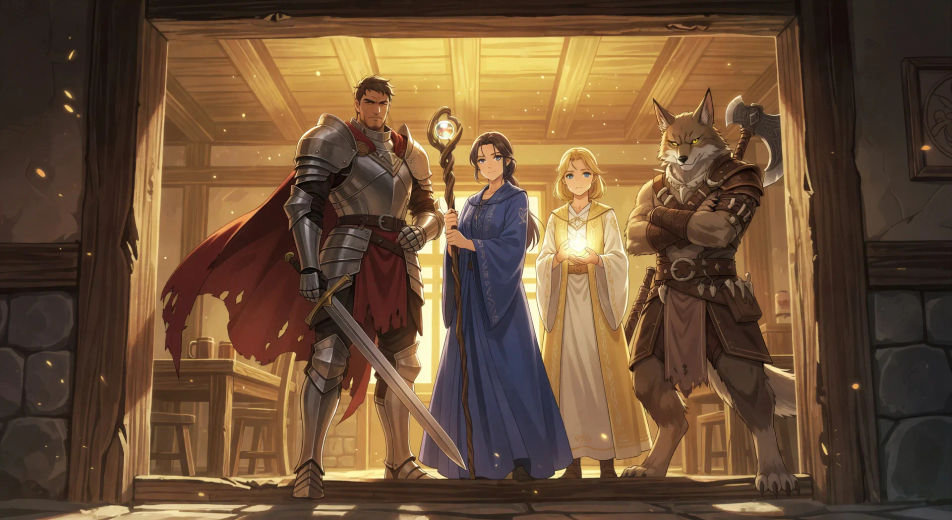
Plano aberto do grupo descendo uma escada de pedra da masmorra, chama da tocha iluminando as paredes úmidas, olhos brilhantes visíveis na escuridão abaixo dos degraus.
Editar prompt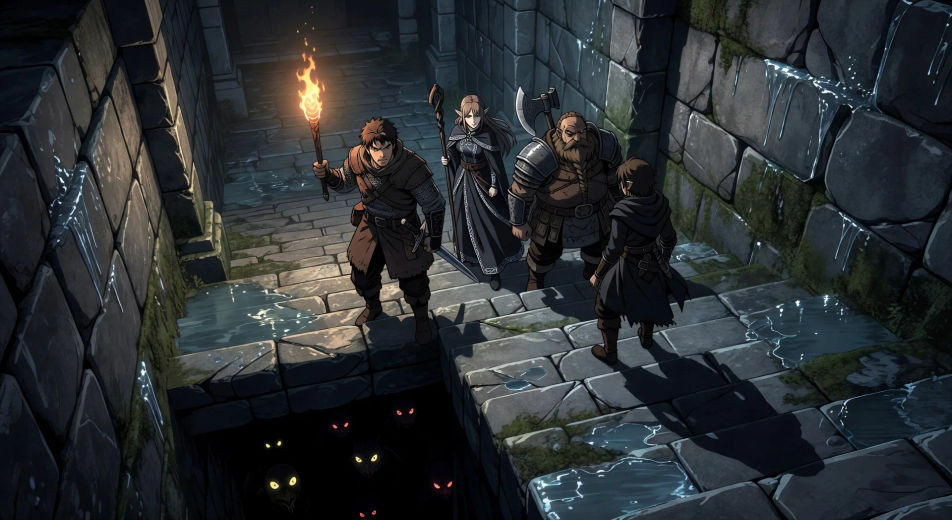
Escreva a cena de isekai que você quer, em poucas palavras.
A Morphic gera um clipe cinematográfico e pronto para uso no seu Canvas em segundos.
Ajuste o prompt, gere novas variações e depois baixe ou compartilhe a cena.

Pick any anime illustration as your style guide. Apply its look to any image.

Turn any sketch or drawing into a finished render.

Take any character image and generate 6 distinct facial expressions on a single reference sheet.

All your characters on a single lineup image, side by side with height comparison.

Turn any photo or description into an animated chibi sprite. Dance, jump, wave, attack, and more.
Upload a character image and make it dance in any style.
Vídeos de anime com IA
Crie vídeos de anime com IA no Morphic. Cenas slice of life, planos mecha, transformação de magical girl e episódios completos a partir de um único prompt.
Vídeos de anime com IA
Crie cenas de luta de anime, duelos de espada, batalhas mágicas e confrontos de mechas com o Morphic. Gere, anime, narre e componha a trilha de cenas a partir de um único prompt.
Vídeos de garota mágica com IA
Crie vídeos de garota mágica com o Morphic. Transformações, golpes finais e revelações de figurino geradas a partir de um único prompt.
Vídeos de mecha com IA
Crie vídeos de mecha com o Morphic: lançamentos de cockpit, hangares, batalhas em escala urbana e retratos de pilotos gerados a partir de um único prompt.
Comece grátis hoje mesmo, com a opção de fazer upgrade ou cancelar quando quiser.
Basic
2400 mensal créditos
1 apenas usuário
Todos os modelos
Workflows
Standard
3625 mensal créditos
1 apenas usuário
Todos os modelos
Workflows
Pro
6350 compartilhado mensal créditos
1 usuário
Todos os modelos
Workflows
Max
24650 compartilhado mensal créditos
1 usuário
Todos os modelos
Workflows
Enterprise
Para limites maiores
Personalizado
termos de preços e cobrança

Free
Para experimentar
$0
grátis para sempre