A rainy bedroom desk
A cozy desk by a rain-streaked window, warm lamp light, muted color, soft grain, a slow gentle drift.
Editar prompt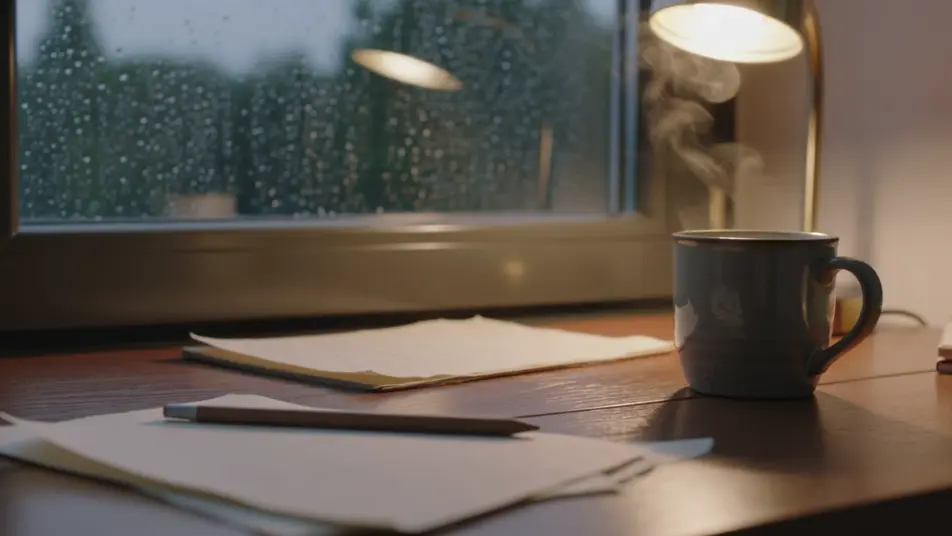
Set a cozy mood in your browser with Morphic's lo-fi aesthetic AI video generator. Generate a rainy bedroom desk under a warm lamp, a foggy cafe window, or a sleepy cat on a windowsill. Voice and score with Speech and Music, then stitch the warm loop on the Canvas.
A cozy desk by a rain-streaked window, warm lamp light, muted color, soft grain, a slow gentle drift.
Editar promptA quiet cafe interior with a misted window, warm muted tones, soft grain, a still lingering shot.
Editar prompt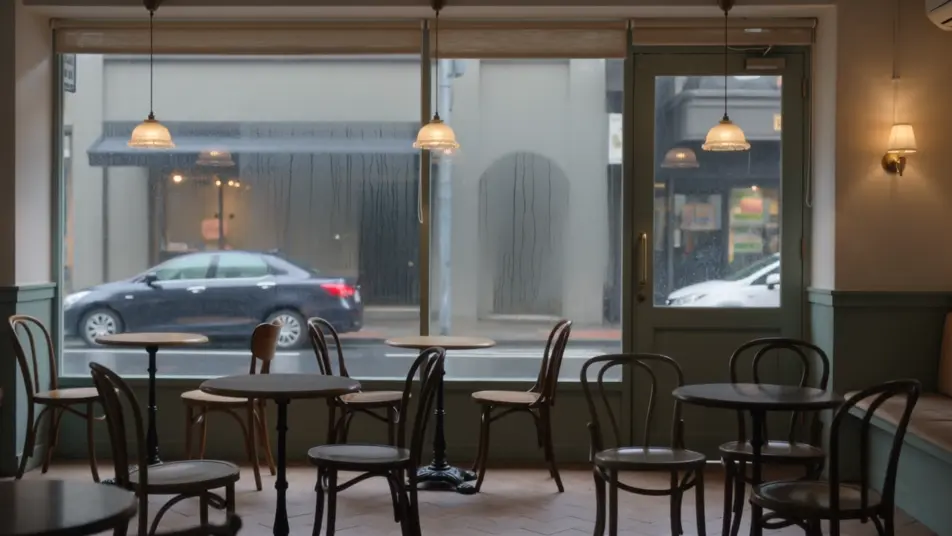
A calm nook of books and plants under a small lamp, muted palette, soft grain, a slow pan.
Editar prompt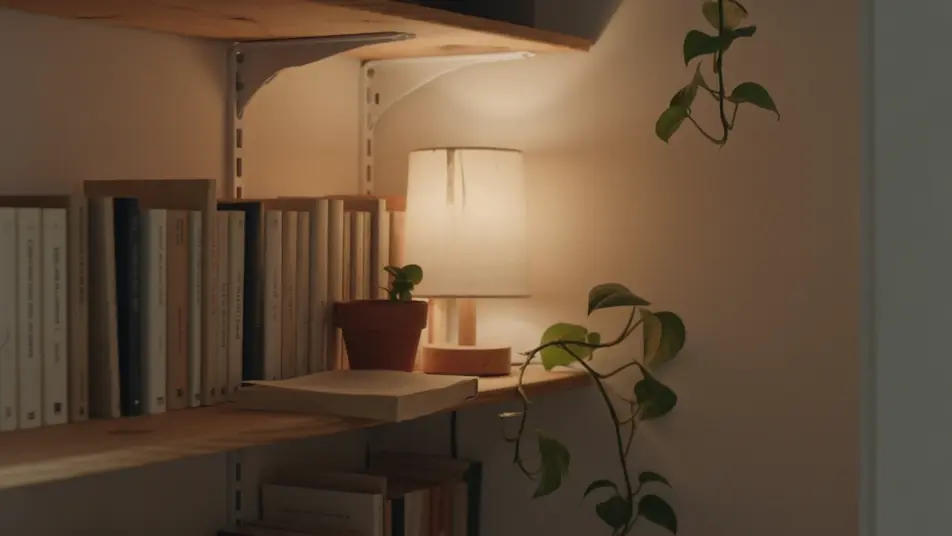
A sleepy cat on a windowsill at muted dusk, warm soft light, gentle grain, a tender still beat.
Editar prompt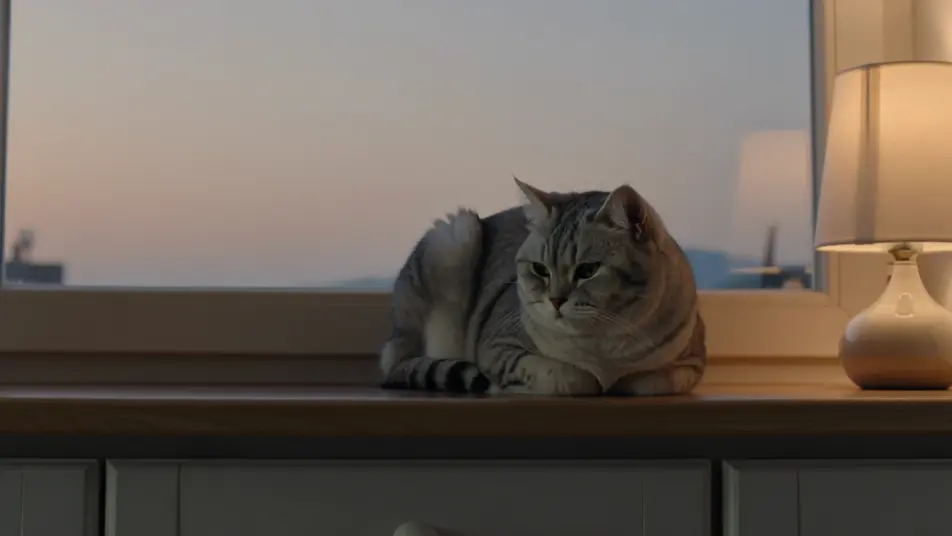
Escreva a cena de lo-fi aesthetic que você quer, em poucas palavras.
A Morphic gera um clipe cinematográfico e pronto para uso no seu Canvas em segundos.
Ajuste o prompt, gere novas variações e depois baixe ou compartilhe a cena.
Cinematic time-freeze short film for any scene

Dramatize any text conversation into a cinematic multi-shot video.
One image to a 9-scene cinematic video.
Drop in a photo of yourself. Get a 12-second cinematic movie with animation and a matched soundtrack.

Share a scene description with character references. Get a full storyboard with shot angles and mood.

Feed in a single image. Get 9 cinematic beats laid out as a 3x3 storyboard grid.
Vídeos de lofi anime com IA
Crie vídeos de lofi anime com o Morphic. Cenas de estudo em loop, janelas com chuva, vinil girando e vistas de sacada geradas a partir de um único prompt.
Vídeos de anime com IA
Crie vídeos de anime com IA no Morphic. Cenas slice of life, planos mecha, transformação de magical girl e episódios completos a partir de um único prompt.
Vídeos de ASMR com IA
Crie vídeos de ASMR com IA no Morphic. Loops de gatilho em close, paisagens sonoras, narração sussurrada e clipes prontos para Reels, TikTok e YouTube.
Vídeos vaporwave com IA
Crie vídeos vaporwave com IA no Morphic. Gere cenas, visuais e estética vaporwave autênticos para qualquer projeto em segundos.
Comece grátis hoje mesmo, com a opção de fazer upgrade ou cancelar quando quiser.
Basic
2400 mensal créditos
1 apenas usuário
Todos os modelos
Workflows
Standard
3625 mensal créditos
1 apenas usuário
Todos os modelos
Workflows
Pro
6350 compartilhado mensal créditos
1 usuário
Todos os modelos
Workflows
Max
24650 compartilhado mensal créditos
1 usuário
Todos os modelos
Workflows
Enterprise
Para limites maiores
Personalizado
termos de preços e cobrança

Free
Para experimentar
$0
grátis para sempre