O palco do show
Um palco tomado por cor saturada, fumaça captando um contraluz forte, o artista no centro, feixes de luz varrendo no tempo do corte.
Editar prompt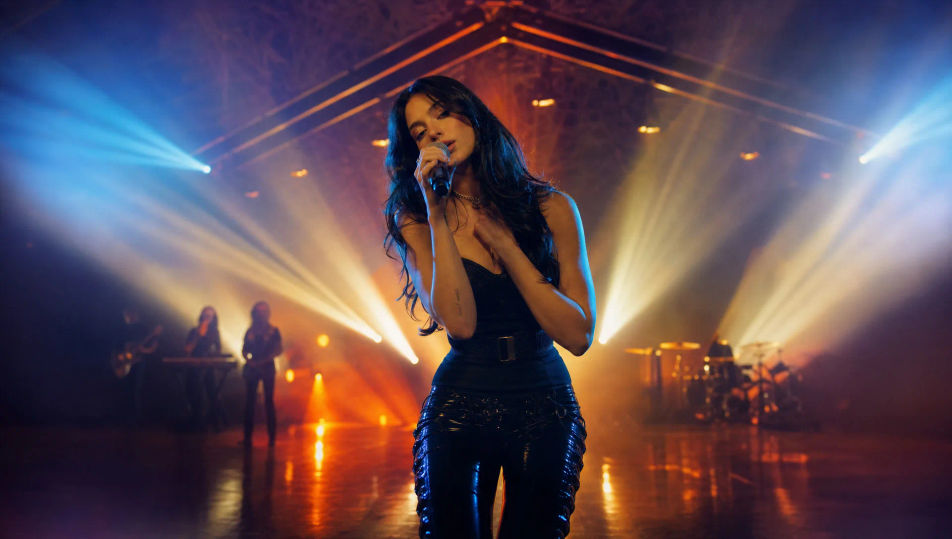
Dirija videoclipes direto no navegador com o gerador de videoclipes com IA do Morphic. Monte um palco de show tomado por cor, um corte narrativo entre versos, ou uma caminhada em plano único por um corredor. Coloque trilha com Music, narração com Speech, e junte as cenas em um vídeo pronto no Canvas.
Um palco tomado por cor saturada, fumaça captando um contraluz forte, o artista no centro, feixes de luz varrendo no tempo do corte.
Editar promptUma cena de história cinematográfica fora do palco, iluminada para dar clima, um personagem em um momento marcante, o fio visual que corre entre os versos.
Editar prompt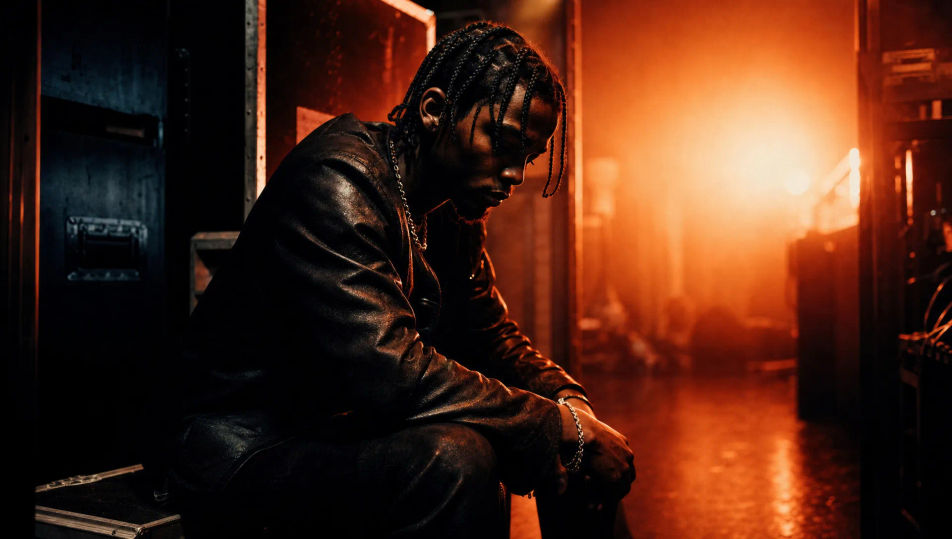
Um set estilizado montado com tubos de neon e adereços geométricos, um artista enquadrado em luz magenta e ciano, reflexos em um piso brilhante.
Editar prompt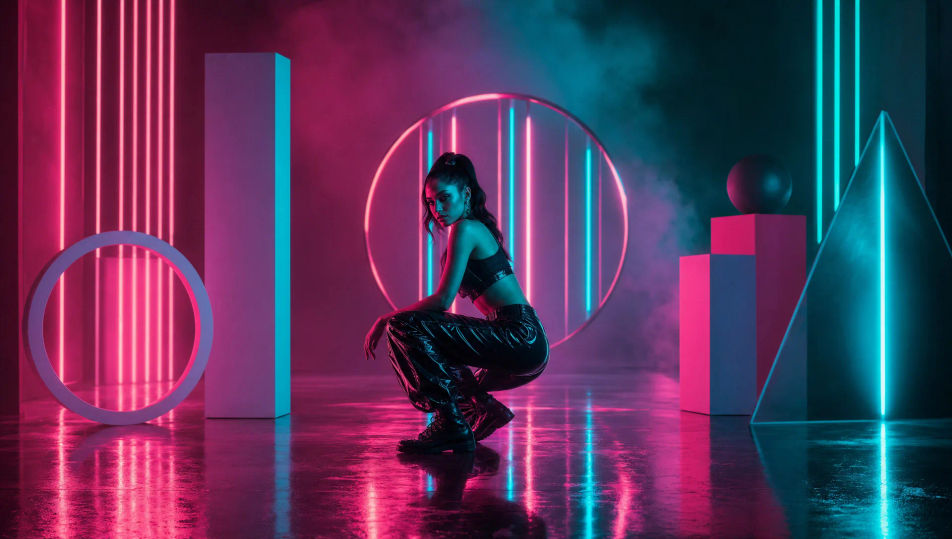
Um único plano contínuo seguindo um artista por um corredor comprido, o cenário mudando ao redor dele, a luz se transformando conforme ele avança.
Editar prompt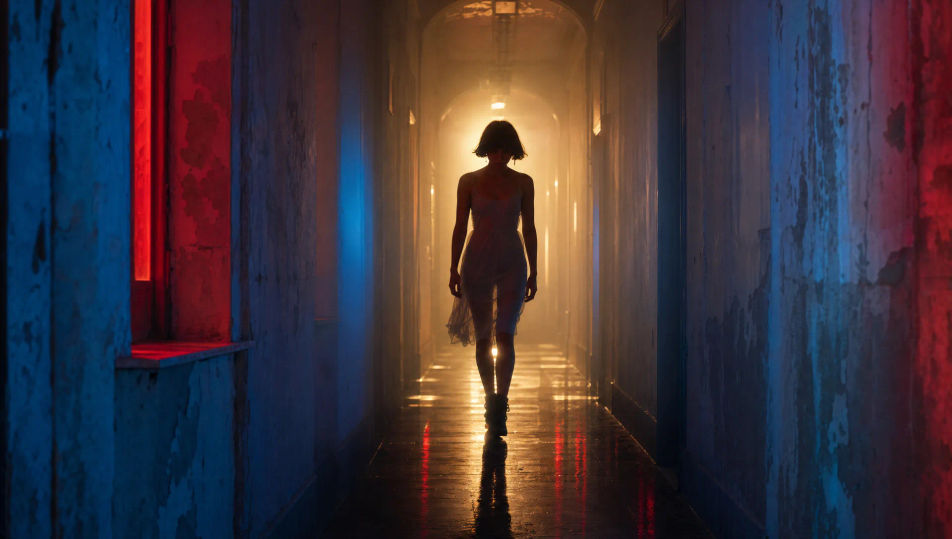
Escreva a cena de videoclipe que você quer, em poucas palavras.
A Morphic gera um clipe cinematográfico e pronto para uso no seu Canvas em segundos.
Ajuste o prompt, gere novas variações e depois baixe ou compartilhe a cena.
Cinematic time-freeze short film for any scene

Dramatize any text conversation into a cinematic multi-shot video.
One image to a 9-scene cinematic video.
Drop in a photo of yourself. Get a 12-second cinematic movie with animation and a matched soundtrack.

Share a scene description with character references. Get a full storyboard with shot angles and mood.

Feed in a single image. Get 9 cinematic beats laid out as a 3x3 storyboard grid.
Trailers com IA
Crie trailers no Morphic. Aberturas silenciosas, montagens crescentes, revelação do título e cortes de suspense a partir de texto, sem precisar de editor.
80s AI videos
Generate 80s videos on Morphic. Neon grids, synthwave horizons, malls, arcades, and VHS-textured scenes from plain-language prompts, no software needed.
Vídeos cyberpunk com IA
Gere vídeos cyberpunk no Morphic. Ruas de megacidade neon, personagens com aumentos corporais e cenas sci-fi sob chuva, a partir de prompts em português.
Vídeos retrô com IA
Crie vídeos retrô no Morphic. Grão de filme, cor desbotada, detalhes de época e nostalgia dos anos 70 a 90 a partir de um prompt em texto, sem instalar nada.
Comece grátis hoje mesmo, com a opção de fazer upgrade ou cancelar quando quiser.
Basic
2400 mensal créditos
1 apenas usuário
Todos os modelos
Workflows
Standard
3625 mensal créditos
1 apenas usuário
Todos os modelos
Workflows
Pro
6350 compartilhado mensal créditos
1 usuário
Todos os modelos
Workflows
Max
24650 compartilhado mensal créditos
1 usuário
Todos os modelos
Workflows
Enterprise
Para limites maiores
Personalizado
termos de preços e cobrança

Free
Para experimentar
$0
grátis para sempre