A joint-logo reveal
A clean brand-colored frame where two company marks glide in and meet center-frame with subtle motion, a soft settle and a gentle push-in marking the partnership under even flat lighting.
Editar prompt
Direct a partner announcement video in your browser with Morphic's partner announcement video generator, so a new partnership gets a clip the day it goes live. Render a joint-logo reveal, a what-it-means segment, and a first-use case in one consistent style. Voice it with Speech, then assemble the sections into one announcement on Compose and publish the same day.
A clean brand-colored frame where two company marks glide in and meet center-frame with subtle motion, a soft settle and a gentle push-in marking the partnership under even flat lighting.
Editar promptA bright flat-style frame where a calm narration pairs with clean animated key points, each line sliding in on cue under soft even light with a confident, steady pace held throughout.
Editar prompt
A neutral frame where a short quote animates in as tidy motion type with a name and role beneath it, a gentle hold under clean even light giving the line weight and room to read.
Editar prompt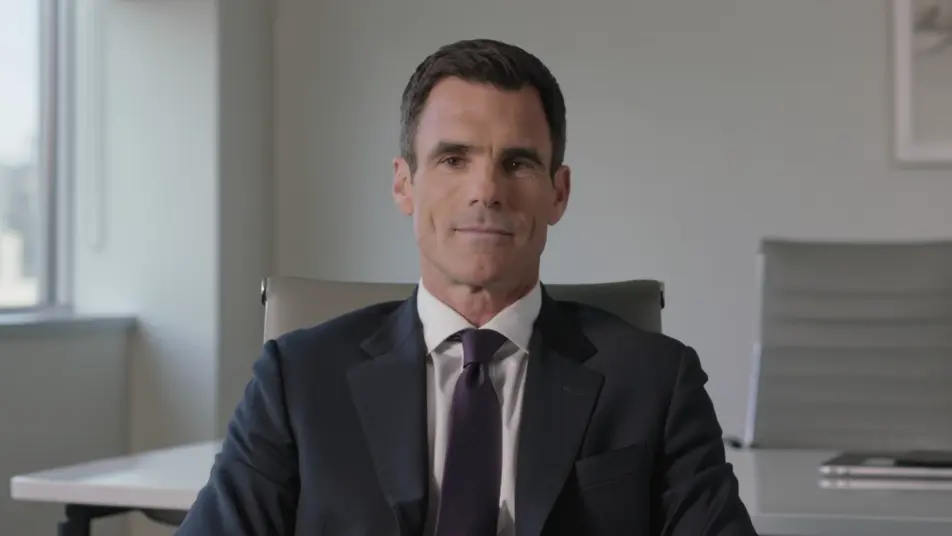
A clean brand-colored end frame where both logos settle into one lockup and a single next step appears beneath, a subtle push-in and soft gradient closing the announcement cleanly.
Editar prompt
Escreva a cena de partner announcement video que você quer, em poucas palavras.
A Morphic gera um clipe cinematográfico e pronto para uso no seu Canvas em segundos.
Ajuste o prompt, gere novas variações e depois baixe ou compartilhe a cena.

Dramatize any text conversation into a cinematic multi-shot video.
Cinematic time-freeze short film for any scene

Generate a professional film title card from scratch, with optional cinematic animation.
Photo of any real-estate becomes a cinematic renovation timelapse video with construction SFX and music.
One image to a 9-scene cinematic video.

Describe a first-person scenario. Get sequential POV frames animated into video clips with audio.
AI Funding announcement videos
Funding announcement video, produced in-house on Morphic. Cut a founder address, a milestone card, and an investor thank-you, then export the same day.
AI Awards announcement videos
Awards announcement video made without a studio. Reveal each winner with a name-card build, a highlight cut, and a hosted intro. Produce it the same day.
AI Feature release videos
Feature release video made from a short description. Show the new feature in action, a before-and-after, and a quick how-to. Ship it the same sprint.
AI Town hall videos
Make a town hall video from a description with Morphic. Build a CEO address, company-update segments, and team shoutouts, then publish the same day.
Comece grátis hoje mesmo, com a opção de fazer upgrade ou cancelar quando quiser.
Basic
2400 mensal créditos
1 apenas usuário
Todos os modelos
Workflows
Standard
3625 mensal créditos
1 apenas usuário
Todos os modelos
Workflows
Pro
6350 compartilhado mensal créditos
1 usuário
Todos os modelos
Workflows
Max
24650 compartilhado mensal créditos
1 usuário
Todos os modelos
Workflows
Enterprise
Para limites maiores
Personalizado
termos de preços e cobrança

Free
Para experimentar
$0
grátis para sempre