Foto de imóvel vira um traveling lento pela sala
Uma foto parada de um anúncio de sala ensolarada ganha vida com um traveling lento para frente, a luz se espalha pelo chão, as cortinas balançam e a cozinha se revela ao fundo.
Editar prompt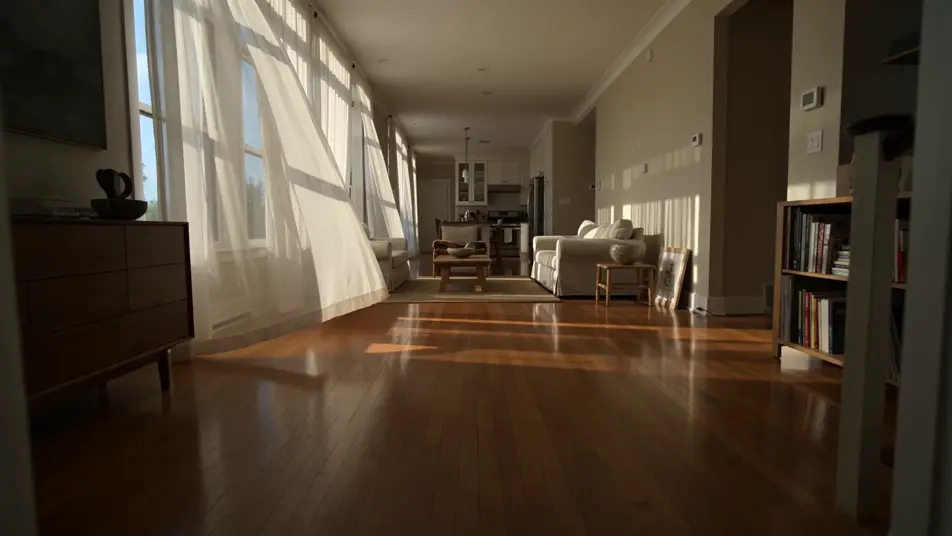
Transforme fotos reais em vídeos direto no navegador com o gerador de foto para vídeo com IA do Morphic. Anime uma foto de casamento com a noiva caminhando até o altar ou uma foto de praia com as ondas se movendo, adicione narração com o Speech e finalize a sequência no Canvas, no computador ou no celular.
Uma foto parada de um anúncio de sala ensolarada ganha vida com um traveling lento para frente, a luz se espalha pelo chão, as cortinas balançam e a cozinha se revela ao fundo.
Editar promptUma foto limpa de estúdio se transforma num plano hero publicitário: a garrafa gira devagar sob uma luz-chave suave, gotas brilham e o fundo branco se mantém limpo atrás dela.
Editar prompt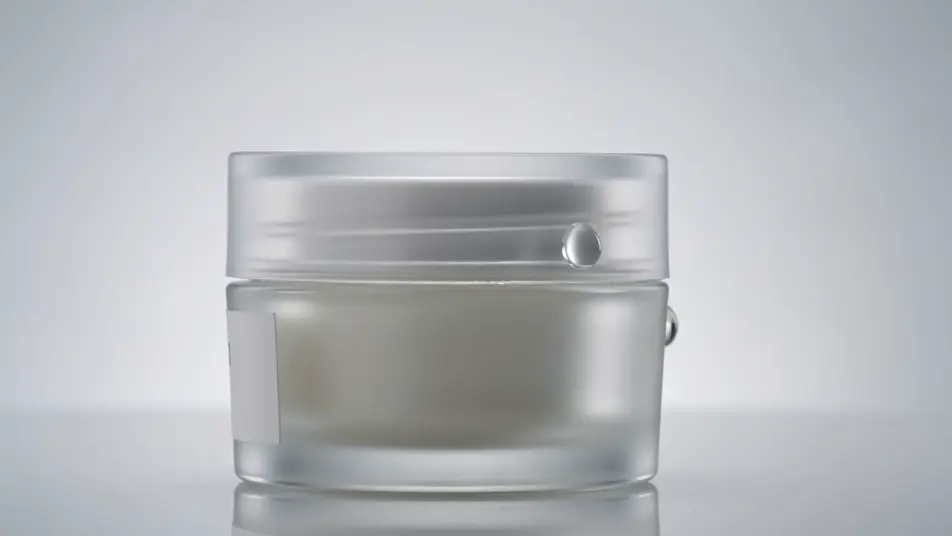
Uma foto congelada de um atacante no meio do chute retoma o movimento: a bola dispara do pé, os zagueiros reagem um instante depois e a torcida ganha nitidez conforme a câmera acompanha.
Editar prompt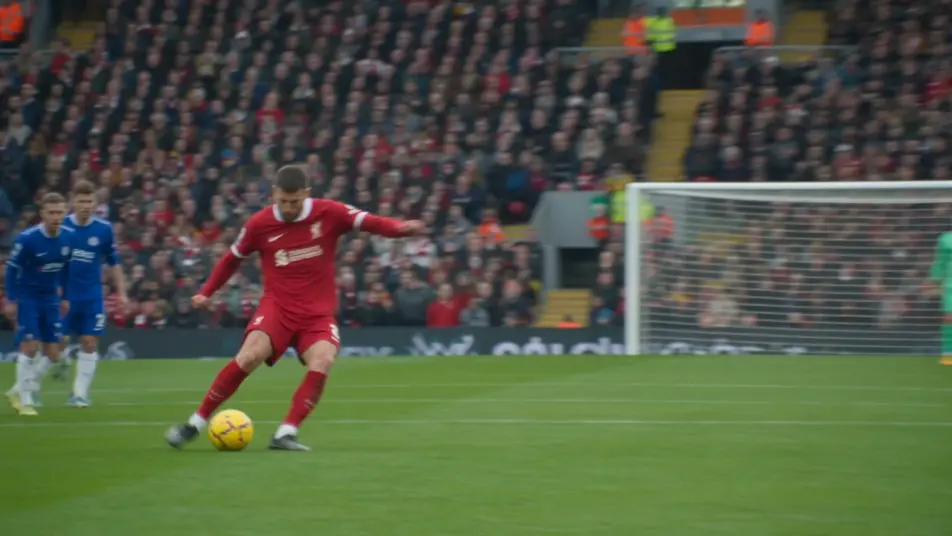
Uma foto de viagem por um vale entre serras se abre num avanço lento de câmera, nuvens baixas deslizam sobre a chapada, o capim se move em primeiro plano e a luz muda com o sol.
Editar prompt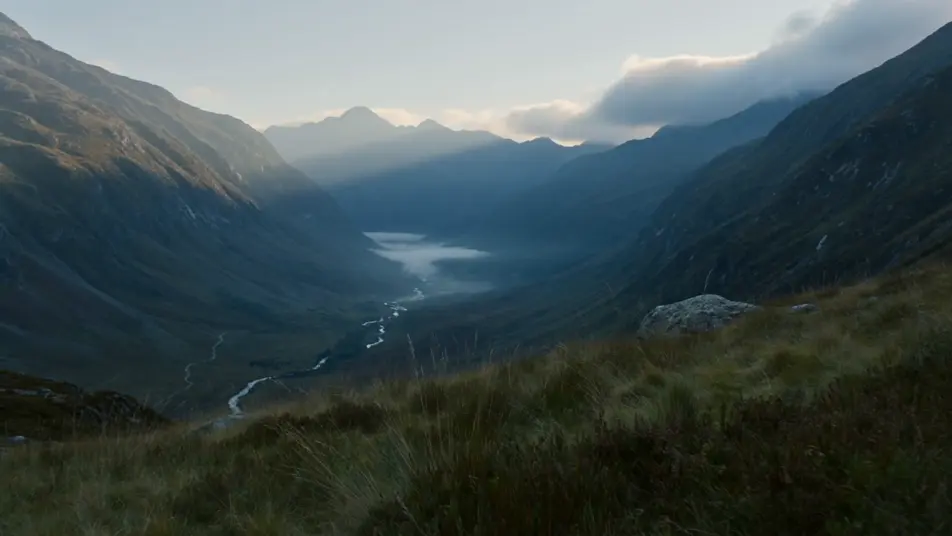
Escreva a cena de foto para vídeo que você quer, em poucas palavras.
A Morphic gera um clipe cinematográfico e pronto para uso no seu Canvas em segundos.
Ajuste o prompt, gere novas variações e depois baixe ou compartilhe a cena.

Dramatize any text conversation into a cinematic multi-shot video.
Cinematic time-freeze short film for any scene

Generate a professional film title card from scratch, with optional cinematic animation.
Photo of any real-estate becomes a cinematic renovation timelapse video with construction SFX and music.
One image to a 9-scene cinematic video.
Drop in a photo of yourself. Get a 12-second cinematic movie with animation and a matched soundtrack.
Imagem para vídeo com IA
Crie clipes de imagem para vídeo com IA no Morphic. Anime artes conceituais, pôsteres, quadrinhos e renders 3D em cenas reais, com movimento de câmera.
Animação de fotos com IA
Crie animações de fotos com IA no Morphic: poeira à deriva, vela tremulando, cortina balançando e parallax em qualquer foto antiga. O sujeito mantém a pose.
AI Story Time videos
Make AI story time videos with Morphic. Narrated storytelling over matching visuals, faceless format, AI voiceover, and ready-to-run scene prompts.
Vídeos lyric com IA
Crie lyric videos com IA no Morphic. Tipografia cinética, letras à mão sobre imagens, texto neon e cenas sincronizadas com sua música.
Comece grátis hoje mesmo, com a opção de fazer upgrade ou cancelar quando quiser.
Basic
2400 mensal créditos
1 apenas usuário
Todos os modelos
Workflows
Standard
3625 mensal créditos
1 apenas usuário
Todos os modelos
Workflows
Pro
6350 compartilhado mensal créditos
1 usuário
Todos os modelos
Workflows
Max
24650 compartilhado mensal créditos
1 usuário
Todos os modelos
Workflows
Enterprise
Para limites maiores
Personalizado
termos de preços e cobrança

Free
Para experimentar
$0
grátis para sempre