A fast previously-on cold open
A rapid run of the essential story beats cut tight, a whispered warning, a chase, a betrayal, each shot flashing past under a punchy high-contrast grade that builds momentum into the present.
Editar prompt
Direct a recap video in your browser with Morphic's recap video AI generator. Generate a fast previously-on catch-up cutting through the key beats or a slow key-moment montage that resets the stakes. Voice it with Speech, then stitch the beats into one continuous recap on the Canvas.
A rapid run of the essential story beats cut tight, a whispered warning, a chase, a betrayal, each shot flashing past under a punchy high-contrast grade that builds momentum into the present.
Editar promptA weighty edit that lingers on the turning points, a quiet decision at a window, a door closing, a face falling, each beat held under low dramatic light with slow deliberate cuts.
Editar prompt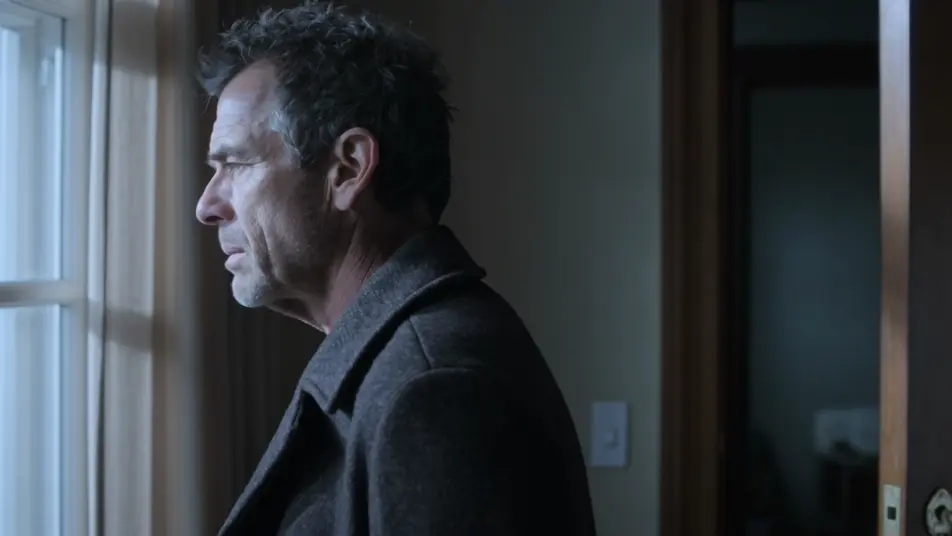
A divided frame that runs two storylines at once, one figure crossing a rooftop while another waits in a lit room, the clean divider holding both threads in balance under matched grading.
Editar prompt
A single tense held moment, a hand reaching for an unseen door, the camera pushing in as the light drains and the frame cuts hard to black on the unresolved beat.
Editar prompt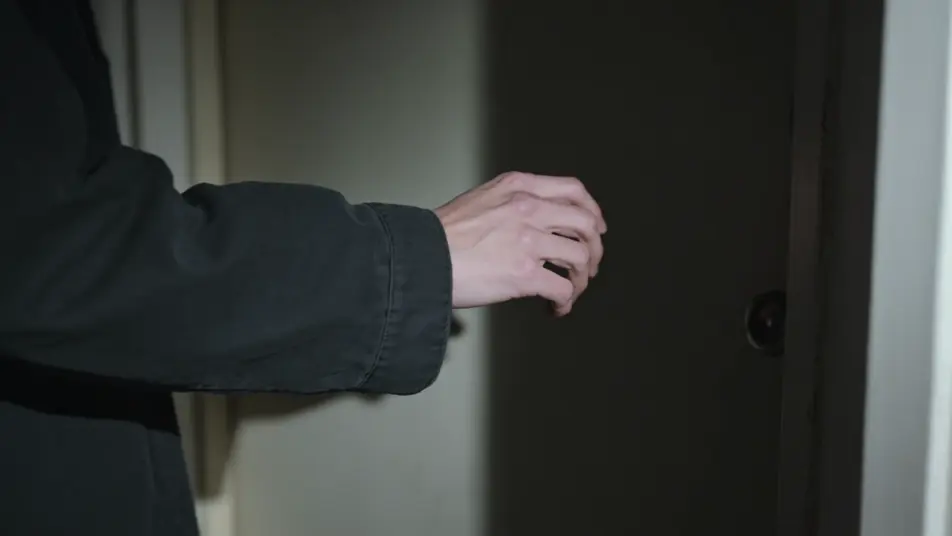
Escreva a cena de recap video que você quer, em poucas palavras.
A Morphic gera um clipe cinematográfico e pronto para uso no seu Canvas em segundos.
Ajuste o prompt, gere novas variações e depois baixe ou compartilhe a cena.

Dramatize any text conversation into a cinematic multi-shot video.
Cinematic time-freeze short film for any scene

Generate a professional film title card from scratch, with optional cinematic animation.
Photo of any real-estate becomes a cinematic renovation timelapse video with construction SFX and music.
One image to a 9-scene cinematic video.

Describe a first-person scenario. Get sequential POV frames animated into video clips with audio.
AI Year in Review videos
Generate AI year in review videos with Morphic. Month-by-month montages, animated stat cards, highlight reels, and score-synced recap prompts that assemble fast.
AI Clip Show videos
Generate AI clip show videos with Morphic. Host wraparounds, themed best-of runs, memory montages, and clip-episode prompts that just run.
AI Montage videos
Generate AI montage videos with Morphic. Training montages, travel sequences, transformation arcs, and beat-synced montage prompts that just run.
Vídeos POV com IA
Faça vídeos POV com IA no Morphic. Dirija caminhadas imersivas em primeira pessoa, beats de ação e momentos do dia a dia na altura dos olhos. Cenas de exemplo, sem experiência de edição.
Comece grátis hoje mesmo, com a opção de fazer upgrade ou cancelar quando quiser.
Basic
2400 mensal créditos
1 apenas usuário
Todos os modelos
Workflows
Standard
3625 mensal créditos
1 apenas usuário
Todos os modelos
Workflows
Pro
6350 compartilhado mensal créditos
1 usuário
Todos os modelos
Workflows
Max
24650 compartilhado mensal créditos
1 usuário
Todos os modelos
Workflows
Enterprise
Para limites maiores
Personalizado
termos de preços e cobrança

Free
Para experimentar
$0
grátis para sempre