The pour, start to finish
A tilted canvas under soft overhead light while three colours run down it into clean bands. The clip ends when the leading edge reaches the bottom corner.
Editar prompt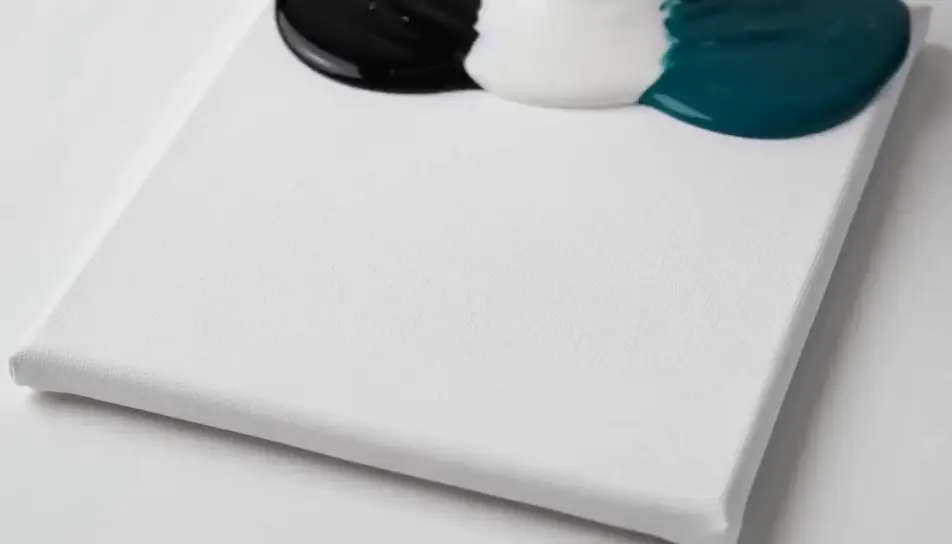
Generate satisfying videos in your browser with Morphic's satisfying AI video generator and let each clip resolve on screen. Render acrylic paint pouring across a tilted canvas, or a blade curling a ribbon off a soap bar, then chain the takes on Compose.
A tilted canvas under soft overhead light while three colours run down it into clean bands. The clip ends when the leading edge reaches the bottom corner.
Editar promptA blade passing through a block of coloured sand on a board in warm side light, the cut face holding for a beat and then collapsing into grains.
Editar prompt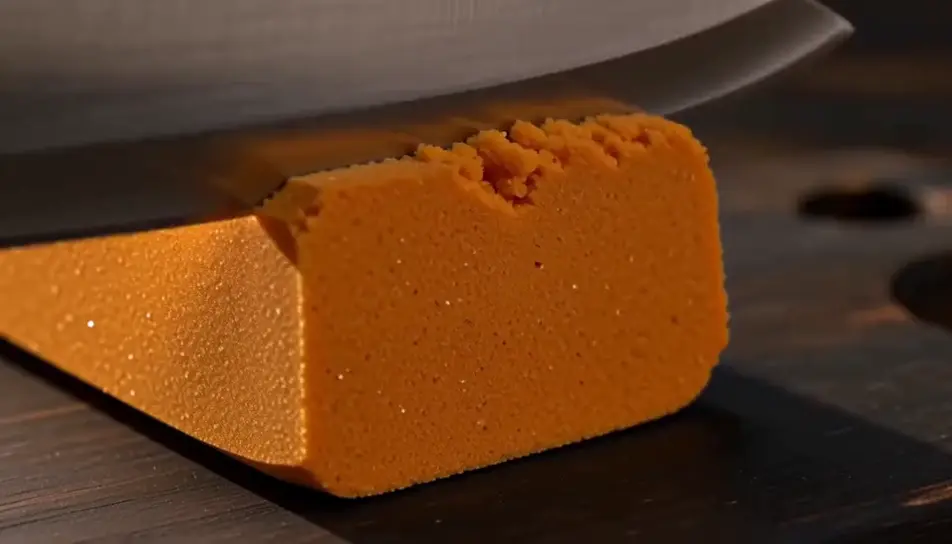
Hard industrial light on a press closing over a stack of plain washers, held wide and locked off, the whole compression running without a cut.
Editar prompt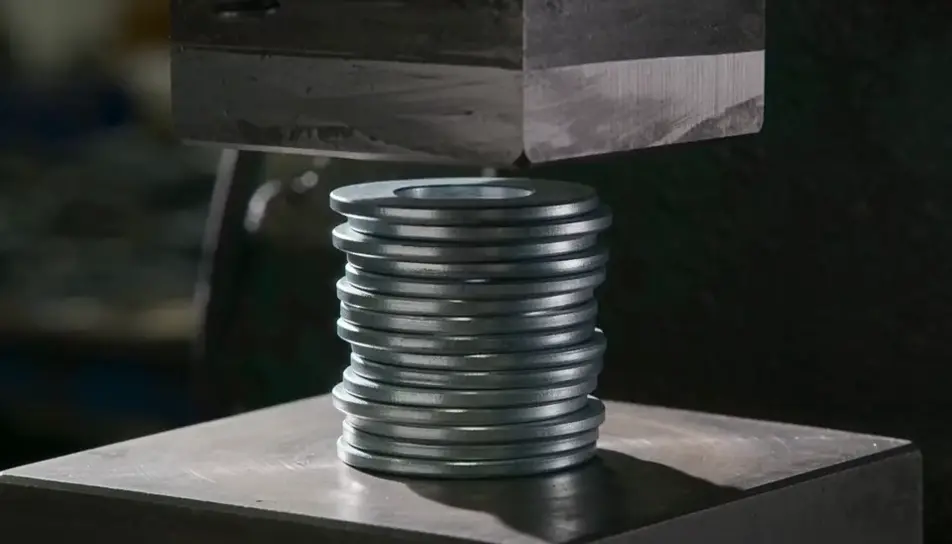
Grey daylight looking along a grimy stone path as a washer jet lays down clean strips in overlapping passes, the line between dirty and clean advancing.
Editar prompt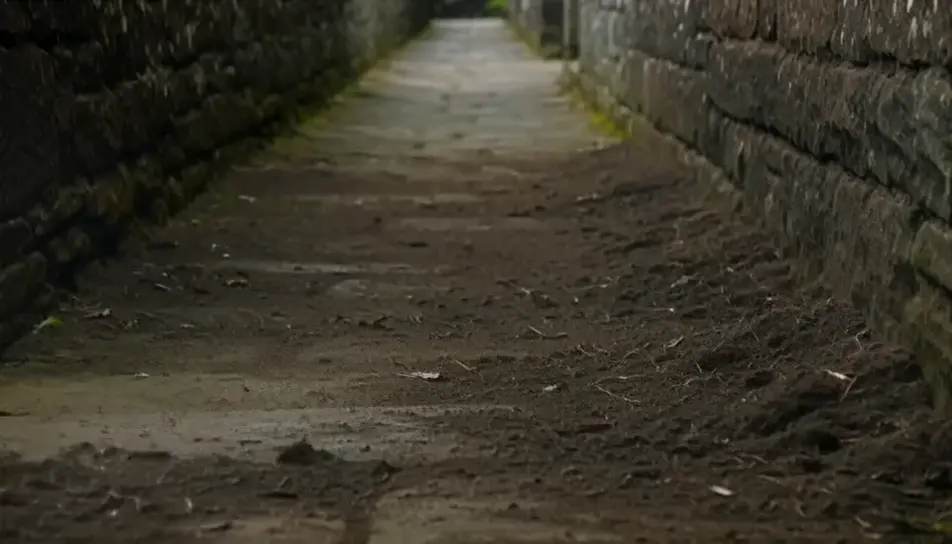
Escreva a cena de satisfying que você quer, em poucas palavras.
A Morphic gera um clipe cinematográfico e pronto para uso no seu Canvas em segundos.
Ajuste o prompt, gere novas variações e depois baixe ou compartilhe a cena.

Dramatize any text conversation into a cinematic multi-shot video.
Cinematic time-freeze short film for any scene

Generate a professional film title card from scratch, with optional cinematic animation.
Photo of any real-estate becomes a cinematic renovation timelapse video with construction SFX and music.
One image to a 9-scene cinematic video.
Drop in a photo of yourself. Get a 12-second cinematic movie with animation and a matched soundtrack.
AI slime videos
Browse slime videos and generate your own shots at the length, ratio and look the cut needs. Morphic makes video, image, voice and sound in one workspace.
Vídeos de ASMR com IA
Crie vídeos de ASMR com IA no Morphic. Loops de gatilho em close, paisagens sonoras, narração sussurrada e clipes prontos para Reels, TikTok e YouTube.
AI Ambient Loop videos
Generate AI ambient loop videos with Morphic. Seamless looping backdrops, slow-motion scenes, and calm perpetual visuals for streams, screens, and focus.
AI Material close-up videos
Create a material close-up video with Morphic. Shoot macro passes over fabric, metal, leather, and liquid that sell the feel without a crew or a shoot day.
Comece grátis hoje mesmo, com a opção de fazer upgrade ou cancelar quando quiser.
Basic
2400 mensal créditos
1 apenas usuário
Todos os modelos
Workflows
Standard
3625 mensal créditos
1 apenas usuário
Todos os modelos
Workflows
Pro
6350 compartilhado mensal créditos
1 usuário
Todos os modelos
Workflows
Max
24650 compartilhado mensal créditos
1 usuário
Todos os modelos
Workflows
Enterprise
Para limites maiores
Personalizado
termos de preços e cobrança

Free
Para experimentar
$0
grátis para sempre