Hook, turn, payoff in one run
Opens tight on hands lifting a pan off a flame, pulls back to show the kitchen is a film set, then settles on the crew watching. Three beats, no dead frames.
Editar prompt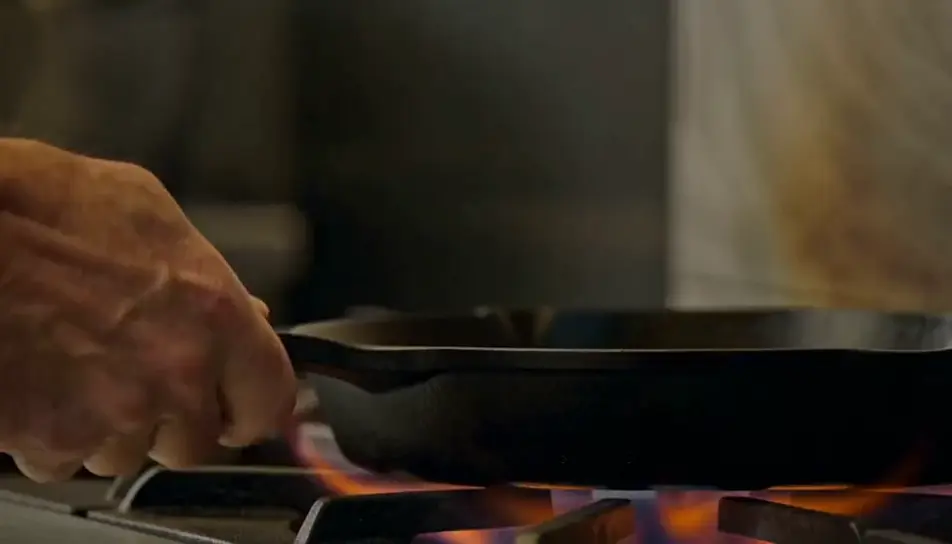
Direct a feed-ready cut in your browser with Morphic's short video AI generator. Generate a three-second hook that opens mid-action and a closing frame that loops back to the first, then assemble the run on Compose.
Opens tight on hands lifting a pan off a flame, pulls back to show the kitchen is a film set, then settles on the crew watching. Three beats, no dead frames.
Editar promptOverhead, locked off. Paint pours in a single ribbon, spreads, and settles into a pattern. The shot does not cut and does not need to.
Editar prompt
Starts as an ordinary home-office shot, then the camera pulls steadily back until the desk is alone in an empty warehouse. The light changes as the frame widens.
Editar prompt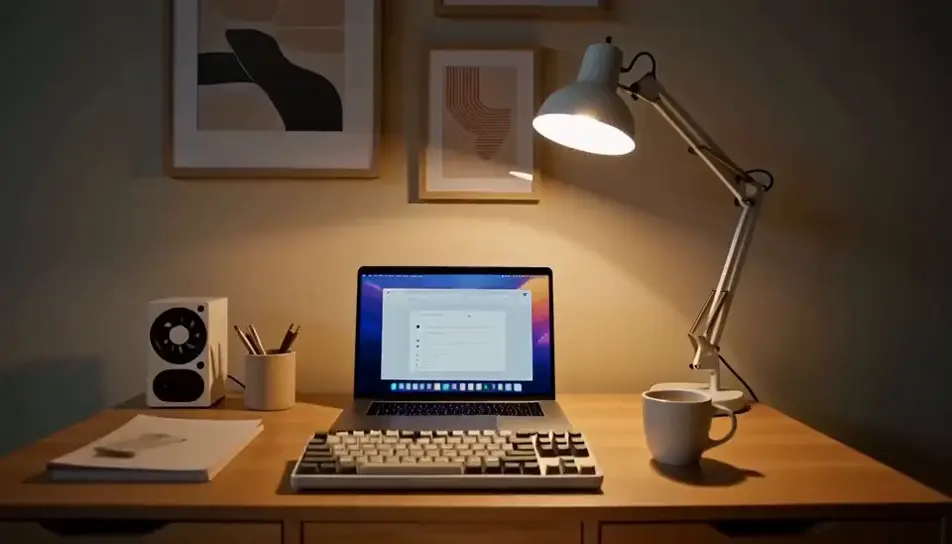
A ceramic bowl turns on a potters wheel, wet hands shaping the rim. The final frame matches the first exactly, so the replay has no visible seam.
Editar prompt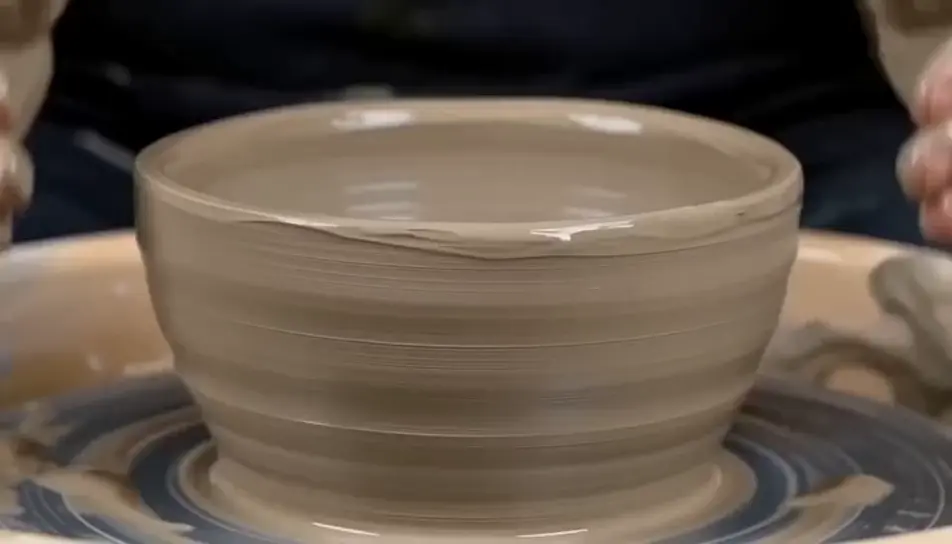
Escreva a cena de short que você quer, em poucas palavras.
A Morphic gera um clipe cinematográfico e pronto para uso no seu Canvas em segundos.
Ajuste o prompt, gere novas variações e depois baixe ou compartilhe a cena.

Dramatize any text conversation into a cinematic multi-shot video.
Cinematic time-freeze short film for any scene
Photo of any real-estate becomes a cinematic renovation timelapse video with construction SFX and music.
One image to a 9-scene cinematic video.

Describe a first-person scenario. Get sequential POV frames animated into video clips with audio.

Generate a professional film title card from scratch, with optional cinematic animation.
Curtas-metragens com IA
Faça curtas-metragens com IA no Morphic. Estruture a história, dirija cada cena e finalize com trilha sonora, sem precisar editar vídeo.
AI YouTube Shorts ads
Produce a YouTube Shorts ad with AI on Morphic. Build a fast 9:16 hook, product beat, and loop-ready end card, then cut 6, 15, and 30 second versions.
AI Travel Vlog videos
Generate AI travel vlog videos with Morphic. Arrival montages, walking POV, food close-ups, and golden-hour b-roll with a warm voiceover and upbeat score.
AI scary videos
Browse scary videos and generate your own shots at the length, ratio and look the cut needs. Morphic makes video, image, voice and sound in one workspace.
Comece grátis hoje mesmo, com a opção de fazer upgrade ou cancelar quando quiser.
Basic
2400 mensal créditos
1 apenas usuário
Todos os modelos
Workflows
Standard
3625 mensal créditos
1 apenas usuário
Todos os modelos
Workflows
Pro
6350 compartilhado mensal créditos
1 usuário
Todos os modelos
Workflows
Max
24650 compartilhado mensal créditos
1 usuário
Todos os modelos
Workflows
Enterprise
Para limites maiores
Personalizado
termos de preços e cobrança

Free
Para experimentar
$0
grátis para sempre