A finale night on the couch
A warm living room packed for a big finale, blankets and snacks everywhere, the group leaning in as one. Low lamp light and screen flicker, a slow dolly across the reacting faces.
Editar prompt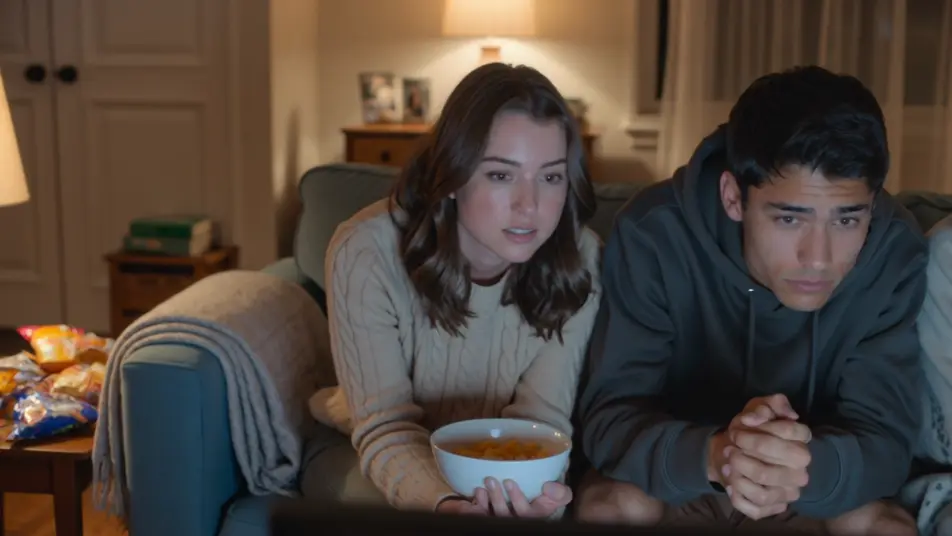
Direct the reaction in your browser with Morphic's watch party AI video generator. Generate a couch of friends gasping in the glow of a big screen, or a webcam-style reaction grid lighting up at the same beat. Land the commentary with Speech, then stitch it into one watch party on the Canvas.
A warm living room packed for a big finale, blankets and snacks everywhere, the group leaning in as one. Low lamp light and screen flicker, a slow dolly across the reacting faces.
Editar promptA clean layout of stacked webcam windows, each a friend in a different room, all synced to the same beat. Even soft light in each cell, a subtle scale-up on whichever window reacts hardest.
Editar prompt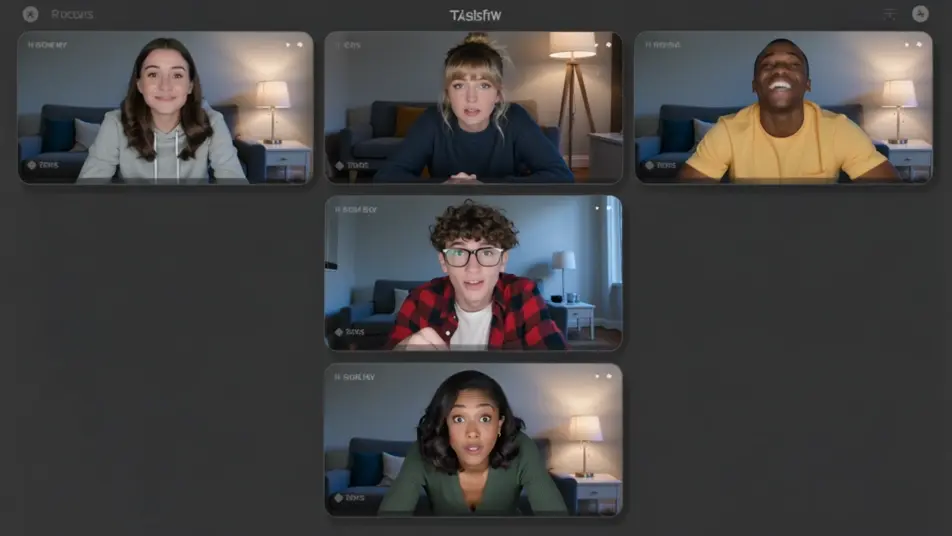
An outdoor evening with a projector throwing a huge image on a hung sheet, friends sprawled on blankets under string lights. Deep blue dusk behind, a slow crane that reveals the whole yard.
Editar prompt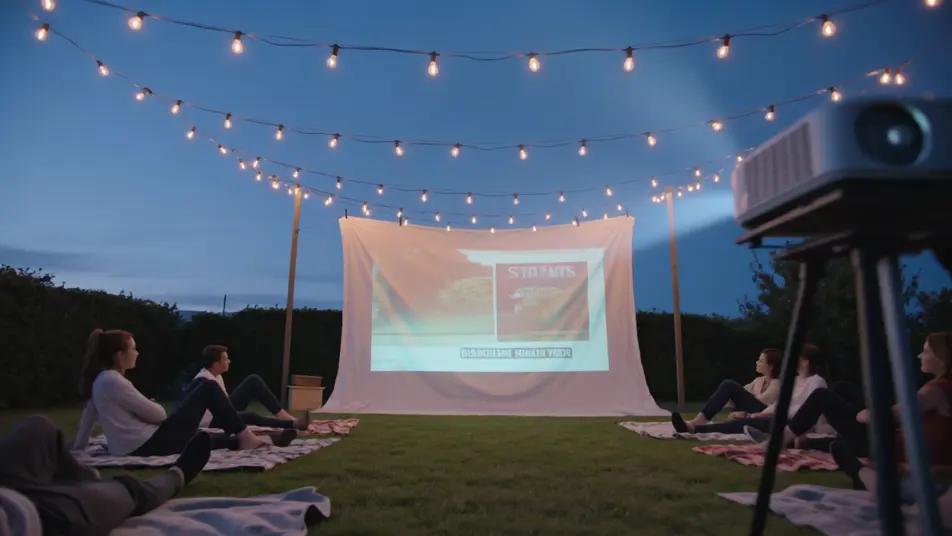
A lively room fixed on a big screen, everyone jumping up at a turning moment, arms raised. Bright screen bounce and warm overheads, a handheld that swings with the surge of the crowd.
Editar prompt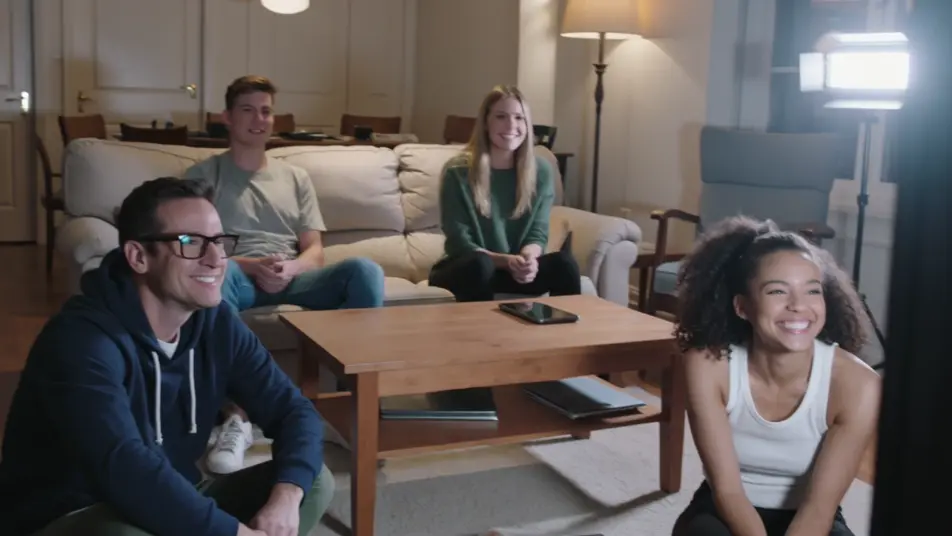
Escreva a cena de watch party video que você quer, em poucas palavras.
A Morphic gera um clipe cinematográfico e pronto para uso no seu Canvas em segundos.
Ajuste o prompt, gere novas variações e depois baixe ou compartilhe a cena.

Dramatize any text conversation into a cinematic multi-shot video.
Cinematic time-freeze short film for any scene

Generate a professional film title card from scratch, with optional cinematic animation.
Photo of any real-estate becomes a cinematic renovation timelapse video with construction SFX and music.
One image to a 9-scene cinematic video.

Describe a first-person scenario. Get sequential POV frames animated into video clips with audio.
AI Live Stream Highlight videos
Generate AI live stream highlight videos with Morphic. Clutch-moment clips, webcam reactions, overlay-framed segments, and highlight-reel prompts that just run.
AI Clip Show videos
Generate AI clip show videos with Morphic. Host wraparounds, themed best-of runs, memory montages, and clip-episode prompts that just run.
Vídeos de ASMR com IA
Crie vídeos de ASMR com IA no Morphic. Loops de gatilho em close, paisagens sonoras, narração sussurrada e clipes prontos para Reels, TikTok e YouTube.
Vídeos POV com IA
Faça vídeos POV com IA no Morphic. Dirija caminhadas imersivas em primeira pessoa, beats de ação e momentos do dia a dia na altura dos olhos. Cenas de exemplo, sem experiência de edição.
Comece grátis hoje mesmo, com a opção de fazer upgrade ou cancelar quando quiser.
Basic
2400 mensal créditos
1 apenas usuário
Todos os modelos
Workflows
Standard
3625 mensal créditos
1 apenas usuário
Todos os modelos
Workflows
Pro
6350 compartilhado mensal créditos
1 usuário
Todos os modelos
Workflows
Max
24650 compartilhado mensal créditos
1 usuário
Todos os modelos
Workflows
Enterprise
Para limites maiores
Personalizado
termos de preços e cobrança

Free
Para experimentar
$0
grátis para sempre