Seedream 5.0 Pro: Funktionen und Fähigkeiten
Seedream 5.0 Pro ist ByteDances Modell für Bildgenerierung und -bearbeitung. Der rote Faden ist Kontrolle: präzise, bereichsbezogene Bearbeitung, Mehrschicht-Trennung, die Sie per Drag-and-drop verschieben und skalieren, High-Density-Infografiken und Text, der nativ in 14 Sprachen generiert wird.
Seedream 5.0 Pro ist bei Morphic live, Sie können also jede der folgenden Funktionen schon heute ausprobieren.
| Funktion | Was sie macht | Am besten für |
|---|---|---|
| Präzise, kontextbasierte Bearbeitung | Fixiert ein bestimmtes Element und ändert nur diesen Teil | Katalog-Anpassungen, Verpackung, Retusche |
| Punkt, Rahmen, Pfeil, Skizze | Markiert das Ziel per Punkt, Rahmen, Pfeil oder grober Skizze | Gezielte Bearbeitungen, Skizze-zu-Bild |
| Mehrschicht-Trennung | Teilt ein Ergebnis in unabhängige, editierbare Ebenen | Poster, Layouts, zusammengesetzte Szenen |
| High-Density-Infografiken | Charts, Flussdiagramme und Diagramme in einem lesbaren Durchgang | Erklärgrafiken, E-Commerce, Folien |
| Nativer Text in 14 Sprachen | Generiert Text direkt in 14 Sprachen | Mehrsprachige Poster und Designs |
Präzise, kontextbasierte Bearbeitung
Seedream 5.0 Pro versteht das Grounding, also wo jedes Element im Bild sitzt und was es bedeutet. Das macht Bearbeitungen gezielt, statt einen kompletten Neu-Durchlauf zu erfordern: Fixieren Sie ein einzelnes Element, ein Requisit, eine Farbe oder ein Label, und der Rest des Bildes bleibt exakt erhalten. Das macht Katalog- und Verpackungsarbeit praktikabel, bei der ein Tausch Licht und Layout nicht stören sollte.
Punkt, Rahmen, Pfeil oder Skizze
Sie müssen das Ziel nicht allein in Worten beschreiben. Markieren Sie es mit einem Punkt, zeichnen Sie einen Rahmen, oder setzen Sie einen Pfeil, um das genaue Element zu fixieren, und beschreiben Sie dann die Änderung. Sie können eine Idee auch als Skizze grob anlegen, ein Layout, eine Pose, einen Poster-Rahmen, und das Modell vervollständigen lassen, sodass aus einer losen Zeichnung ein fertiges Bild wird, das Ihren Markierungen folgt.
Mehrschicht-Trennung
Seedream 5.0 Pro kann ein Ergebnis auf Wunsch in unabhängige Ebenen trennen. Lassen Sie eine einzelne Textzeile, einen Charakter, ein Objekt oder das gesamte Layout trennen, und jedes Element wird zu einer eigenen editierbaren Ebene. Danach können Sie jede Ebene einzeln verschieben und skalieren, ähnlich wie in einer Design-Datei, sodass Sie eine Komposition aufbauen und anpassen, statt die gesamte Szene neu zu beschreiben.
High-Density-Infografiken
Das Modell ist für informationsdichte Bilder gebaut: Datencharts, Flussdiagramme und Präzisionsdiagramme in einem einzigen Durchgang. Die Layout-Werkzeuge optimieren Informationsdichte, logische Struktur und Seitenlayout, schärfen die Darstellung von Kleintext und balancieren reichhaltigen Inhalt mit klarer Logik, sodass eine E-Commerce-Startseite, ein Bilderbuch-Erklärstück für Kinder, eine Folien-Grafik oder ein wissenschaftliches Diagramm lesbar statt überladen wirkt.
Nativer Text in 14 Sprachen
Seedream 5.0 Pro rendert Text nativ in 14 Sprachen, darunter Arabisch, Englisch, Russisch, Japanisch, Koreanisch und Thailändisch. Nativ bedeutet, dass der Text direkt in der Zielsprache generiert wird, statt übersetzt und aufgeklebt zu werden. So respektiert das Modell den kulturellen Kontext, die typografischen Konventionen und die Schriftzeichen jeder Sprache, von der Rechts-nach-links-Ausrichtung des Arabischen bis zu den gestapelten Tonzeichen des Thailändischen, und trifft die lokale Design-Ästhetik.
Seedream 5.0 Pro: Anwendungsfälle
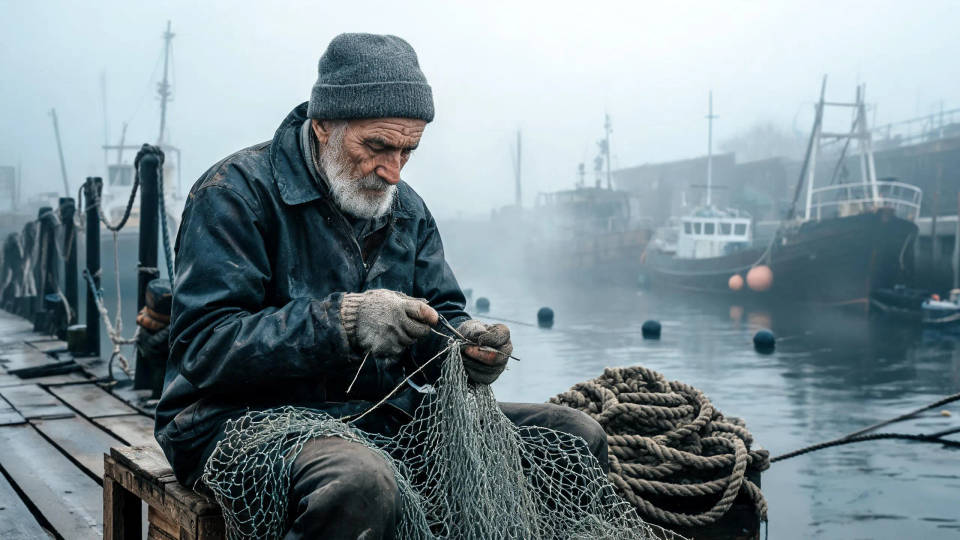
Fotorealistische Porträts und Szenen
Gesichter, Haut und Stoff behalten ihre feine Textur, sodass ein Porträt wie ein Foto wirkt und nicht wie ein Render. Kontextbasierte Bearbeitung hält Ausdruck und Detail genau dort, wo Sie sie platzieren.
Architektur und Innenräume
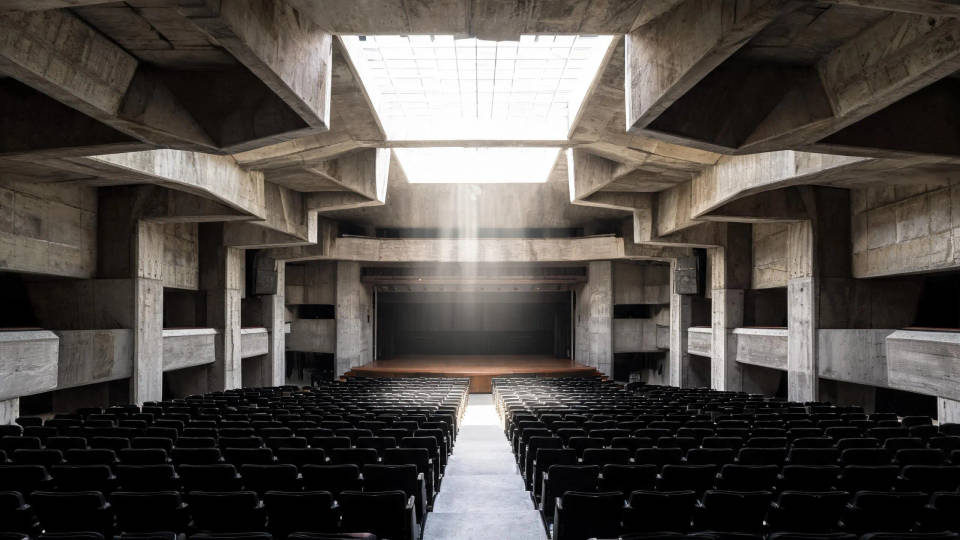
Gerade Linien, Maßstab und Perspektive bleiben über ein weites Bildfeld hinweg sauber. Trennen Sie das Licht oder eine einzelne Fläche in eine eigene Ebene, um sie anzupassen, ohne die gesamte Komposition neu zu generieren.
Produkt- und Food-Flatlays
Katalog- und Menü-Aufnahmen, bei denen ein Tausch den Rest des Bildes nicht stören soll. Markieren Sie Requisite, Farbe oder Label per Punkt oder Rahmen, ändern Sie nur dieses Element, und Licht sowie Layout bleiben unverändert.

Makro-Produktdetails
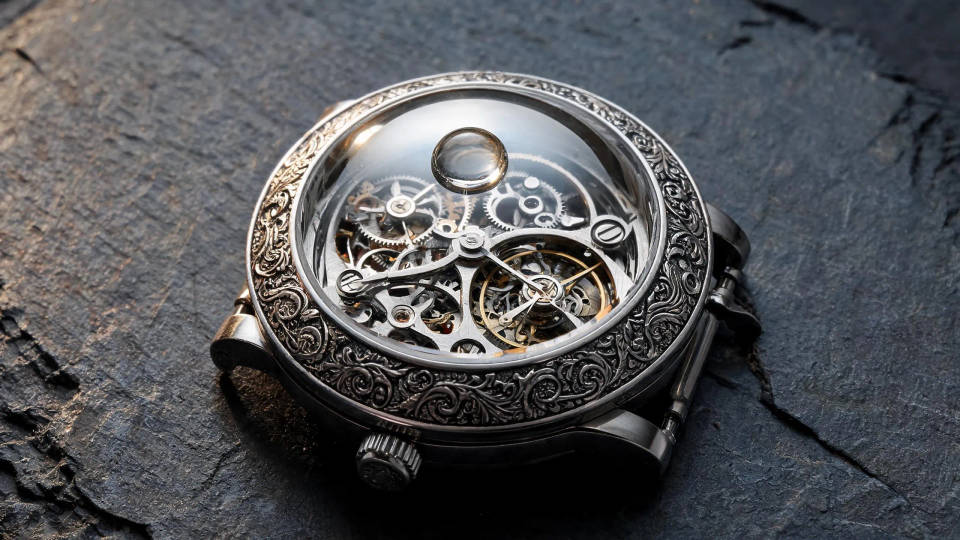
Nahaufnahmen behalten scharfe Kanten und Materialdetails, von gebürstetem Metall bis zum Zifferblatt einer Uhr. Kontextbasierte Kontrolle macht es praktikabel, ein Element zu korrigieren, ohne den Rest weichzuzeichnen.
Poster und mehrsprachige Layouts
Text im Bild bleibt lesbar und exakt platziert, in jeder der 14 Sprachen, sodass ein Poster oder Cover fertig layoutet statt neu beschrieben wird. Bearbeiten Sie den Titelblock und den Hintergrund als getrennte Ebenen.
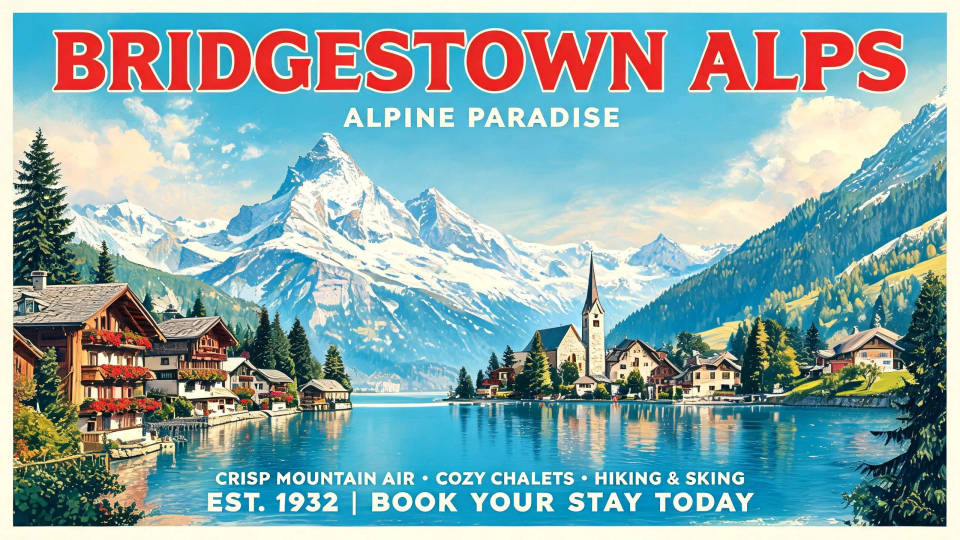
Landschaftsbilder und Hintergründe
Weite Landschaften behalten ihre Tiefe vom Vordergrund bis zum Horizont. Nutzen Sie eine als saubere Hintergrundebene, oder legen Sie einen mehrsprachigen Titel für ein Reiseposter darüber.
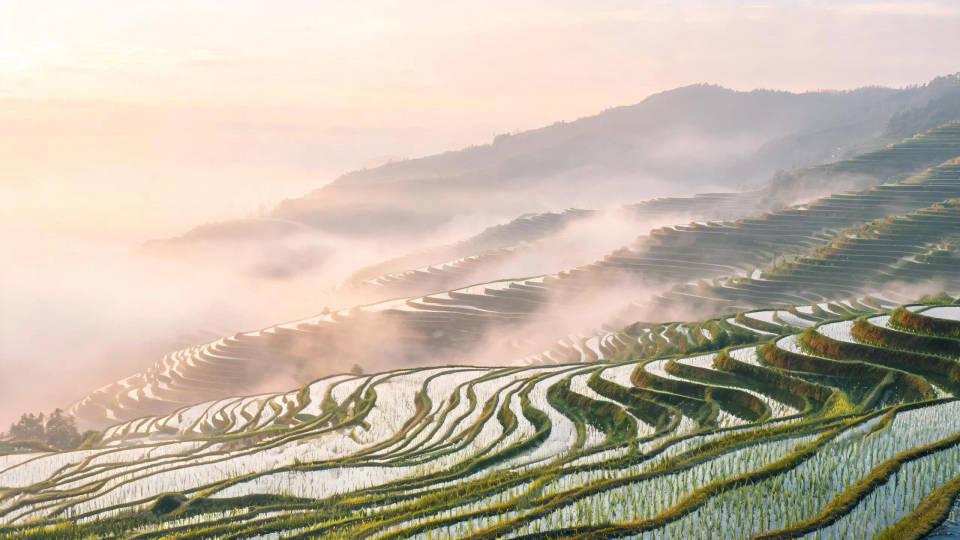
So holen Sie das Beste aus Seedream 5.0 Pro heraus
Seedream 5.0 Pro belohnt einen präzisen Brief und die Gewohnheit, in place zu bearbeiten statt komplett neu zu generieren. Ein paar Praktiken machen den größten Unterschied bei der Qualität:
- Benennen Sie das Licht. Richtung und Qualität zu nennen, bringt mehr für eine Szene als jedes Stilwort.
- Schreiben Sie Text im Bild in Anführungszeichen aus. Die Wörter werden so gerendert, wie geschrieben, in jeder der 14 unterstützten Sprachen, was für Poster, Cover und Labels entscheidend ist.
- Markieren Sie das Ziel. Fixieren Sie das gewünschte Element per Punkt, Rahmen, Pfeil oder Skizze und beschreiben Sie die Änderung.
- Ändern Sie ein Element, lassen Sie den Rest unverändert. Fordern Sie eine einzelne Bearbeitung an, damit der Rest des Bildes exakt erhalten bleibt.
- Denken Sie in Ebenen. Trennen Sie Motiv, Hintergrund und Textblock, und verschieben oder skalieren Sie jede Ebene einzeln.
- Nutzen Sie das Modell für dichte Layouts. Infografiken, Charts und Diagramme kommen in einem einzigen Durchgang lesbar heraus.
Die vollständige Funktionsliste und alle Spezifikationen finden Sie auf der Seedream 5.0 Pro Modellseite.
Seedream 5.0 Pro: Prompt-Guide
Ein starker Bild-Prompt benennt, was im Bild zu sehen ist und wie es angeordnet ist, statt eines einzelnen Adjektivs wie „schön". Gehen Sie vor dem Absenden die SPACE-Checkliste durch.
| SPACE | Enthält | Beispiel |
|---|---|---|
| Subject (Motiv) | Wer oder was im Bild ist, konkret beschrieben | Ein wettergegerbter Fischer, der ein Netz flickt |
| Palette und Stil | Art Direction, Medium und Stimmung | Gedämpfte, dokumentarische Farbgebung, mattes Finish |
| Arrangement | Komposition, Bildausschnitt und Layout | Enges Dreiviertel-Porträt, außermittig |
| Kamera und Licht | Objektiv, Blickwinkel und Lichtqualität | 85 mm, Augenhöhe, weiches, bedecktes Licht |
| Extra-Detail | Text im Bild, Texturen und Finish | Lesbarer Bootsname, feine Haut- und Seiltextur |
Schwache vs. starke Prompts
Benennen Sie das Licht, schreiben Sie Layout und Text aus, und markieren Sie eine Bearbeitung präzise, statt sie vage zu beschreiben.
| Fokus | Schwach | Stark |
|---|---|---|
| Licht | Ein Produkt auf einem Tisch | Eine glänzende Flasche auf nasser Schieferplatte, ein einzelnes streifendes Licht von Kamera-links, weicher Lichtabfall |
| Komposition und Text | Ein Filmposter | Ein Filmposter mit dem Titel „NORTHWIND" im oberen Drittel, eine einsame Figur unten rechts |
| Präzise Bearbeitung | Sieht einfach besser aus | Rahmen Sie das matte Label ein und tauschen Sie es gegen ein glänzendes, Licht und Hintergrund bleiben erhalten |
Häufige Fehler
- Ein Adjektiv statt eines Briefs: „schön" sagt dem Modell nichts, benennen Sie Motiv, Licht und Layout.
- Text ohne Anführungszeichen: Setzen Sie die exakten Wörter für das Bild in Anführungszeichen, sonst werden sie verstümmelt gerendert.
- Neu generieren für eine kleine Änderung: Markieren Sie das Element und bearbeiten Sie es in place, statt das gesamte Bild neu zu erzeugen.
- Ein geschichtetes Design flachdrücken: Trennen Sie Text, Motiv und Hintergrund in Ebenen, damit Sie jede einzeln anpassen können.
