Morphic for Thumbnail Design
Providing tools to design click-worthy thumbnails while cutting iteration time by more than half.
Everyday Goods

Share
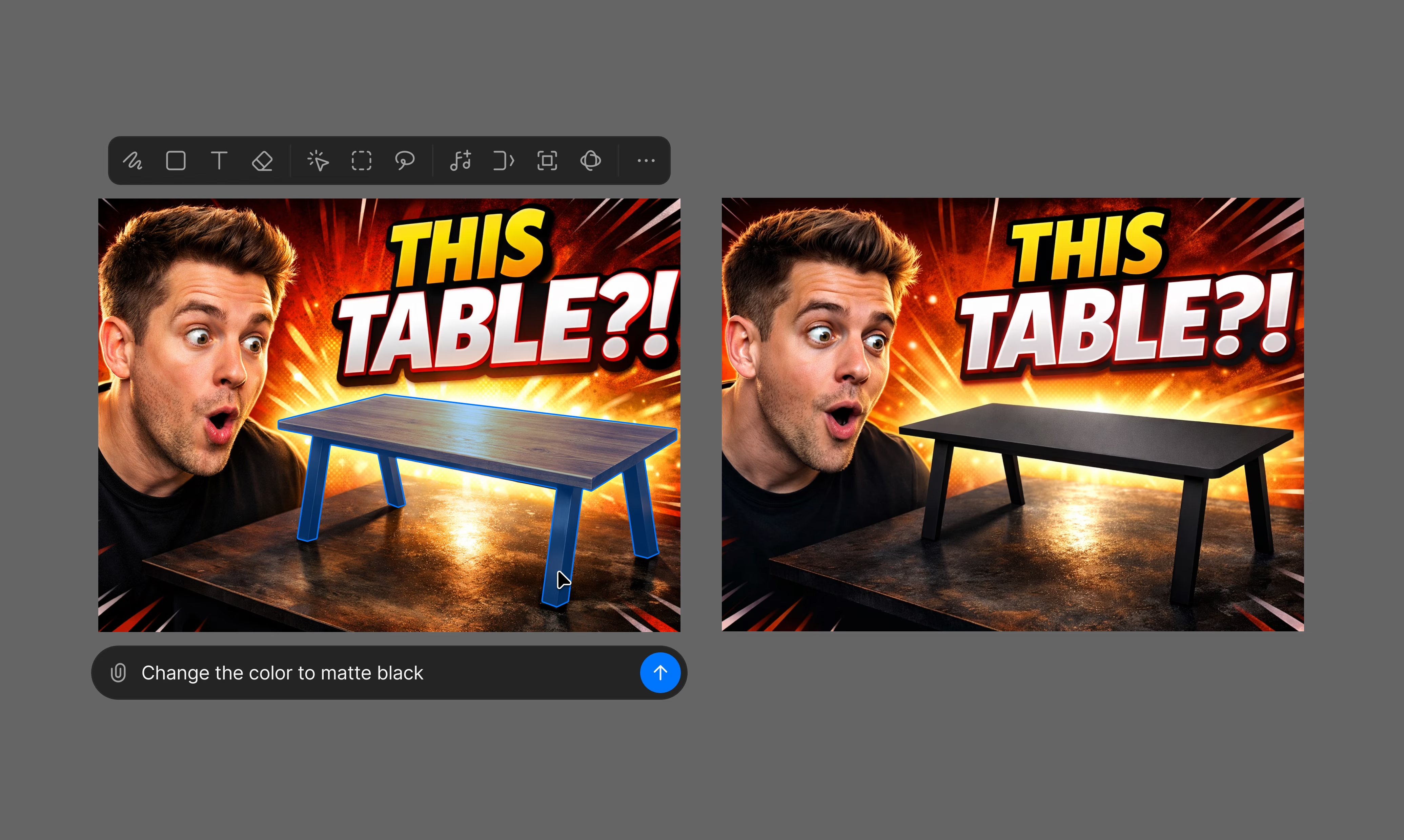





Start with concepts
Turn video ideas into thumbnail directions before committing.
Build brand consistency
Build patterns that viewers recognize while keeping each thumbnail unique.
Iterate without restarting
Adjust expressions, backgrounds, and text without rebuilding the composition.
Ship across platforms
Create once and adapt the same visuals wherever you publish.
Everyday Cooking
Share
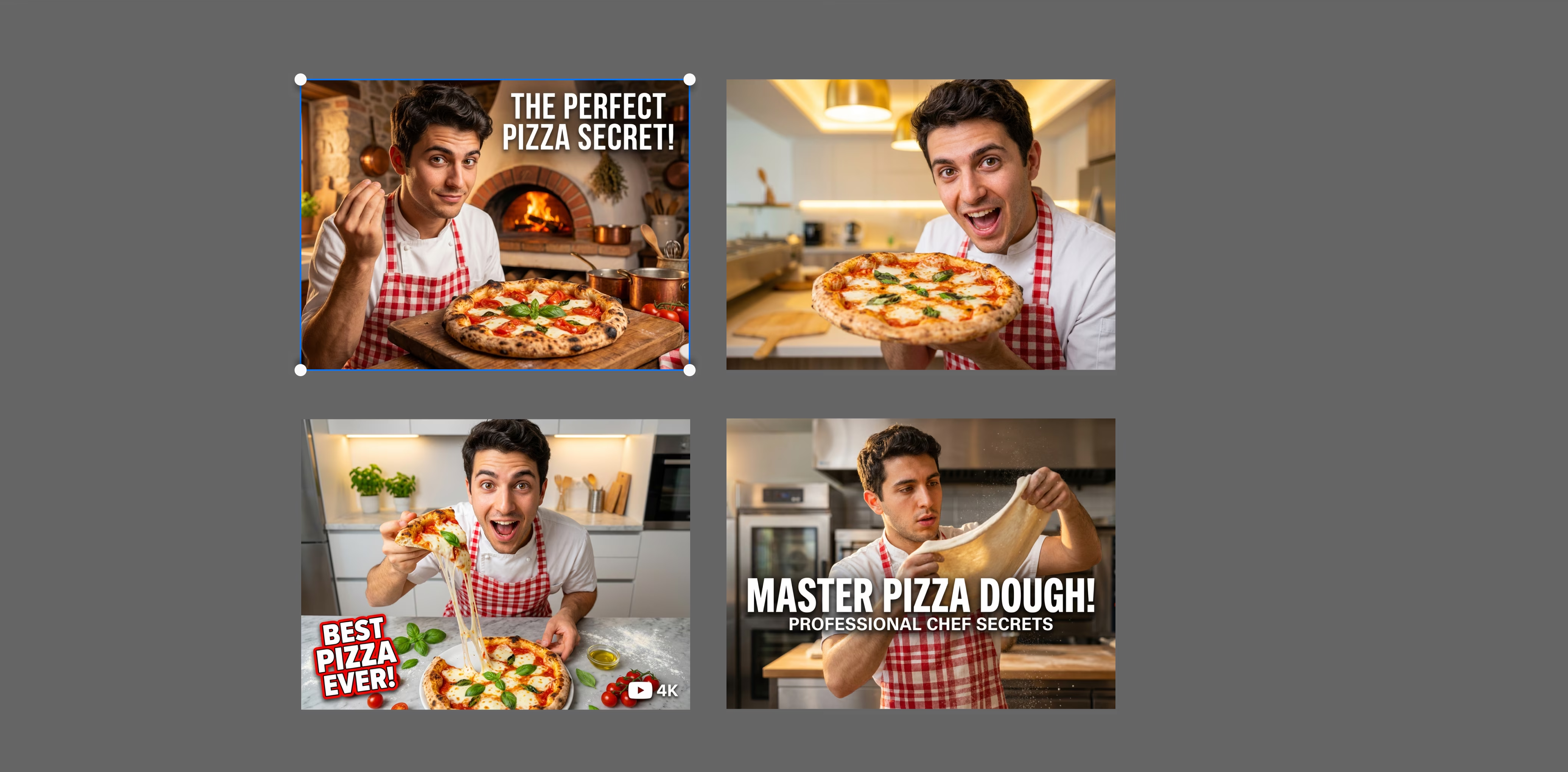
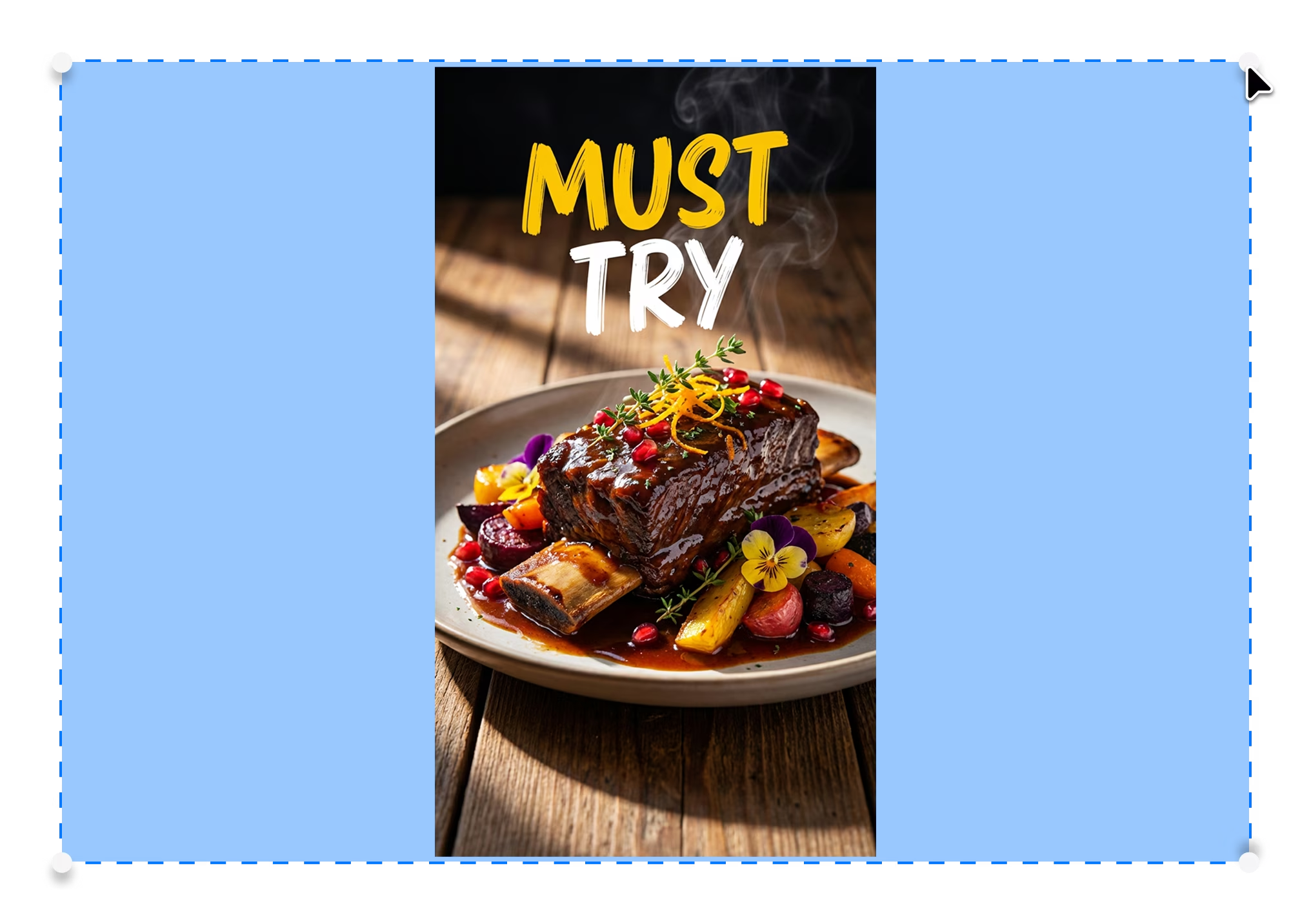
Guided ideation
Describe your video and explore thumbnail concepts shaped by what makes viewers click.

Extract and isolate
Remove backgrounds and pull subjects from any image without manual masking.
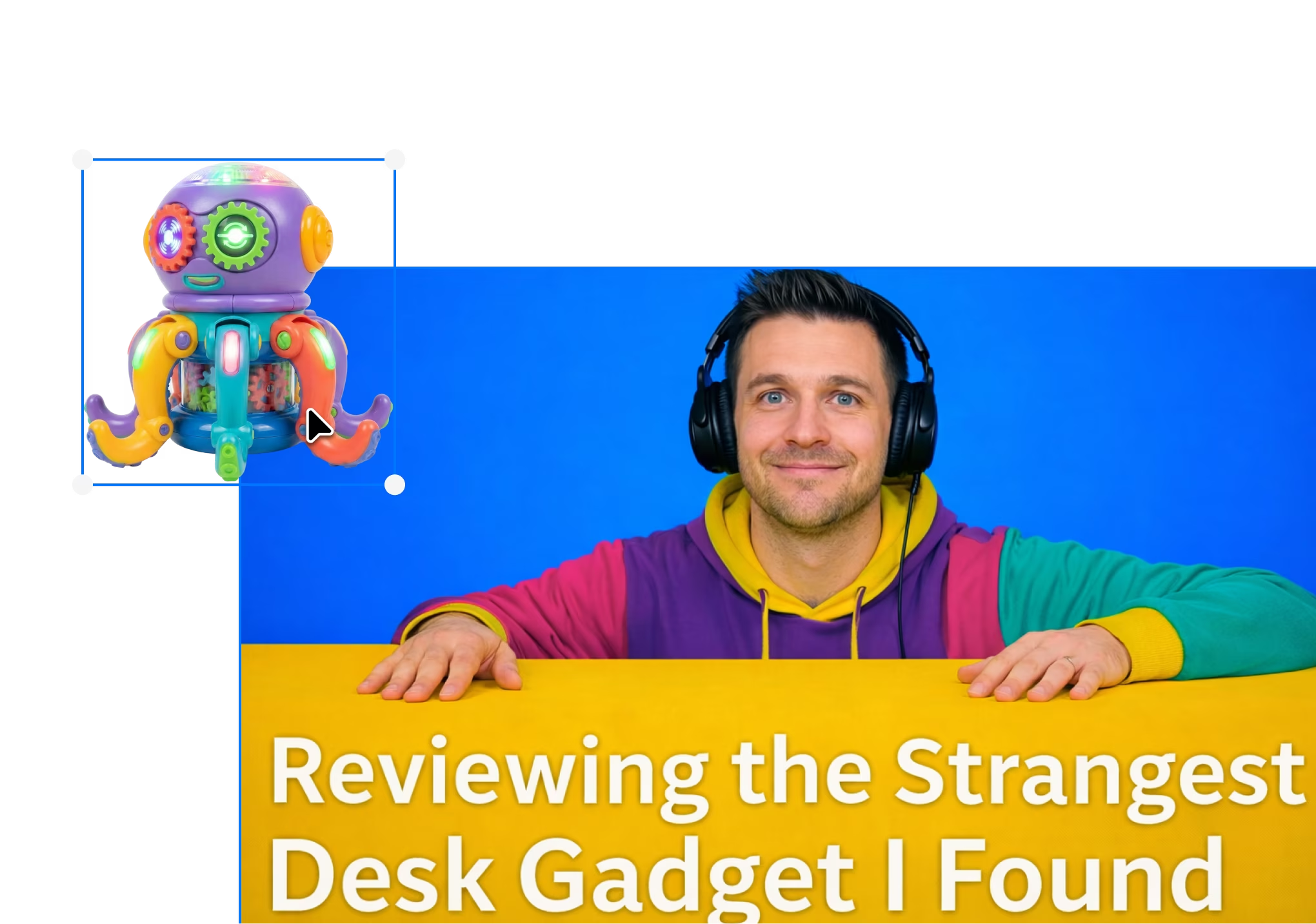
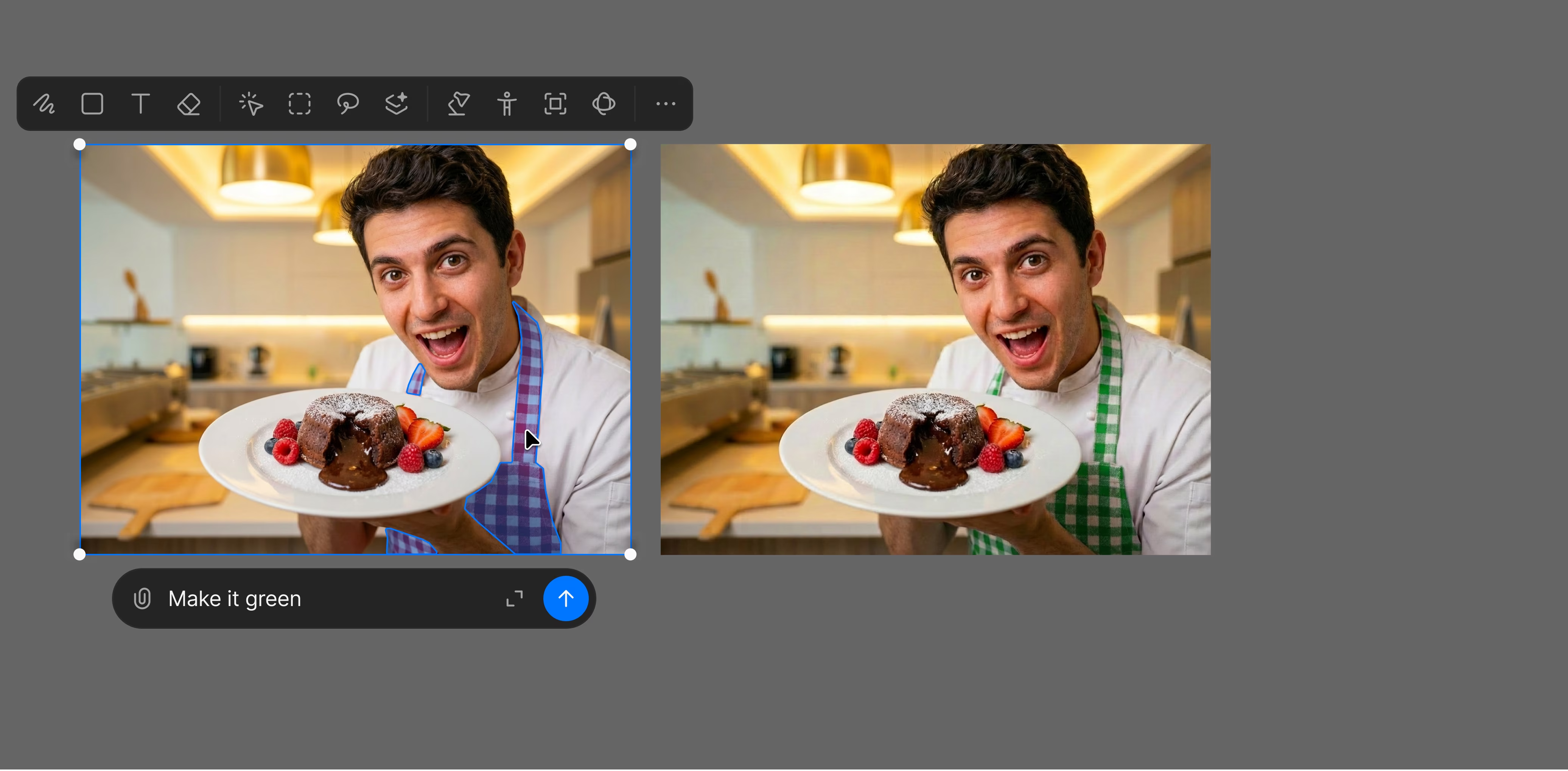
Layer-based editing
Update text, characters, or backgrounds independently while keeping the design intact.

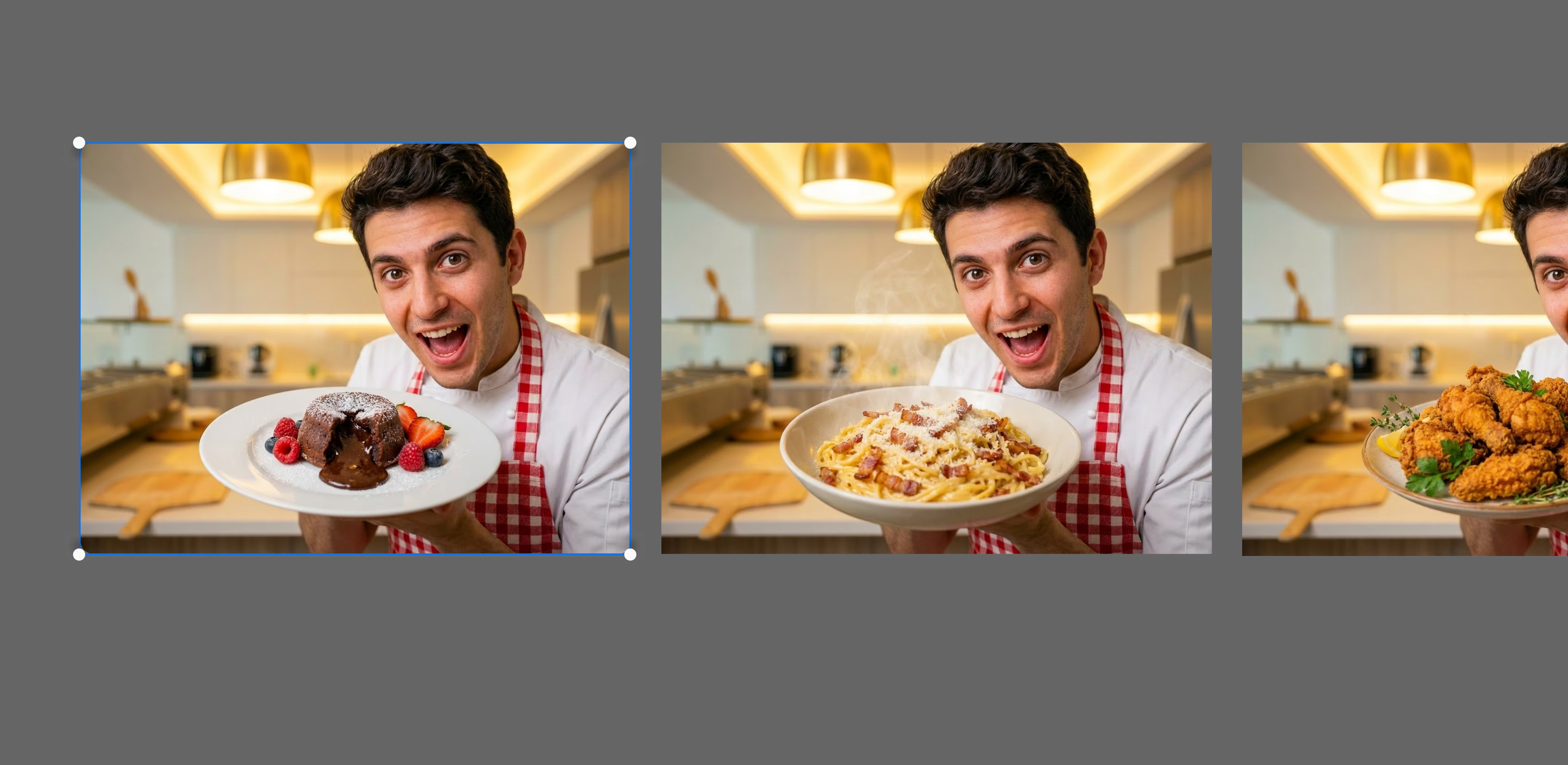
Run A/B tests instantly
Generate variations and test which design drives the highest CTR before you publish.

Enhance resolution
Upscale thumbnail quality so visuals stay sharp on large screens and high-resolution displays.

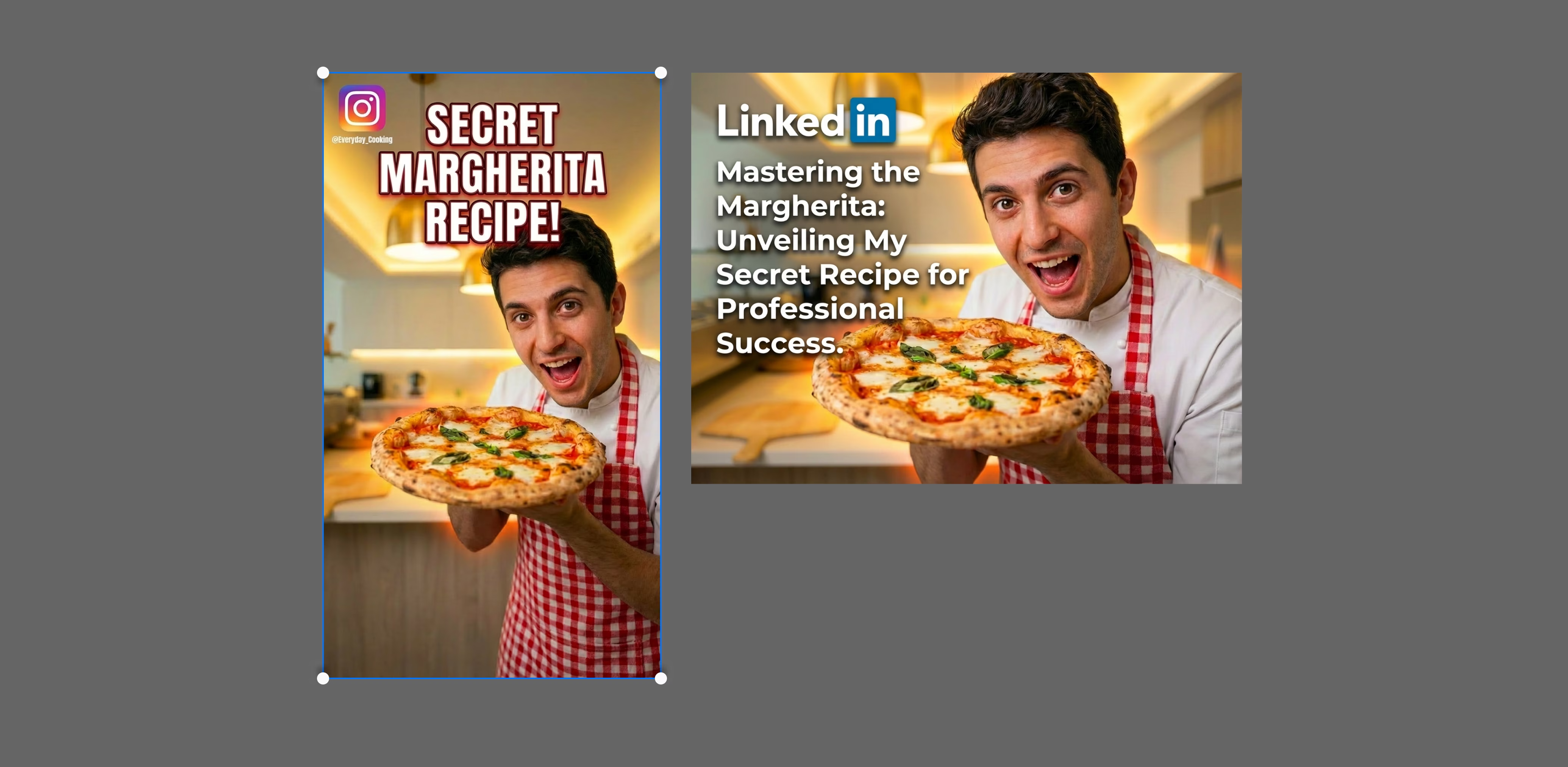
Multi-format resizing
Adapt your thumbnail across different formats and aspect ratios with a prompt.
“Exploring thumbnails quickly and refining based on what resonates has changed our creative direction.”

Jordan Burgess
Thumbnail Designer
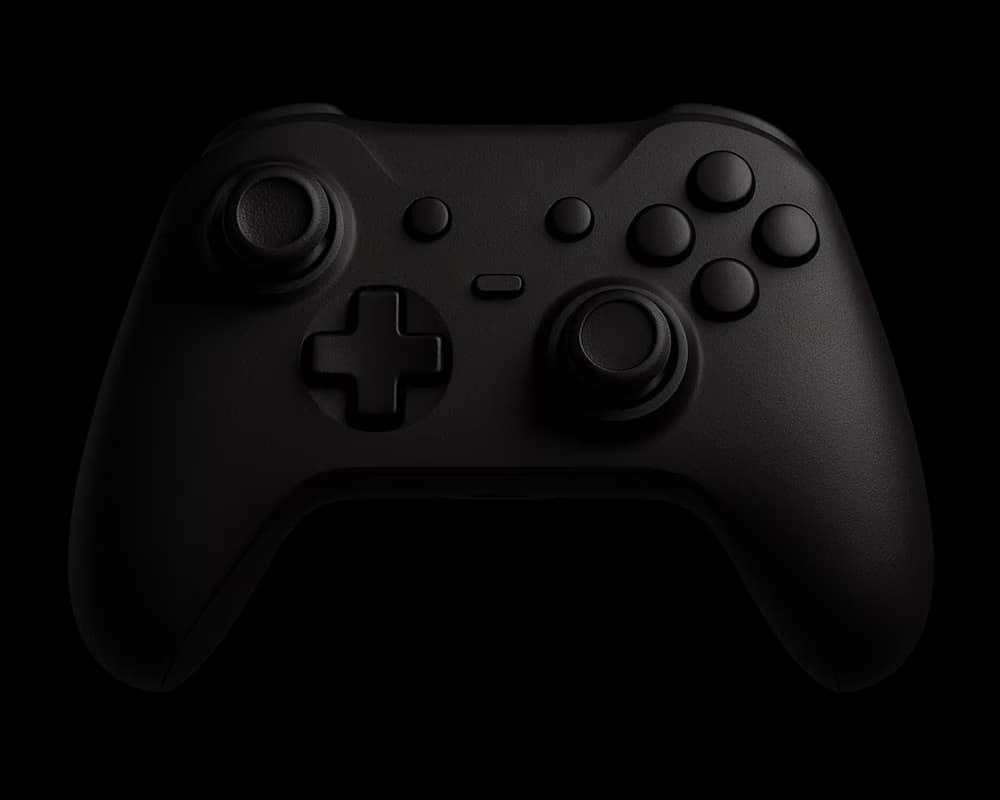
Gaming
Providing tools to build interactive gaming experiences while cutting time to market by more than half.
Marketing
Empowering marketing teams to produce, adapt, and deliver stories seamlessly.

Filmmaking
Helping filmmakers move from script to screen with tools for every stage of production.
Animation
Helping animators create complete animations with frame-by-frame control, from concept to final shot.
Creators
Helping creators produce more content, keep up with trends, and save time without added workload.

Creative agencies
Equipping creative teams to move from ideas to shipped campaigns without production bottlenecks.
Fashion
Helping fashion teams design faster, test smarter, and launch collections without compromise.