A Christmas Carol AI Videos

Direct Dickens's ghosts in your browser with Morphic's A Christmas Carol AI video generator. Generate the knocker as Marley's face or the Cratchits around Tiny Tim, add narration and fiddle with Speech and Music, and stitch the five staves into a ghost story.

A Christmas Carol characters you can direct

A Christmas Carol scenes you can stage

The door-knocker turns into Marley

On a foggy London Christmas Eve at the front door of Scrooge's lodging, the brass lion-head knocker shimmers and resolves into the half-transparent face of Jacob Marley, eyes opening to look at Scrooge.

Editar prompt
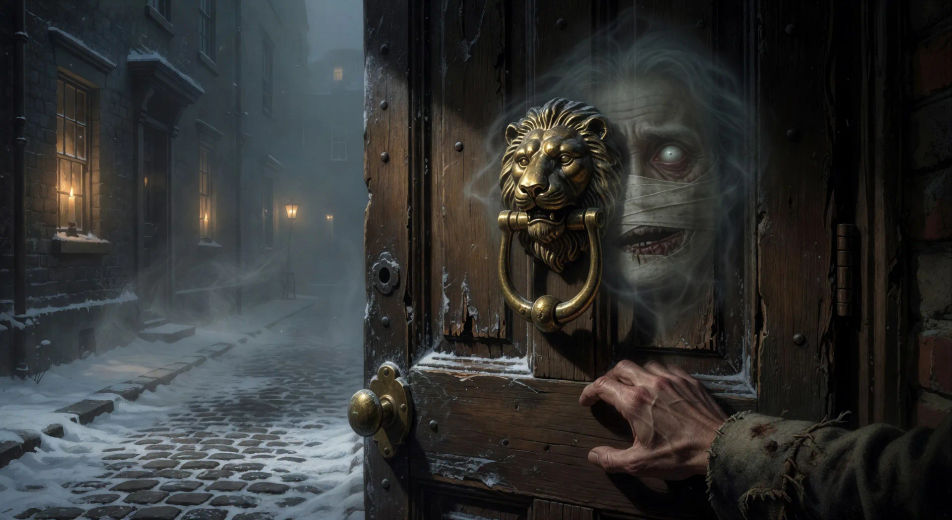
The door-knocker turns into Marley

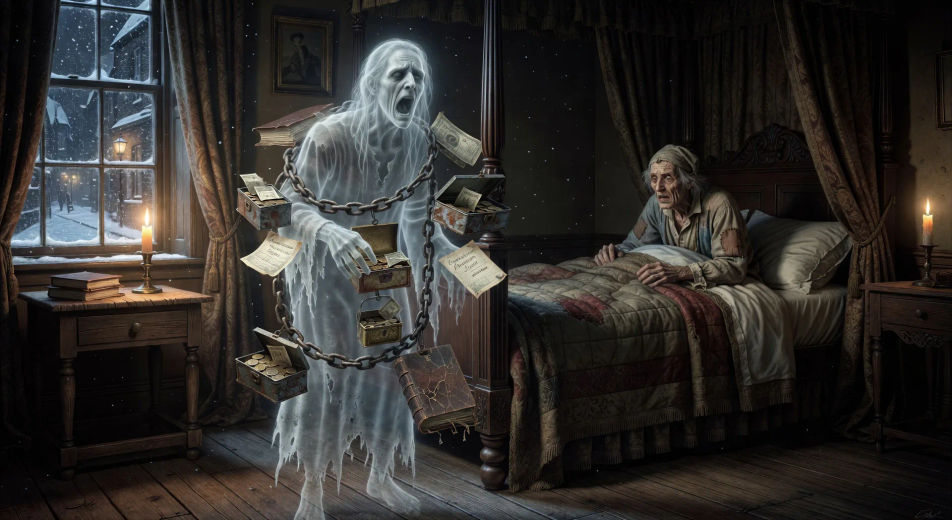
Marley's ghost in chains

In Scrooge's candle-lit bedchamber at midnight, Marley's ghost stands wrapped in a long chain of cash-boxes and ledgers, jaw bandaged in white linen, wailing as Scrooge cowers in the high four-poster bed.

Editar prompt
Marley's ghost in chains

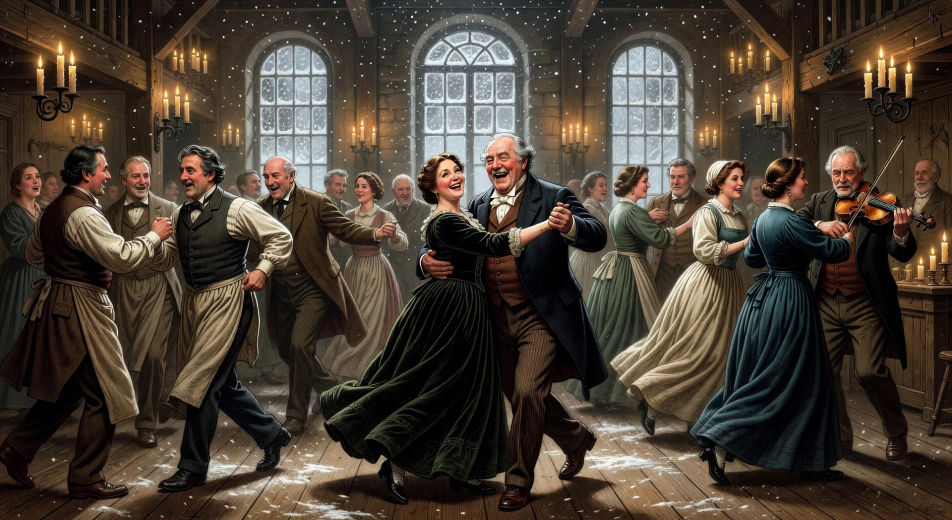
Fezziwig's ball

In a candle-lit Fezziwig warehouse cleared for dancing, the great Mr. Fezziwig spins his wife at the head of a country dance while clerks and bakers and milkmaids whirl around the floor, fiddler at one end.

Editar prompt
Fezziwig's ball

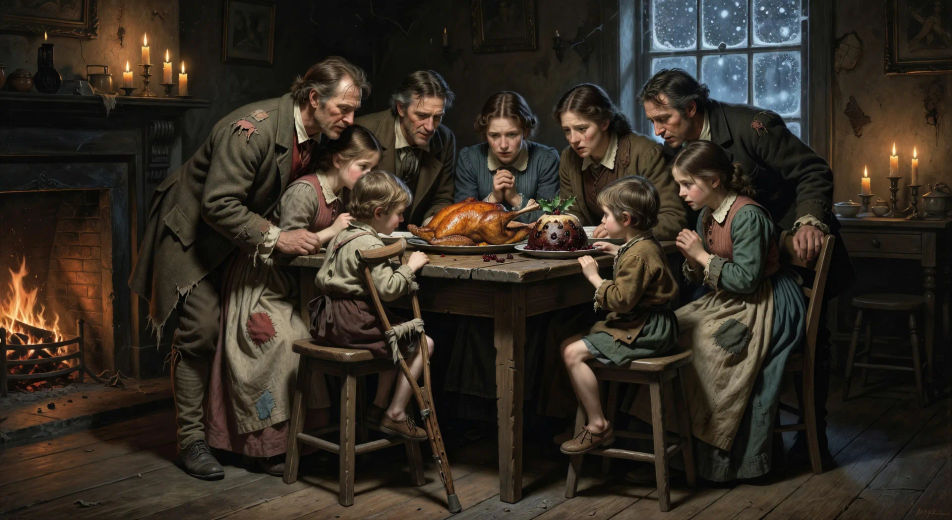
The Cratchit Christmas dinner

In a small Camden Town parlour at firelight, the Cratchit family crowds around a small table set with a goose, a pudding, and Tiny Tim raised on a stool with his crutch beside him as Bob carves.

Editar prompt
The Cratchit Christmas dinner

Crea videos de A Christmas Carol en tres pasos

  1. 01

    Describe tu escena de A Christmas Carol

    Escribe la escena de A Christmas Carol que quieres, en palabras simples.

  2. 02

    Genera el video

    Morphic genera un clip cinematográfico y listo para usar en tu canvas en segundos.

  3. 03

    Refina tu video de A Christmas Carol

    Ajusta el prompt, regenera variaciones y luego descarga o comparte la toma.

Workflows relacionados

También te puede gustar

Precios simples

Comienza gratis hoy, con la opción de mejorar tu plan o cancelar cuando quieras.

Basic

$9/ mes
facturado como $0 por año

900 mensual créditos

1 usuario

Todos los modelos

Workflows

Standard

$24/ mes
facturado como $0 por año

3200 mensual créditos

1 usuario

Todos los modelos

Workflows

Pro

$45/ mes
facturado como $0 por año

6200 compartidos mensual créditos

1 usuario

+ hasta 4 más con costo adicional

Todos los modelos

Workflows

Pro Max

$170/ mes
facturado como $0 por año

24000 compartidos mensual créditos

1 usuario

+ hasta 9 más con costo adicional

Todos los modelos

Workflows

Enterprise

Para límites más altos

Personalizado

términos de precios y facturación

High-volume credits
Límites de asientos personalizados
Todos los modelos
Workflows
Pricing Gradient

Free

Para experimentar

$0

gratis para siempre

Hasta 20 créditos
Solo 1 usuario
Modelos limitados
Workflows

Preguntas frecuentes

Where can I make A Christmas Carol videos with AI?
You can create A Christmas Carol scenes directly in your browser on Morphic. Open the Text to Video tool, describe the moment you want, and Morphic produces the clip. No installs and no specialist software needed.
What kinds of A Christmas Carol scenes work best with AI video?
Single-shot moments tend to work best: the door-knocker turning into Marley, Marley's ghost in chains, Fezziwig's ball, the Cratchit Christmas dinner with Tiny Tim, the neglected grave under snow, the laughing Christmas-morning bedpost. Anchor each A Christmas Carol scene to a specific stave and a specific light source.
How do I keep A Christmas Carol characters consistent across scenes?
Use the Character Lineup workflow to lock Scrooge, Marley, the three spirits, Bob Cratchit, and Tiny Tim before producing scenes, then reference those character cards in every prompt. Morphic preserves the design across the five staves so an A Christmas Carol series feels continuous.
How do I make my A Christmas Carol videos feel like Dickens, not a Muppets adaptation?
Anchor your prompts to Dickens's actual settings: Scrooge's counting-house, Camden Town, Fezziwig's warehouse, the Cratchit parlour, the snowy churchyard. Reference the John Leech illustrations from the 1843 first edition as the visual anchor. Set the period in 1840s London with gas-lamps, fog, and snow. Avoid likeness language for any film performer.
Can I add narration and music to my A Christmas Carol videos?
Yes. The Speech tool generates a Dickensian-narrator voiceover from your script in the voice you choose, and the Music tool produces an original orchestral or carol-led soundtrack. Layer them onto your generated video to publish a complete A Christmas Carol episode.
What visual style works best for an A Christmas Carol video?
Three styles consistently land. Cinematic photoreal in the spirit of high-budget early-Victorian period drama delivers the prestige Dickens look. Painterly oil with chiaroscuro echoes the John Leech illustrations from the 1843 first edition. Stop-motion or storybook animation in the spirit of mid-century holiday specials can carry the lighter family-friendly tone. Name the style directly in the prompt.