Inpainting
Agrega, elimina o refina sin esfuerzo personajes y objetos específicos dentro de tu frame con un solo prompt.
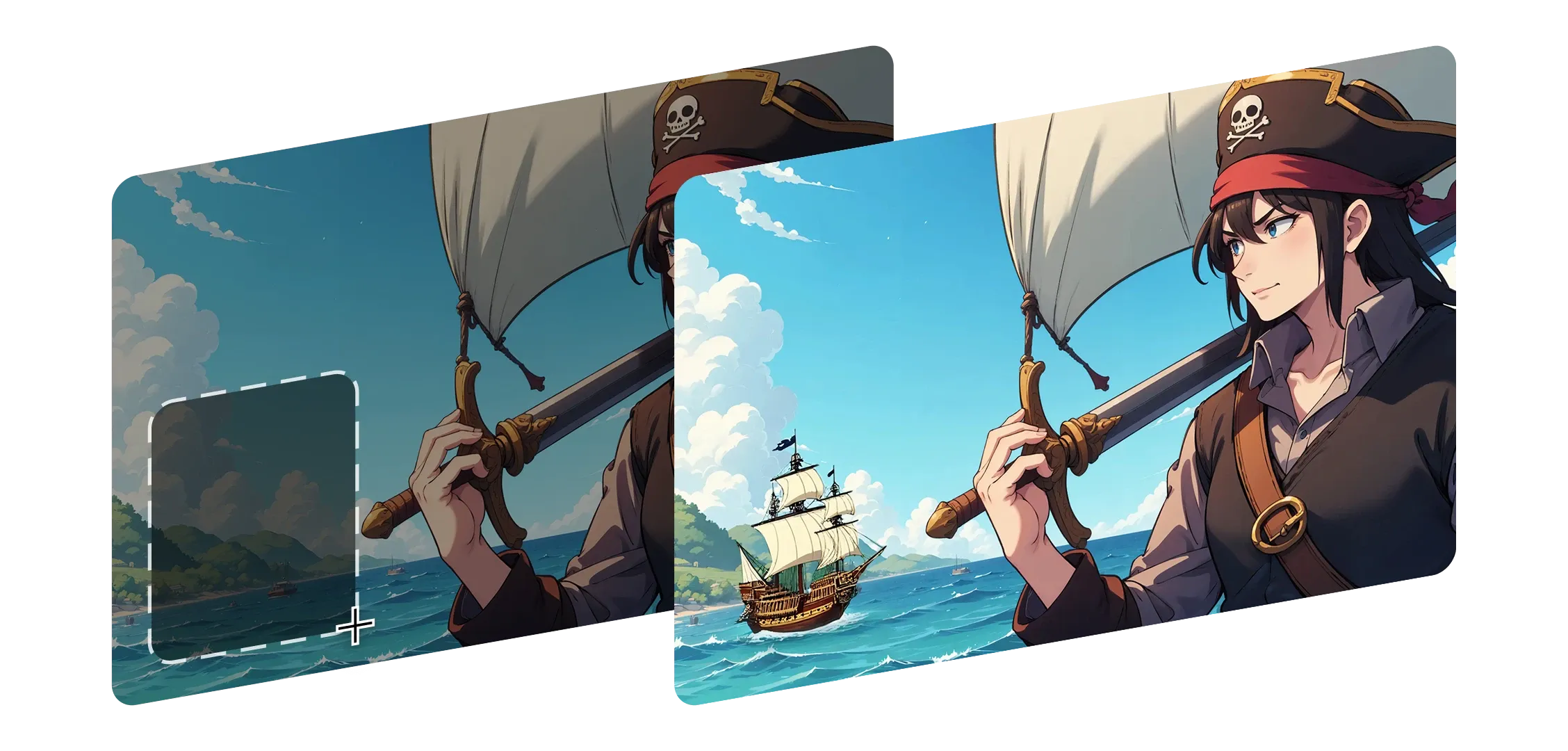
El Inpainting te ayuda a remodelar cualquier parte de tu imagen sin perder su apariencia ni su esencia original. Solo selecciona un área, describe el cambio y Morphic lo integra con fluidez.
Entiende la iluminación, la profundidad y el detalle, manteniendo intactos las sombras y el contexto.
Ya sea que reemplaces un fondo, cambies la expresión de un personaje o agregues algo nuevo, cada edición se siente parte natural de tu frame.
Desde pequeños arreglos hasta adiciones más grandes, el Inpainting se adapta a tu estilo e intención. Morphic no solo remienda las cosas, hace que cada cambio se sienta intencional y completo.
Me sorprendió lo natural que se veía cada edición, como si el frame siempre hubiera sido así.
Mira cómo funciona el Inpainting dentro de Morphic.
Resultados de creadores que remodelan escenas con ediciones sutiles.




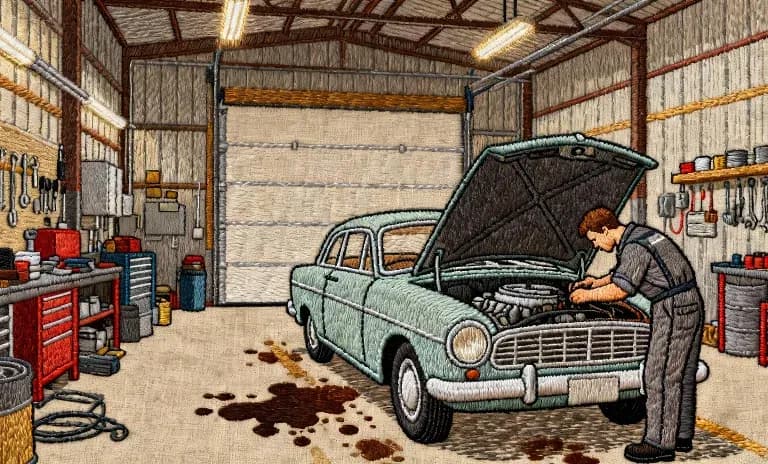
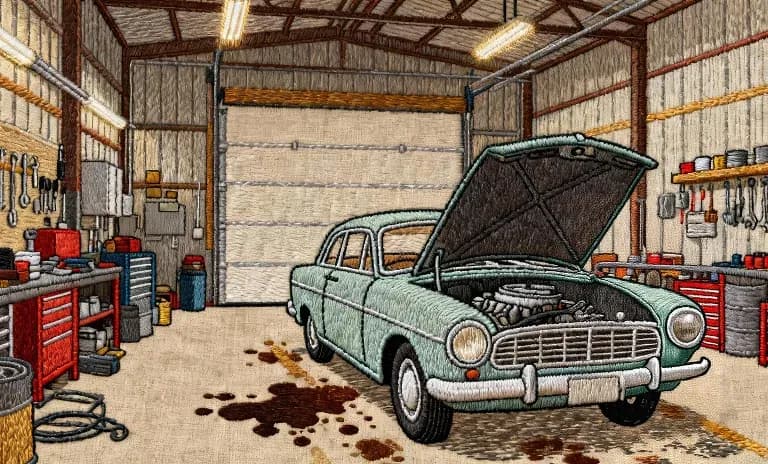
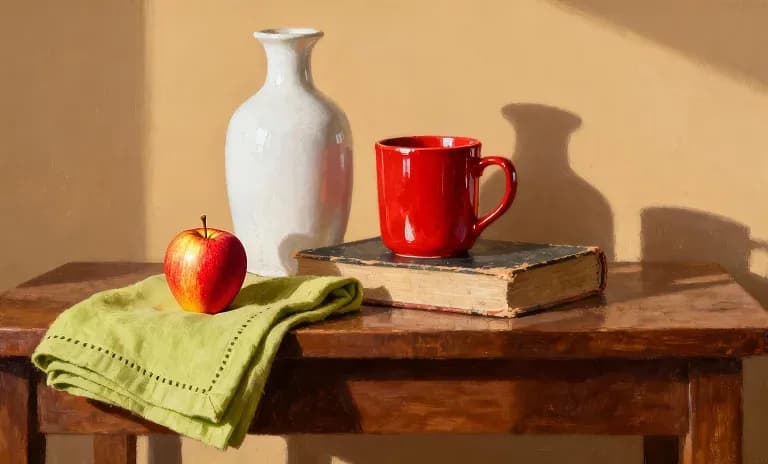
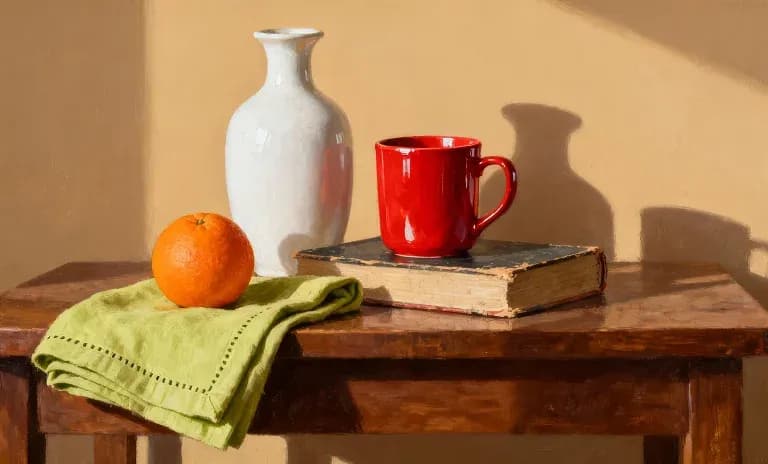
Pasa el cursor para ver los frames de entrada
El Inpainting ayuda a los creadores a esculpir y refinar sus imágenes de forma natural para que cada edición sea fiel a su visión original.
Prueba ya