Submersible descent past bioluminescent vents
A submersible drops through absolute black, thermal vents below throwing blue-white jets of superheated water, bioluminescent creatures trailing past the hull.
Editar prompt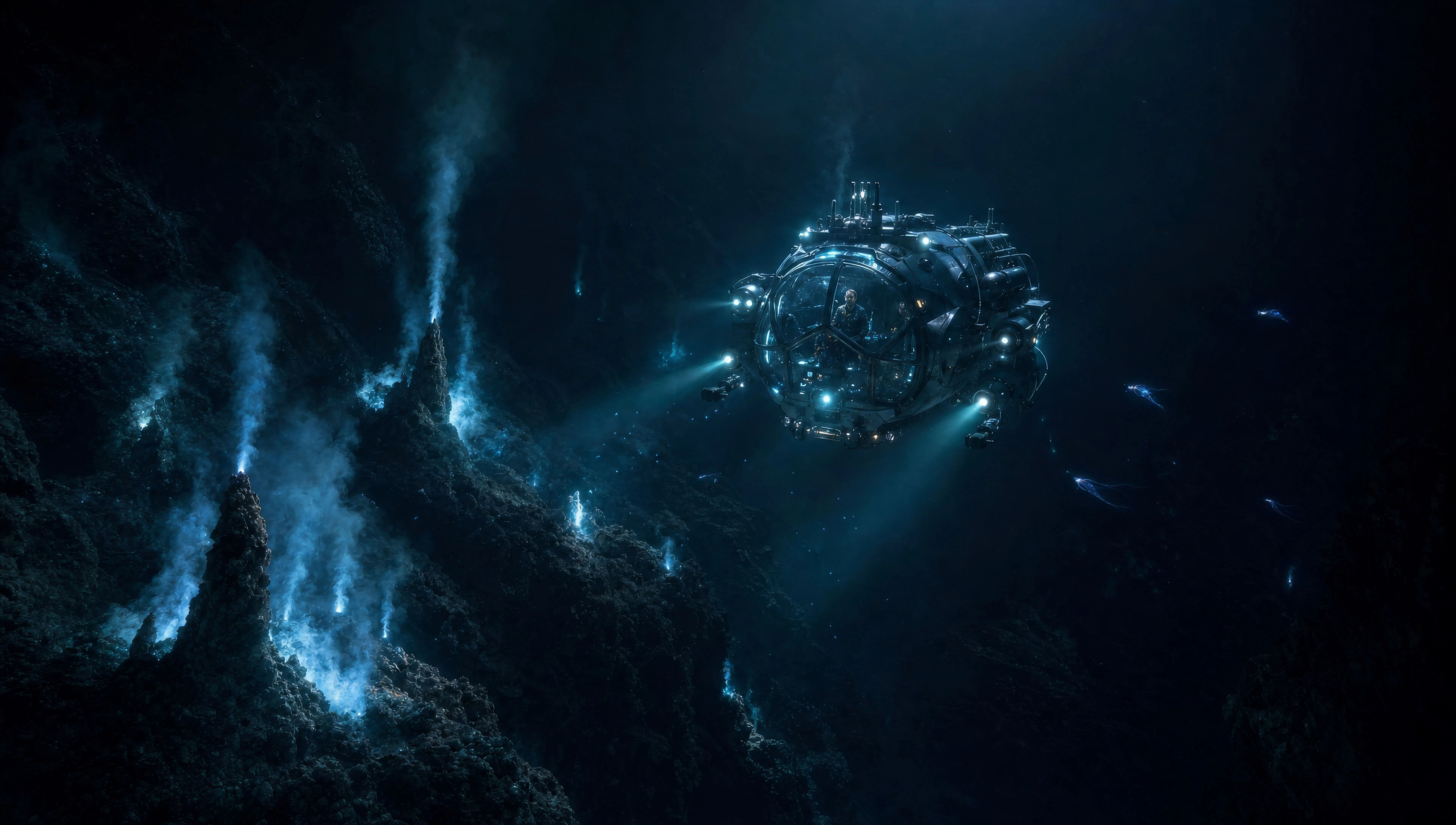
Direct deep-sea epics in your browser with Morphic's James Cameron style AI video generator. Generate a submersible past bioluminescent vents or a marine platoon in phosphorescent jungle, score every shot with Speech and Music, then stitch a cinematic episode.
A submersible drops through absolute black, thermal vents below throwing blue-white jets of superheated water, bioluminescent creatures trailing past the hull.
Editar promptA squad of marines moves single-file through dense undergrowth at night, every plant emitting a cold blue-green glow, zero visibility past ten metres.
Editar prompt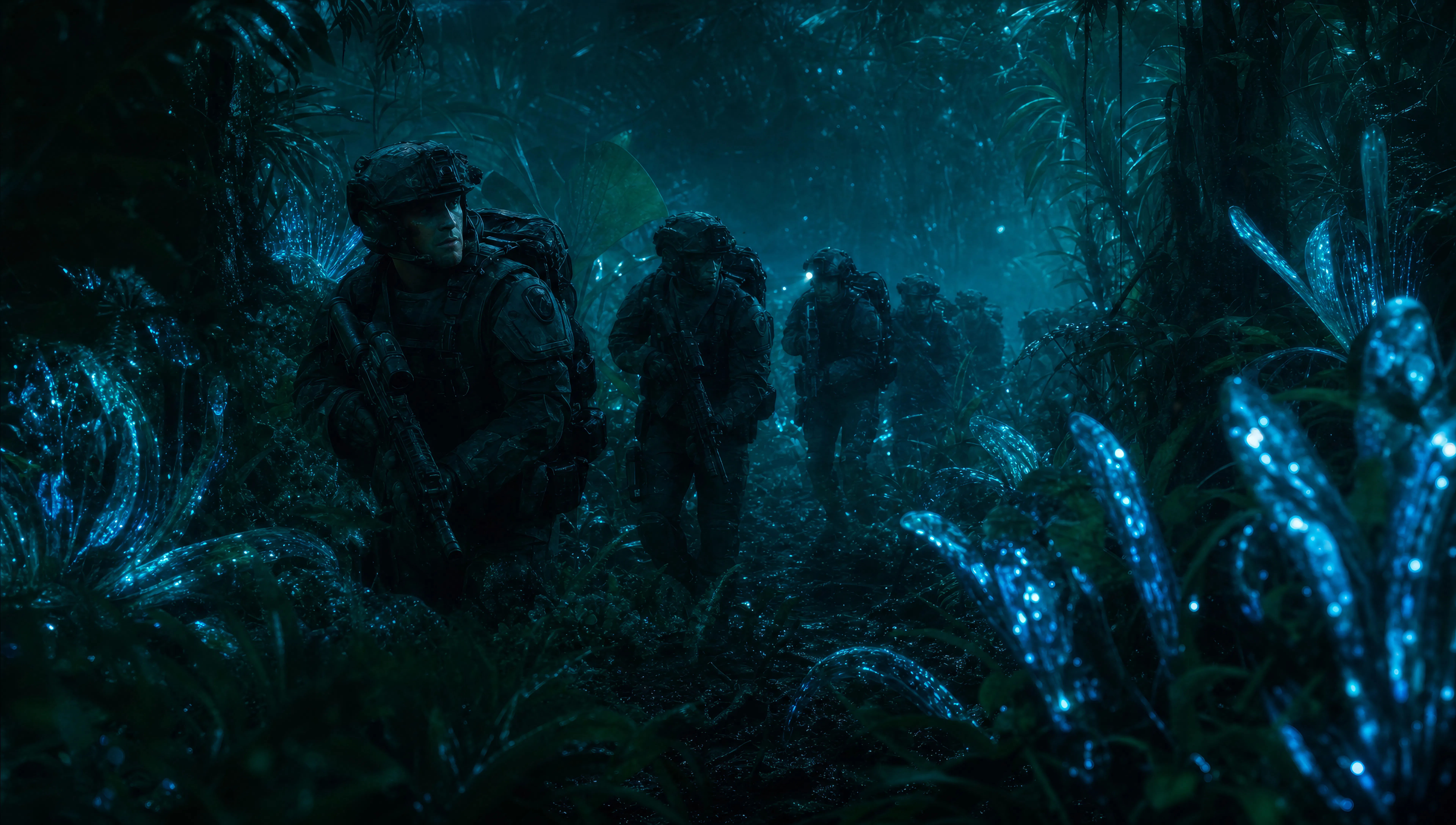
Two figures stand at the bow of a research vessel in heavy weather, anamorphic widescreen, grey swell rising behind them, the horizon tilting.
Editar prompt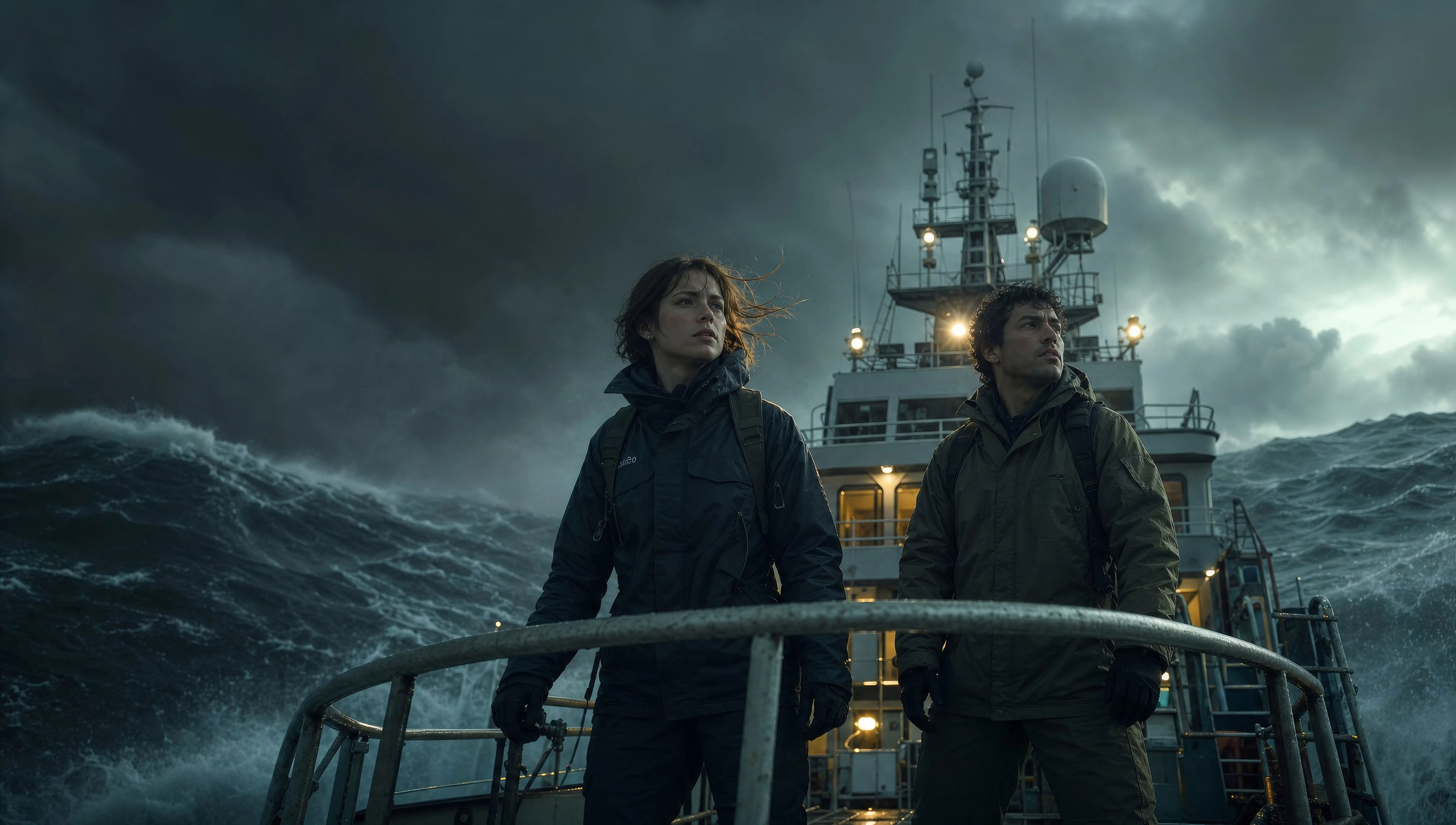
Explorer stands at the base of a cascading alien waterfall, the entire rock face glowing blue-gold, the water itself luminescent, the scale dwarfing the figure.
Editar prompt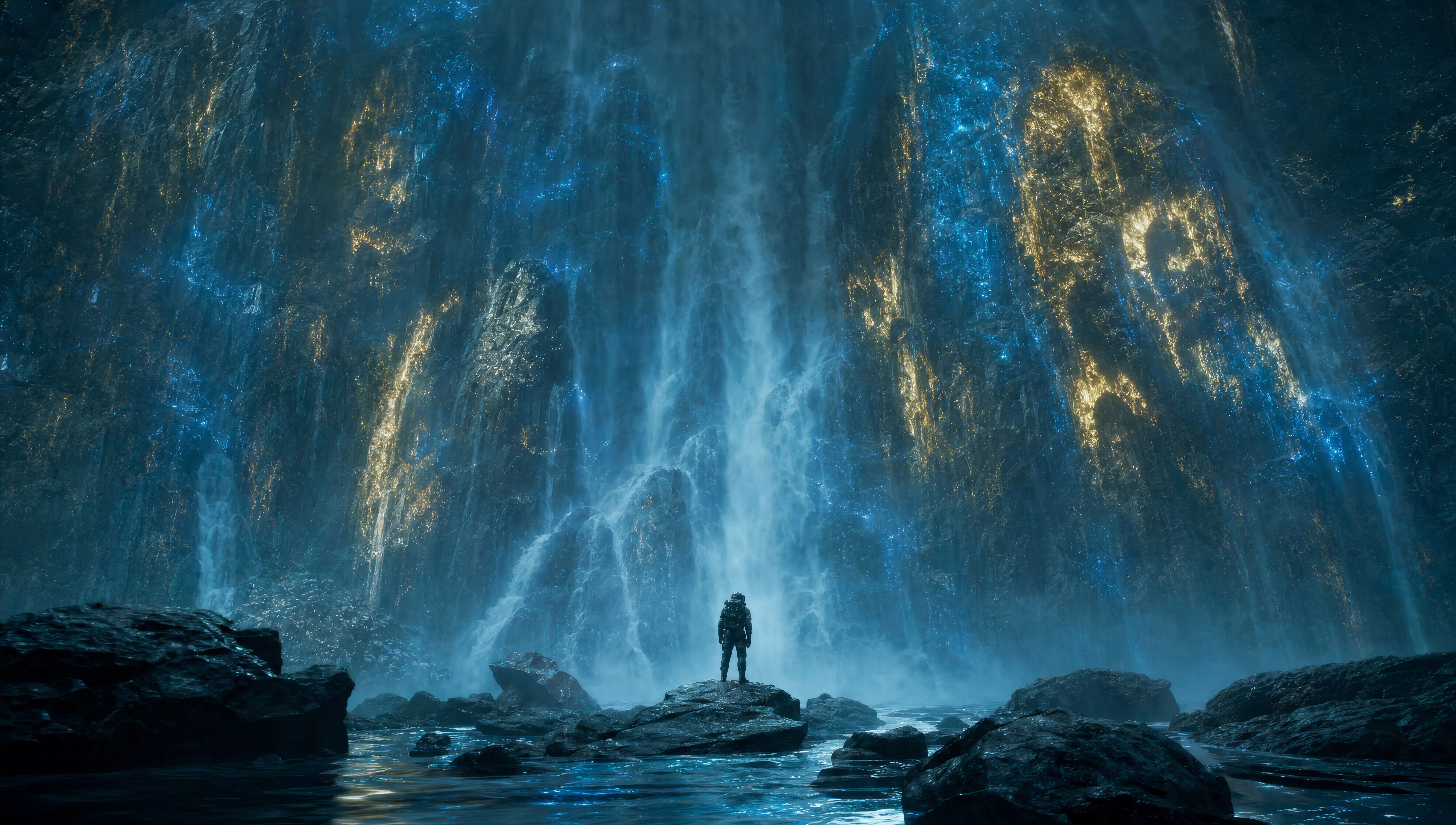
Escribe la escena de James Cameron que quieres, en palabras simples.
Morphic genera un clip cinematográfico y listo para usar en tu canvas en segundos.
Ajusta el prompt, regenera variaciones y luego descarga o comparte la toma.

Share a scene description with character references. Get a full storyboard with shot angles and mood.
One image to a 9-scene cinematic video.

Dramatize any text conversation into a cinematic multi-shot video.
Cinematic time-freeze short film for any scene
Drop in a photo of yourself. Get a 12-second cinematic movie with animation and a matched soundtrack.

Feed in a single image. Get 9 cinematic beats laid out as a 3x3 storyboard grid.
Videos estilo Christopher Nolan con IA
Crea videos estilo Christopher Nolan con IA en Morphic. Escala IMAX, concreto brutalista y tiempo invertido a partir de un prompt en el navegador.
Fincher AI Videos
Generate Fincher style videos with Morphic. Desaturated palettes, geometric framing, deep shadows, and prompt-led scenes you can run in your browser.
Videos estilo Kubrick con IA
Crea videos estilo Stanley Kubrick con Morphic. Perspectiva de un punto, encuadres simétricos y zooms lentos a partir de un prompt en español.
Videos anamórficos con IA
Genera videos anamórficos con Morphic. Cuadro 2.39:1, bokeh ovalado, destello azul horizontal y pistas de prompt Cooke S4, Hawk V-Lite, Master Anamorphic.
Comienza gratis hoy, con la opción de mejorar tu plan o cancelar cuando quieras.
Basic
1100 mensual créditos
1 usuario
Todos los modelos
Workflows
Standard
3625 mensual créditos
1 usuario
Todos los modelos
Workflows
Pro
6350 compartidos mensual créditos
1 usuario
Todos los modelos
Workflows
Pro Max
24650 compartidos mensual créditos
1 usuario
Todos los modelos
Workflows
Enterprise
Para límites más altos
Personalizado
términos de precios y facturación
Free
Para experimentar
$0
gratis para siempre