Direct Steven Spielberg in your browser with Morphic's Spielberg style AI video generator. Generate a child in a smoking garage doorway or an awe-struck face in close-up, swell an orchestral score with Music, and stitch a blockbuster-grade short in the Canvas.

Spielberg style characters you can create

Spielberg style scenes you can direct

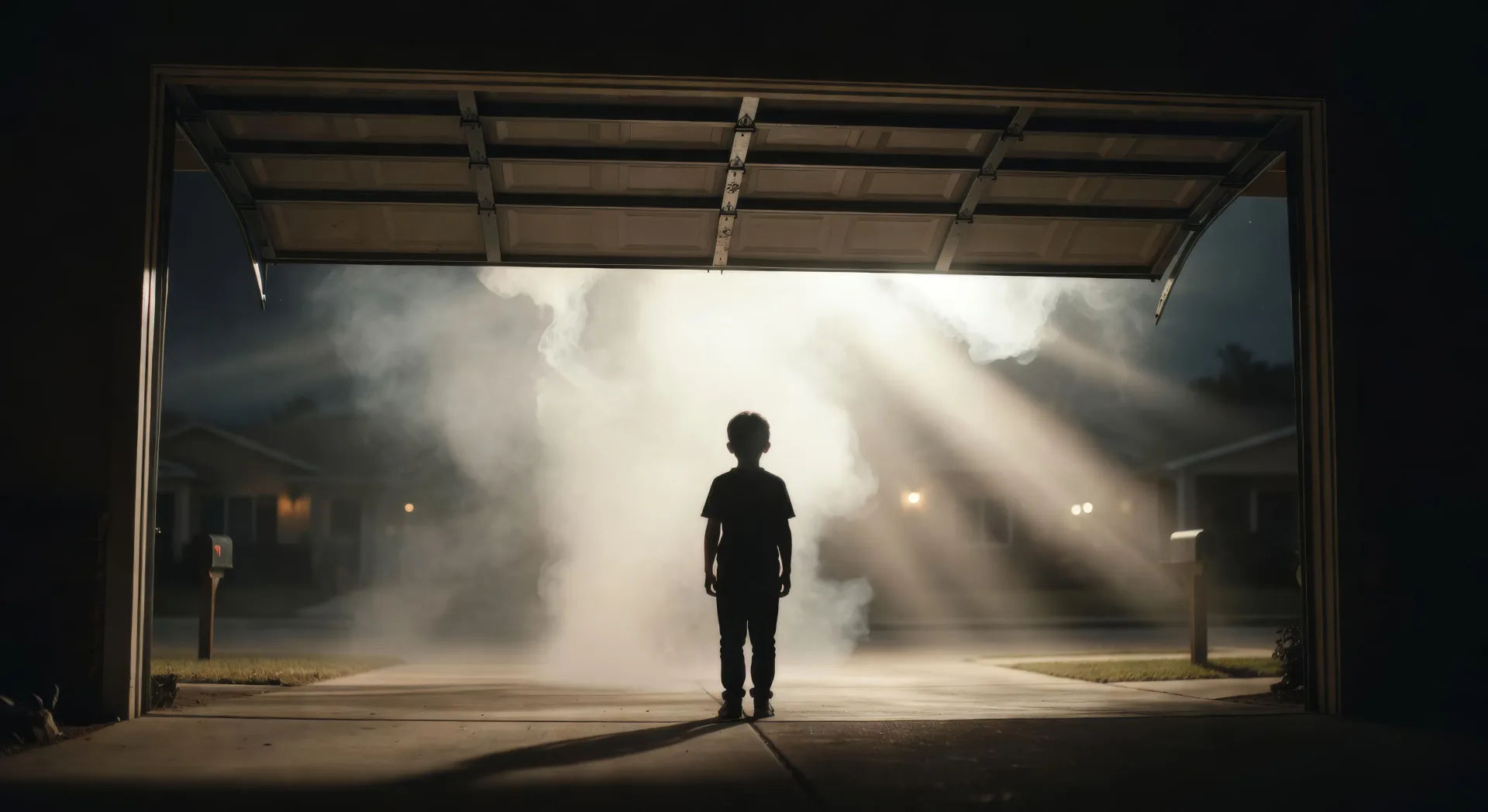
Garage door opening into smoke and god-rays

Low wide shot of a suburban garage door rising at night, a child silhouetted against blinding backlight, smoke pouring out in visible shafts, slow push-in.

Editar prompt
Garage door opening into smoke and god-rays

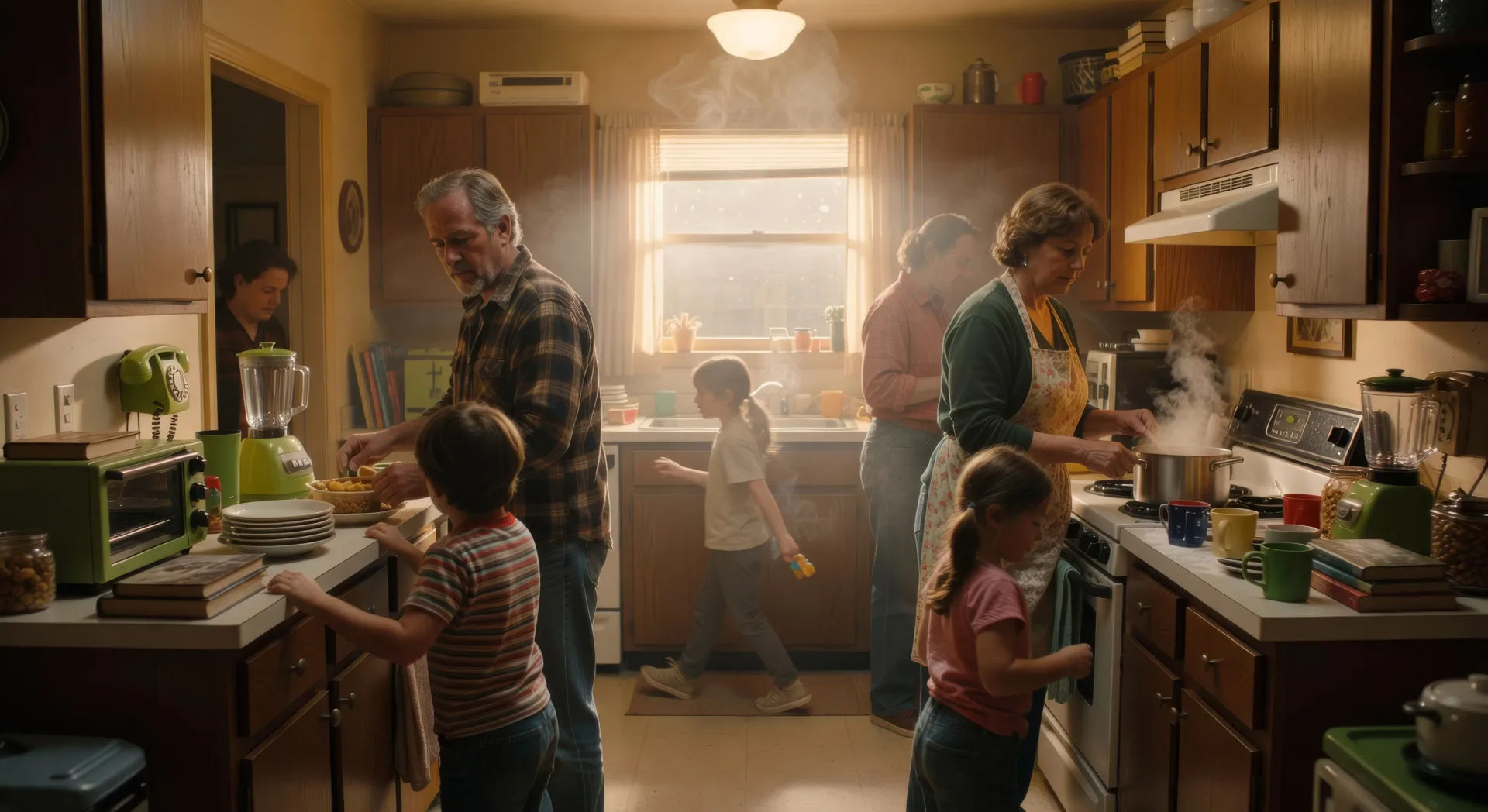
Single-take kitchen oner through a family breakfast

One continuous take weaving between family members in a cluttered 1980s kitchen, foreground crossings and background action, camera arcing without a cut.

Editar prompt
Single-take kitchen oner through a family breakfast

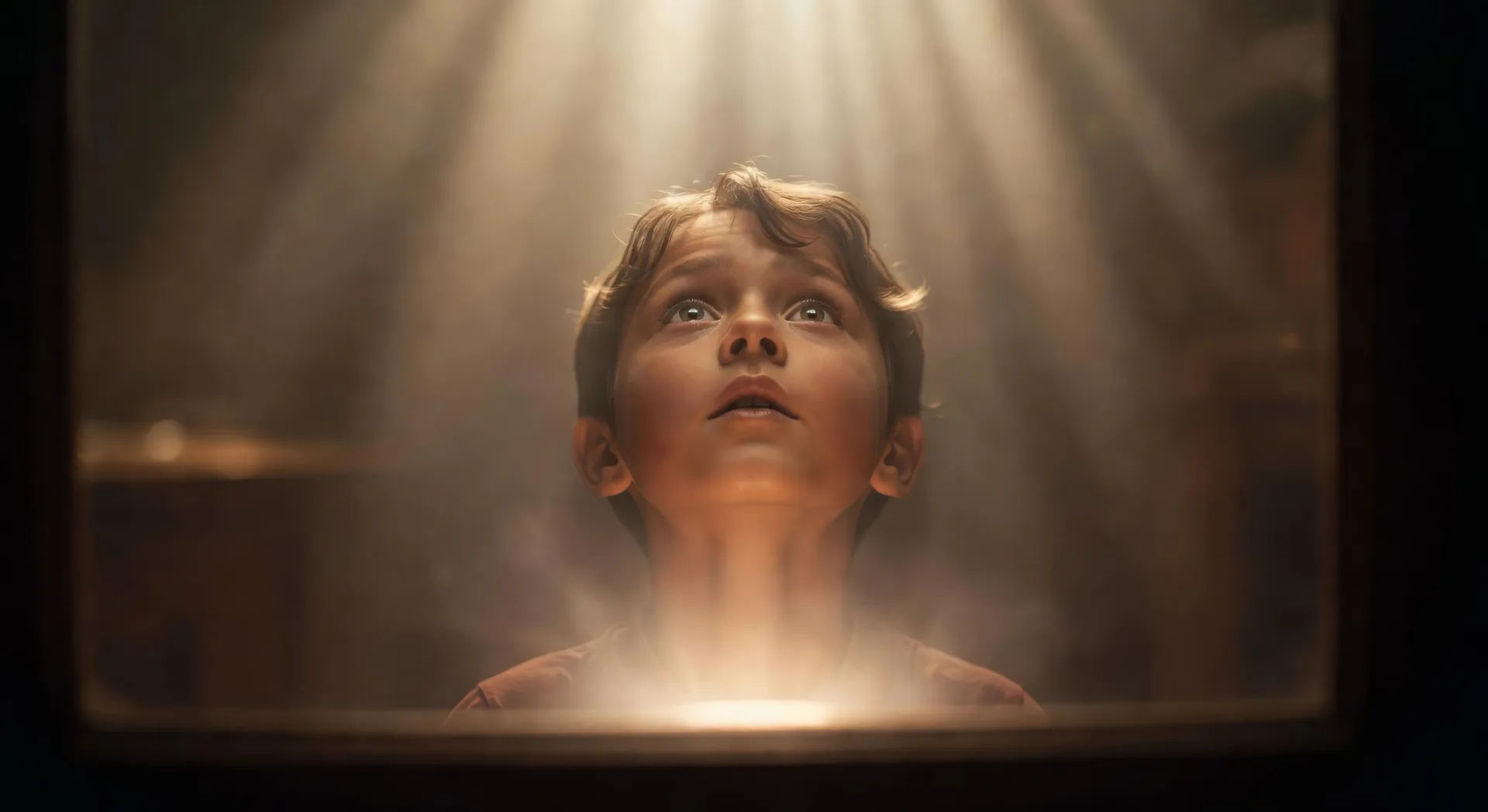
Wonder push-in on an awe-struck face

Slow dolly push-in on a child looking up off-screen, eyes widening, soft off-screen glow rising on the face, everything else falling out of focus.

Editar prompt
Wonder push-in on an awe-struck face

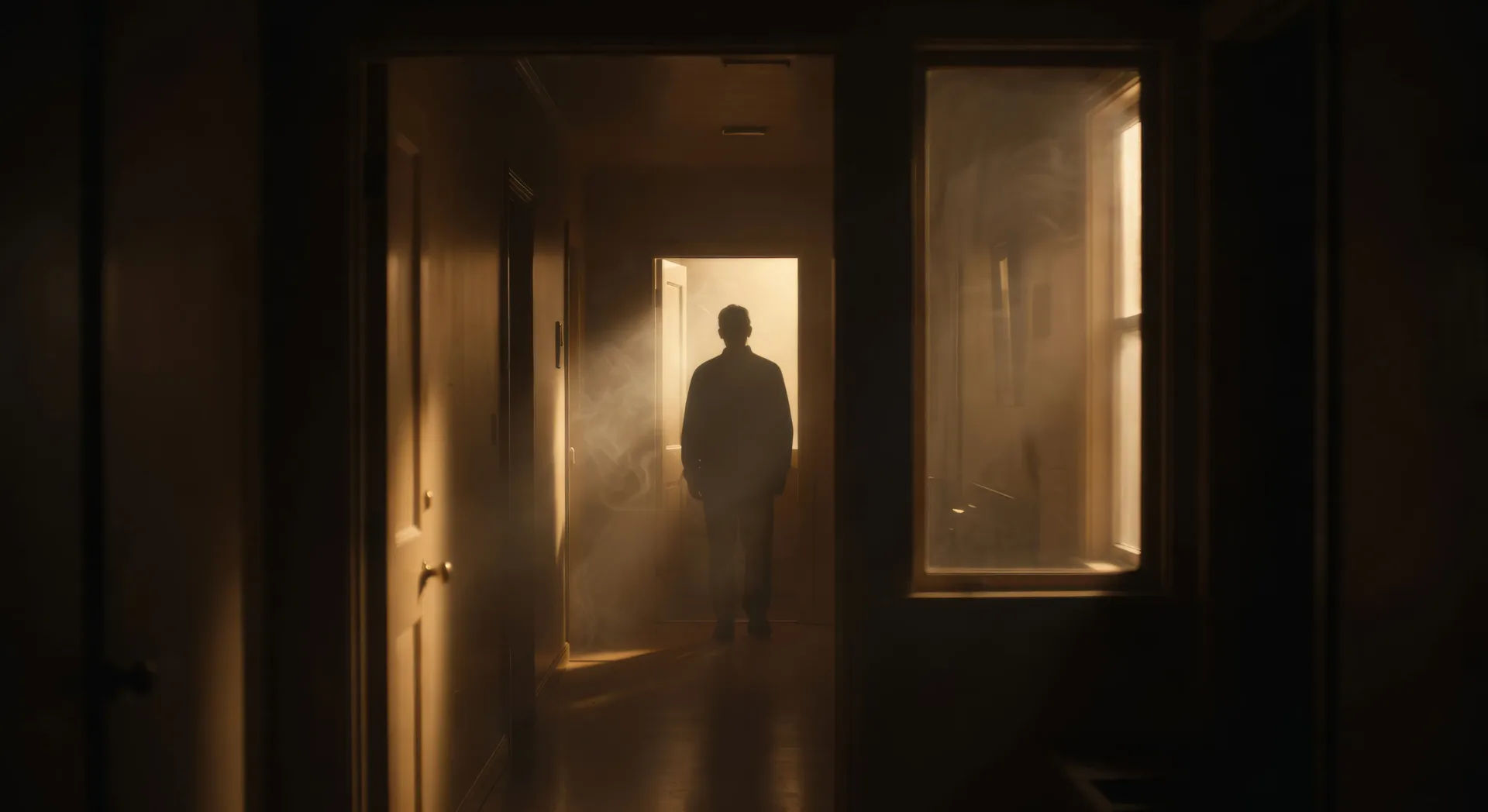
Frame-within-frame doorway at night

Static shot through a dark hallway, a parent backlit in a distant lit doorway, door and window edges splitting the frame into nested rectangles.

Editar prompt
Frame-within-frame doorway at night

Crea videos de Spielberg en tres pasos

  1. 01

    Describe tu escena de Spielberg

    Escribe la escena de Spielberg que quieres, en palabras simples.

  2. 02

    Genera el video

    Morphic genera un clip cinematográfico y listo para usar en tu canvas en segundos.

  3. 03

    Refina tu video de Spielberg

    Ajusta el prompt, regenera variaciones y luego descarga o comparte la toma.

Workflows relacionados

También te puede gustar

Precios simples

Comienza gratis hoy, con la opción de mejorar tu plan o cancelar cuando quieras.

Basic

$9/ mes
facturado como $0 por año

900 mensual créditos

1 usuario

Todos los modelos

Workflows

Standard

$24/ mes
facturado como $0 por año

3200 mensual créditos

1 usuario

Todos los modelos

Workflows

Pro

$45/ mes
facturado como $0 por año

6200 compartidos mensual créditos

1 usuario

+ hasta 4 más con costo adicional

Todos los modelos

Workflows

Pro Max

$170/ mes
facturado como $0 por año

24000 compartidos mensual créditos

1 usuario

+ hasta 9 más con costo adicional

Todos los modelos

Workflows

Enterprise

Para límites más altos

Personalizado

términos de precios y facturación

High-volume credits
Límites de asientos personalizados
Todos los modelos
Workflows
Pricing Gradient

Free

Para experimentar

$0

gratis para siempre

Hasta 20 créditos
Solo 1 usuario
Modelos limitados
Workflows

Preguntas frecuentes

Where can I make Spielberg style videos with AI?
You can create Spielberg style scenes directly in your browser on Morphic. Open the Text to Video tool, describe the camera move, the backlight, and the staging depth, and Morphic produces the clip. No installs and no specialist software needed.
What defines the Spielberg style for an AI prompt?
Four things: a continuous-take oner with choreographed blocking instead of cut coverage, a slow push-in on a character lit by an off-screen glow, smoke giving every shaft of light a visible beam, and a frame split by doorways or windows to stage depth. Name all four so Morphic does not default to flat coverage.
How do I get the Spielberg oner in an AI video?
Specify it as a single continuous take in your prompt: "one continuous take weaving between family members in a kitchen, no cuts, camera arcing around the table, foreground crossings and background action." Naming "no cuts" and the blocking path is what cues Morphic to hold the shot rather than break to coverage.
How do I get the Spielberg wonder push-in and lighting?
Name the move and the light source together. Phrases like "slow dolly push-in on the child’s face, soft off-screen glow rising, everything else out of focus" and "smoke-filled shafts of backlight, visible god-rays" cue the awe-struck reveal and the Janusz Kaminski beam look that define the style.
Can I add narration and music to my Spielberg style videos?
Yes. The Speech tool generates a voiceover in the voice you choose, and the Music tool produces an original soundtrack. A swelling orchestral cue, a tense low brass motif, or a quiet piano theme all sit cleanly inside the Spielberg palette.
Do I need any prior video editing experience to make Spielberg style videos?
No. Morphic runs in your browser and you direct it with plain-language prompts. Anyone who can describe a Spielberg scene can produce one. After Effects, Blender, and manual rigging are not required.