Puesto de fideos bajo la lluvia a medianoche
Un puesto de fideos a contraluz en una calle angosta de Hong Kong, con la lluvia cayendo a cántaros. El neón se refleja en el asfalto mojado y el vapor se enrosca bajo el toldo.
Editar prompt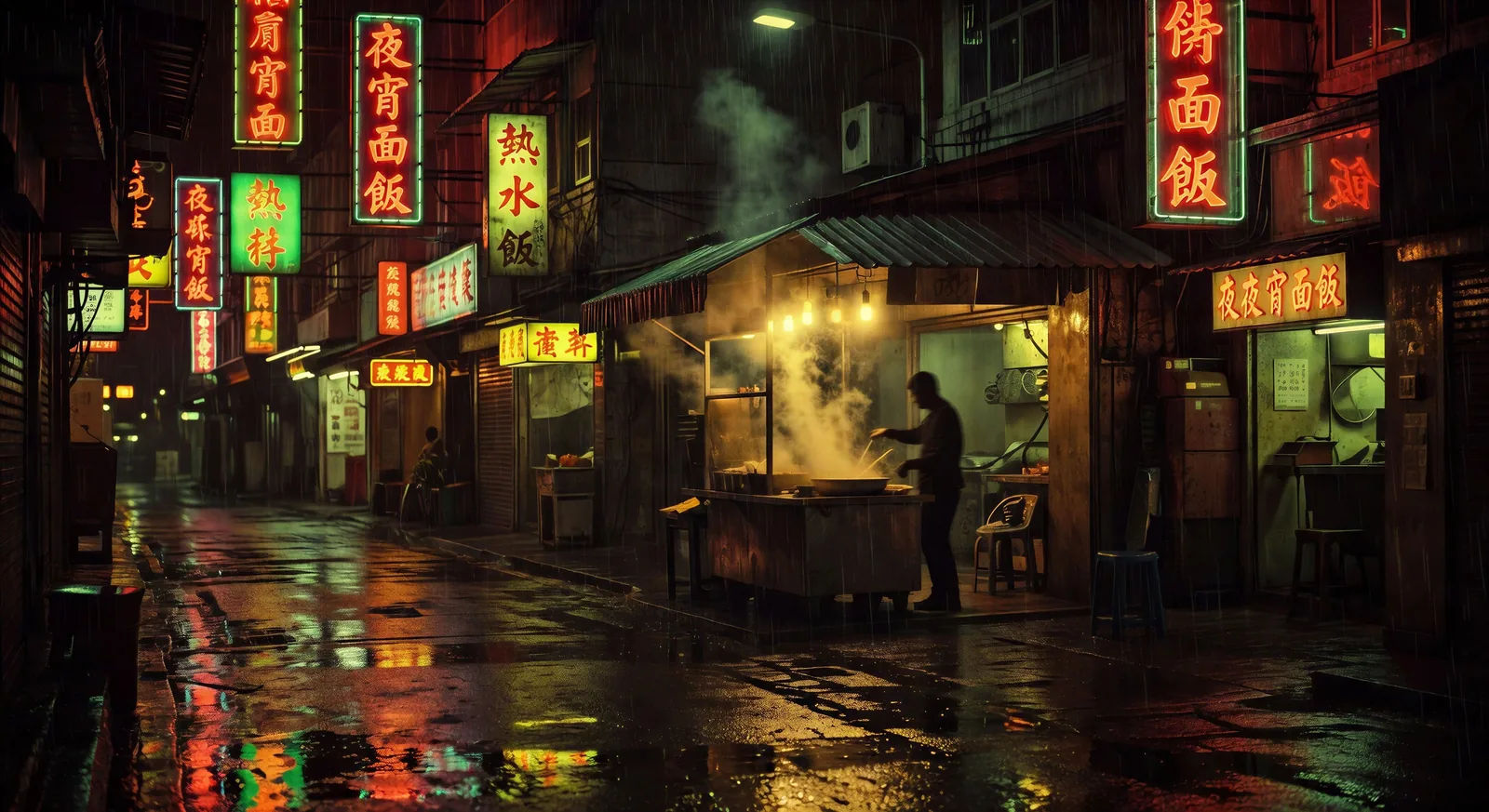
Dirige la melancolía bajo la lluvia desde tu navegador con el generador de videos con IA estilo Wong Kar Wai de Morphic. Genera un puesto de fideos en Hong Kong o dos desconocidos en un tren nocturno. Ponle voz en off con Speech y un vals con Music, y fija el color con Video Style Transfer. Es la estética que le queda a un video musical o a un Reel de madrugada.
Un puesto de fideos a contraluz en una calle angosta de Hong Kong, con la lluvia cayendo a cántaros. El neón se refleja en el asfalto mojado y el vapor se enrosca bajo el toldo.
Editar promptUna figura central camina lento mientras la multitud a su alrededor se deshace en movimiento step-printed. Las escaleras quedan bajo luz fluorescente, en plena bruma de los últimos trenes.
Editar prompt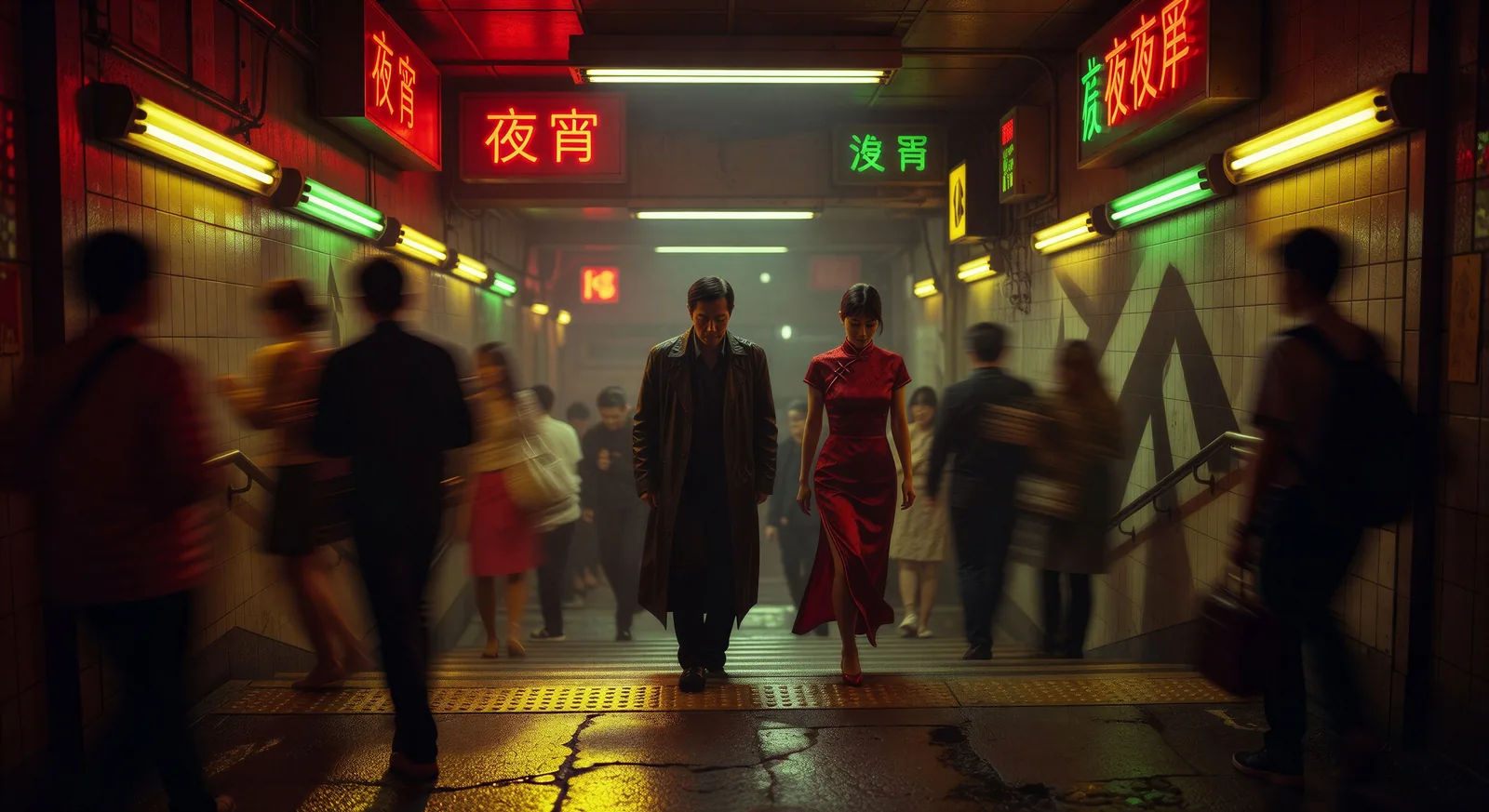
Dos figuras se cruzan en un pasillo largo de hotel, alumbrado por apliques rojos y verdes alternados. La cámara va en mano y avanza despacio, sin diálogo y sin que se miren.
Editar prompt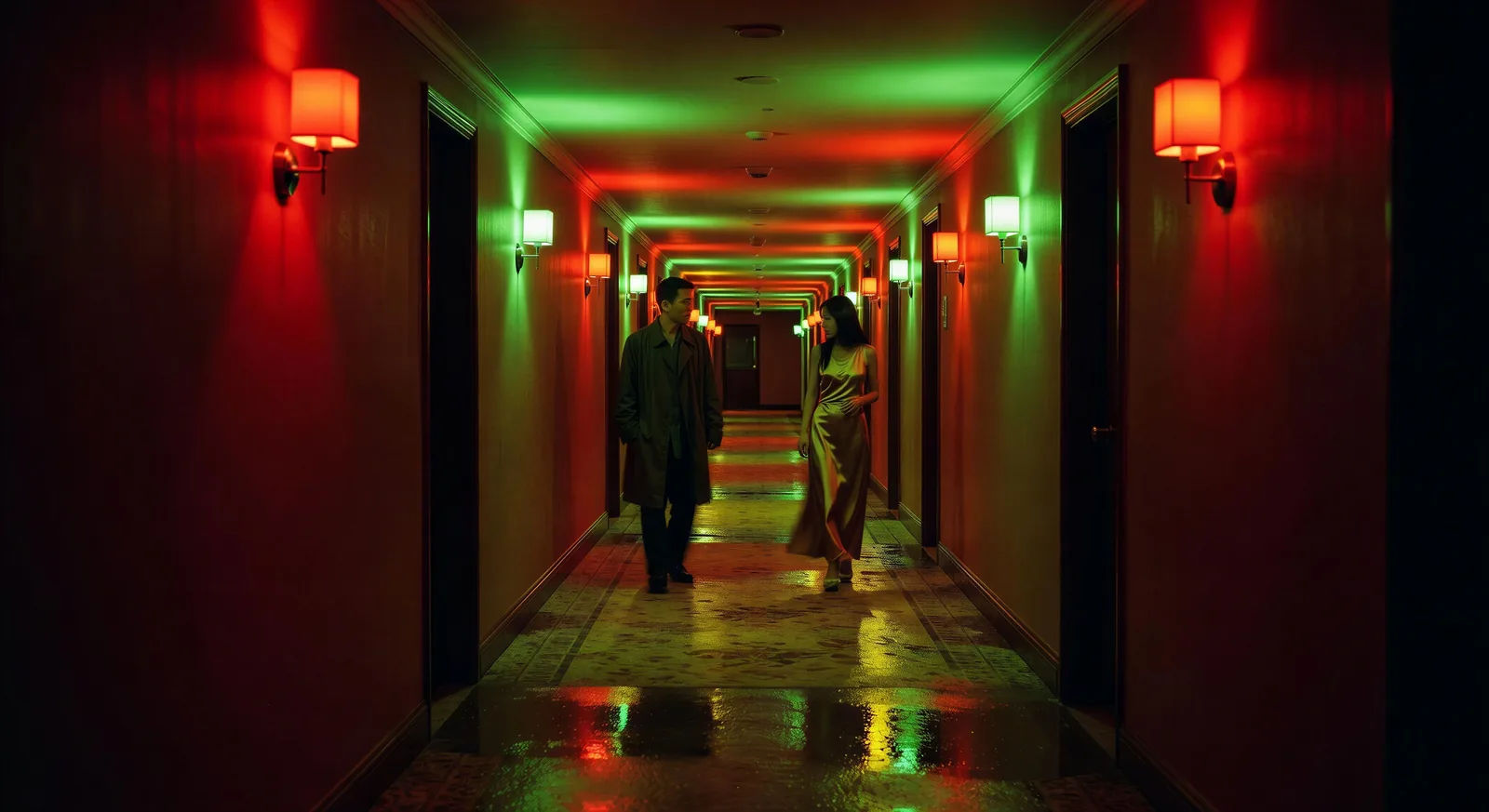
Una azotea de Hong Kong la mañana después de la tormenta. La ropa tendida se levanta con el viento, el puerto asoma entre una bruma cian baja y el amanecer rosa queda detrás.
Editar prompt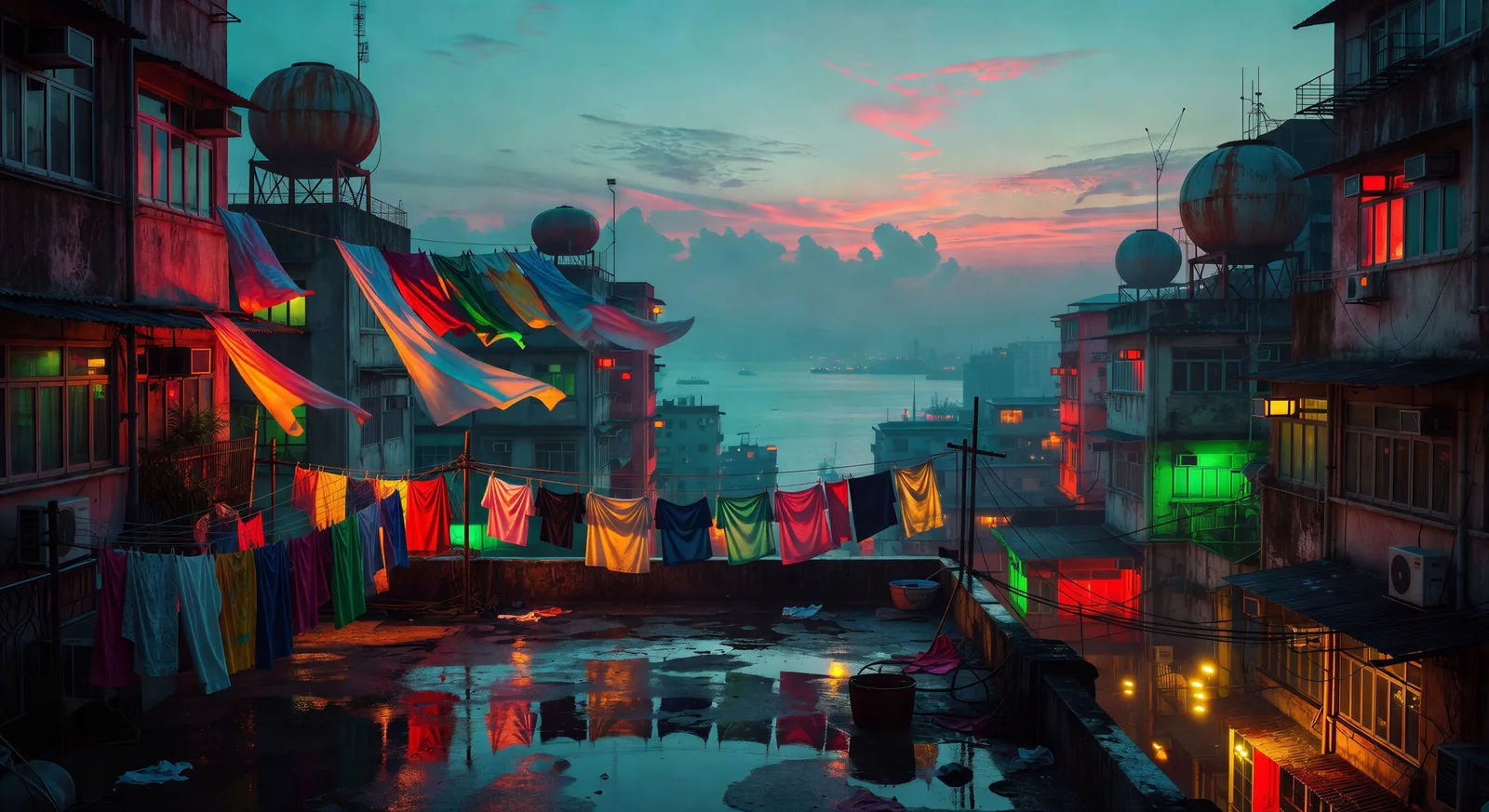
Escribe la escena de Wong Kar Wai que quieres, en palabras simples.
Morphic genera un clip cinematográfico y listo para usar en tu canvas en segundos.
Ajusta el prompt, regenera variaciones y luego descarga o comparte la toma.

Share a scene description with character references. Get a full storyboard with shot angles and mood.
One image to a 9-scene cinematic video.

Dramatize any text conversation into a cinematic multi-shot video.
Cinematic time-freeze short film for any scene
Drop in a photo of yourself. Get a 12-second cinematic movie with animation and a matched soundtrack.

Feed in a single image. Get 9 cinematic beats laid out as a 3x3 storyboard grid.
Fincher AI Videos
Generate Fincher style videos with Morphic. Desaturated palettes, geometric framing, deep shadows, and prompt-led scenes you can run in your browser.
Videos estilo Wes Anderson con IA
Crea videos estilo Wes Anderson con Morphic: encuadres simétricos, paleta pastel, escenas de tableau y prompts listos para usar desde tu navegador.
Videos de anime con IA
Crea escenas de pelea de anime, duelos de espadas, batallas mágicas y choques de mecha en Morphic. Genera, anima, narra y musicaliza desde un solo prompt.
Videos del Mahabhárata con IA
Crea escenas de batalla, retratos de personajes y episodios completos del Mahabhárata con Morphic. Genera, narra y musicaliza videos desde un solo prompt.
Comienza gratis hoy, con la opción de mejorar tu plan o cancelar cuando quieras.
Basic
1100 mensual créditos
1 usuario
Todos los modelos
Workflows
Standard
3625 mensual créditos
1 usuario
Todos los modelos
Workflows
Pro
6350 compartidos mensual créditos
1 usuario
Todos los modelos
Workflows
Pro Max
24650 compartidos mensual créditos
1 usuario
Todos los modelos
Workflows
Enterprise
Para límites más altos
Personalizado
términos de precios y facturación
Free
Para experimentar
$0
gratis para siempre