Resizing
Resize images or videos beyond their frame by generating seamless adjustments that match original scenes.
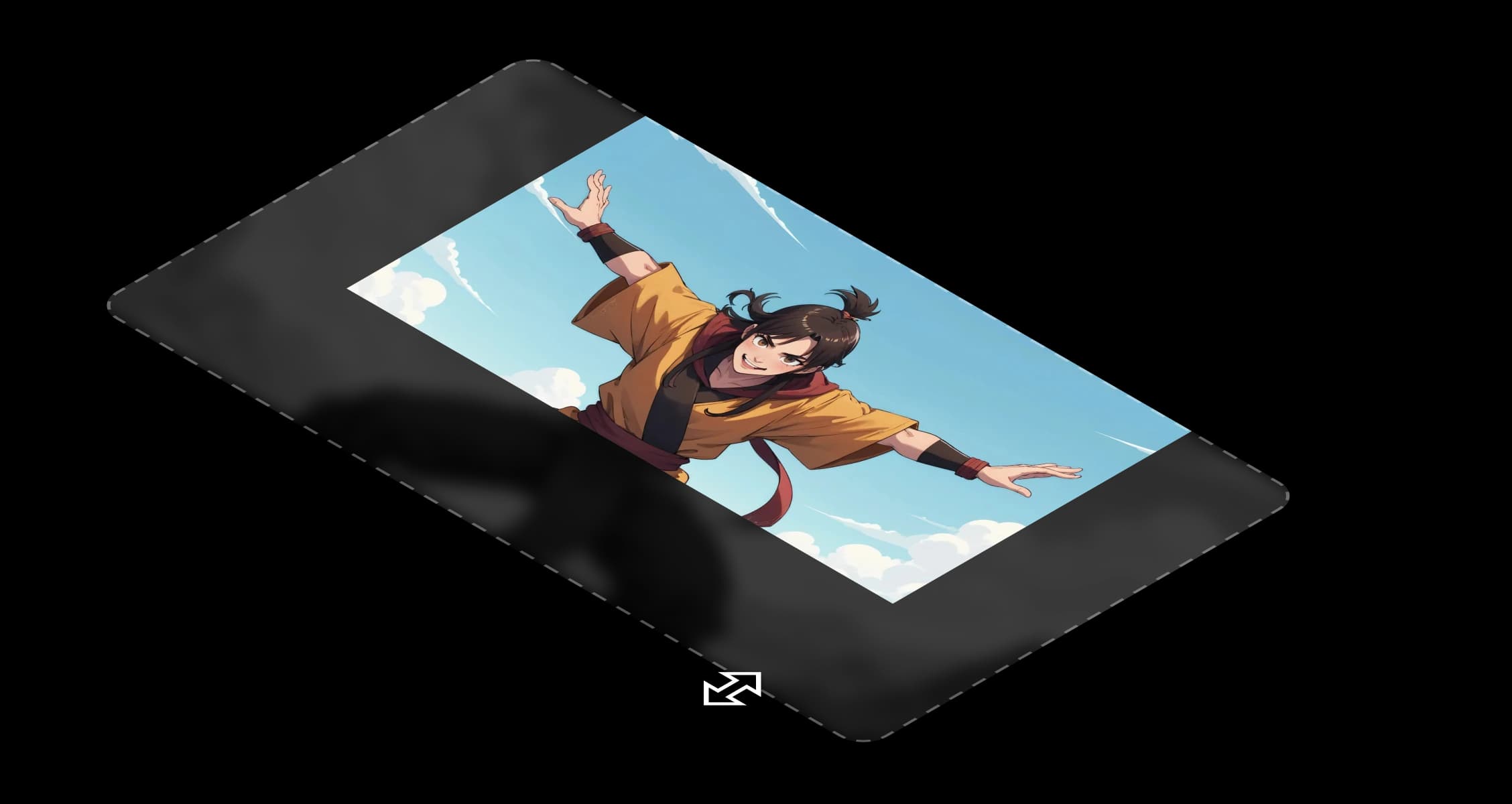
Resizing lets you change your scene's boundaries while keeping every detail, tone, and composition intact.
You can widen a shot, add breathing room around a subject, or reframe for a new aspect ratio. Morphic fills the new space with pixels that match your original image perfectly.
It understands perspective, motion, and light, continuing the story instead of fabricating it. In video, it keeps every frame coherent so the resized space feels natural through time, not just in a single moment.
Every frame belongs to a larger story. Resizing helps that story breathe, shaping your scenes with purpose.
I was surprised how natural the extended frame looked. Nothing felt added or out of place.
See how resizing works inside Morphic.
Examples of resized images and videos.




Hover to view the input frames Tap to view the input frames
Every frame belongs to a larger story. Resizing helps that story breathe, extending your scenes with purpose. Try now