Edit yang bisa Anda buat
Isi foto AI dalam tiga langkah
- 01
Buka Morphic
Daftar dan mulai berkarya di kanvas visual tanpa batas yang bebas mengalir.
- 02
Tandai area
Sapukan kuas ke bagian yang ingin ditambah, dihapus, atau diganti.
- 03
Deskripsikan dan isi
Katakan apa yang seharusnya ada di sana, lalu unduh hasil yang menyatu alami.
Contoh penggunaan
Hilangkan gangguan
Hapus orang lewat, papan tanda, atau elemen yang mengganggu, lalu isi celahnya dengan bersih. Background terbentuk ulang sehingga tidak terlihat ada yang dihapus.

Tambahkan yang kurang
Masukkan objek, orang, atau properti yang menyatu dengan scene. Elemen baru otomatis menyesuaikan cahaya dan perspektif yang sudah ada.

Ganti background
Ganti latar yang ramai dengan yang bersih sambil mempertahankan subjeknya. Ubah suasana tanpa perlu potong manual satu per satu.

Perbaiki foto produk
Bersihkan permukaan, hapus pantulan, dan rapikan scene untuk katalog jualan. Dapatkan hasil retouch foto produk tanpa proses edit yang panjang.

Edit yang bisa Anda buat
Setiap contoh dimulai dari foto Anda sendiri. Buka prompt mana pun untuk mengubahnya dan buat versi Anda sendiri.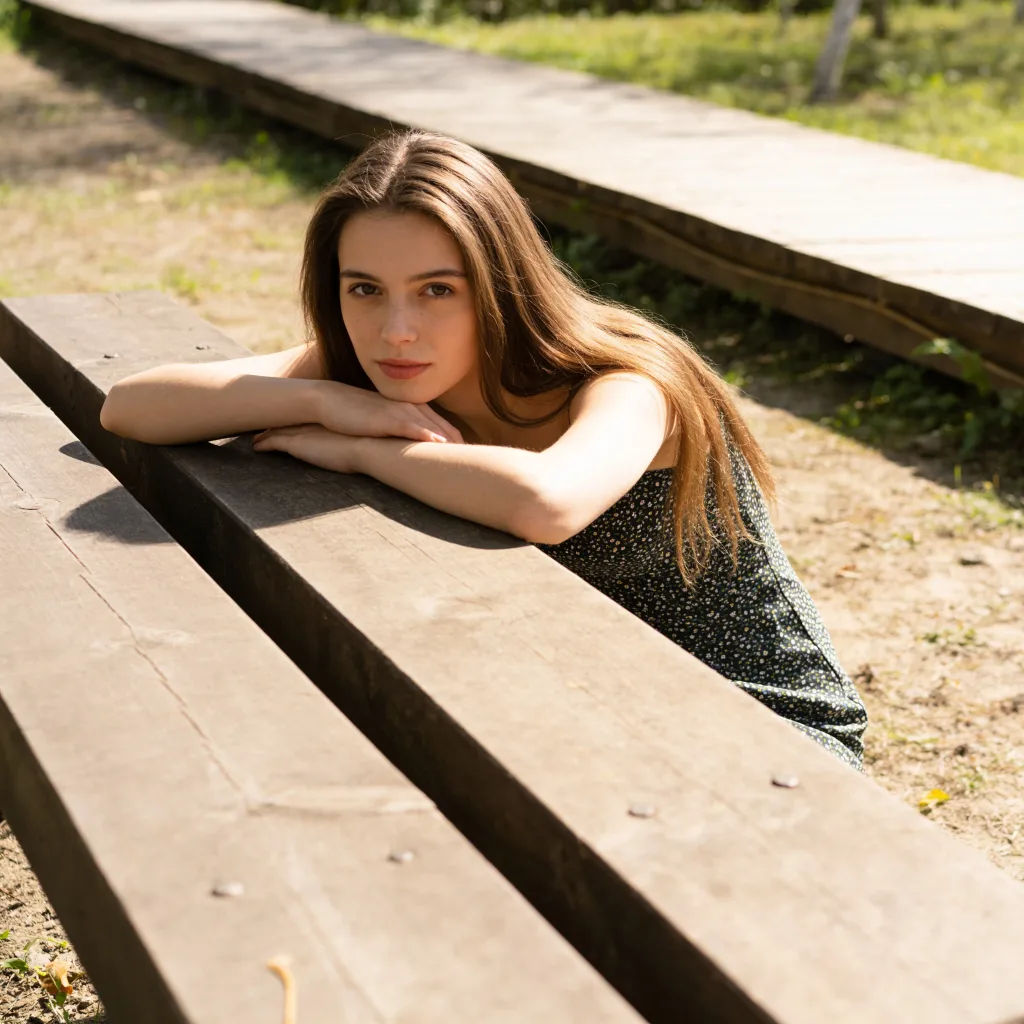
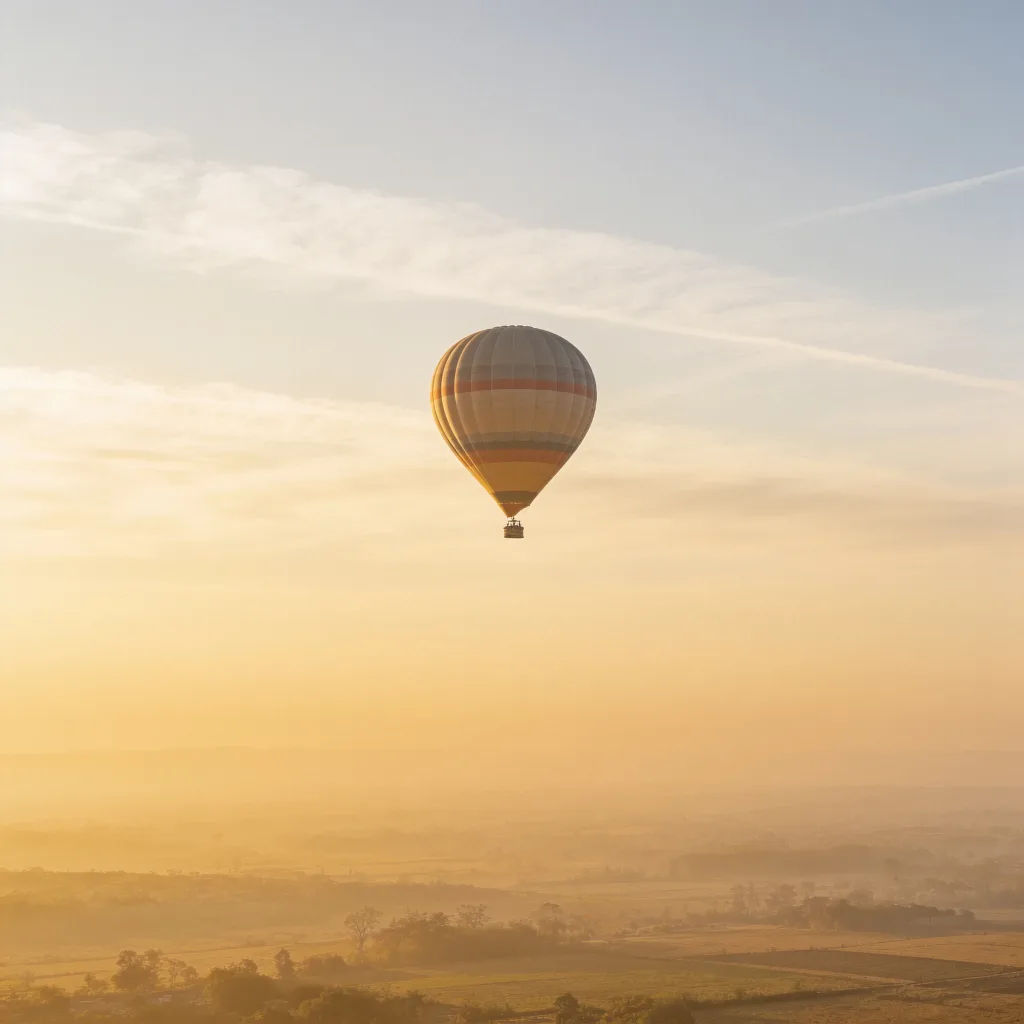
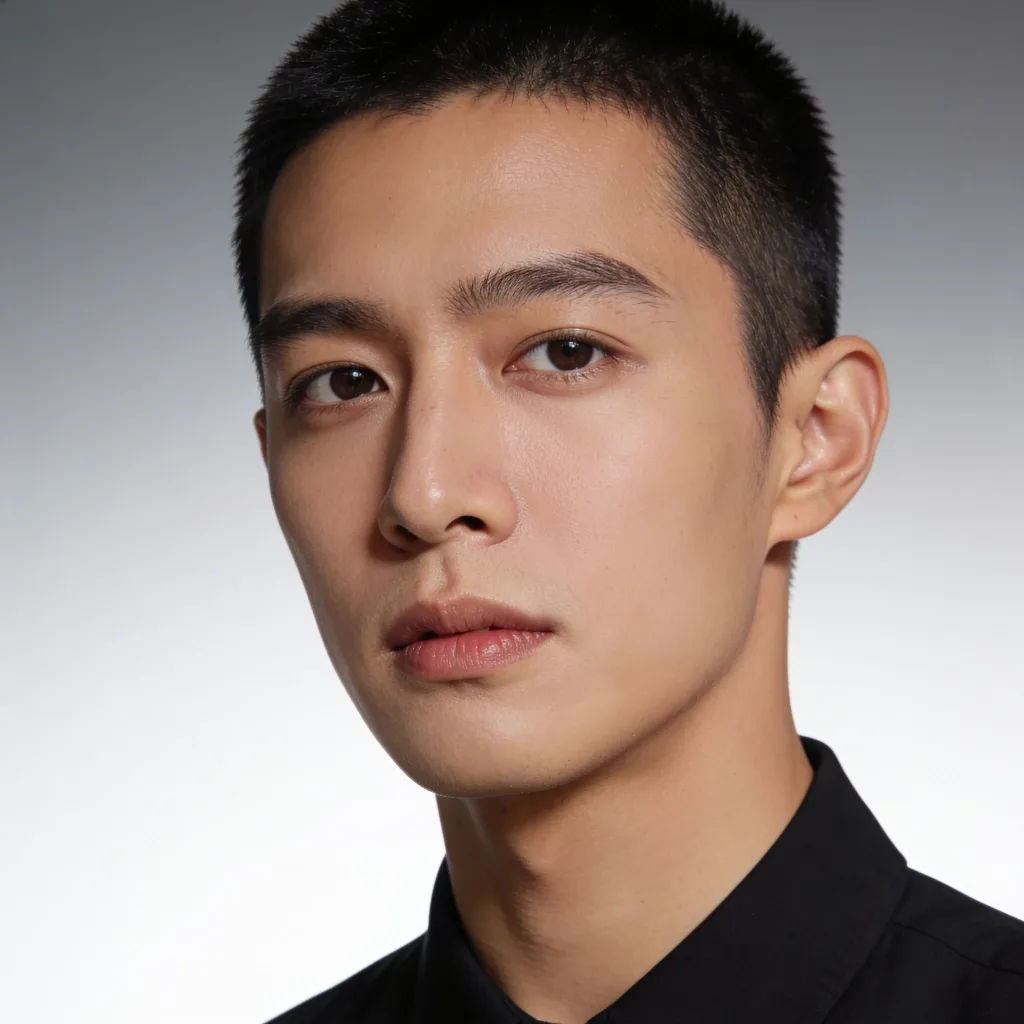
Ganti background
Ganti background dengan gradasi studio yang bersih, pertahankan subjeknya
Edit prompt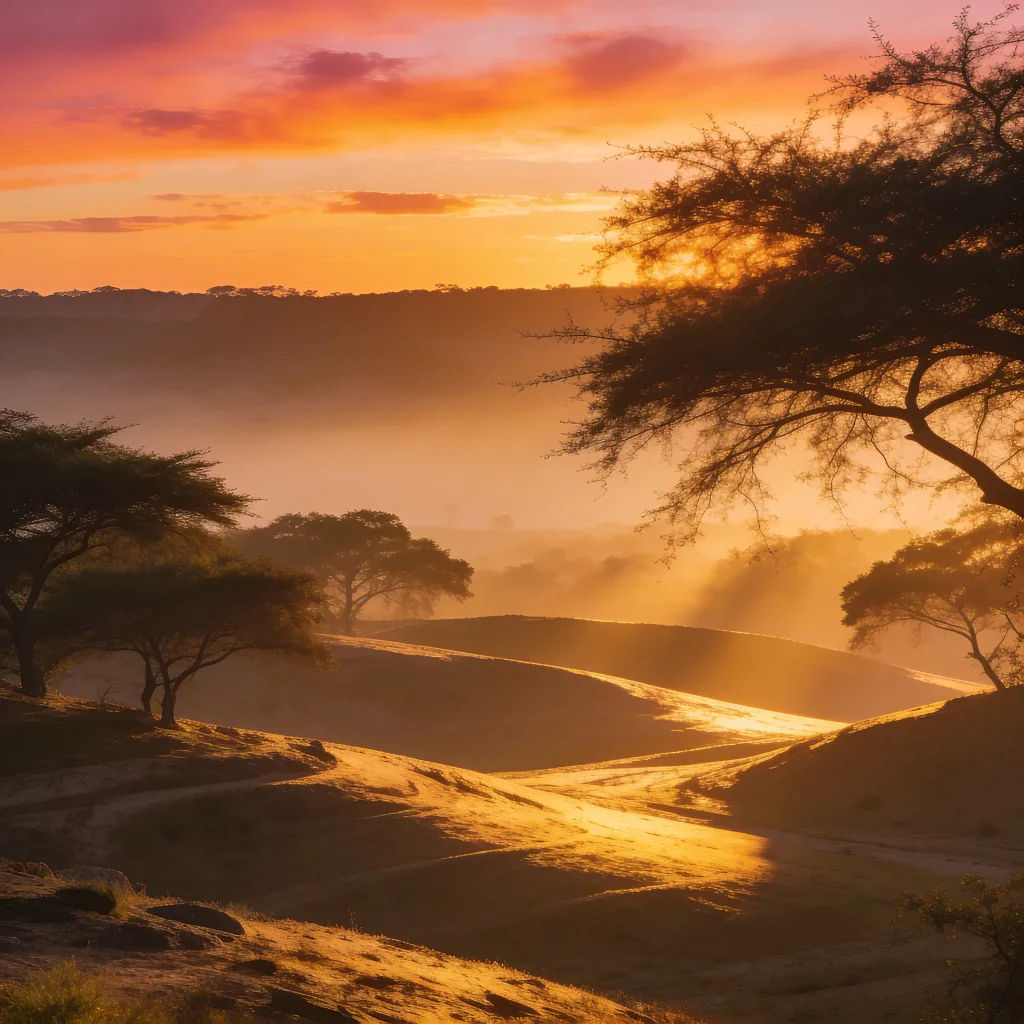

Sketch to render
Turn any sketch or drawing into a finished render.

Expressions
Take any character image and generate 6 distinct facial expressions on a single reference sheet.

Anime style transfer
Pick any anime illustration as your style guide. Apply its look to any image.

Image reverse engineer
Get a detailed prompt extracted from a reference image, and then a fresh recreation.

Cinematic storyboard
Share a scene description with character references. Get a full storyboard with shot angles and mood.

Chibi sprite animation
Turn any photo or description into an animated chibi sprite. Dance, jump, wave, attack, and more.
Semua di Morphic
Tambah, hapus, dan ubah apa pun di fotoModel
Nano Banana 2, Flux 2 Pro, Seedream 5, dan lainnya. Pilih model yang paling rapi mengisi editan, dan ganti kapan saja.
Menyatu alami
Editan membaca cahaya dan tekstur di sekitarnya, jadi perubahan terlihat alami di foto.
Tambah atau hapus
Keluarkan objek atau tambahkan yang baru dalam editan yang sama, cukup dari deskripsi singkat.
Workflows
Simpan editan yang sering Anda pakai sebagai Workflow dan terapkan ke banyak foto sekaligus.
