Shoot 1990s film photo images in your browser with Morphic's 1990s film photo AI image generator. Generate 1990s film photo frames like a flash-lit house-party snapshot, a mall portrait against a mottled backdrop, or a disposable-camera beach shot with a date stamp, and pair every frame with the Style Transfer workflow to lock the harsh-flash grain and C-41 colour across the set. Use the Upscale tool to push any selected frame to print resolution.

1990s film photo portraits you can shoot

1990s film photo scenes you can compose

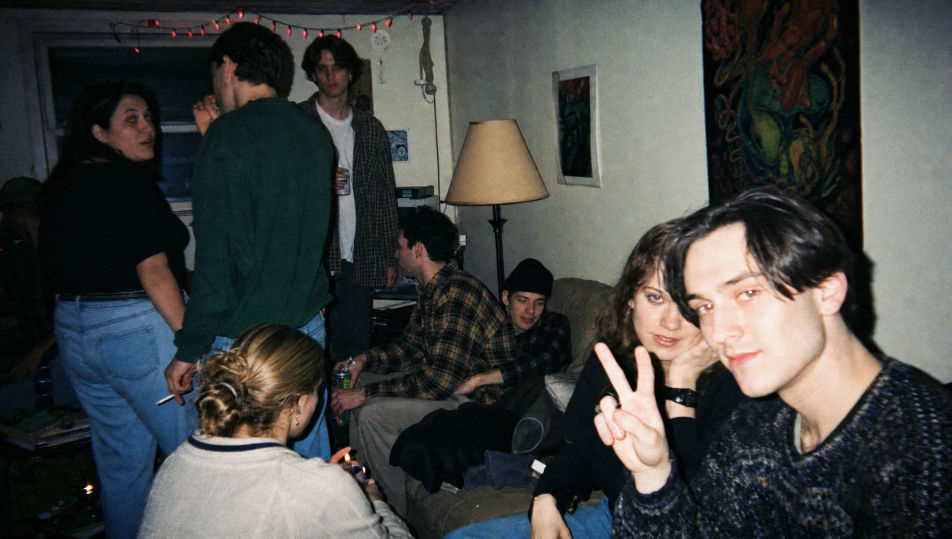
House-party living room

A crowded house-party living room shot on flash, hard shadows fanning behind people, red-eye glints, grain-heavy texture, slightly green C-41 cast, cluttered nineties décor and string lights.

Edit prompt
House-party living room

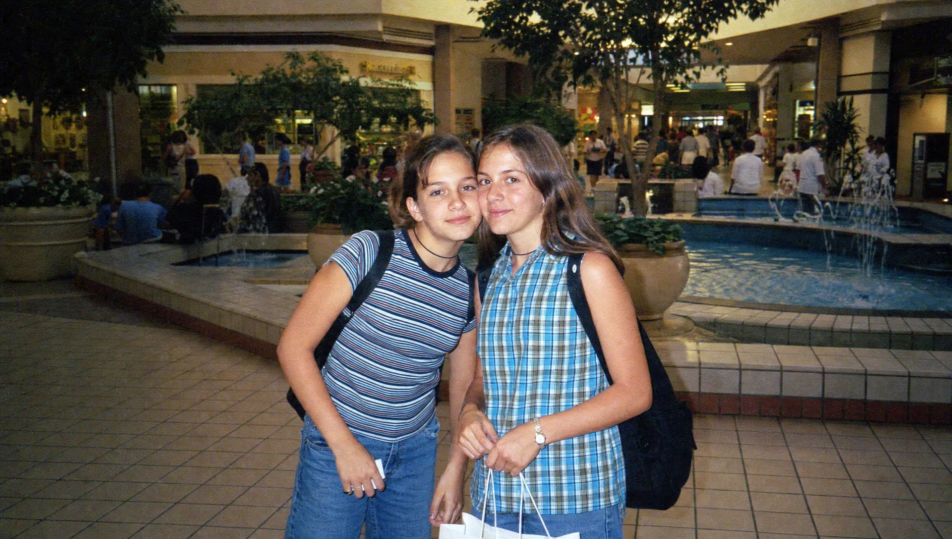
Suburban mall interior

A bright suburban mall interior with a tiled floor and a fountain, mixed fluorescent light, faint flash fill, fine grain, warm C-41 colour, period storefronts and big potted plants down the concourse.

Edit prompt
Suburban mall interior

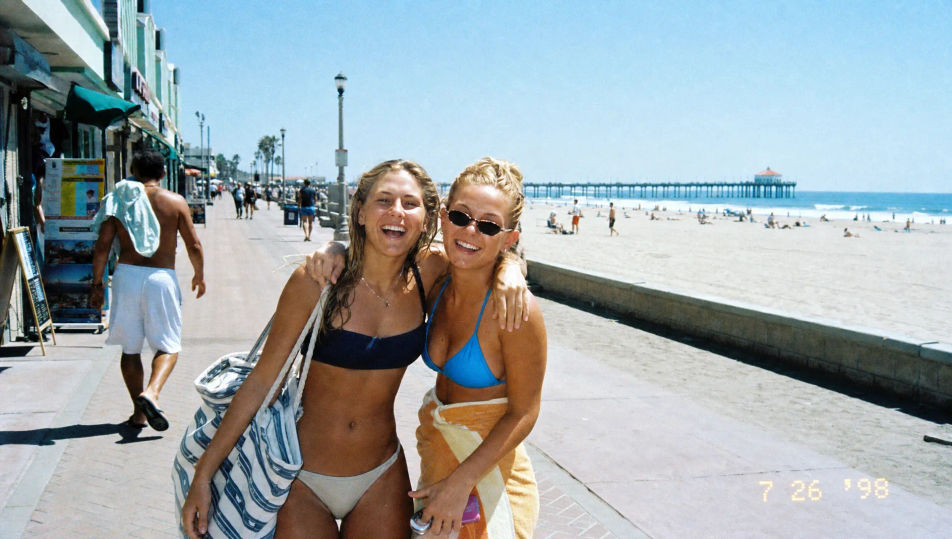
Sunny beach boardwalk

A sunny beach boardwalk with a blown-out sky, a yellow date stamp in the corner, harsh midday sun, coarse grain, washed cyan-and-sand palette, surf shops and a distant pier on the horizon.

Edit prompt
Sunny beach boardwalk

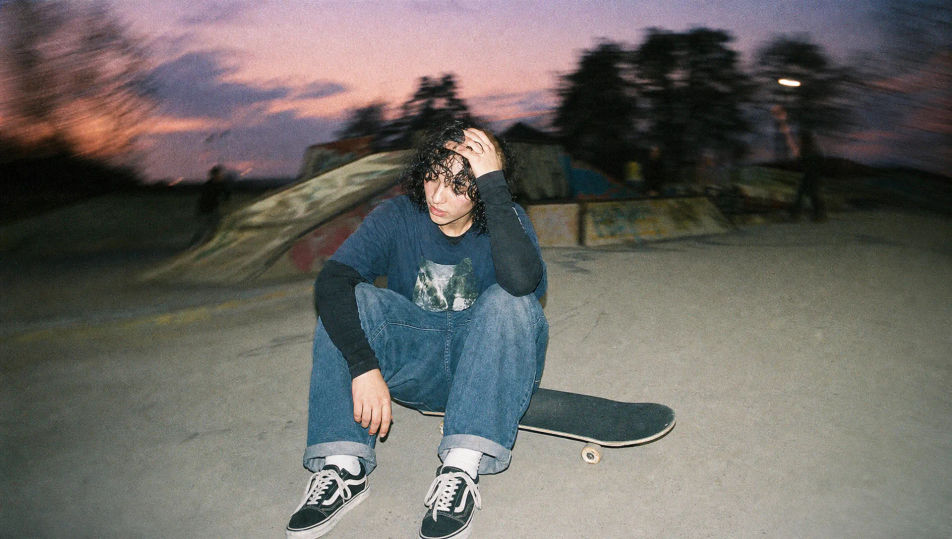
Concrete skate park

A concrete skate park at dusk shot on hard flash, ramps and graffiti behind, motion-blur edges, grain-heavy texture, faded greens and cool greys, raw candid late-afternoon nineties mood.

Edit prompt
Concrete skate park

Make 1990s film photo in three steps

  1. 01

    Describe your 1990s film photo

    Describe the 1990s film photo you want, including the subject, setting, and lighting.

  2. 02

    Generate the image

    Morphic generates a clean, ready-to-publish image on your canvas in seconds, no editing software required.

  3. 03

    Refine your 1990s film photo

    Tweak the prompt, regenerate variations, then download or share the moment the frame lands.

Related workflows

이런 것도 좋아하실 거예요

FAQs

Where can I make 1990s film photo images with AI?
You can shoot 1990s film photo images directly in your browser on Morphic. Open the Image tool, describe the subject, the period styling, the setting, and the film look, and Morphic renders the frame. No disposable camera or photo lab needed.
What defines a 1990s film photo at the prompt level?
Harsh on-camera flash, visible grain, drugstore C-41 colour with a green or magenta cast, occasional date stamps, and candid snapshot framing. Name the hard flash, the grain, and the colour cast in every prompt so the frame reads as a nineties snapshot rather than a clean digital shot.
How do I get the harsh flash look right in a 1990s film photo?
Specify it directly: name the flash ("harsh on-camera flash flattening the face"), the shadow ("hard shadow on the wall behind"), and the texture ("visible grain", "slightly green C-41 cast"). Reuse those cues across every frame so the flash look stays matched through the set.
How do I keep a 1990s film photo series feeling like one disposable camera?
Use the Style Transfer workflow to lock the flash signature, the grain, and the colour cast, then reference that style card in every prompt. The full series then reads as one consistent roll across every snapshot and setting.
Do I need a film camera or photo lab to shoot 1990s film photo images?
No. Morphic runs in your browser and you direct it with plain-language prompts. Anyone who can describe a subject, a setting, and a film look can produce nineties-style frames. A disposable camera, film, and a lab are not required.