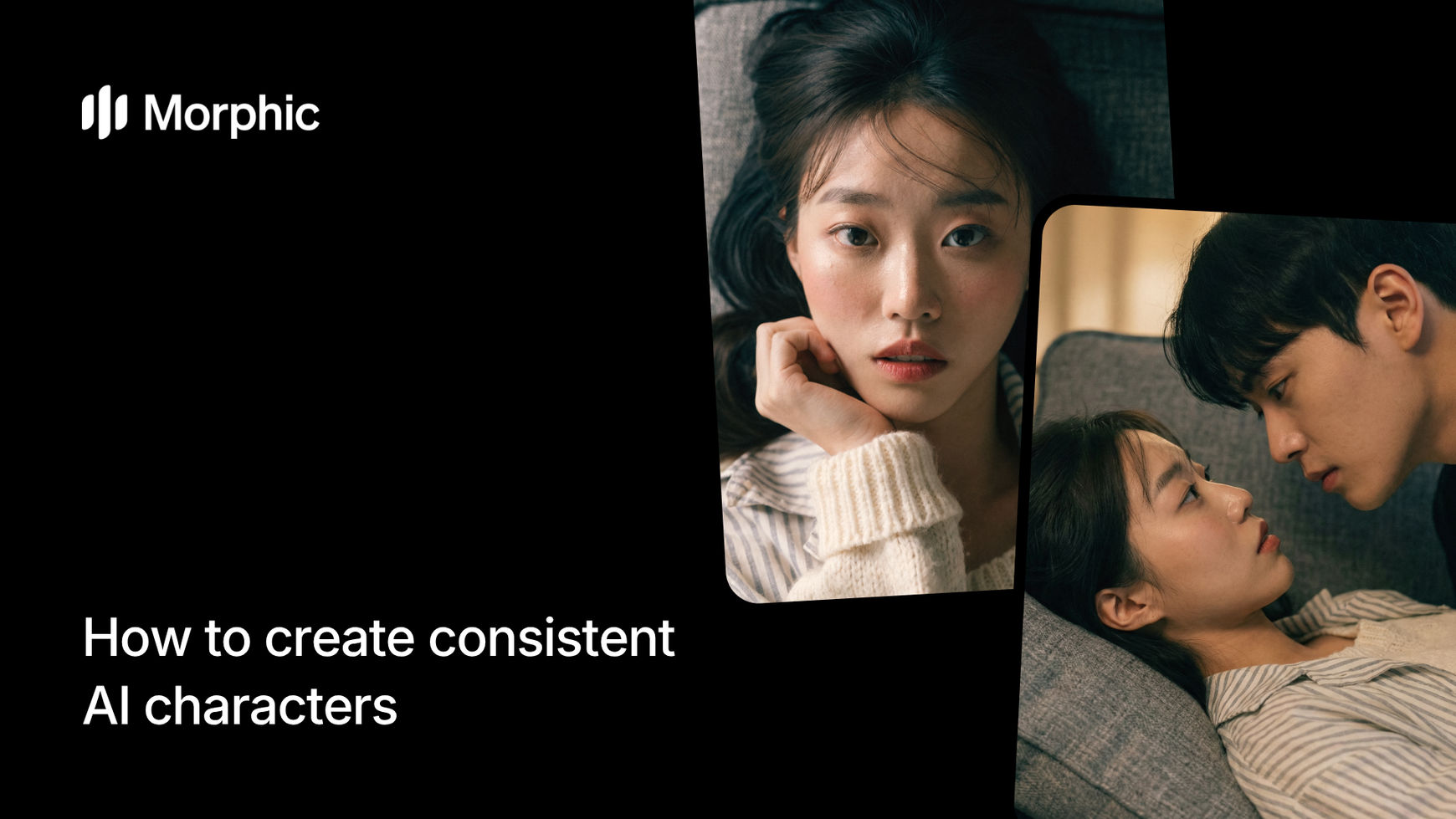
What is AI character consistency?
AI character consistency means generating multiple images of the same character where their face, body proportions, clothing, and distinguishing features remain visually identical across every frame. The workflow establishes the character's identity from a starting scene, then carries that identity forward through each subsequent frame while varying pose, expression, camera angle, and environment as directed.
Morphic's template lets you define a starting scene, choose how the sequence progresses, set the number of frames, control lighting, and specify camera movement, all while the character stays locked in appearance.
Upload your starting scene
Open the "Next scene in sequence" workflow. In the "Starting scene" step, browse the gallery or upload an image that establishes your character and opening scene. This first frame becomes the identity anchor for every subsequent frame in the sequence.

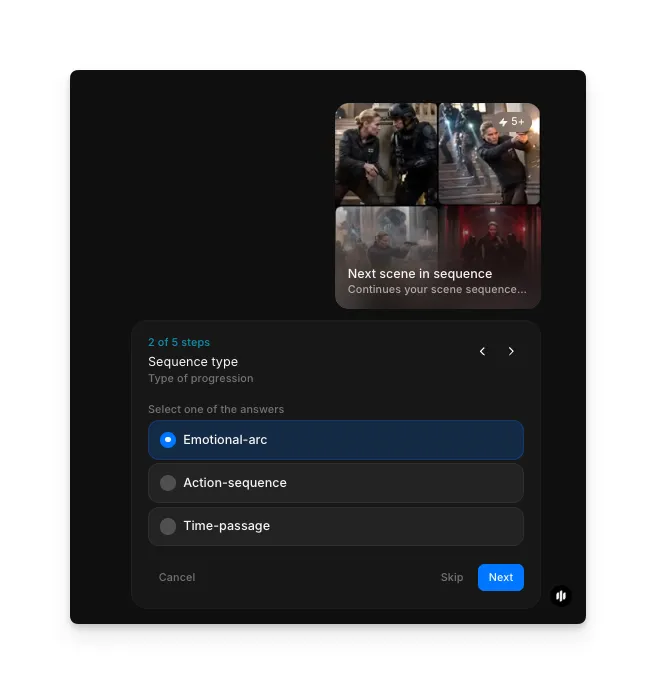
Choose your sequence type
In the "Sequence type" step, select the type of progression for your sequence. Options include Emotional-arc, Action-sequence, and Time-passage. Each type determines how the scene evolves from frame to frame.
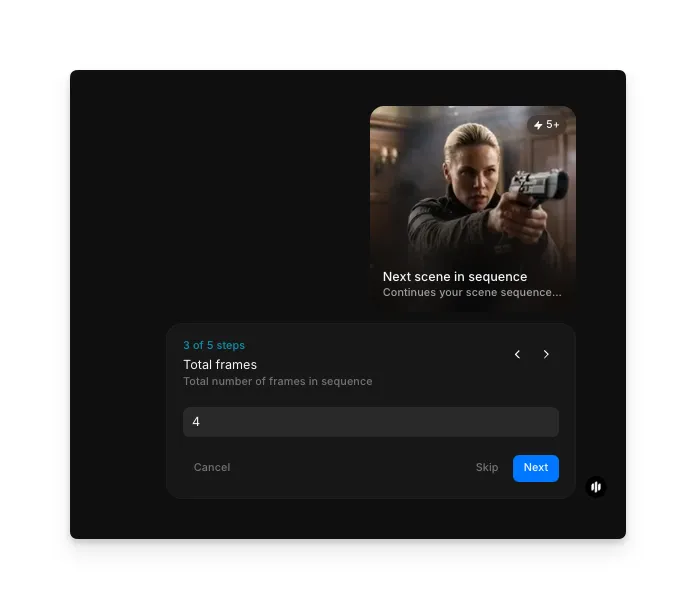
Set total frames
In the "Total frames" step, enter the total number of frames you want in the sequence. The example shows 4 frames. More frames give you a longer visual narrative while fewer capture key beats.
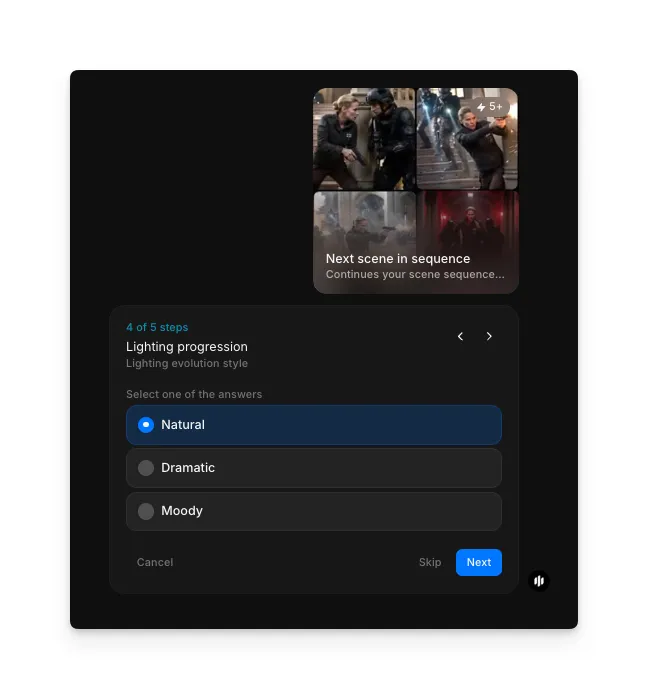
Select lighting progression
In the "Lighting progression" step, choose how lighting evolves across the sequence. Options include Natural, Dramatic, and Moody. The character's appearance stays consistent regardless of lighting changes.
Configure camera movement and generate
In the "Camera movement" step, select the camera progression style. Options include Dynamic, Static, and Intimate. Click "Run workflow" to generate your consistent character sequence.
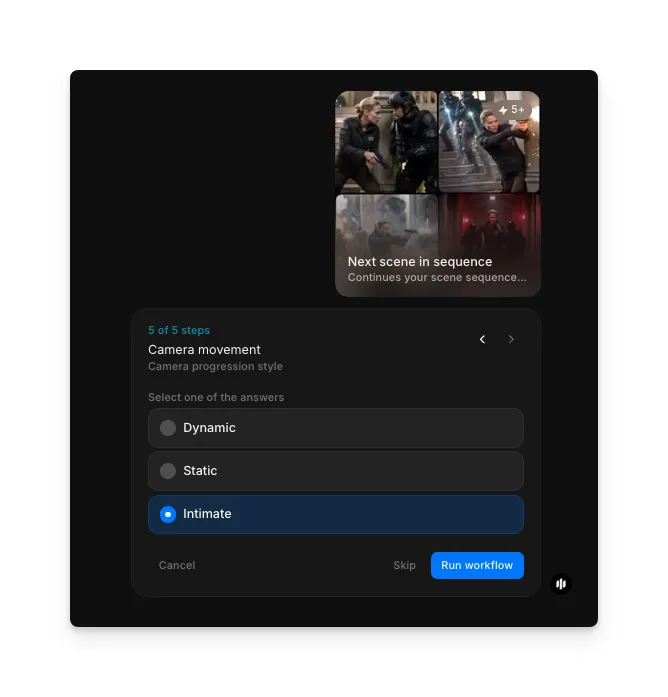
Morphic processes your inputs and generates the full sequence with your character's identity preserved across every frame.
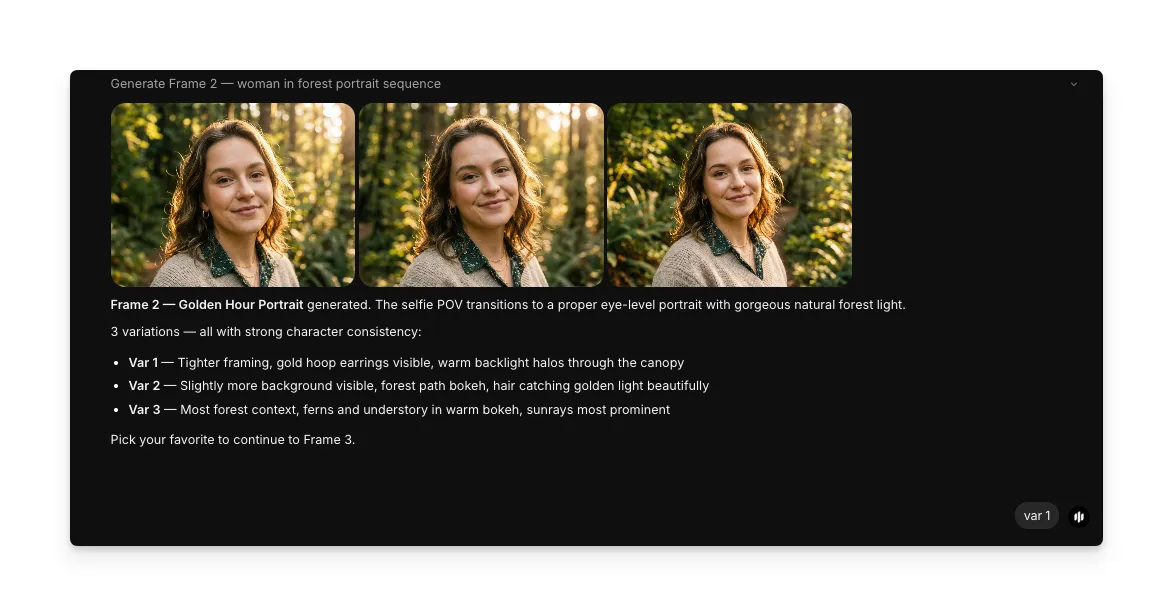
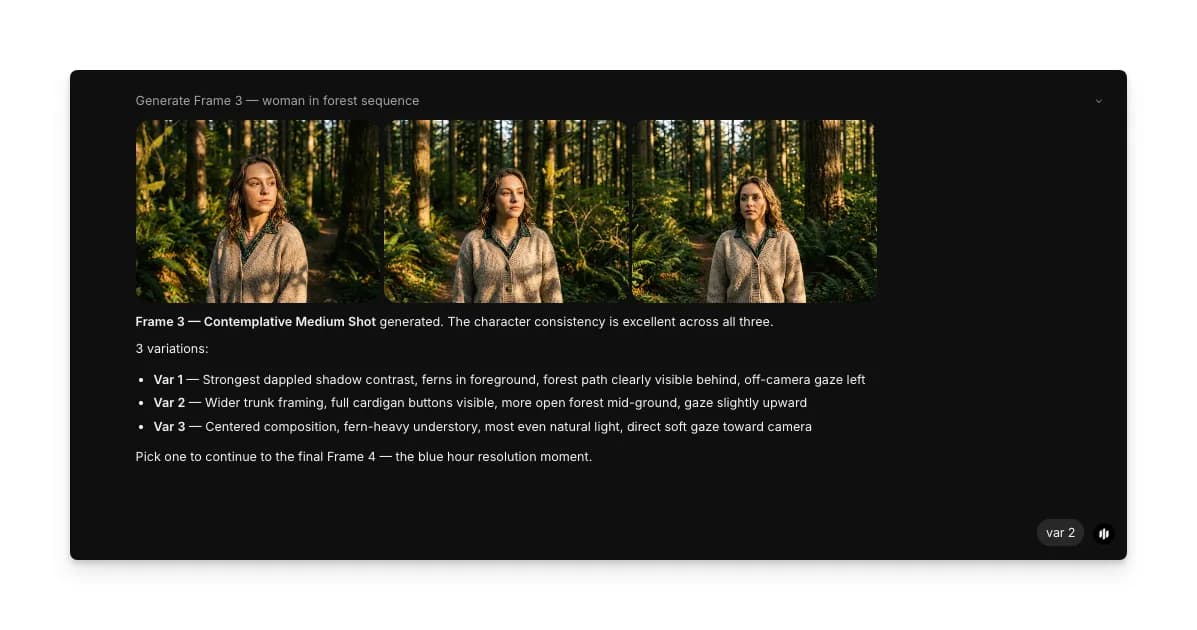
Final output: a multi-frame sequence with consistent character identity throughout
What makes great character consistency
| Quality | What it means | Why it matters |
|---|---|---|
| Identity preservation | The character's face, hair, and distinguishing features stay identical across frames | Any drift in facial features breaks the illusion that it is the same character |
| Pose variety | The character adopts different natural poses while staying recognizable | Stiff identical poses make a sequence look like duplicated images rather than a narrative |
| Style continuity | Art style, rendering quality, and color palette remain uniform | Inconsistent style between frames makes the sequence feel like a collage of unrelated images |
| Detail retention | Small details like accessories, scars, or patterns persist across every frame | Missing details signal to viewers that frames were generated independently |
The workflow locks character identity at the first frame and carries it forward through every subsequent generation, handling the consistency automatically.
Morphic vs standard AI generators
| Morphic consistent character workflow | Standard AI generators | |
|---|---|---|
| Character identity | Locked across all frames automatically | Each generation is independent with no identity link |
| Time to create a sequence | Minutes for a full multi-frame sequence | Hours of regeneration and manual cherry-picking |
| Sequence control | Lighting, camera, and progression type configurable | No built-in sequence tools |
| Consistency rate | High identity preservation by design | Random drift between generations |
| Skill required | Describe the character and select options | Extensive prompt engineering and post-processing |
| Iteration | Regenerate the full sequence with one click | Each frame adjusted and regenerated individually |
FAQs
The workflow supports configurable frame counts. You can generate short sequences of two to three frames for quick comparisons or longer sequences for full visual narratives. The character's identity stays locked regardless of how many frames you generate.
The workflow is designed to maintain consistency, including clothing. If you need outfit changes, you can run separate sequences with different outfit descriptions while keeping the same character description to maintain facial identity.
Yes. The identity lock applies to the character specifically. You can shift environments, lighting, and camera angles freely while the character's features, proportions, and details remain intact.
The workflow uses your text description to establish the character anchor. For best results, provide a detailed description of the character's physical appearance, clothing, and distinguishing features in the prompt field.
The consistent character workflow is available on Morphic. You can run the workflow multiple times as needed to generate different sequences.