What is a UGC-style ad creator?
A UGC-style ad creator is a tool that generates video ads designed to look like organic user-generated content. Instead of hiring creators and filming real testimonials, you upload a product photo, select a format and setting, and the tool produces a realistic video of someone naturally interacting with your product. These ads are designed for paid social campaigns on platforms like TikTok, Instagram, and Facebook where authentic-looking content outperforms polished brand ads.
Upload your product photo, configure your talent and setting preferences, and Morphic generates a complete UGC-style video ad.
Upload your product image
Open the "UGC ads" workflow. In the "Product image" step, browse the gallery or upload a clear photo of your product. A well-lit product shot on a clean background works best.
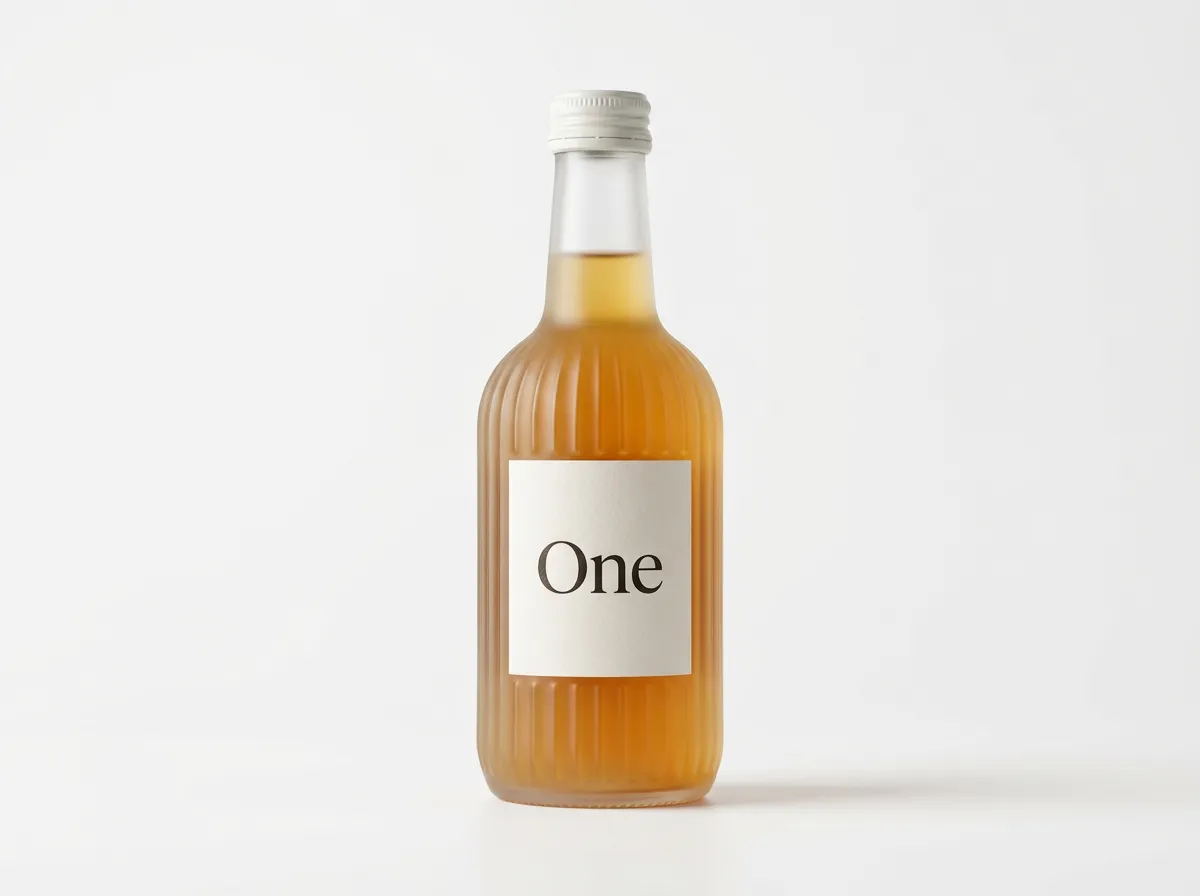
Enter your product name
In the "Product name" step, type the name of your product. The example shows "One – Kombucha." This helps the AI understand context and generate natural interactions.
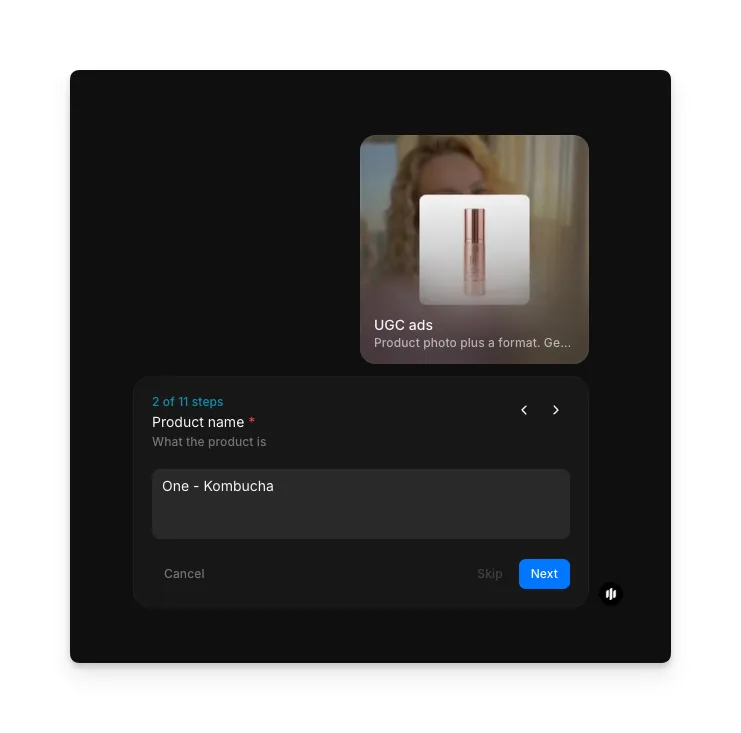
Choose a UGC format
Select the content format that matches your campaign strategy:
| Format | What it looks like | Best for |
|---|---|---|
| Product demo | Someone demonstrating how the product works in a natural setting | Products with a clear use case or visible benefit |
| Selfie review | A person speaking directly to camera while showing the product | Building trust and relatability with first-person testimonials |
| Unboxing | Someone opening and reacting to the product for the first time | New product launches, subscription boxes, and gift-worthy items |
| Street interview | A casual on-the-street conversation about the product | Creating social proof through spontaneous-feeling reactions |
| Podcast clip | A conversation-style format discussing the product naturally | Longer-form storytelling and authority-building content |
| Transformation | A before-and-after showing the product's effect | Beauty, fitness, cleaning, and any product with visible results |
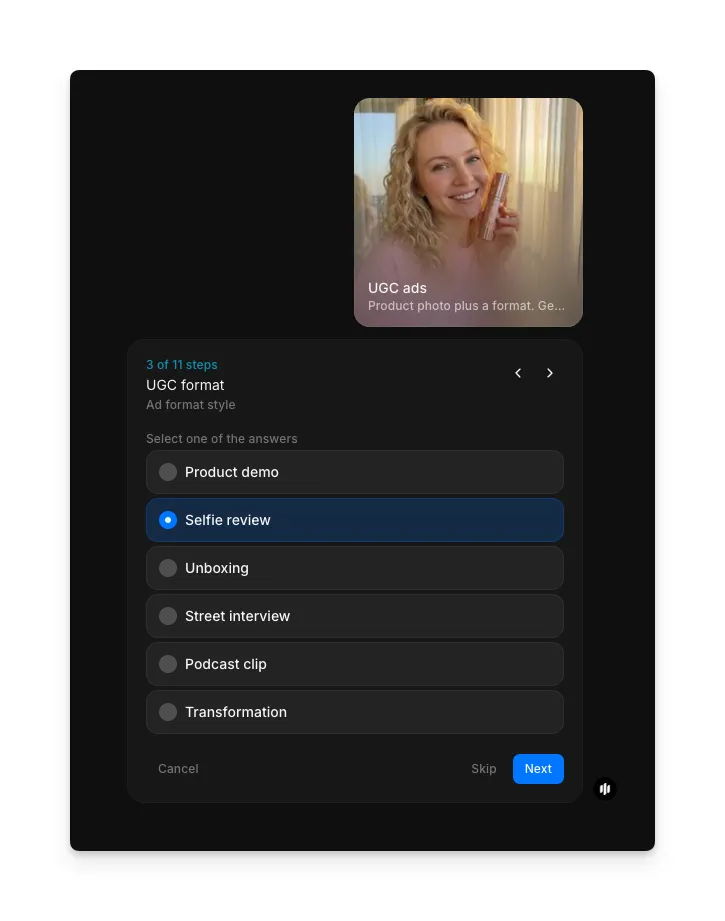
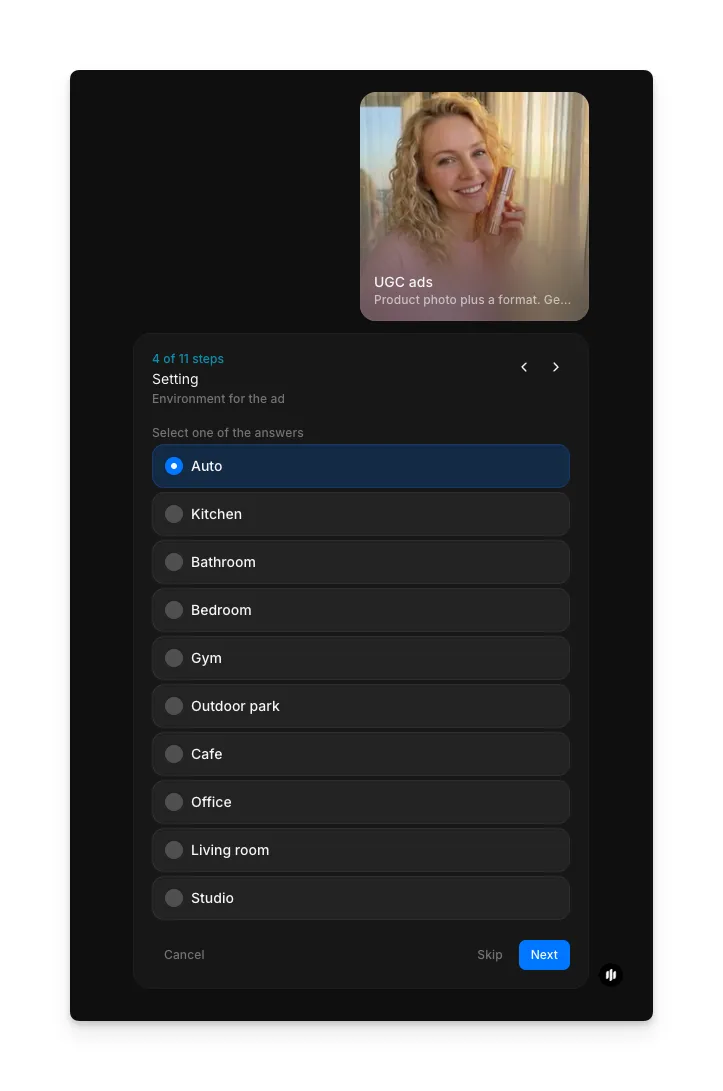
Select the setting
In the "Setting" step, choose where the scene takes place. Options include Auto (lets the AI choose), Kitchen, Bathroom, Bedroom, Gym, Outdoor park, Cafe, Office, Living room, and Studio.
| Setting | Visual environment | Best for |
|---|---|---|
| Auto | AI selects the most appropriate setting for your product | When you want the workflow to decide the best context |
| Kitchen | Home kitchen with countertops, appliances, and natural lighting | Food products, kitchen gadgets, supplements, and beverages |
| Bathroom | Bathroom vanity, mirror, and soft lighting | Skincare, beauty products, personal care, and grooming tools |
| Bedroom | Cozy bedroom with natural or warm lighting | Wellness products, sleep aids, lifestyle items, and clothing |
| Gym | Fitness environment with equipment and active energy | Fitness supplements, workout gear, and athletic products |
| Outdoor park | Natural outdoor setting with trees, grass, and open sky | Outdoor gear, beverages, portable products, and activewear |
| Cafe | Coffee shop setting with warm ambient lighting | Beverages, snacks, tech accessories, and lifestyle products |
| Office | Desk or workspace environment with professional context | Productivity tools, tech products, and office accessories |
| Living room | Home living space with comfortable, casual atmosphere | Home goods, entertainment products, and lifestyle items |
| Studio | Neutral backdrop with controlled lighting | Clean product showcases and versatile ad placements |
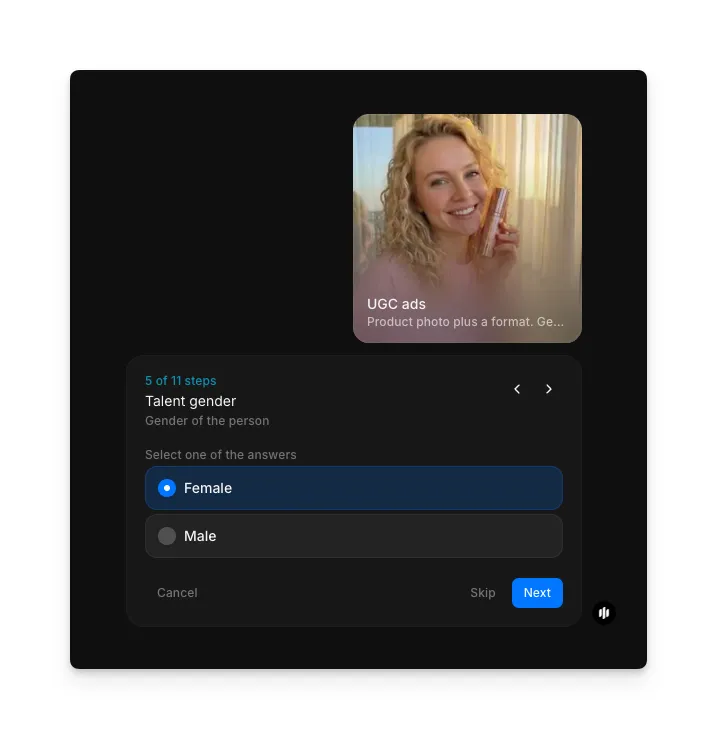
Choose talent gender
Select the gender presentation of the person featured in your ad. Choose the option that best represents your target customer demographic.
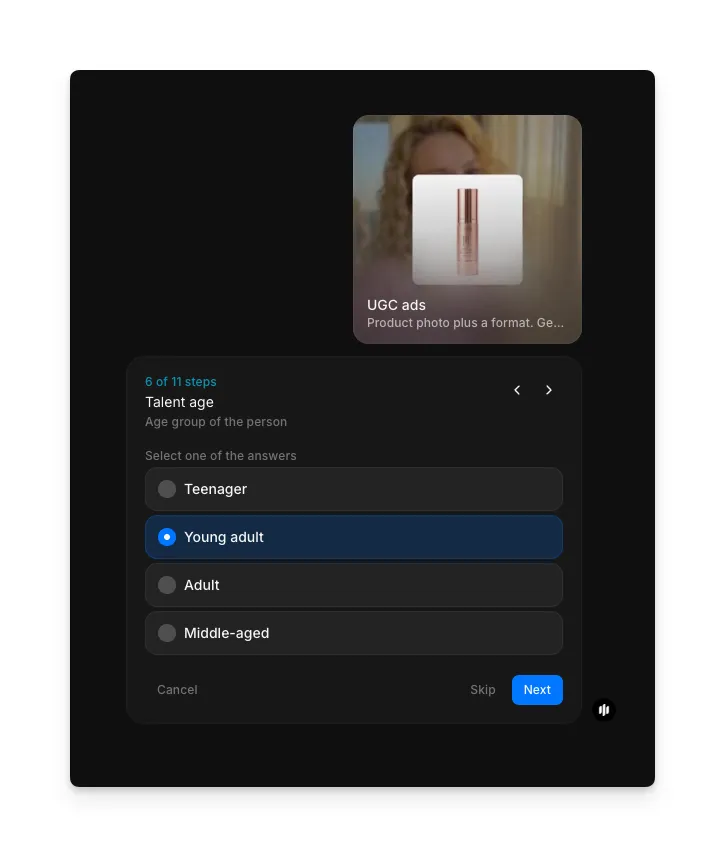
Select talent age group
Choose the age range of the person in your ad:
| Age group | Appearance range | Best for |
|---|---|---|
| Teenager | Approximately 16 to 19 years old | Products targeting Gen Z, school-related items, and youth culture brands |
| Young adult | Approximately 20 to 30 years old | Lifestyle products, beauty, fashion, and social-media-native brands |
| Adult | Approximately 30 to 45 years old | Professional products, home goods, parenting items, and premium brands |
| Middle-aged | Approximately 45 to 60 years old | Health and wellness products, financial services, and mature lifestyle brands |
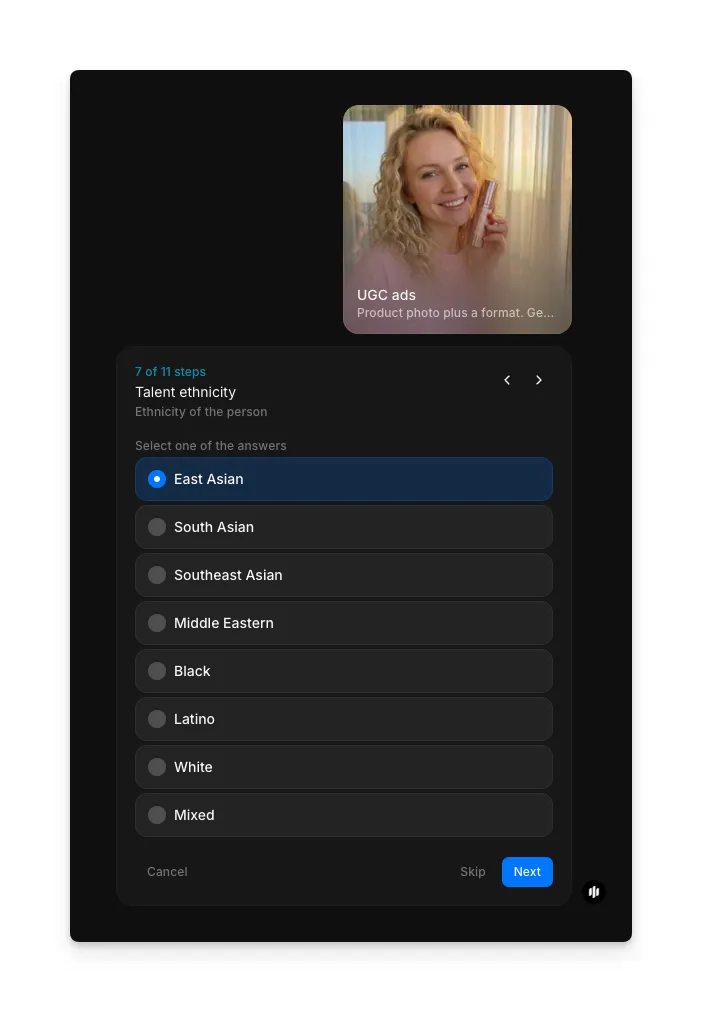
Specify talent ethnicity
Choose the ethnicity of the person featured in your ad to match your target demographic and ensure representation in your campaign.
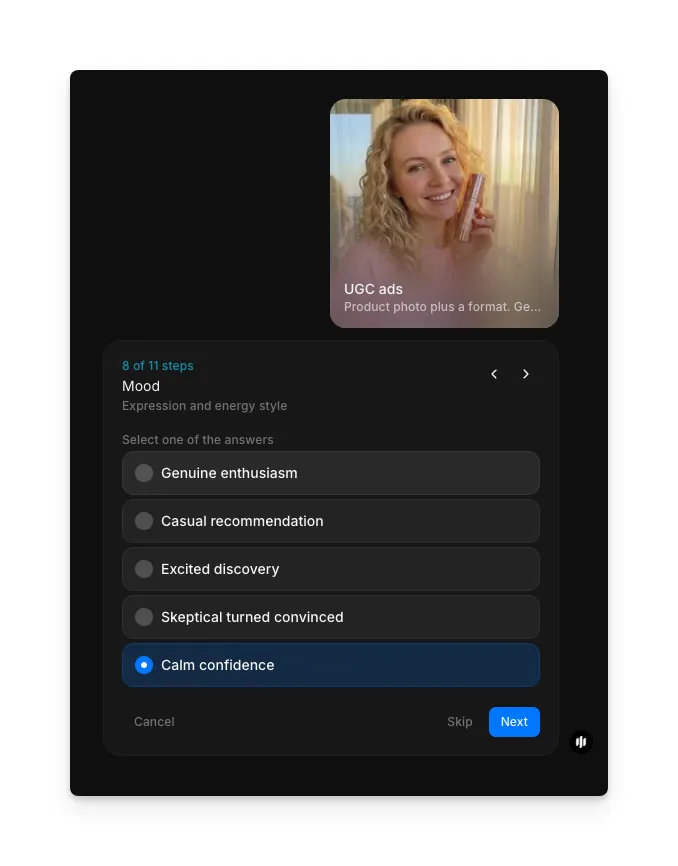
Define the mood
In the "Mood" step, select the expression and energy style for the talent:
| Mood | Expression quality | Best for |
|---|---|---|
| Genuine enthusiasm | Excited, authentic, and naturally impressed | Products that deliver an immediate wow factor or visible result |
| Casual recommendation | Relaxed, conversational, and low-pressure | Everyday products where trust and relatability matter most |
| Excited discovery | Surprised, delighted, and sharing a find | New product launches and products with unique features |
| Skeptical turned convinced | Initially doubtful, then genuinely impressed | Products that need to overcome objections or seem too good to be true |
| Calm confidence | Steady, assured, and matter-of-fact | Premium products and brands that want to project authority |
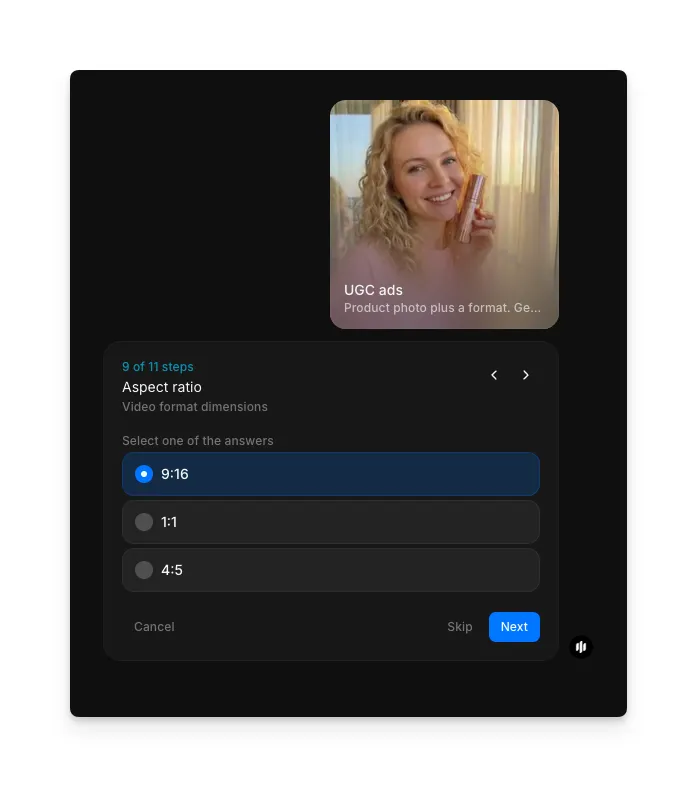
Choose aspect ratio
Select the output format for your target platform:
| Ratio | Best for | Use case |
|---|---|---|
| 9:16 | TikTok, Instagram Reels, YouTube Shorts | Full-screen vertical video for mobile-first ad placements |
| 1:1 | Instagram feed, Facebook feed | Square format that works across most social ad placements |
| 4:5 | Instagram feed, Facebook feed | Portrait format optimized for social feed placements |
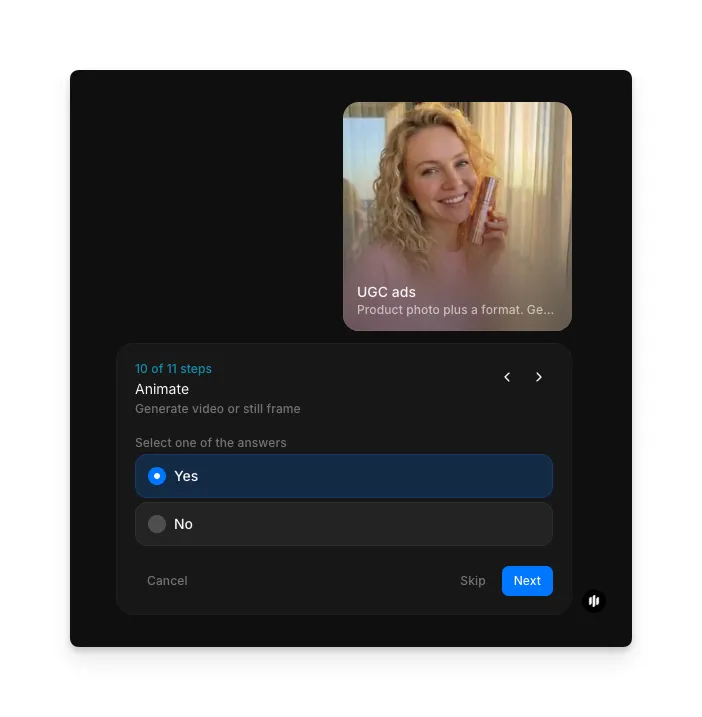
Choose animation and generate
In the "Animate" step, select Yes to generate a video ad or No for a still frame. Click "Run workflow" to generate your UGC-style ad.
Morphic generates your complete UGC-style video ad:
The finished UGC-style ad ready for your social campaigns
What makes great UGC-style ad content
| Quality | What it means | Why it matters |
|---|---|---|
| Authenticity feel | The ad looks like it was filmed by a real person on their phone, not produced in a studio | Audiences scroll past polished ads but stop for content that feels organic and relatable |
| Product integration | The product appears naturally in the scene rather than being artificially placed or highlighted | Forced product placement breaks the illusion of authenticity and triggers ad avoidance |
| Performance framing | The talent's expression and delivery feel genuine rather than scripted or performative | Viewers can detect inauthentic performances instantly, which destroys trust in the ad |
| Platform nativeness | The format, pacing, and visual style match what users expect to see on the target platform | Ads that look out of place on a platform get lower engagement and higher skip rates |
The AI handles talent generation, product placement, scene composition, and animation automatically, so you only need to upload a product photo and configure your preferences.
UGC ads workflow vs. hiring UGC creators
| Morphic's UGC ad workflow | Hiring UGC creators | |
|---|---|---|
| Cost | Available on Morphic | Varies per creator per video |
| Time to delivery | Significantly faster | 3 to 14 days from brief to final delivery |
| Creative control | Full control over format, setting, talent, mood, and expression | Limited to the creator's interpretation of your brief |
| Scale | Generate multiple variations quickly | Each variation requires a new creator booking or reshoot |
| Product shipping | Not required, only a product photo is needed | Must ship product to each creator before filming can begin |
| Testing velocity | Test dozens of creative variants in minutes | Testing multiple angles requires multiple creators and weeks of coordination |
FAQs
Yes. The workflow is specifically designed to produce content that looks like it was filmed by a real person in a natural setting. The talent, lighting, setting, and camera angle all mimic the aesthetic of organic user-generated content rather than polished brand advertising.
The workflow supports product demos, selfie reviews, unboxing videos, street interviews, podcast clips, and transformation videos. Each format is designed for a different campaign strategy and can be output in 9:16, 1:1, or 4:3 aspect ratios to fit any platform.
Yes. The output is designed for direct use in paid social campaigns on TikTok, Instagram, Facebook, and other platforms. The video format, aspect ratios, and authentic aesthetic are optimized for ad placements where UGC-style content performs best.
Any physical product with a clear photo works well. This includes skincare, supplements, food and beverage, tech accessories, fitness equipment, clothing, home goods, and more. The workflow is designed to handle a wide range of product categories by matching the product to an appropriate setting and interaction style.
Hiring UGC creators requires per-video fees and delivery timelines of days to weeks. Morphic's UGC ad workflow is available on Morphic and generates complete UGC-style video ads significantly faster, allowing you to test and iterate quickly.