Describe a product shot with the label text spelled out, a poster in Japanese, or a full app interface with working navigation. ChatGPT Images 2.0 generates it with the text intact, the lighting correct, and photorealistic detail. Now available on Morphic alongside video, music, and audio generation.
How to use ChatGPT Images 2.0 on Morphic
1.
Open Image Mode
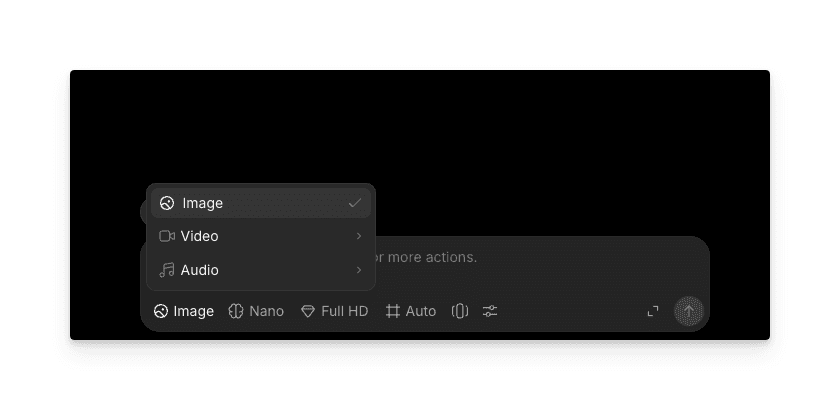
From the Morphic composer, switch to Image mode using the mode picker at the bottom of the canvas.
2.
Select ChatGPT Images 2.0 as your model
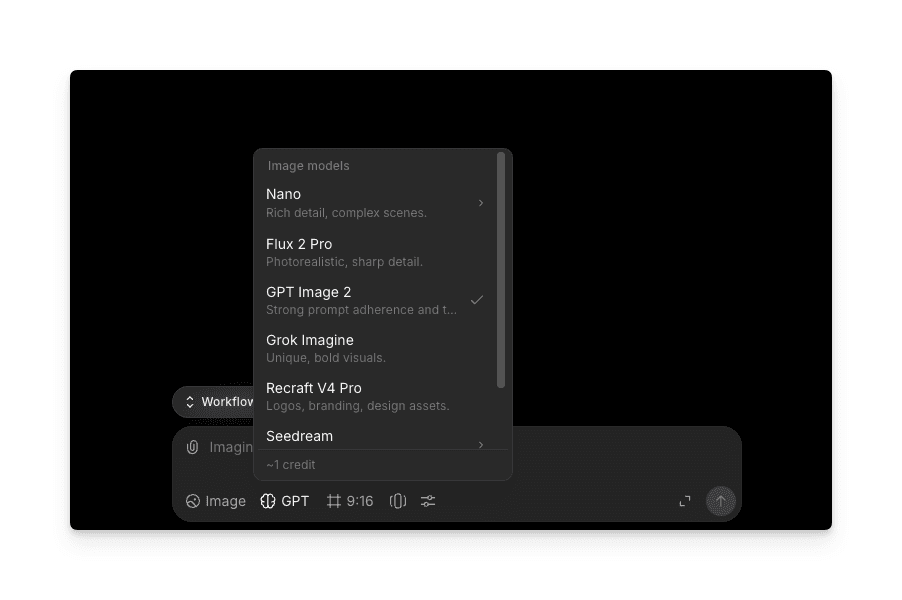
Open the model picker and choose ChatGPT Images 2.0 (GPT Image 2) from the list of available image models.
3.
Add your prompt
Describe what you want. Include the text that should appear in the image, the scene, lighting, and any product or brand details. The clearer the brief, the closer the first generation lands.
4.
Generate
Run the prompt. ChatGPT Images 2.0 produces up to 8 variations per run so you can compare compositions and pick the strongest one.
What is ChatGPT Images 2.0?
ChatGPT Images 2.0, also referred to as GPT Image 2, is OpenAI's latest image generation and editing model released in April 2026. It succeeds GPT Image 1.5 and is natively built into the GPT-4o architecture, which means it understands complex multi-part prompts the way a language model reads a sentence. The model generates images from text and edits existing images through the same interface.
ChatGPT Images 2.0 features and capabilities
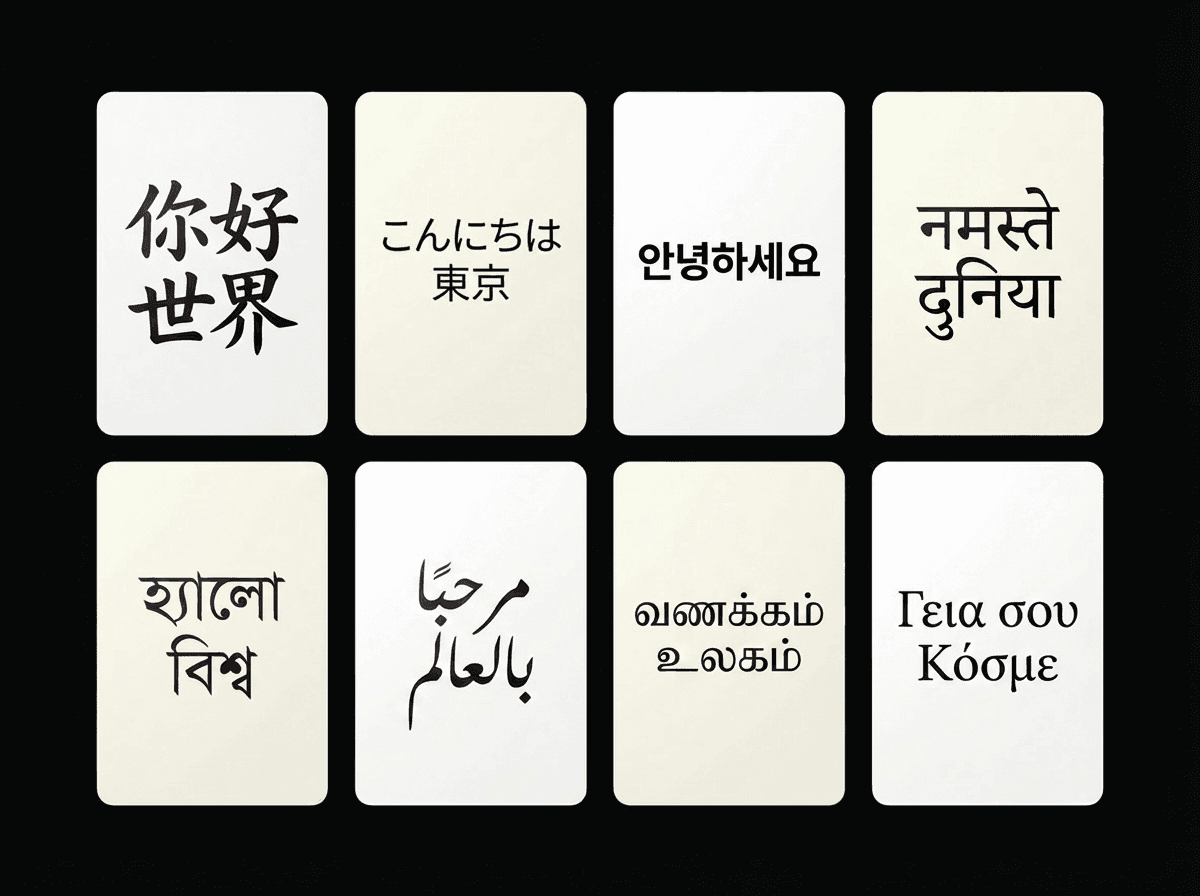
Text rendering that actually works, across multiple languages
GPT Image 2 renders text inside images with high fidelity, including small lettering, dense paragraphs, text on curved surfaces, and non-Latin scripts like Chinese, Japanese, Korean, Hindi, and Bengali. Packaging labels, street signs, UI buttons, infographic annotations, and multilingual marketing materials come out legible on the first generation.
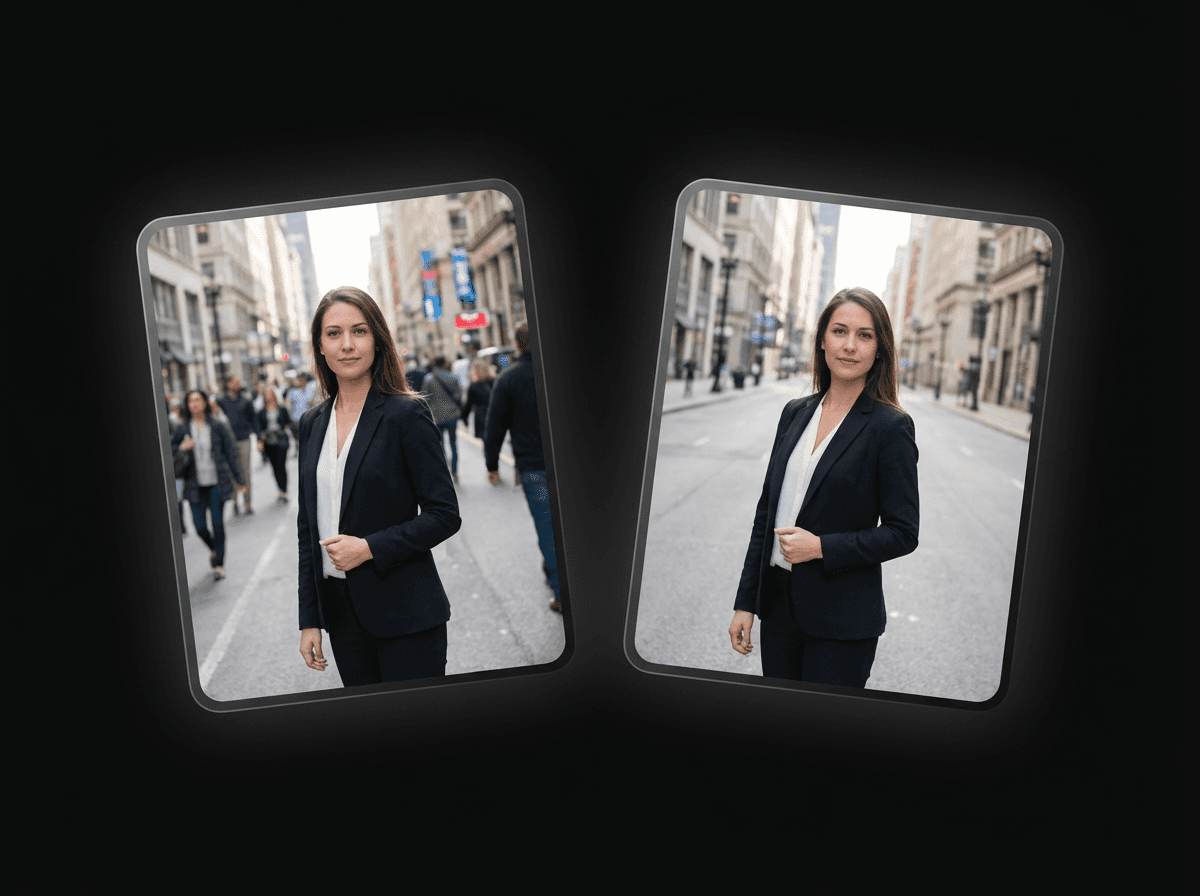
Edit any image from a reference upload
Upload an existing image and describe what you want changed. GPT Image 2 can swap a background, update label text, adjust lighting conditions, or place a product into a completely different setting while keeping the details you did not mention untouched. You can also upload multiple reference images to guide the output toward a specific look or composition.
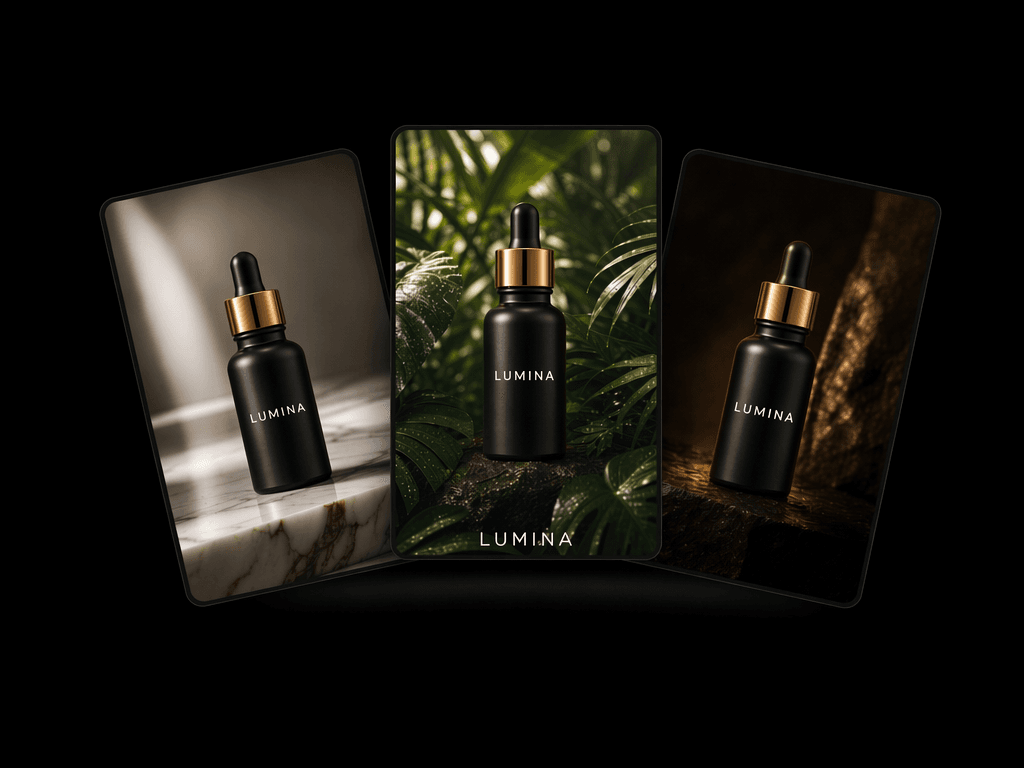
Product photography that stays on brand
Generate product shots where the brand name on the label, the ingredient list on the back, and the logo on the cap are all spelled correctly and visually consistent. Run the same prompt with different scenes and the model maintains your color palette and typography across every variation, useful when you need a full catalog to look cohesive.
Multiple output formats, export-ready files
Output is available in PNG, JPEG, or WebP, so files are ready for e-commerce listings, print assets, or social media without running them through another tool first.
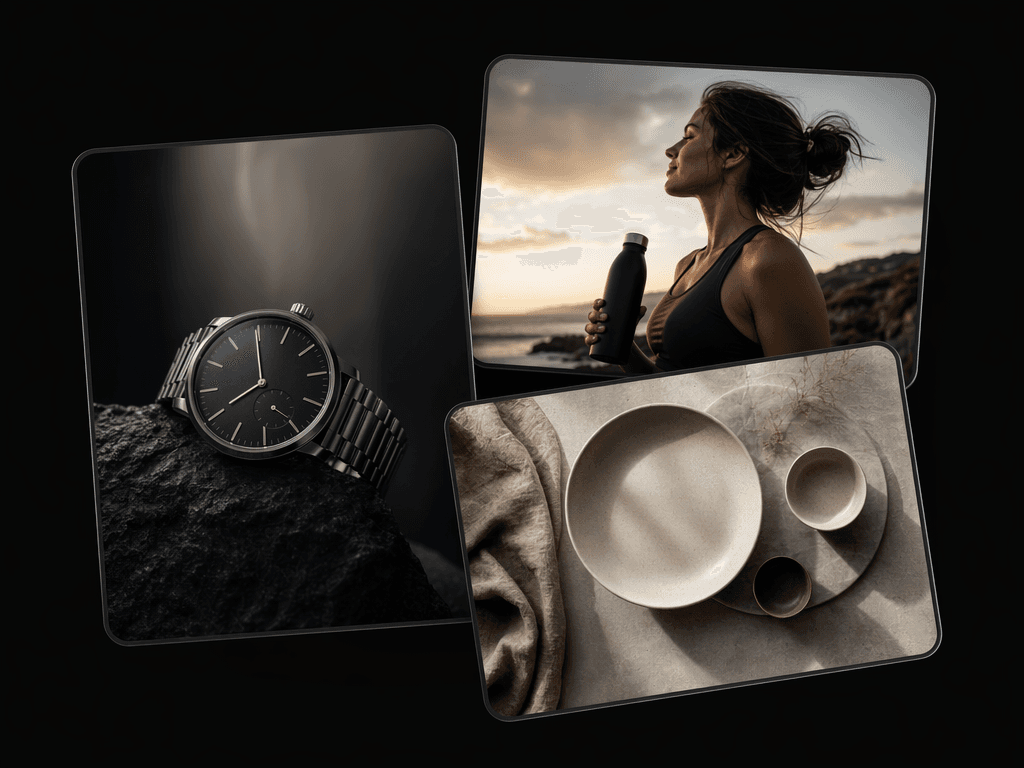
8 variations from a single prompt
A single prompt can produce up to 8 image variations at once. Compare different compositions, test lighting directions, or create a set of ad creative options side by side. This is particularly useful when you need multiple angles of the same product or want to A/B test visual direction before committing to one.
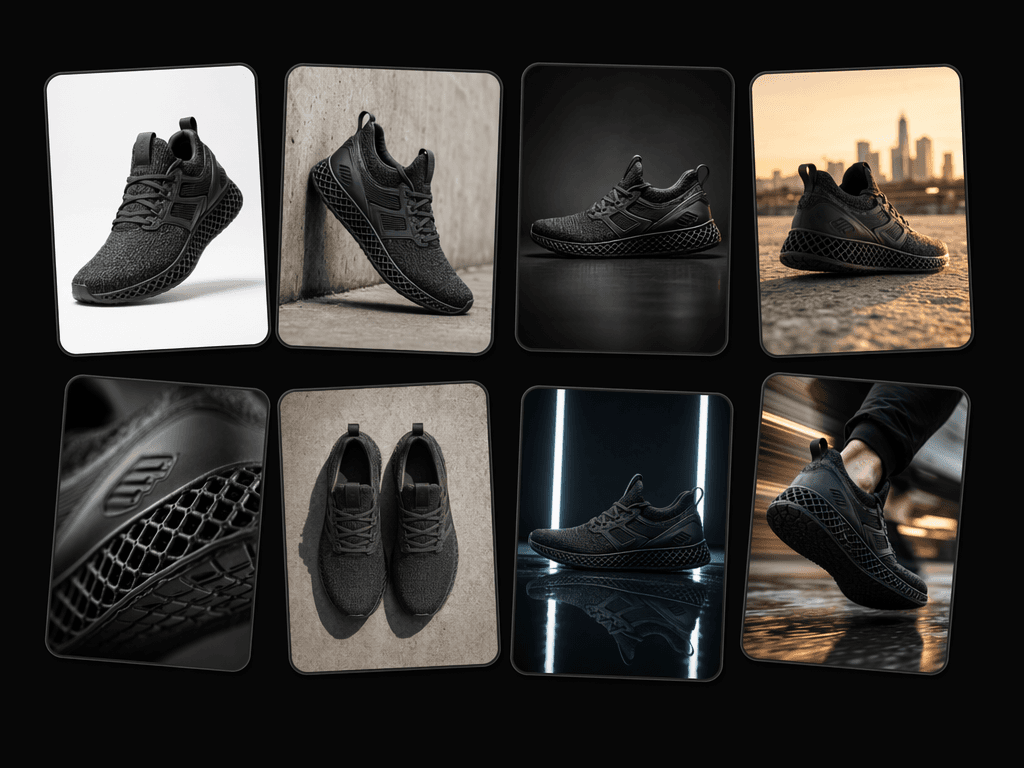
Photorealism, built in
The model produces images with natural lighting, authentic material textures, and realistic skin tones. The warm color cast and smooth, plasticky look common in earlier AI image models is replaced by output that reads closer to studio photography.
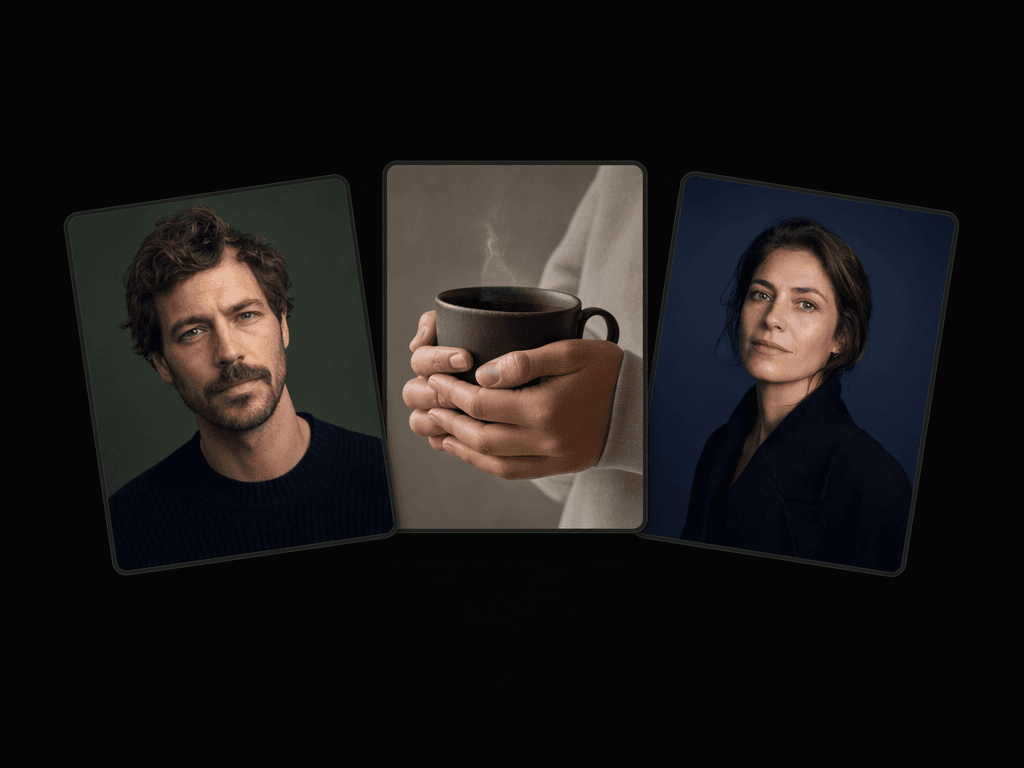
Frequently asked questions
Yes, ChatGPT Images 2.0 (also known as GPT Image 2) is available on Morphic. You can start generating images with the model right away by signing up for a Morphic plan.
The model supports high-fidelity text generation across multiple languages, including non-Latin scripts like Chinese, Japanese, Korean, Hindi, and Bengali. Text renders correctly on signs, product labels, UI elements, and inside dense layouts such as infographics and marketing materials.
GPT Image 2 handles photorealistic product shots, UI and app mockups, marketing graphics with embedded text, multilingual posters and signage, lifestyle photography, and infographics with data labels. It also edits existing images, so you can modify scenes, swap backgrounds, or update text on an image you already have.
GPT Image 2 generates images in PNG, JPEG, or WebP formats.
The most significant difference is text rendering. Earlier models frequently garbled, misspelled, or distorted text inside images. GPT Image 2 renders text accurately enough to use in production materials without manual correction. It also produces more realistic lighting and textures and supports image editing from reference uploads.