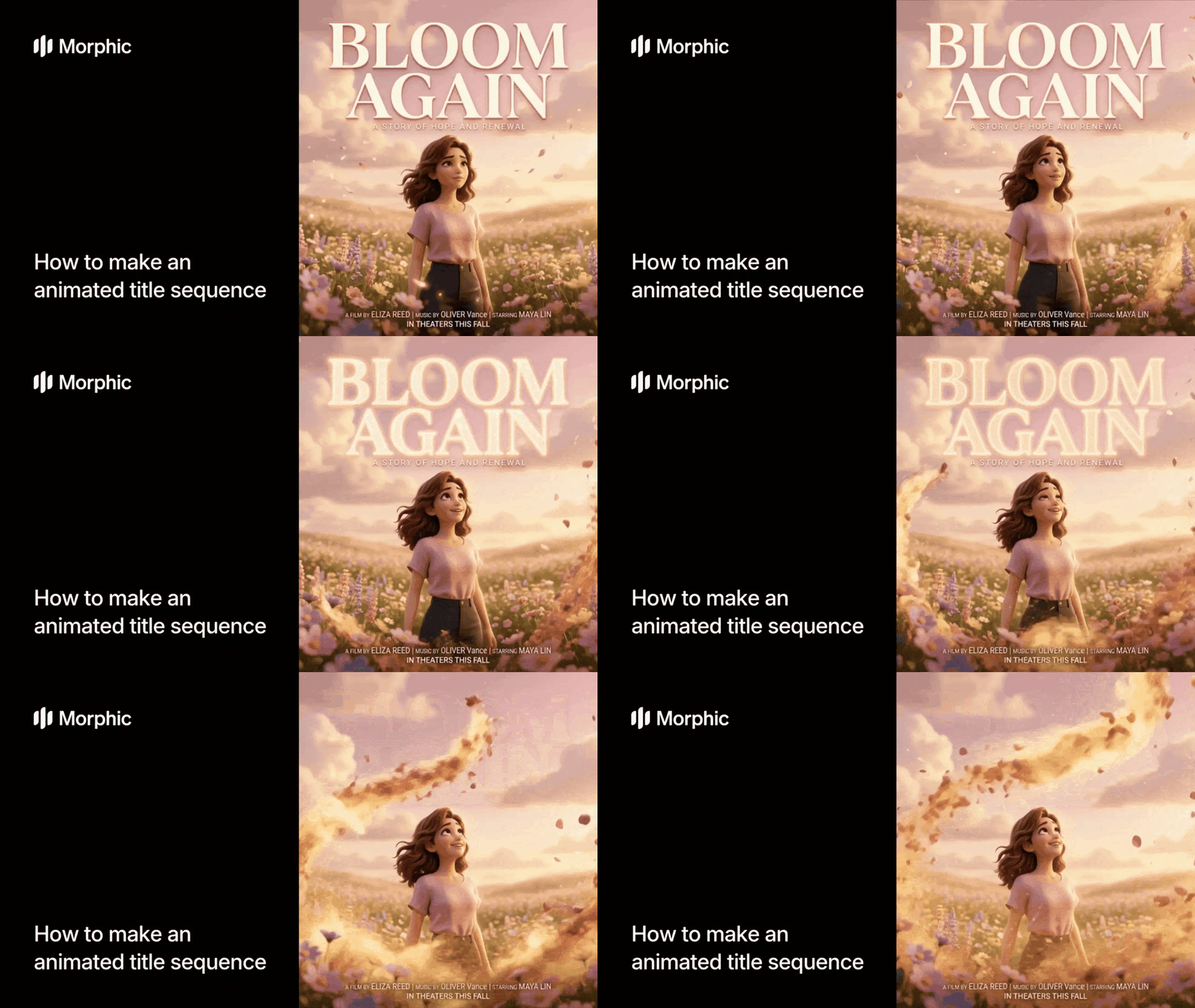
What is an animated title sequence maker?
An animated title sequence maker is a tool that generates cinematic opening titles with motion graphics, visual effects, and atmospheric styling. Instead of manually keyframing text animations and compositing particle effects in After Effects, you enter your title, choose a style and mood, and the tool produces a ready-to-use animated sequence. These sequences are used in film openings, YouTube intros, podcast visuals, and branded content.
Enter your title text, select your style and mood preferences, and Morphic generates a complete animated title sequence with cinematic effects and camera movement.
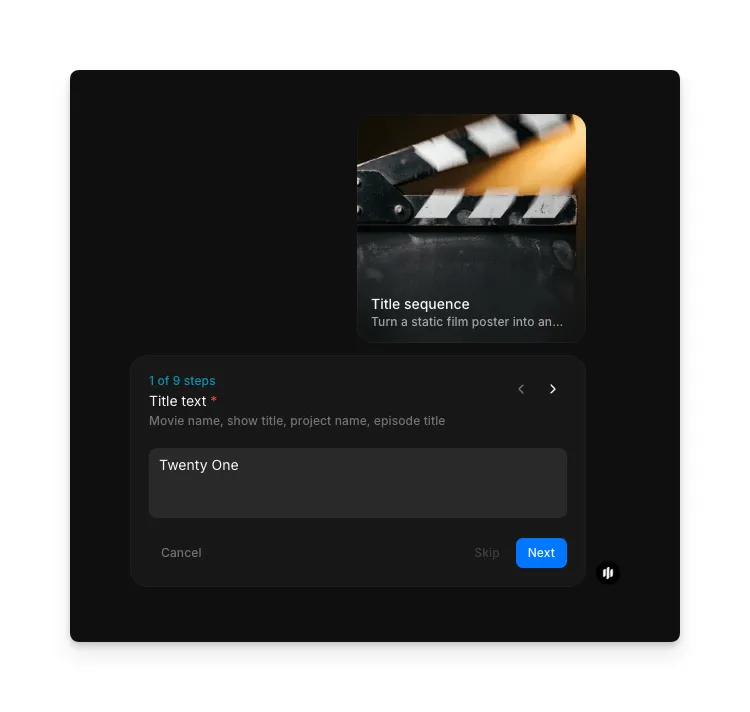
Enter your title text
Open the "Title sequence" workflow. In the "Title text" step, type the main title for your sequence. The example shows "Twenty One." This is the primary text that appears on screen.
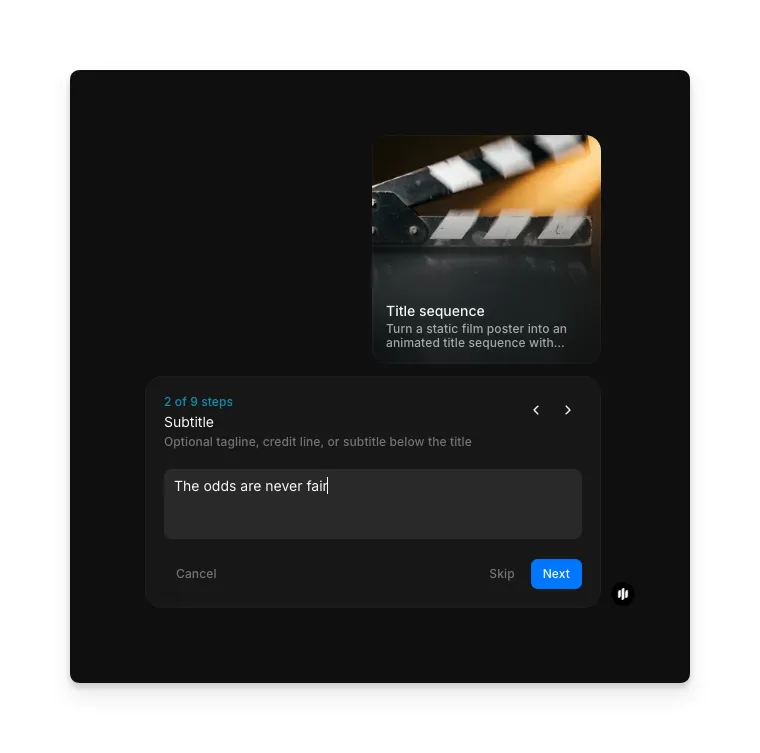
Add a subtitle
Add an optional subtitle or tagline that appears alongside or below the main title. This can be a genre descriptor, season number, or tagline.
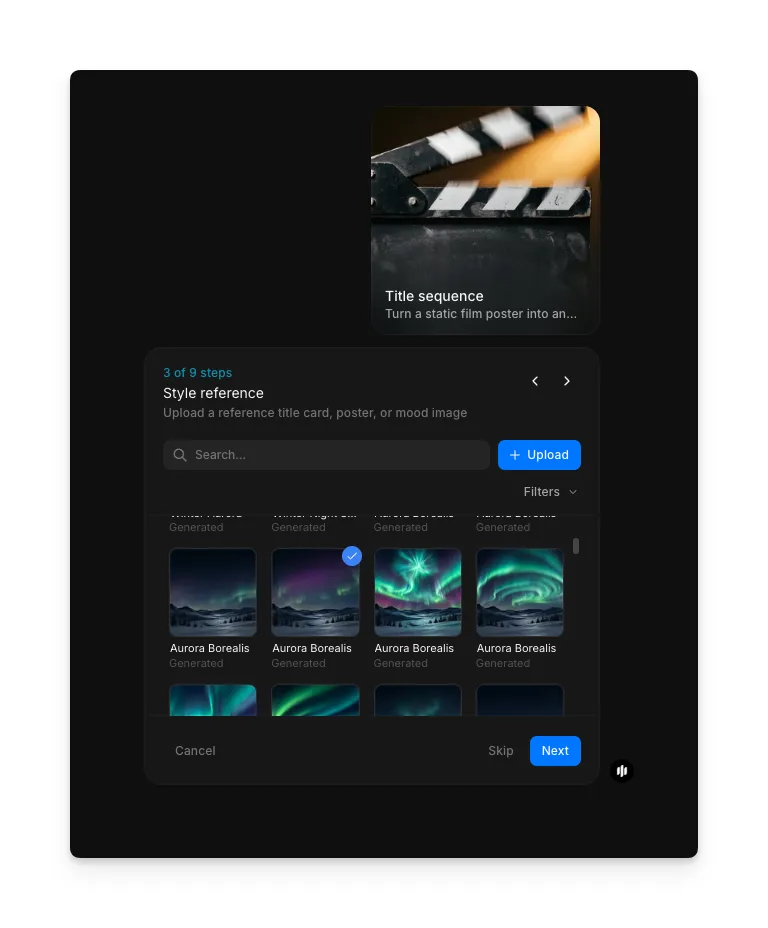
Upload a style reference
In the "Style reference" step, browse the gallery or upload an image that guides the visual direction: a film still, mood image, or visual reference. This helps the workflow match the atmosphere of your project.
Select a style
Choose the overall visual style that defines the look and feel of your title sequence:
| Style | Visual characteristics | Best for |
|---|---|---|
| Cinematic | Wide letterbox framing, dramatic lighting, film grain, and sweeping camera moves | Feature films, trailers, and premium video content |
| Horror | Dark tones, distortion, flickering text, and unsettling atmospheric effects | Horror films, thrillers, and dark-themed content |
| Sci-Fi | Holographic elements, digital glitches, neon accents, and futuristic typography | Science fiction projects, tech content, and futuristic themes |
| Retro Neon | Glowing neon outlines, 80s color palettes, grid backgrounds, and synthwave aesthetics | Retro-themed content, music videos, and nostalgic projects |
| Minimalist | Clean typography, subtle motion, muted colors, and generous whitespace | Corporate content, documentaries, and understated branding |
| Fantasy | Ethereal particles, magical lighting, ornate typography, and mystical atmospherics | Fantasy films, game trailers, and epic storytelling |
| Documentary | Clean text overlays, factual typography, subtle motion, and informational layout | Documentaries, news features, and educational content |
| Anime | Bold outlines, vibrant colors, dynamic motion lines, and Japanese-inspired typography | Anime projects, manga adaptations, and animation content |
| Noir | High contrast black and white, deep shadows, smoky atmospherics, and vintage typography | Crime dramas, detective stories, and classic noir aesthetics |
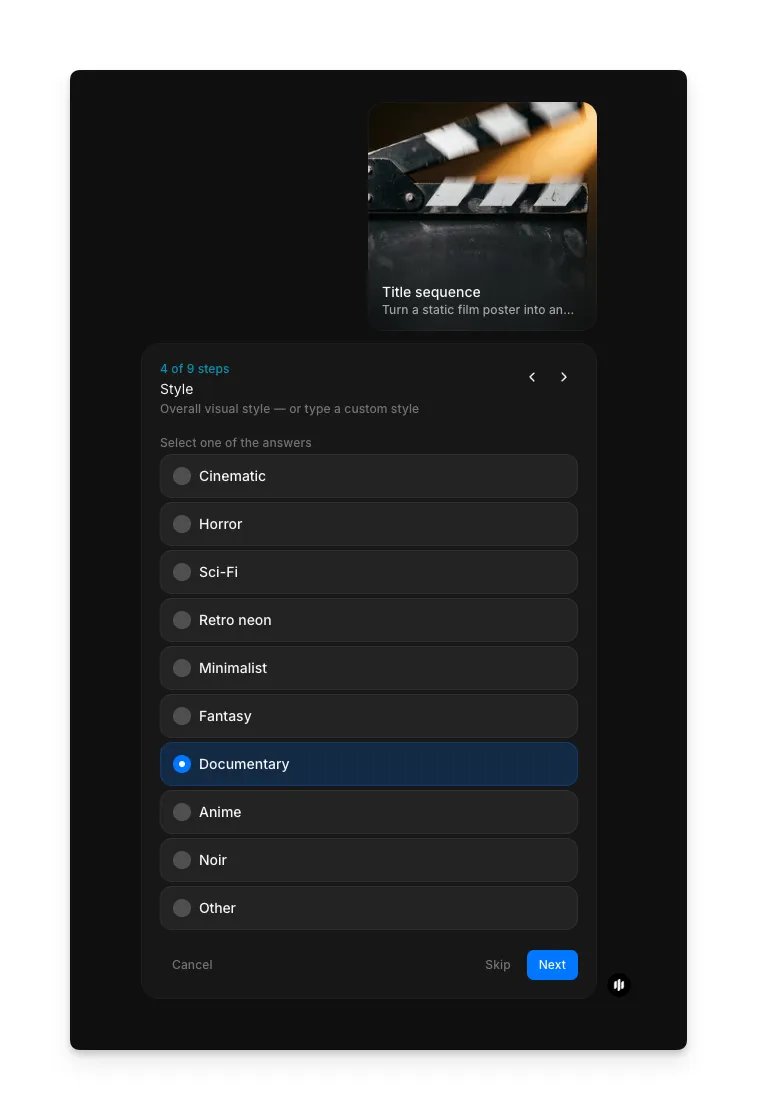
Choose a genre
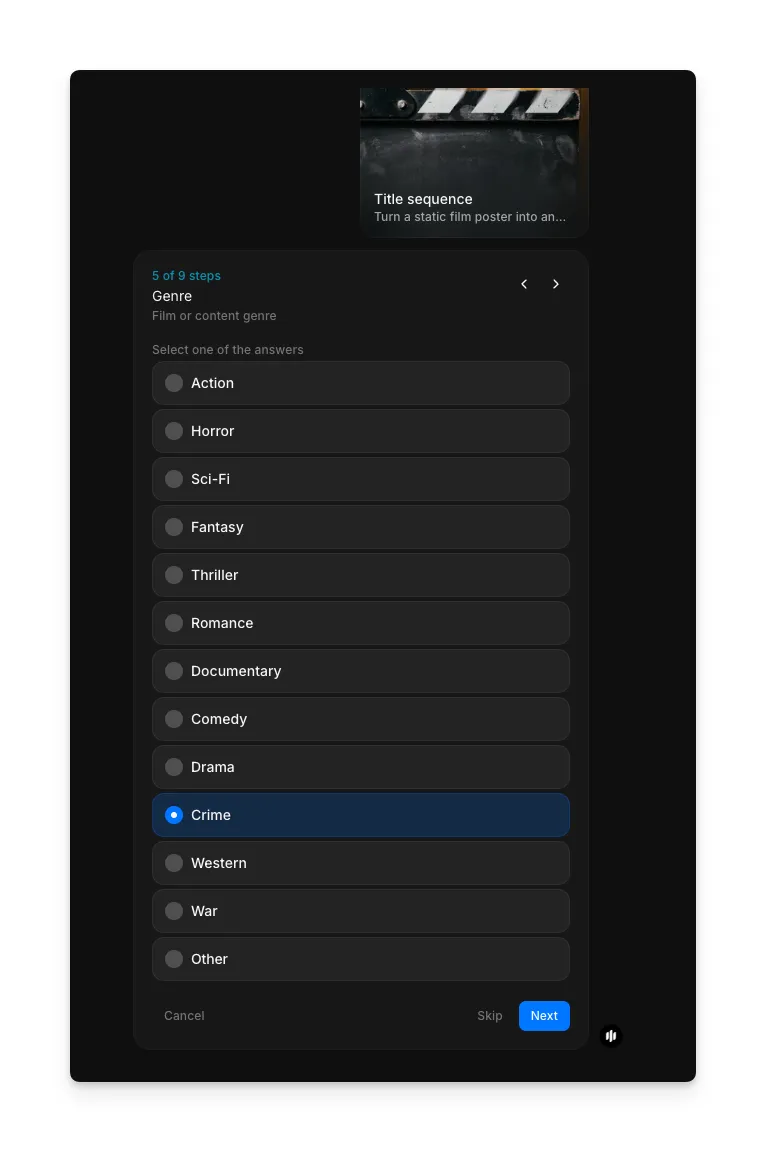
Select the genre that best matches your project. The genre influences the pacing, color grading, and overall atmosphere of the generated sequence:
Options include Action, Horror, Sci-Fi, Fantasy, Thriller, Romance, Documentary, Comedy, Drama, Crime, Western, War, and Other.
Set the mood and tone
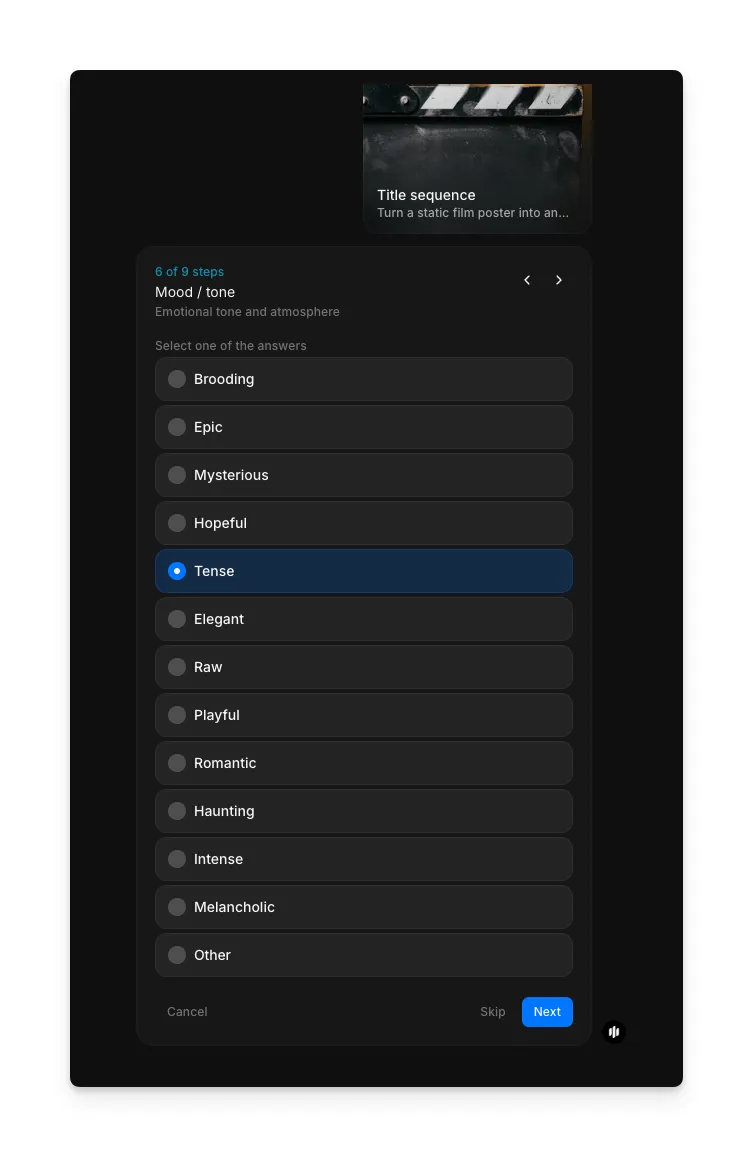
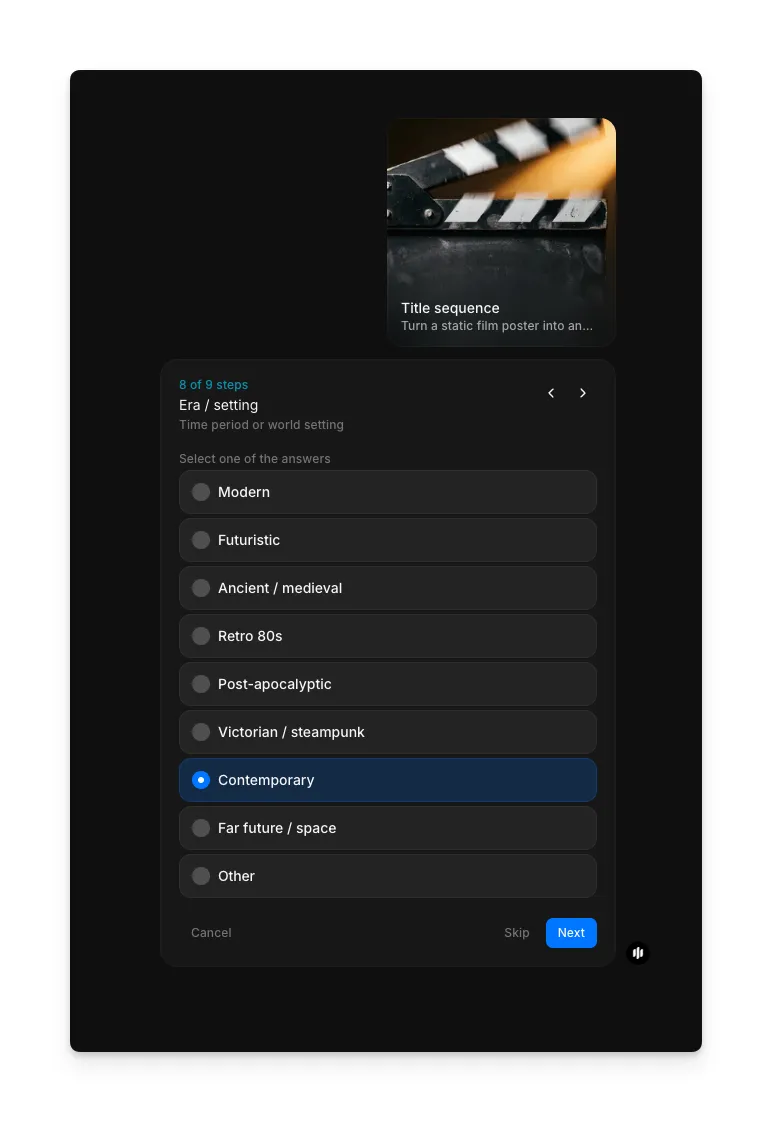
In the "Mood / tone" step, define the emotional tone and atmosphere of your sequence. Options include Brooding, Epic, Mysterious, Hopeful, Tense, Elegant, Raw, Playful, Romantic, Haunting, Intense, Melancholic, and Other.
Configure animation parameters
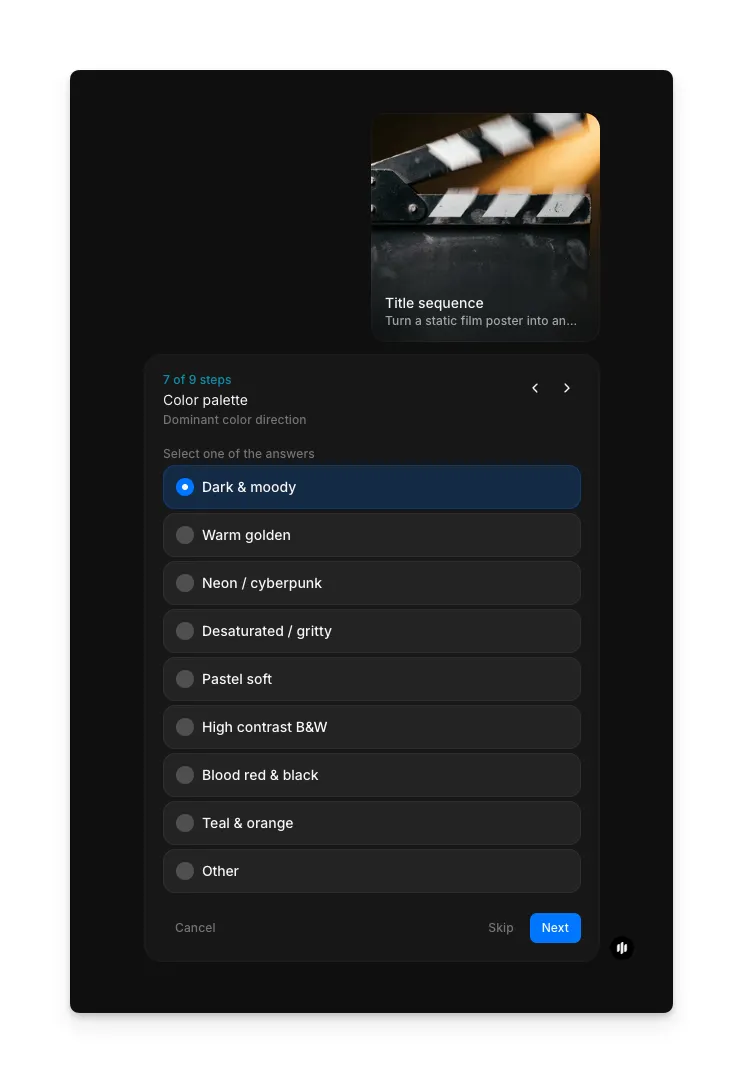
Adjust the animation settings that control how your title moves on screen. These parameters include animation speed, camera movement intensity, and effect density.
Choose output effects
Select the final post-processing effects applied to your sequence. These include film grain, color grading overlays, vignetting, and chromatic aberration that add a finished cinematic quality.
Set aspect ratio and generate
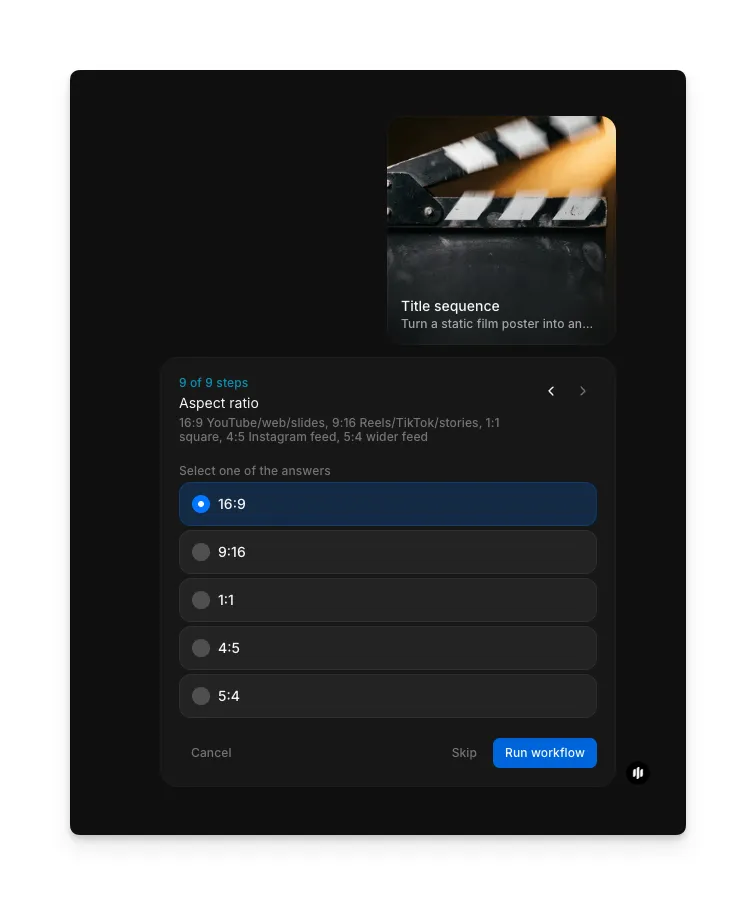
In the "Aspect ratio" step, choose from 16:9, 9:16, 1:1, 4:5, or 5:4. Click "Run workflow" to generate your title sequence.
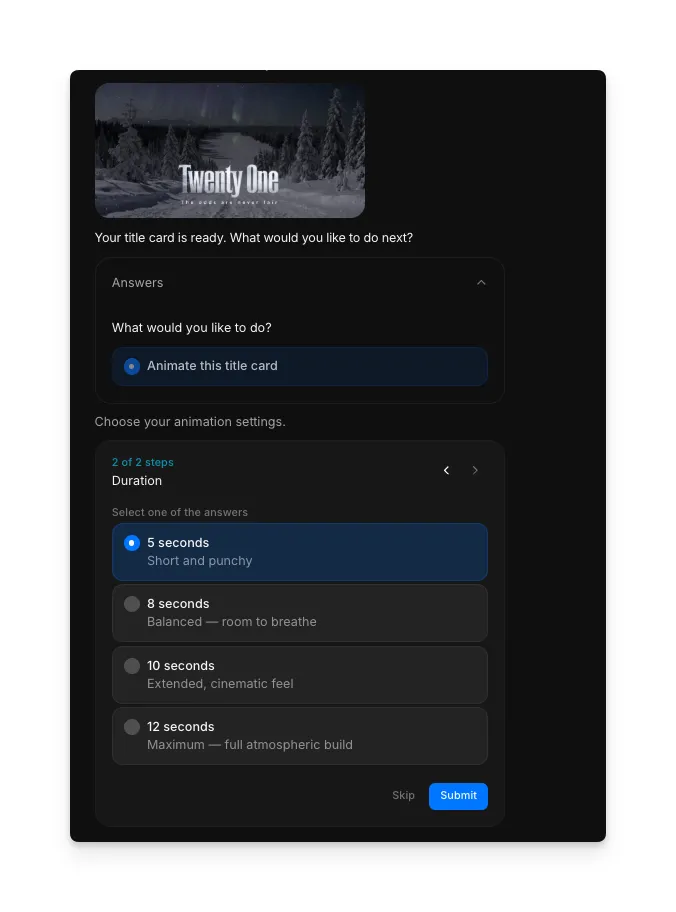
Morphic generates your complete animated title sequence with cinematic camera movement and effects:
Animated title sequence with cinematic camera movement and effects
What makes a great title sequence
| Quality | What it means | Why it matters |
|---|---|---|
| Motion design | Text and elements move with intentional, well-timed animation that feels purposeful | Poorly timed or random motion looks amateurish and fails to set the right tone for the content |
| Typographic impact | The title text is legible, well-styled, and commands attention on screen | Weak typography gets lost in the visual effects and fails to communicate the project identity |
| Atmospheric depth | Particles, light, and environmental effects create a sense of three-dimensional space | Flat title cards without depth feel static and fail to create the immersive opening audiences expect |
| Cinematic polish | The overall sequence looks like it was produced by a professional motion graphics studio | Unpolished sequences undermine the credibility of the content that follows |
The AI handles motion design, particle systems, camera animation, and post-processing automatically, so you only need to enter your text and select your preferences.
Title sequence workflow vs. manual motion graphics
| Morphic's title sequence workflow | Manual motion graphics | |
|---|---|---|
| Cost | Available on Morphic | Professional rates for motion graphics |
| Time to delivery | Seconds | Days to weeks depending on complexity and revision cycles |
| Skill required | None | Proficiency in After Effects, Cinema 4D, or equivalent motion graphics software |
| Particle effects | Auto-generated and synchronized to the animation | Must be manually designed, keyframed, and composited |
| Camera motion | Cinematic camera moves generated automatically | Requires manual camera rigging and keyframe animation |
| Iterations | Regenerate with adjusted inputs | Each revision requires manual rework and re-rendering |
FAQs
This workflow does not require a source image. You enter your title text, subtitle, and style preferences, and Morphic generates the entire animated sequence from those inputs. No poster, logo, or background image is needed, though you can use the visual effects and style options to match your existing brand aesthetic.
Yes. The title sequence workflow is ideal for YouTube intros, channel bumpers, and series openers. Choose a style and mood that matches your channel identity, and use the aspect ratio setting to output in 16:9 for YouTube. The generated sequence can be placed directly at the start of your video timeline.
The workflow focuses on the visual title sequence with cinematic motion, particles, and effects. For sound design and music, you can pair the output with a separate audio track in your video editor. The pacing of the generated sequence is designed to sync naturally with common intro music tempos.
This workflow generates title sequences from text input rather than animating existing text within an image. Enter your title and subtitle as text, and the workflow creates the full typographic animation with your chosen style, effects, and camera movement.
Hiring a motion graphics artist for a custom title sequence can be expensive with delivery timelines of days to weeks. Morphic's title sequence workflow is available on Morphic and delivers a complete animated sequence with cinematic effects significantly faster.